
March 26, 2026
Purchase and Sales Management System for SMEs
Purchase and sales management system guide for SMEs with features, pricing in India, timeline, tech stack, and rollout advice for daily operations teams.
Read articlePublished Updated
Design a purchase order approval workflow with clear states, thresholds, roles, exceptions, audit evidence, integrations, rollout checks, and pricing scope.
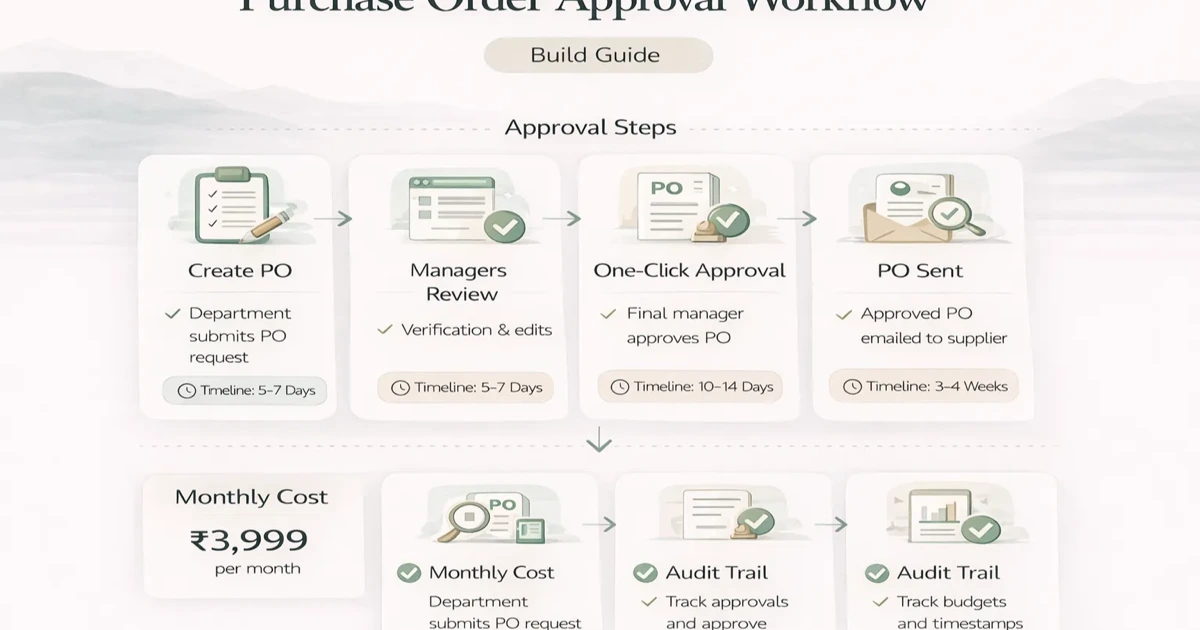
Many businesses think PO approval is a minor admin step, but in practice it affects purchasing speed, accountability, budget control, and vendor coordination. When approvals happen in chats, calls, or unclear emails, nobody knows who approved what, what is pending, or why delays happened.
A proper PO approval workflow brings structure to that process. It makes request, review, approval, rejection, escalation, and audit history visible in one system. That reduces confusion and makes procurement more reliable.
This guide explains how to design a useful purchase order approval workflow, what it should include, what it costs, and how to roll it out in a practical way.
A useful PO approval workflow should define:
Typical custom pricing:
₹60,000 to ₹1.2 lakh₹1.2 lakh to ₹2.8 lakh₹2.8 lakh to ₹5.5 lakh+The value comes from clarity and auditability, not from making approval screens complicated.
You usually need software when:
Related reading:
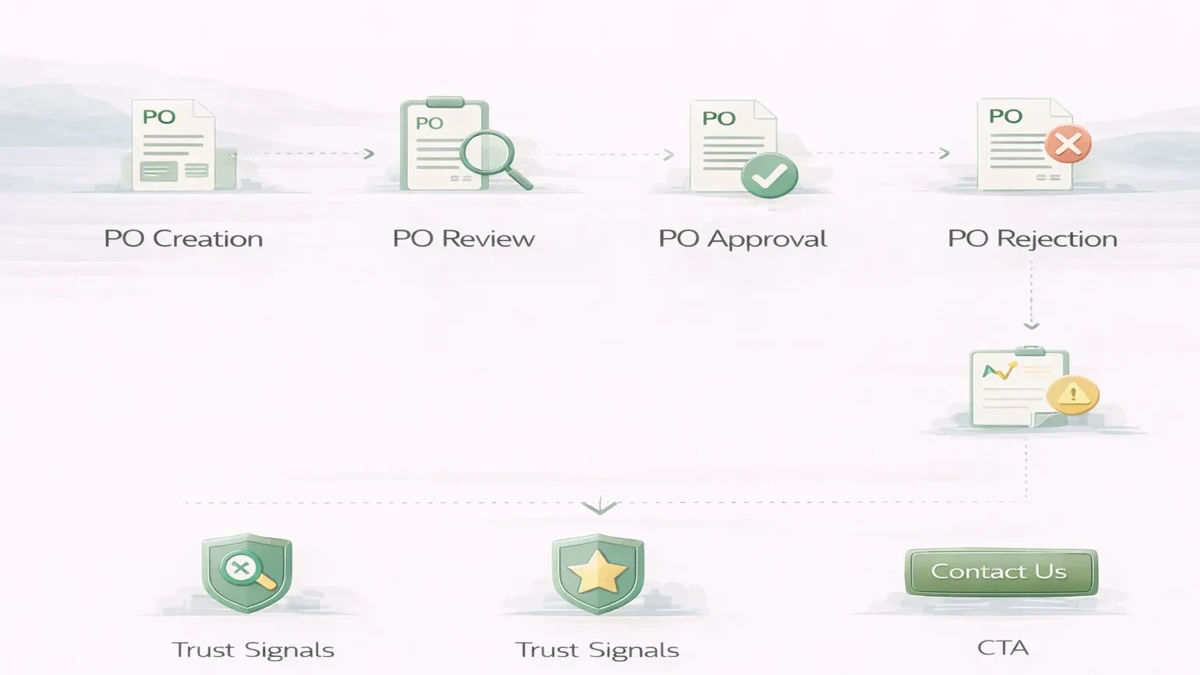
A practical workflow often looks like this:
Possible variations:
The workflow should follow real operational logic. Do not create too many approval layers unless they are genuinely needed.
₹60,000 to ₹1.2 lakhUsually includes:
₹1.2 lakh to ₹2.8 lakhUsually includes:
₹2.8 lakh to ₹5.5 lakh+Usually includes:
Typical rollout:
2 to 3 weeks: simple workflow4 to 6 weeks: growth workflow6 to 9 weeks: advanced integrated workflowTimeline depends on:
Practical stack for workflow software:
Next.js frontendNode.js backendPostgreSQL for workflow state and audit recordsThe core value is in predictable workflow state, not visual complexity.
Yes. It is narrower and focuses on approval control around purchase orders.
Only if your business process genuinely needs them.
Yes. That is a common and useful rule.
Usually yes. It improves clarity and reduces back-and-forth.
A simple version can often launch in 2 to 3 weeks if rules are clear.
Yes. Many teams start with workflow control and integrate later.
Pending-approval visibility and clean audit history create immediate value.
Adding approval levels that do not map to real business needs.
If you want approval software that actually improves decision speed and accountability, start by defining the real roles, approval thresholds, and escalation rules before building the UI.
A purchase requisition is an internal request to buy. A purchase order is the approved instruction sent to a supplier. Small teams sometimes combine them, but the data model should still preserve who requested, who approved, what changed, and when the supplier-facing document became official.
A useful state model is:
draft → submitted → validation → approval pending → approved → issued → acknowledged → received/closed
Alternative states may include rejected, changes requested, cancelled, partially received, and expired. Define who can move each state and whether edits create a new version.
Approval should reflect financial risk without creating ceremonial clicks.
| Condition | Example route | Control question |
|---|---|---|
| Low amount, budget available | Department approver | Is requester self-approval prohibited? |
| Higher threshold | Department + finance | Are thresholds tax-inclusive? |
| New vendor | Procurement/vendor verification | Which documents are mandatory? |
| Capital purchase | Department + finance + leadership | Is project or asset code required? |
| Emergency purchase | Named fast-track approver | What evidence and retrospective review apply? |
| Contract exception | Legal/commercial review | Where is the approved deviation stored? |
Rules may depend on amount, department, cost centre, category, project, vendor status, or budget. Avoid hard-coding individual names; assign approver roles and maintain delegation dates for leave or role changes.
A PO system normally needs:
Do not overwrite approval history when an amount changes. If an approved PO is edited beyond an agreed tolerance, create a revision and route it through approval again.
The requester, approver, receiver, and payment authorizer should not automatically be the same person. Very small businesses may not have enough staff for perfect separation, so the software should make exceptions visible rather than pretending they do not exist.
At minimum, record self-approval, threshold override, backdated action, vendor-bank-detail change, and emergency route. These events belong in a review report.
Email or WhatsApp can alert an approver, but chat should not become the approval database. The system must retain:
Notification delivery failure should not change the PO state. Approvers need an in-app queue even when a message is delayed.
The workflow may connect to vendor masters, inventory, accounting, budgets, receipts, and payment systems. Define the system of record for each entity. If vendor details come from an ERP, decide whether the approval app can edit them or only reference them.
An integration contract should cover authentication, field mapping, duplicate handling, retry, reconciliation, error ownership, and test environments. Read the API integration cost guide before treating "connect with ERP" as one line item.
Three-way matching between PO, goods receipt, and supplier invoice is a separate control layer. Include it only when receipt and invoice data are reliable enough to support matching rules.
Test real scenarios, not only the happy path:
Security tests should follow the role-based access guide and secure login guide.
Start with one company, purchasing group, and approval matrix. Import only validated vendors and open requirements. Run old and new processes in parallel for a short, defined period, then reconcile totals and pending items before switching.
The existing price bands in this guide are planning ranges, not quotations. Cost changes with matrix complexity, item and vendor data, document generation, multi-company scope, integrations, migration, reporting, audit retention, hosting, and support. Ask for separate milestones for discovery, workflow prototype, core build, integration, migration, testing, and handover.
VASUYASHII offers custom software development, web applications, and integration services. The public Business Suite demonstrates purchasing and company-scoped business-management direction. Exact purchase-order approvals, thresholds, and integrations must be verified in the live product or quoted as custom scope; they should not be assumed from product positioning.
For discovery, share the current PO template, approval policy, sample exception, user roles, monthly PO volume, vendor source, and systems that receive approved data. Those artifacts expose complexity better than a screen list.
Related Articles
March 26, 2026
Purchase and sales management system guide for SMEs with features, pricing in India, timeline, tech stack, and rollout advice for daily operations teams.
Read article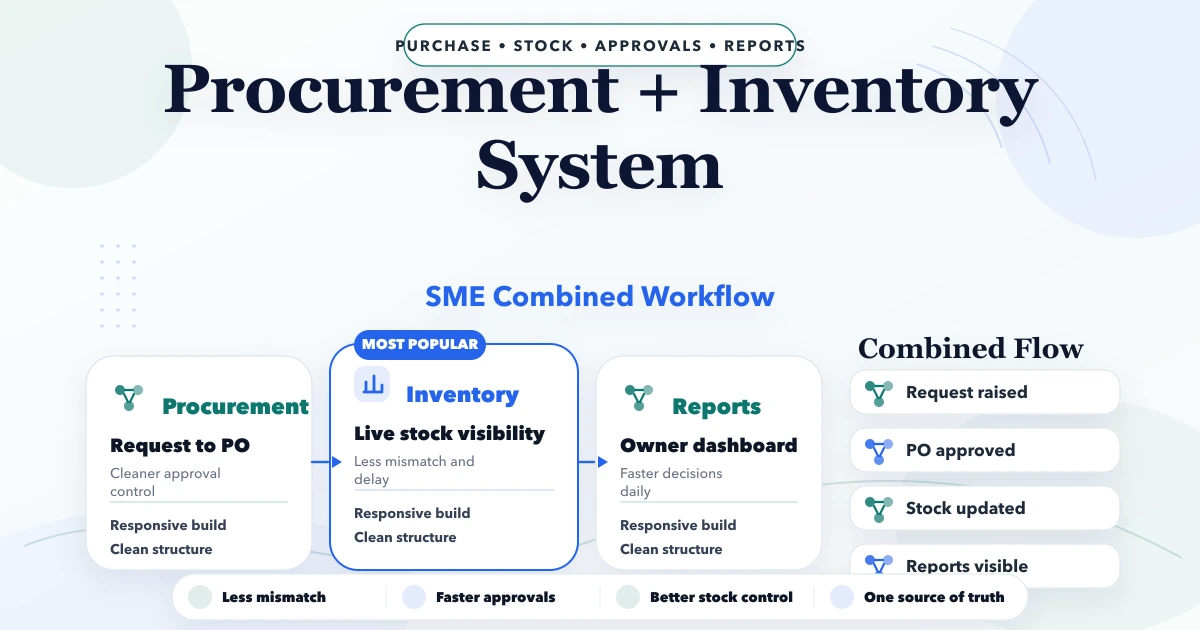
April 23, 2026
Plan an SME procurement and inventory system with purchase requests, approvals, POs, goods receipt, stock updates, returns, vendor records, and controls.
Read article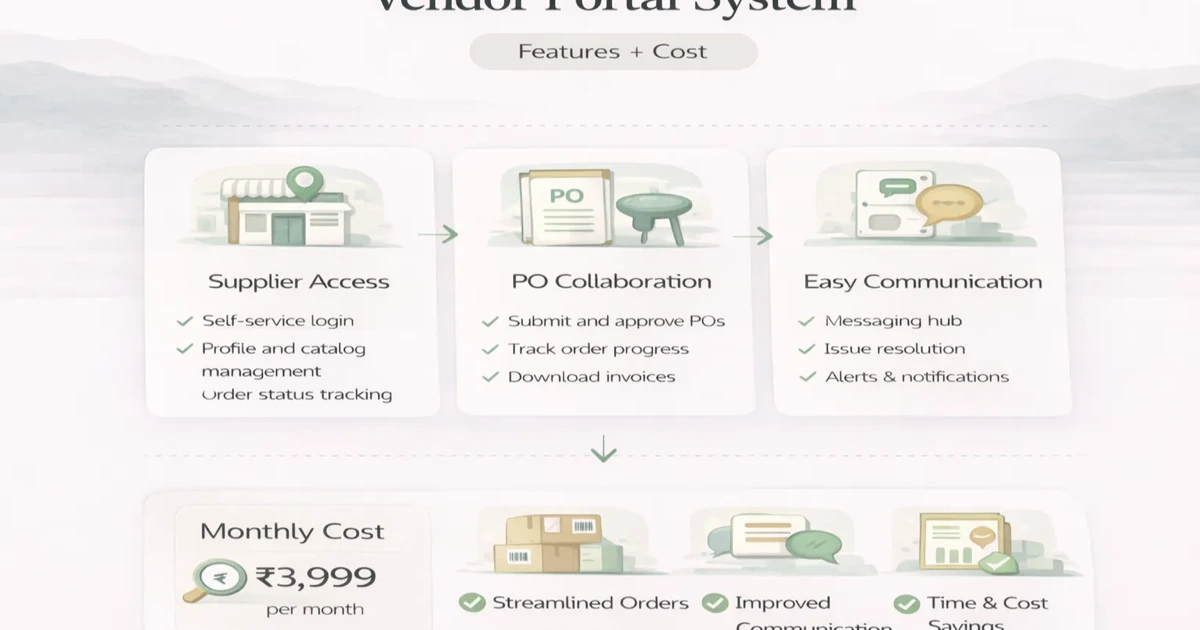
April 6, 2026
Plan a vendor portal with onboarding, RFQs, purchase order visibility, documents, approvals, cost ranges, and a phased SME rollout.
Read article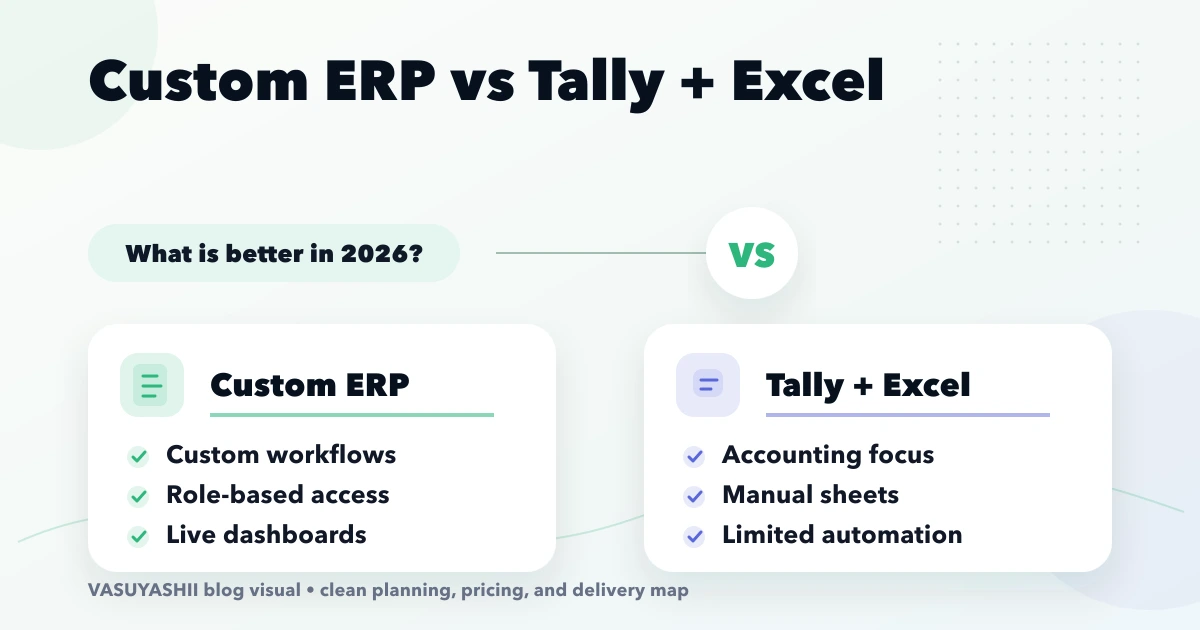
April 15, 2026
Compare custom ERP with Tally and Excel for Indian SMEs using workflow ownership, controls, integration, migration, cost, rollout and adoption criteria.
Read article