
April 22, 2026
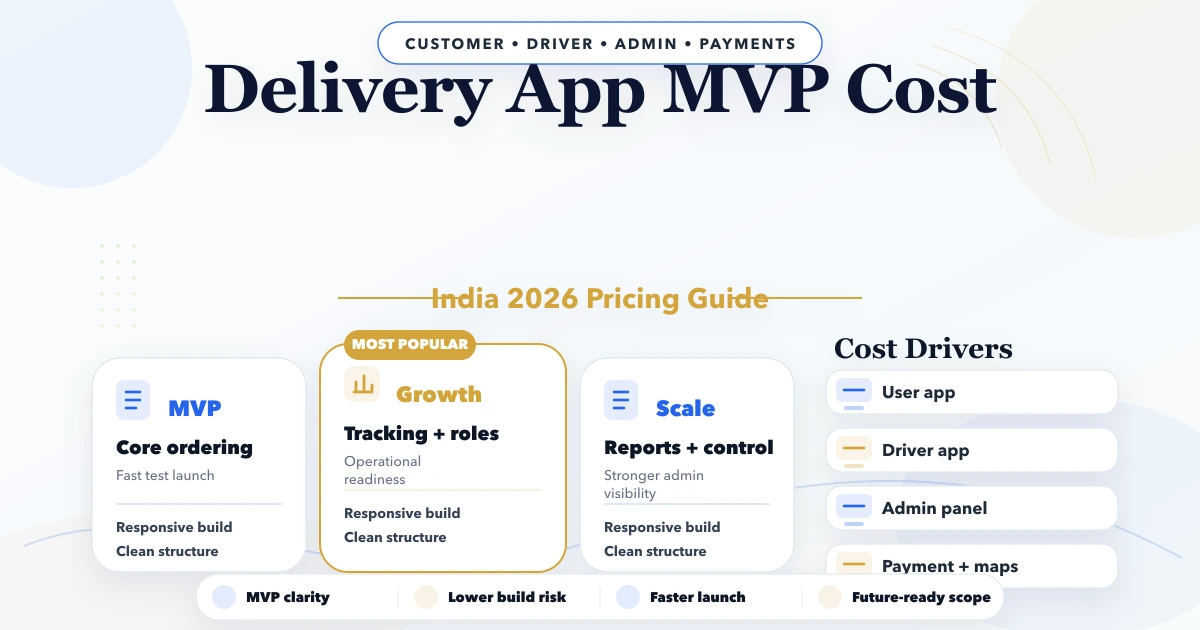
Delivery App MVP Cost in India (2026)
Estimate a delivery app MVP in India by workflow, user apps, dispatch controls, proof of delivery, integrations, testing, and rollout risk.
Read articlePublished Updated
Plan an employee attendance and task app with role permissions, shift rules, offline use, task evidence, privacy controls, reports, timeline, and cost factors.
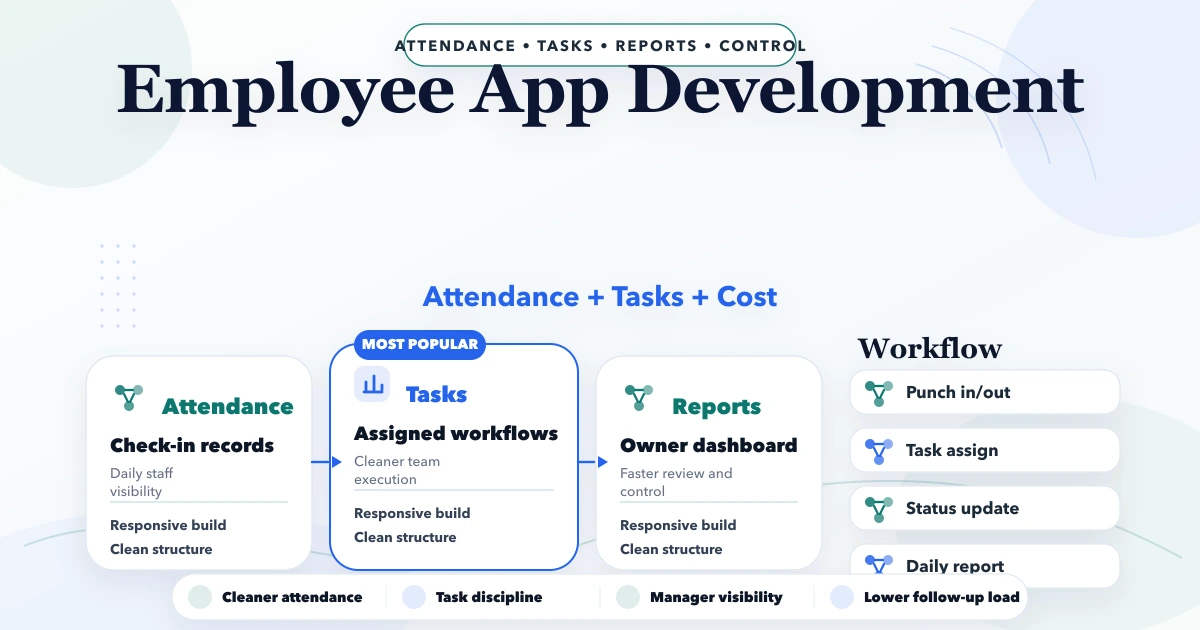
An employee app becomes valuable when it replaces a specific unreliable handoff: manual attendance messages, field-task updates, photo evidence in personal chats, or manager reports assembled at the end of the day. It becomes risky when it collects continuous location or sensitive employee data without a clear business need.
This guide explains how to scope attendance and task management for Indian SMEs, field teams, service businesses, warehouses, and small multi-location operations. Payroll, statutory compliance, and full HRMS are separate requirements unless explicitly included.
By Tushar C. (Founder, VASUYASHII). VASUYASHII builds web, mobile, and custom business workflows. VASUYASHII Business Suite is currently positioned around GST billing, inventory, purchases, payments, expenses, and operational reports; it should not be described as an included payroll or HRMS product.
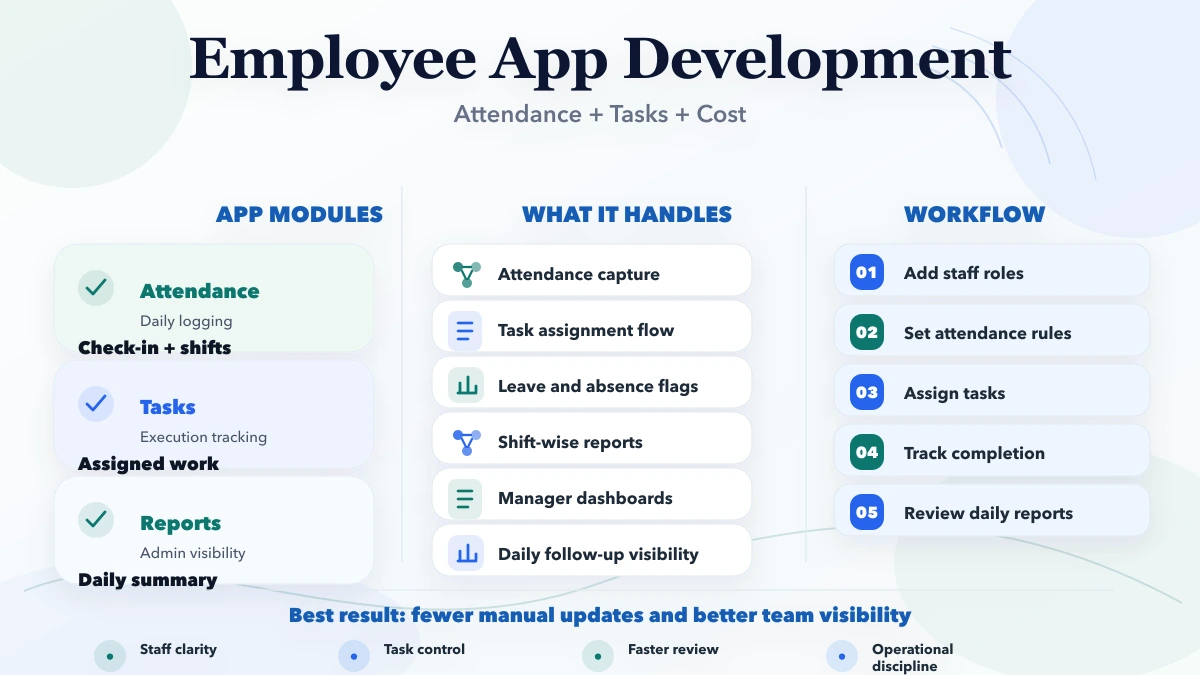
A focused employee app can include secure login, company/team assignment, shift-aware check-in/out, attendance correction requests, assigned tasks, status updates, comments, approved evidence, notifications, manager review, and exports. Cost increases with GPS/geofencing, biometric or device integration, offline synchronization, multiple companies, approval workflows, payroll integration, and native mobile distribution.
A 20-person installation team starts from different customer sites. Employees currently send “reached” messages and photos in a group. Managers cannot easily verify assignment, arrival context, completed work, or pending issues. At month-end, someone copies attendance into a spreadsheet.
In a focused app, the employee sees assigned visits, checks in against the relevant task, records a timestamp and permitted location evidence, adds completion notes/photos, and submits checkout. The manager reviews exceptions instead of every normal record. The app does not track the employee continuously after the shift.
| Area | Main question | Example controls |
|---|---|---|
| Attendance | Was the employee working under the defined shift rule? | Check-in, checkout, correction, leave status |
| Task | What work was assigned and completed? | Owner, due date, status, proof, blocker |
| Visit | Was work performed at a particular customer/site? | Assignment, arrival, outcome, follow-up |
| Timesheet | How much approved time was recorded? | Activity, duration, reviewer, lock period |
Completing a task should not automatically create attendance unless the policy explicitly supports it. Similarly, attendance does not prove that assigned work was completed.
Do not encode an informal policy in software without management and employee communication. The app should display the rule that affected a status.
Collect the minimum evidence required. Geofencing can confirm that a check-in occurred near an approved site, but GPS accuracy varies indoors and across devices. Allow an exception path with a reason and manager review.
Avoid continuous background tracking unless the job and policy genuinely require it. Explain what is collected, when, why, who can access it, how long it is retained, and how corrections work. Photos may contain customer premises or documents, so restrict access and use secure storage.
A task should have title, description, employee/team, priority, due date, location/customer reference if relevant, checklist, status, evidence rules, comments, and completion reviewer. Keep statuses understandable: Assigned, Accepted, In Progress, Blocked, Submitted, Approved, Reopened, and Closed may be enough.
“Blocked” should require a reason and optional dependency. “Completed” can mean employee submission or manager approval; pick one definition and label the other state clearly.
Field teams often work with weak connectivity. An offline-capable app should store permitted assigned tasks locally, timestamp actions on the device, queue uploads, and show sync state. The server should validate permissions and detect conflicts when connectivity returns.
Define behavior for duplicate check-in, changed assignment, expired session, rejected photo, server-time difference, and two devices using the same account. Offline support is a real product feature, not a single cache switch.
Use server-side authorization. Hiding a button in the mobile interface does not prevent an unauthorized API request.
Useful first reports include attendance summary, late/missed checkout exceptions, pending corrections, tasks due today, overdue tasks, blocked reasons, completion by team, approval turnaround, and offline sync failures.
Do not use task count alone as a performance score. One complex installation and ten simple calls are not comparable. Reports should support workload and process review, not unexamined employee ranking.
Notify employees about assignment, due-date change, correction decision, reopened task, and critical sync failure. Notify managers about unresolved attendance exceptions and blocked priority tasks. Avoid sending repetitive reminders that teach users to ignore the app.
WhatsApp may be useful for exceptional alerts, but attendance details and employee evidence should remain in authenticated systems. Review integration services for controlled event workflows.
Suitable for basic attendance, task updates, and broad device access. Browser permissions and background/offline behavior need testing on target devices.
Useful for deeper offline operation, camera workflows, device capabilities, push notifications, and managed app distribution. Store review, signing, versioning, and update support add effort.
Managers usually need a larger-screen dashboard for configuration, review, export, and reporting even when employees use mobile devices.
| Scope level | Typical contents | Indicative effort |
|---|---|---|
| Focused web first phase | Login, attendance, tasks, manager review, export | 4 to 7 weeks |
| Connected mobile workflow | Push, evidence, geofence, offline queue, dashboard | 8 to 14 weeks |
| Multi-company/enterprise scope | Advanced roles, devices, integrations, payroll handoff | 14+ weeks |
These are planning bands, not fixed quotations. Cost depends on user count, platforms, device support, location rules, offline depth, media storage, reports, migration, integrations, security review, testing, deployment accounts, and ongoing support.
Attendance can export approved days, hours, or exceptions, but salary calculation needs pay rules, leave policy, overtime, deductions, bonuses, statutory requirements, lock/reopen controls, and payslips. Do not call an attendance export “payroll integration” unless reconciliation and error handling are included.
For leave, documents, onboarding, appraisal, or payroll, evaluate a separate HRMS scope such as the workflows discussed in HRMS for small business.
Yes. Options include office QR, approved Wi-Fi, supervisor confirmation, device integration, or policy-based remote check-in. Choose evidence proportional to the business need.
Not always. It adds sensitive media, storage, consent, review, and spoofing considerations. Use it only when justified and communicate the policy clearly.
Yes, with local storage, queued actions, conflict handling, sync status, and server validation. The exact offline depth should be part of the scope.
Only if a payroll module or verified integration is explicitly built. Attendance data alone is not a complete salary engine.
Collect minimal data, explain purpose, restrict access, define retention, secure media, log sensitive actions, and provide correction/support processes.
One team, one attendance policy, task assignment, exception review, and a small set of reports. This exposes adoption and policy gaps before a broader rollout.
Write five real attendance exceptions and five field-task examples, then list who may view, correct, and approve each. That input is more useful for estimation than a generic “employee app” feature list.
Related Articles
April 22, 2026
Estimate a delivery app MVP in India by workflow, user apps, dispatch controls, proof of delivery, integrations, testing, and rollout risk.
Read article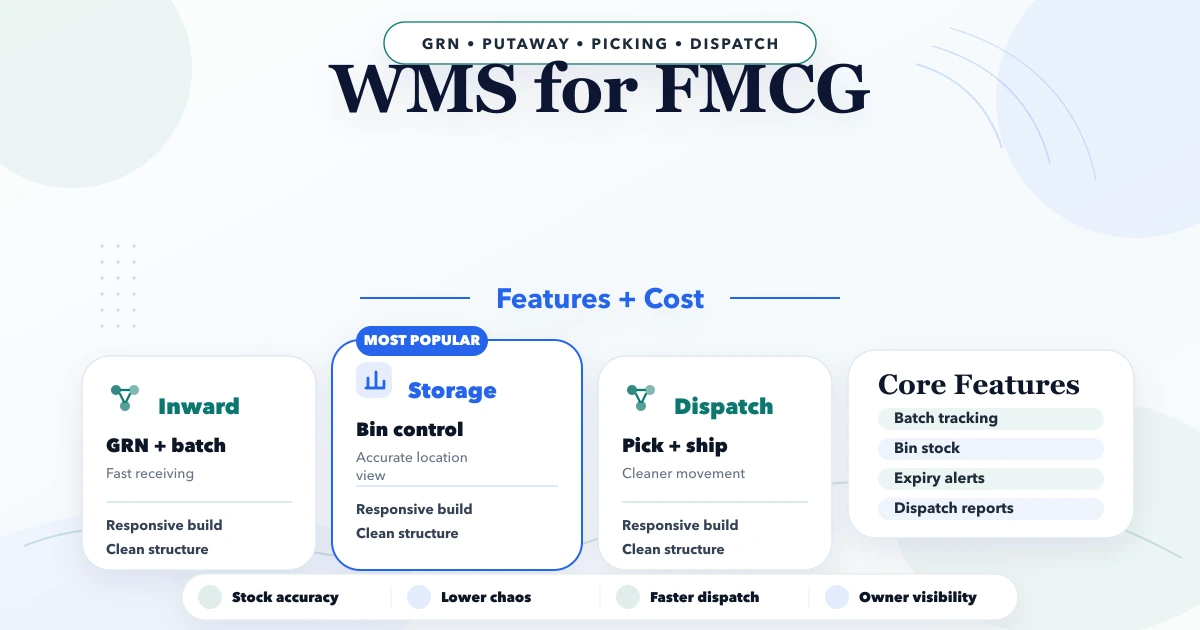
April 21, 2026
Plan an FMCG warehouse management system with batch, expiry, FEFO, barcode, dispatch, reports, cost ranges, and a phased rollout.
Read article
May 26, 2026
Plan a coaching institute ERP for admissions, batches, fees, attendance, tests, reminders, roles, reports, migration, and phased rollout in India.
Read article
April 2, 2026
HRMS for small business: attendance, payroll, leave modules, cost, and rollout timeline for a practical SME system in 2026.
Read article