
March 26, 2026
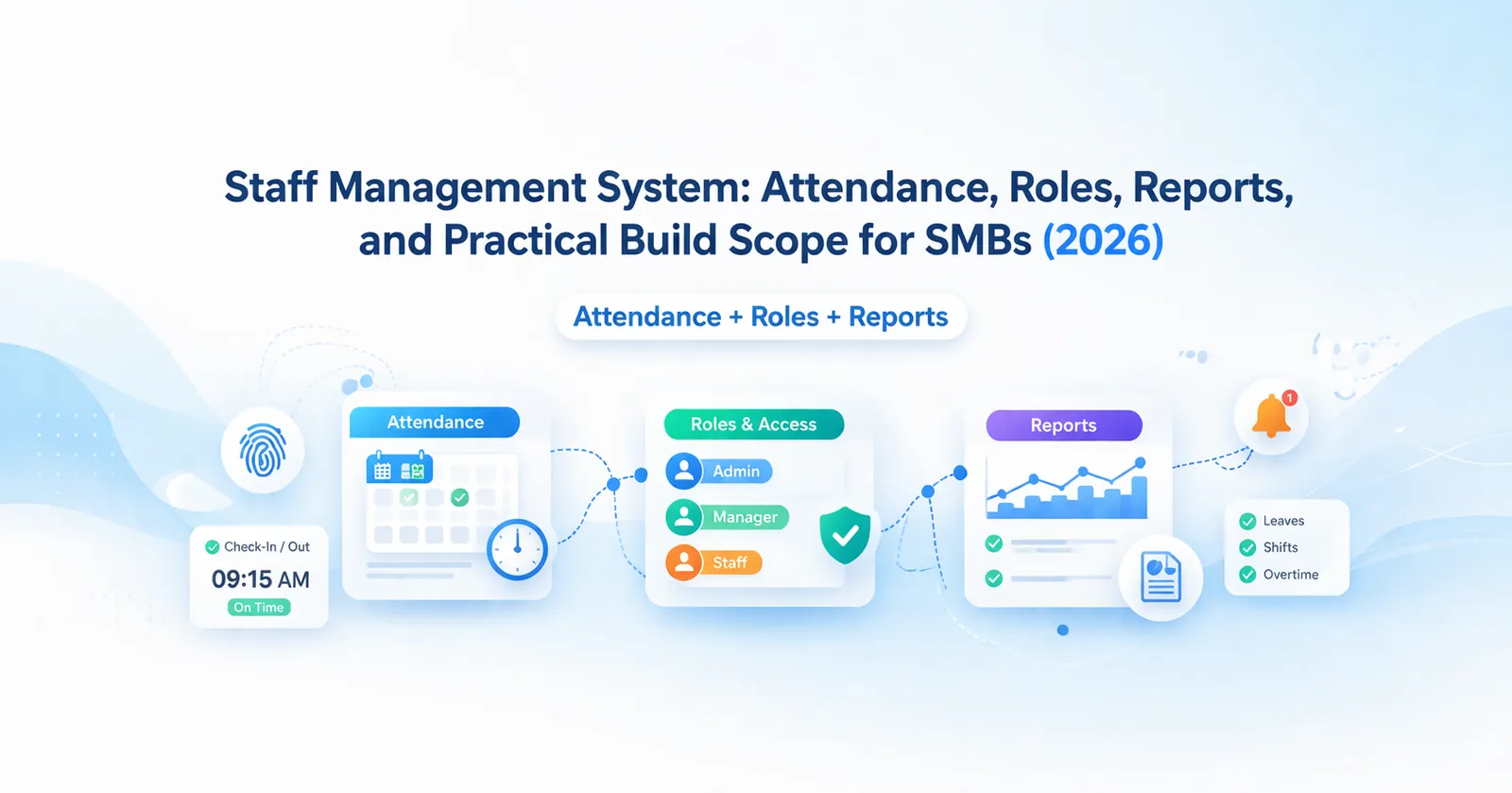
Staff Management System: Attendance and Reports
Staff management system guide for SMBs covering attendance, roles, reports, pricing in India, tech stack, timeline, and rollout tips for lean HR ops today.
Read articlePublished Updated
HRMS for small business: attendance, payroll, leave modules, cost, and rollout timeline for a practical SME system in 2026.
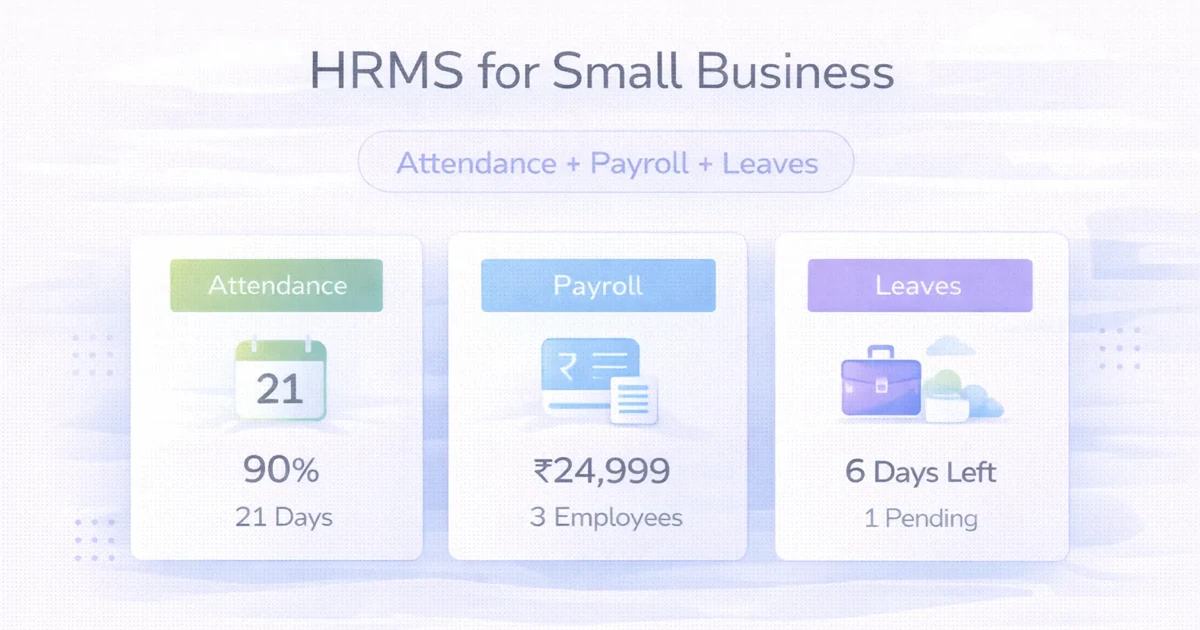
Small businesses usually start HR operations in spreadsheets, chat groups, and manual approvals. That works for a while. Then attendance gets messy, leave balances are unclear, payroll takes too much time, and reporting becomes stressful at month-end.
A practical HRMS does not need to feel like enterprise software. For most small businesses, it just needs to make attendance, payroll, leave approvals, and reporting simpler and more reliable.
This guide explains what a useful HRMS should include, how much it costs, what the rollout timeline looks like, and how to avoid overbuilding in phase one.
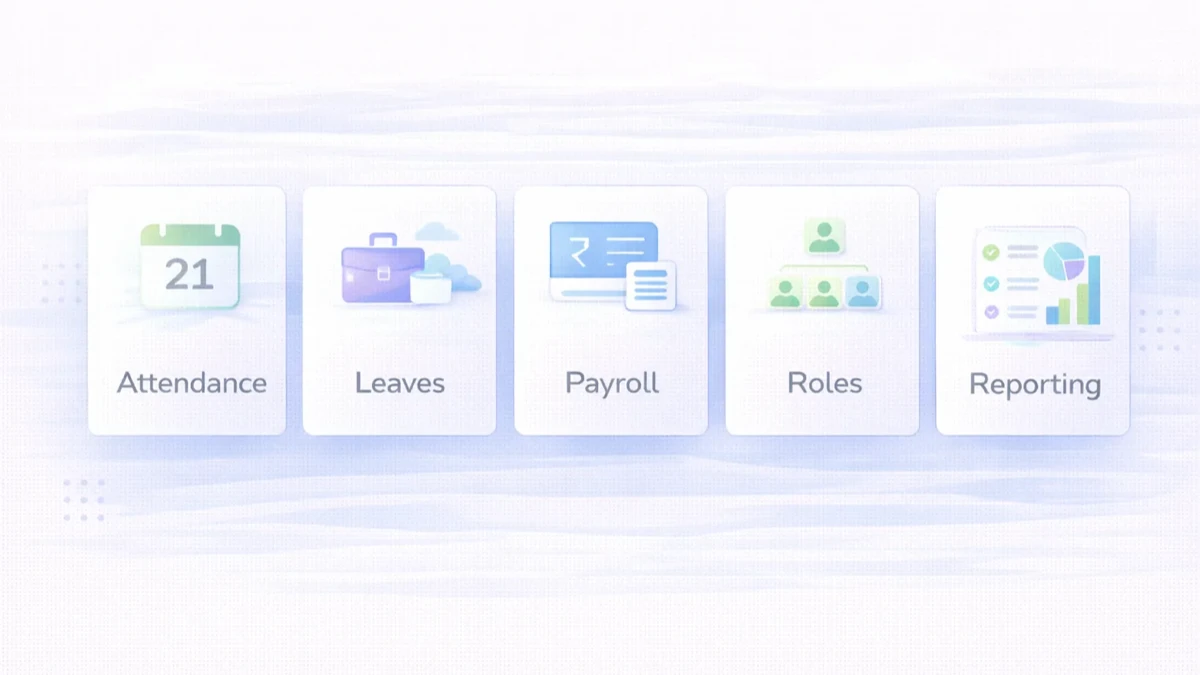
For a small business, a practical HRMS usually needs these modules first:
Typical custom pricing:
₹75,000 to ₹1.5 lakh₹1.5 lakh to ₹3.5 lakh₹3.5 lakh to ₹7 lakh+The best first version is usually not the biggest one. It is the one employees and managers will actually use every month without confusion.
You likely need one when:
Common business scenarios:
Related reading:
This gives one source of truth for HR data.
For many SMEs, this module alone removes a lot of confusion.
The simpler the approval flow, the better adoption becomes.
Some businesses only need payroll-ready reports first. Full payroll automation can come later.
This helps control who can view or edit what.
Good reports save time every month.
₹75,000 to ₹1.5 lakhUsually includes:
₹1.5 lakh to ₹3.5 lakhUsually includes:
₹3.5 lakh to ₹7 lakh+Usually includes:
Most small businesses get strong value from the growth band. It covers the operational pain points without becoming too heavy.
Typical rollout timeline:
2 to 4 weeks: starter HRMS4 to 7 weeks: growth HRMS7 to 10 weeks: advanced setup with integrationsTimeline depends on:
If policies are unclear, software will also stay unclear. Process definition matters before build.
A practical HRMS stack often includes:
Next.js or React-based frontendNode.js backendPostgreSQL for structured HR dataThe right architecture should optimize reliability and daily usability, not just developer convenience.
The main cost drivers are:
A common mistake is trying to automate every HR policy in v1. Start with the policies your team actually follows consistently.
A small business HRMS should first solve attendance, leaves, payroll inputs, and staff records. Advanced analytics can come later once basic data is reliable.
Before building or buying HRMS, define:
For custom HRMS workflows, connect scope with software development services, web application services, and contact.
If attendance, leave, and payroll prep are still scattered across sheets and chats, the right next step is a simpler HR operating layer, not another temporary workaround.
Attendance, leaves, employee records, payroll support, and reporting are usually the core modules.
Not always. Many businesses first need clean payroll-ready data and exports.
Yes. That should be planned in roles and reporting from the start.
Usually yes, at least for attendance views, leave requests, and profile updates.
Yes, if that is part of scope. But many SMEs start with manual or app-based attendance first.
If policies are clear, a basic version can often launch in 2 to 4 weeks.
If your process is standard, SaaS can work. If policies, approvals, or reports are specific, custom is often more practical.
Attendance accuracy, cleaner leave control, and faster payroll preparation usually create the earliest value.
When payroll and attendance products already exist, a focused portal may still coordinate onboarding, requests, documents, assets, and exit tasks. Review the HR internal-tool use cases before commissioning another full HRMS.
If you want an HRMS built around your attendance rules, leave flow, and payroll prep needs, start with the minimum monthly workflow that HR and managers already follow.
Related Articles
March 26, 2026
Staff management system guide for SMBs covering attendance, roles, reports, pricing in India, tech stack, timeline, and rollout tips for lean HR ops today.
Read article
May 26, 2026
Plan a coaching institute ERP for admissions, batches, fees, attendance, tests, reminders, roles, reports, migration, and phased rollout in India.
Read article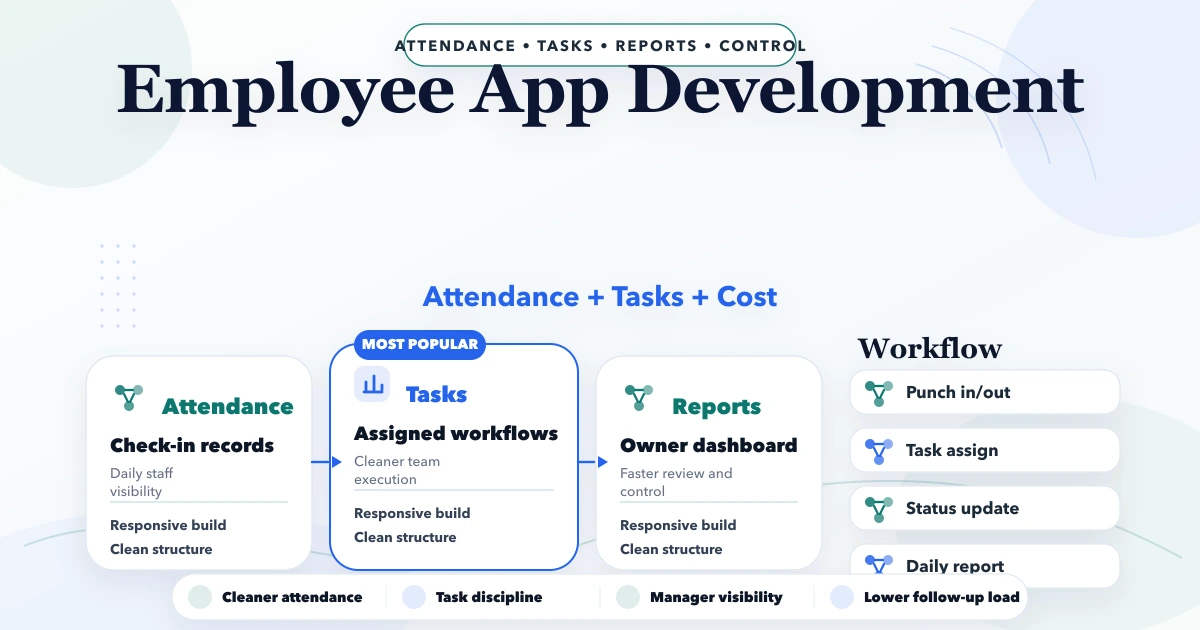
April 22, 2026
Plan an employee attendance and task app with role permissions, shift rules, offline use, task evidence, privacy controls, reports, timeline, and cost factors.
Read article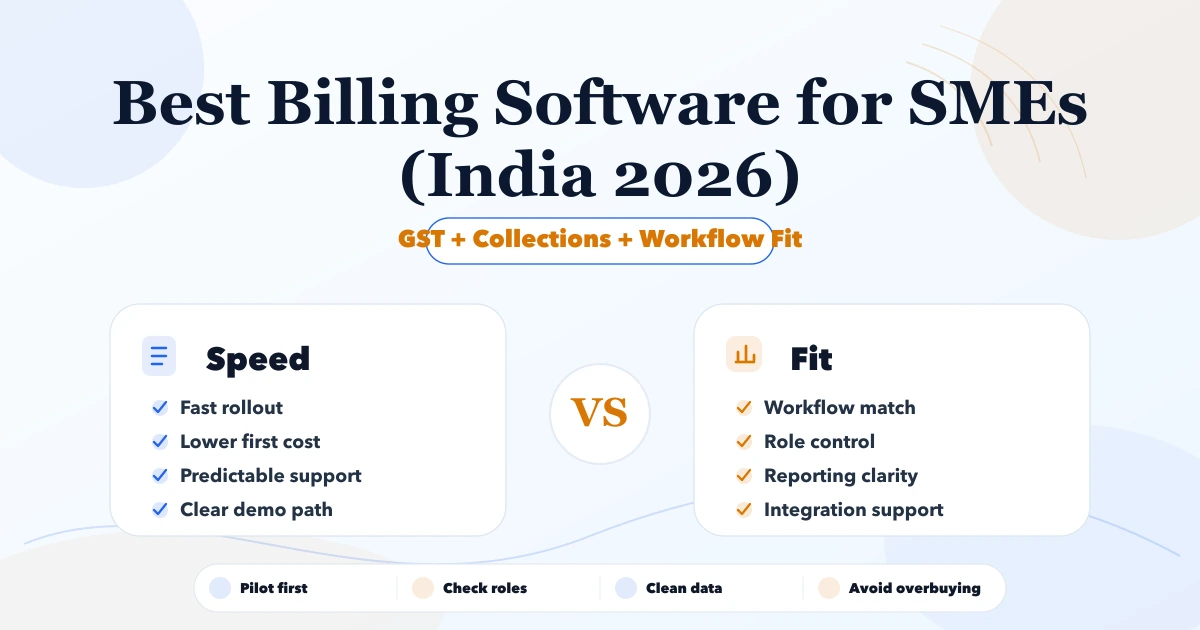
May 8, 2026
Best Billing Software for SMEs (India 2026) comparison guide with selection logic, pricing, rollout notes, and when custom software makes more sense in 2026.
Read article