
April 6, 2026
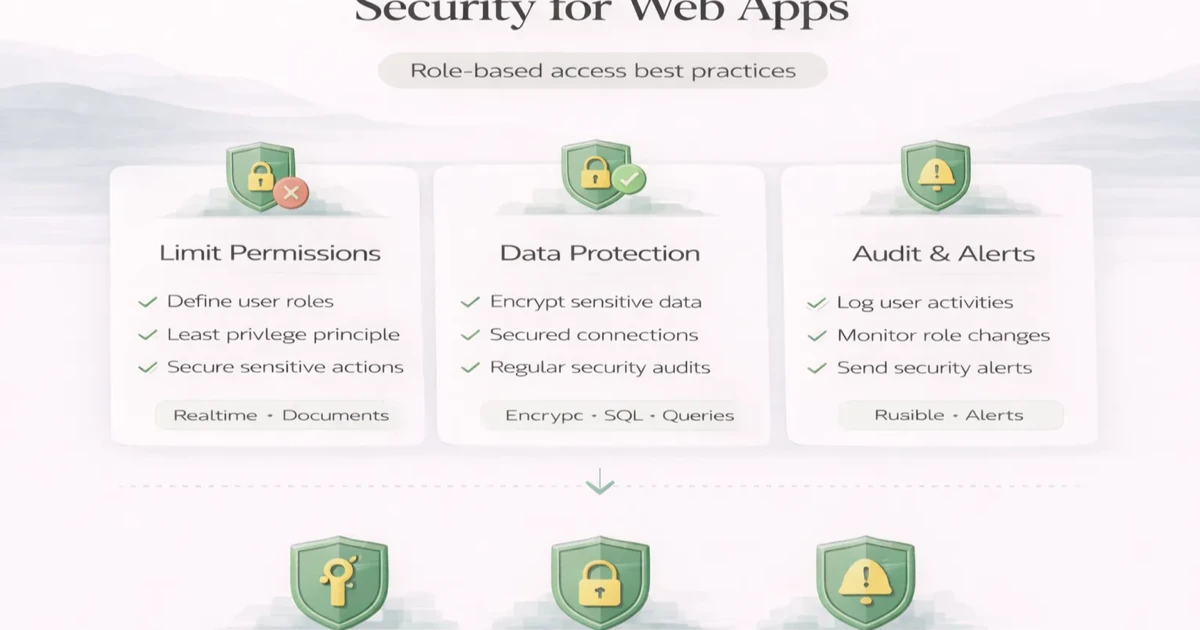
Web App Security: RBAC and Permission Best Practices
Web app security guide to RBAC, least privilege, permission matrices, server-side authorization, audit logs, testing, and safer access reviews.
Read articlePublished Updated
Design role-based access for owners, managers and staff with object, action and scope permissions, least privilege, audit logs and user lifecycle.
A role-based access system decides what an authenticated user may do, to which records, under which business scope. Hiding a menu item is not access control. The backend must enforce the same rule when a user opens a direct URL, changes a request, imports a file, calls an API, or uses a mobile app.
For an Indian SME with owners, managers, billing staff, sales users, warehouse operators, accountants, and multiple firms or branches, a good permission model protects data without making daily work unnecessarily slow.
Authentication answers: Who is this user?
Authorisation answers: May this user perform this action on this record now?
A valid login does not grant access to every company, customer, invoice, report, or configuration. Password, OTP, session, and multi-factor controls strengthen identity, while permissions enforce business boundaries after identity is known.
Every rule should identify three parts.
The business record or capability: customer, lead, product, purchase, invoice, payment, expense, report, user, company setting, backup, or export.
View, list, create, edit, approve, cancel, delete, restore, export, assign, post, refund, share, configure, or impersonate. "Manage invoices" is usually too broad.
Own record, assigned records, team, branch, location, selected company, all permitted companies, or system-wide. Two managers may share the same role but belong to different branches.
An enforceable permission resembles:
A billing user may create an invoice for the currently selected company using active products from that company, but may not change company GST settings or view another company's invoice.
A permission is one allowed capability. A role is a reusable collection of permissions. Users receive roles within a context.
Avoid hard-coding every decision as if role === manager. Over time, one manager may approve discounts while another manages stock. A permission layer supports change without scattering role-name checks across the codebase.
Some systems need attributes in addition to roles: record owner, branch, amount threshold, document status, or relationship to the customer. This does not invalidate RBAC; it means the final decision uses role plus context.
| Capability | Owner | Manager | Staff |
|---|---|---|---|
| View operating dashboard | All allowed companies | Assigned branch/team | Own queue or limited summary |
| Create customer | Yes | Yes | If required |
| Export customer list | Controlled | Optional | Usually no |
| Create invoice | Yes | Yes | If billing permission granted |
| Approve high discount | Yes | Up to threshold | No |
| Cancel posted invoice | Controlled | Request/limited | No |
| Record payment | Yes | Yes | Optional |
| Change GST/company settings | Yes | No | No |
| Invite users | Yes | Optional delegated admin | No |
| Restore backup | Highly restricted | No | No |
| View audit log | Yes | Relevant scope | Own actions only if needed |
This is an example, not a universal policy. Build the matrix from actual duties and separation requirements.
The OWASP Authorization Cheat Sheet recommends principles directly relevant to business apps: least privilege, deny by default, validation on every request, appropriate access-control models, logging, and authorisation tests.
Grant only the capabilities needed for current duties. Do not give full admin access merely because a narrower role has not been designed.
When no explicit rule allows an action, deny it. New routes or modules should not become accessible accidentally.
Enforce permission server-side on list, detail, create, update, delete, import, export, report, file, and background actions. Frontend checks improve UX but cannot be the security boundary.
Permission to view invoices does not imply permission to view every invoice. Verify company, branch, ownership, or other record scope for the requested object.
Web, mobile, API, export, and scheduled jobs should use the same policy meaning. Duplicate rule implementations drift.
In multi-company software, the selected company should be validated by the backend against the user's membership. Never trust a company ID sent by the browser merely because it came from a hidden field or local storage.
Queries should be scoped before records are returned. Checking permission after a broad list is loaded can expose counts, names, or documents.
Important company-scoped records include customers, vendors, products, stock, invoices, purchases, payments, expenses, reports, templates, backups, files, and audit events.
Cross-company master copying should be a deliberate authorised operation. It must not copy transaction history, dues, or stock unless that behaviour is explicitly designed.
Permissions often depend on record state.
Represent these as business rules with clear error messages. Do not use role checks to bypass transaction integrity.
For higher-risk actions, one person should not create, approve, execute, and reconcile the same transaction without oversight.
Examples:
Small teams may not have enough people for complete separation. Use thresholds, owner notifications, strong logs, and periodic review as compensating controls.
Verify identity, assign company membership and least-privilege role, require secure credential setup, and record who approved access.
When duties or branch changes, remove obsolete permissions before or when new permissions are added. Reassign active leads, tasks, approvals, and operational ownership.
Disable access promptly, revoke sessions or tokens, remove integration credentials, transfer owned work, preserve audit history, and confirm that shared accounts are not being used.
Support, accountant, auditor, or contractor access should have purpose, scope, approver, start, expiry, and review. Expiry should be automatic where practical.
Record security-relevant events such as:
An audit event should include actor, time, action, target, scope, outcome, and relevant before/after values without storing secrets. Protect logs from ordinary modification and define retention.
Generated PDFs, attachments, reports, and backup files require the same access policy as the underlying data. A difficult-to-guess URL is not authorisation.
For customer-facing document sharing, use a purpose-built public-share token with expiry or verification, limited document scope, and revocation where required. Do not expose an authenticated backend file URL.
Export permission deserves special treatment because a user with read access to one record may not need bulk access to thousands.
List job functions, companies, branches, teams, and high-risk actions. Observe actual work rather than copying organisation-chart titles.
Break each module into granular actions. Include export, import, bulk edit, approve, cancel, restore, and configuration.
Define own, assigned, team, branch, company, and cross-company visibility. Resolve what happens after reassignment.
Document amount thresholds, record states, relationships, and approval requirements.
Group permissions into understandable roles. Keep a description and owner for each role.
Find combinations that allow users to bypass approval or conceal mistakes.
Test allowed and denied paths using realistic records in different scopes.
The permission matrix template provides a structured worksheet for this process.
For each critical action, test:
Tests should cover both horizontal access failures, such as one staff user reading another's record, and vertical failures, such as staff performing an owner action.
One owner manages three firms. Each firm has billing staff, one purchase manager, and an external accountant. Billing staff can create invoices and view their firm's customers but cannot edit company GST details or export all payments. The purchase manager can approve purchases within a threshold. The accountant can view posted documents and reports but cannot create operational transactions. The owner can switch companies and see consolidated platform usage, while transaction data remains company-specific.
The implementation needs membership checks, selected-company validation, company-scoped queries, action permissions, amount thresholds, state rules, protected exports, and audit logs. A navigation-only role menu would not provide this control.
VASUYASHII scopes role and permission requirements during custom software development, including company membership, record visibility, approvals, files, and audit needs. The public Business Suite is positioned around practical multi-company business management, with role capabilities stated according to current scope rather than as an enterprise-security overclaim.
For a permission review, share your roles, companies, branches, modules, approval thresholds, sensitive exports, and current exceptions through contact. Also review the broader web-app security guide.
Not always. Roles provide a useful base, but record ownership, company, branch, relationship, state, amount, and risk may also affect the decision. Use the model that represents the real policy.
Owners often need broad business visibility, but destructive system operations, secrets, support impersonation, and platform administration can still require separate controls and confirmation.
No. It improves the interface but can be bypassed. The server must authorise the request and requested record.
Review after role changes and departures, and periodically based on risk. High-privilege, temporary, dormant, and export-capable accounts deserve more frequent review.
The role grants capabilities; scope limits the records on which those capabilities apply. A manager role may view reports, while branch scope limits those reports to one branch.
Log meaningful denials for investigation and monitoring without collecting unnecessary sensitive data. Avoid creating excessive noise that no one reviews.
Related Articles
April 6, 2026
Web app security guide to RBAC, least privilege, permission matrices, server-side authorization, audit logs, testing, and safer access reviews.
Read article
May 17, 2026
Implement role-based access control with a permission matrix, server-side checks, tenant scope, audit logs, RBAC testing and a phased rollout plan.
Read article
May 17, 2026
Use this permission matrix template to define role, module, action, data-scope, approval, export and admin access for SaaS platforms and business web apps.
Read article
May 19, 2026
Use a 30-day plan to train staff on CRM, billing, inventory, or ERP software with role-based practice, safe data, adoption checks, and support ownership.
Read article