
May 4, 2026
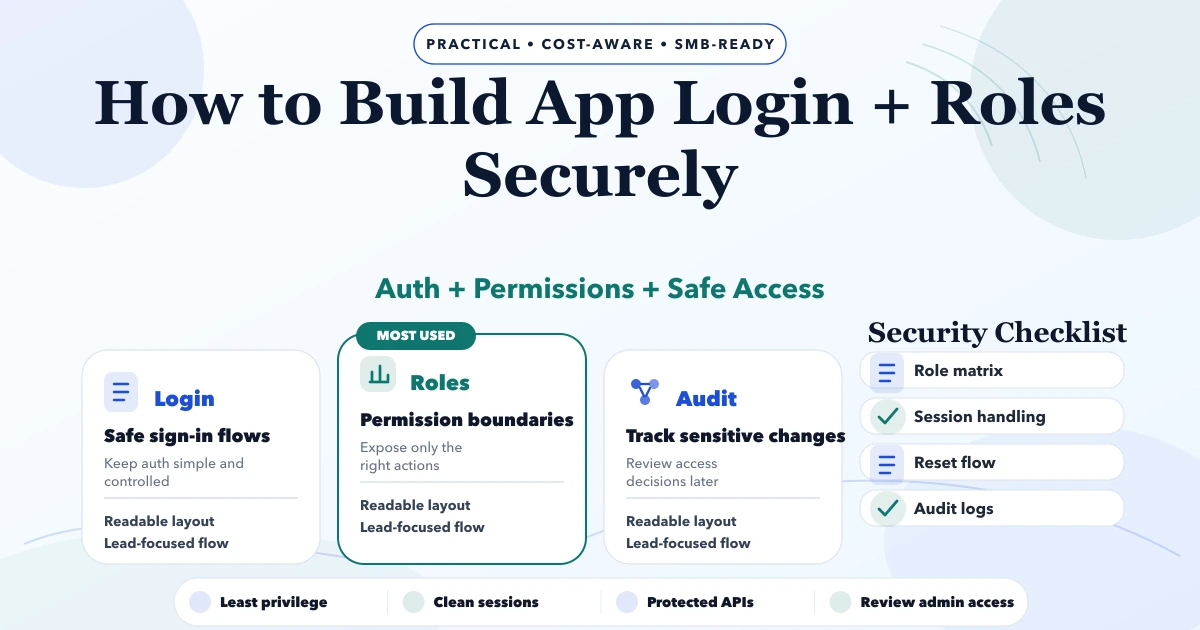
How to Build App Login and Roles Securely
Build secure app login and roles with account lifecycle rules, safe sessions, backend authorization, tenant isolation, recovery, audit logs, and abuse tests.
Read articlePublished Updated
Implement role-based access control with a permission matrix, server-side checks, tenant scope, audit logs, RBAC testing and a phased rollout plan.
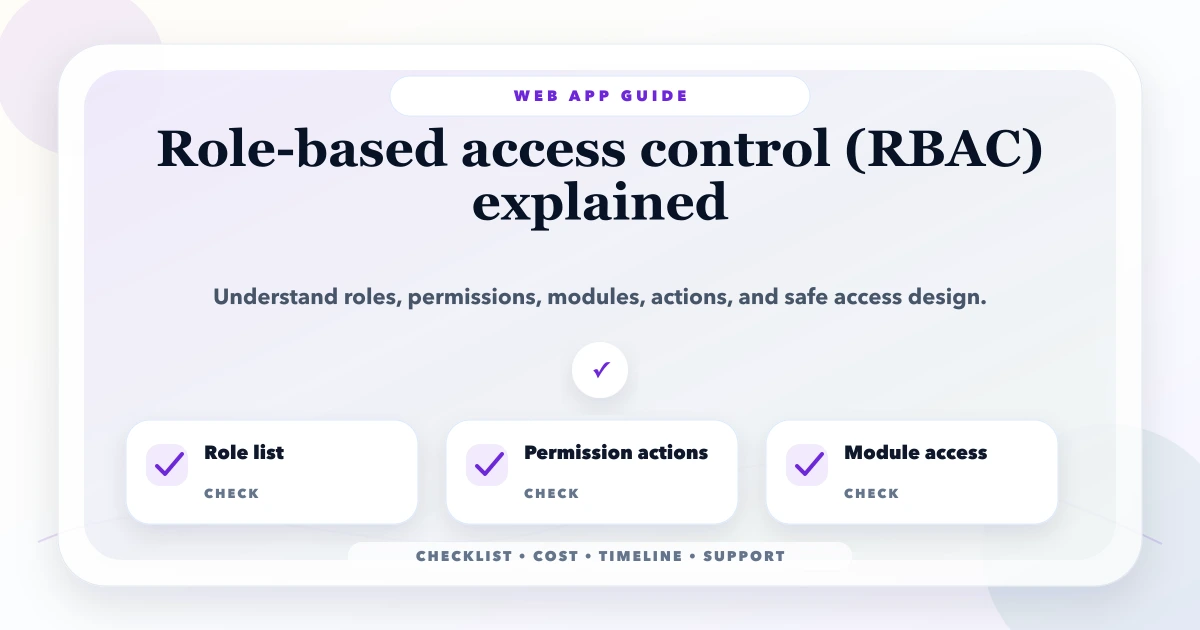
Role-based access control (RBAC) assigns permissions to roles and then assigns users to those roles. A reliable implementation does more than hide menu items: the API must verify the requested action, resource, tenant, and record scope on every protected request.
This guide is for teams implementing RBAC in admin panels, CRM, ERP, billing, inventory, portals, or SaaS products. It covers the permission matrix, request flow, data model, testing, rollout, and access-review work needed to turn role names into enforceable rules.
Written by Tushar C. for VASUYASHII and reviewed against practical multi-company business-software workflows. Security requirements still need project-specific review; this article is implementation guidance, not a security certification.
RBAC means users receive access through roles such as owner, manager, accountant, operator, or viewer. Implementation should follow this flow:
authenticated user -> active membership -> role -> permission -> data scope -> allow or deny -> audit event
The server should deny the request if any required part is missing. Frontend visibility is useful for usability, but it is not the security boundary.
In a typical Indian SMB system, an accountant may post payments but must not change user roles; a warehouse operator may update stock for one branch but must not export company-wide margins; an owner may approve invoice cancellation but should not use a broad super-admin account for daily work. These distinctions belong in the permission matrix before development begins.
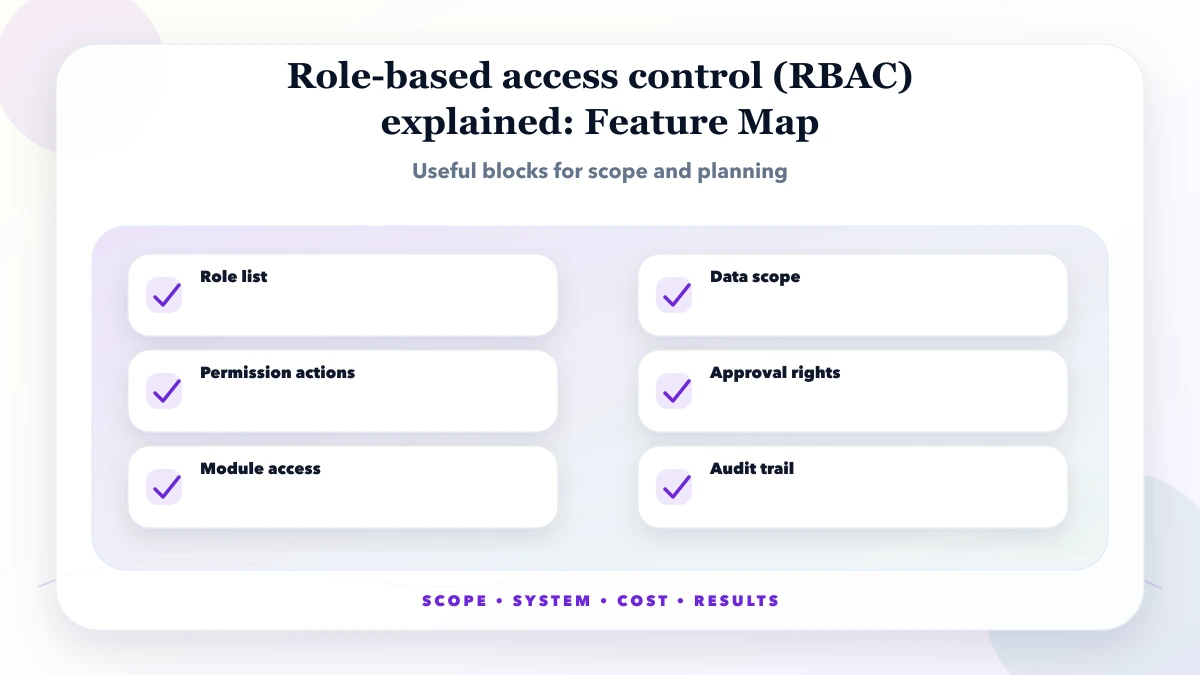
Use a small, explicit model that separates identity, membership, role, permission, and scope:
| Record | Purpose | Example |
|---|---|---|
| User | Identifies the account | user_104 |
| Membership | Connects user to company or tenant | user belongs to Company A |
| Role | Groups business responsibility | accountant |
| Permission | Defines action on resource | payment.create |
| Scope | Limits which records qualify | current company and assigned branch |
| Audit event | Records sensitive decisions | role changed by owner |
Do not store one editable isAdmin flag as the complete model. It cannot express branch scope, read-versus-export restrictions, temporary access, or separation of duties.
These are indicative planning ranges, not fixed quotations. Existing architecture, number of modules, tenant rules, migration needs, and test depth can change the scope materially.
| Scope | Practical price range | Typical timeline |
|---|---|---|
| RBAC planning | ₹10,000 to ₹40,000 | 2 to 5 days |
| RBAC implementation | ₹40,000 to ₹2 lakh | 2 to 6 weeks |
| Advanced RBAC + audit logs | ₹2 lakh to ₹5 lakh+ | 1 to 3 months |
The framework is secondary to consistent enforcement. Whether the backend uses Django, Node.js, Laravel, or another stack, keep authorization policy close to the protected operation and avoid duplicating conflicting rules across controllers.
Use RBAC when job responsibilities are stable and understandable. Add attributes or relationships when access depends on branch, assignment, record ownership, transaction value, or time. If every user needs a unique role, the design is signalling that roles alone are not the right abstraction.
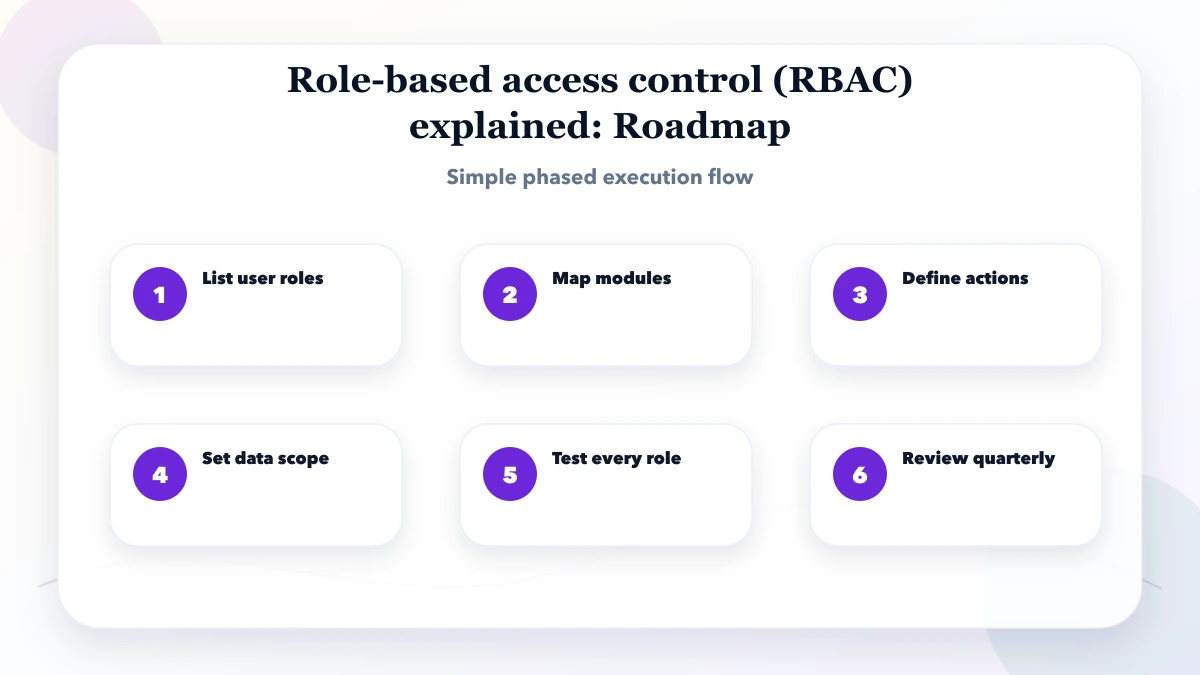
Before implementation, answer four questions:
Authentication establishes which account is making a request. Authorization decides whether that authenticated account may perform a specific action on a specific resource in the current context. A valid login must not automatically grant access to every customer, invoice, report, company, or admin function.
The server must make the authorization decision. Hiding a button or redirecting a page improves UX, but an attacker can still call the API directly.
Define permissions as action plus resource plus scope. “Can access invoices” is ambiguous; “can view issued invoices for assigned branch” is testable.
| Role | Resource | Allowed actions | Data scope | Restrictions |
|---|---|---|---|---|
| Owner | Company settings | View and update | Current company | Critical changes require re-authentication |
| Sales manager | Leads | View, assign, update | Assigned team | Cannot export all companies |
| Sales user | Leads | Create and update | Own or assigned | Cannot change owner policy |
| Accountant | Invoices/payments | View, post, export | Current company | Cannot manage team roles |
| Viewer | Reports | View | Approved reports | No mutation or raw export |
Use the actual business terminology and workflows. A role name alone should never be the specification.
New routes, actions, and resources should be unavailable until an explicit permission allows them. Validate authorization on create, read, update, delete, list, search, export, file download, webhook, bulk action, and background job paths.
Object-level checks matter. A user allowed to view one invoice must not view another by changing the identifier. List endpoints, totals, autocomplete, and exports must apply the same scope as detail views.
OWASP recommends least privilege, deny-by-default behavior, validation on every request, server-side enforcement, and authorization tests. Use the current OWASP Authorization Cheat Sheet as a baseline.
RBAC works well when job roles are stable. It can become difficult when access depends on company, branch, territory, ownership, deal stage, data sensitivity, time, or an explicit relationship.
Many business apps combine these models. For example, a manager role may view records belonging to their team in the current company. Do not create dozens of nearly identical roles when one role plus a clear data-scope rule is safer.
In multi-company software, derive the active company from authenticated membership and verify it on the server. Every query, cache key, export, file, scheduled task, notification, and audit entry must preserve tenant context.
Test a user who belongs to two companies, a user removed from one company, an invited user, a suspended user, and a platform administrator. Company switching must not leave stale data, URLs, or cached permissions from the previous context.
Apply additional controls to role changes, bulk export, permanent deletion, payment changes, invoice cancellation, API credential management, backup restore, and impersonation. Depending on risk, require re-authentication, approval, reason, limited duration, or a second person.
Avoid a universal admin role for daily work. Separate platform administration from customer-company administration and keep support access time-bound and auditable.
Document who can create roles, assign them, approve elevation, and review access. Invitations should expire. Role changes should take effect predictably. Departing staff should lose sessions, API keys, scheduled jobs, and delegated access according to policy.
Review privileged access quarterly or at a frequency suitable for the business. Look for dormant accounts, users with conflicting roles, temporary access that never expired, and permissions no longer required.
Record actor, action, resource, company, timestamp, outcome, and relevant before/after context for high-risk events. Protect audit logs from routine editing and avoid storing passwords, tokens, or unnecessary personal information.
An audit log is useful only if someone reviews it. Define alerts for repeated denials, bulk exports, privilege changes, cross-tenant errors, and unusual administrative activity.
For each permission, test:
Automate these tests where possible. Include regression cases when a prior issue is fixed. Run tests against the API, not only the interface, because hidden controls do not prevent crafted requests.
Suppose a branch accountant may view and record payments for Branch A but cannot delete a posted payment.
| Test | Expected result |
|---|---|
| View Branch A payment | Allow |
| Record Branch A payment | Allow and audit |
| View Branch B payment by changed ID | Deny |
| Delete posted Branch A payment | Deny |
| Export all-company payments | Deny |
| Repeat after membership removal | Deny |
Write this level of specificity for each sensitive permission. Generic tests such as "accountant page opens" leave object and scope failures undetected.
Start with a small role set based on real responsibility rather than job titles copied from another company. Owners should approve high-risk actions, accountants should validate finance-related scope, and team leads should verify which records their staff actually need.
Document exceptions instead of granting full admin access because the first matrix is incomplete. Train users on why access differs and provide a clear request process for legitimate changes.
OWASP's Authorization Cheat Sheet recommends validating permissions on every request and using secure defaults.
Measure denied requests, stale accounts, privileged-role count, access-review completion, unresolved exceptions, and authorization incidents. A low denial count is not proof of safety if tests and logging are absent.
VASUYASHII Business Suite describes company-scoped multi-company access and team permissions where configured. Exact roles and permission coverage must be verified against the current release and customer scope. This guide is not a certification or a statement that every listed control exists in every VASUYASHII product.
Treat permission changes like product changes. Record the requested business reason, affected roles, data scope, approver, tests, rollout date, and rollback path. Review existing users after a role definition changes; updating the role template may not safely correct custom assignments or active sessions.
For emergency access, set a short expiry, require a reason, and review the audit trail afterward. Permanent broad access should not be the default workaround for a support incident.
If you are replacing shared admin credentials or adding team access to an existing web app, begin with one approved permission matrix and the three highest-risk workflows. VASUYASHII can review the workflow before implementation without assuming that every project needs a complex enterprise access system.
It is for product owners, operations leads, and developers who need enforceable roles in an admin panel, CRM, ERP, billing system, portal, or SaaS product.
Start with resources and actions, not role names. List sensitive operations such as exports, payment changes, deletion, role assignment, and cross-company access, then map who genuinely needs each action.
Simple planning may fit within ₹10,000 to ₹40,000, while implementation across multiple modules usually needs a larger project scope. Use the ranges above only for early planning; an accurate estimate requires the current API, user count, tenant model, and test requirements.
Yes. Start with a small role set and the highest-risk modules, enforce the policy server-side, migrate users conservatively, and add custom roles or approval conditions only after the base rules are stable.
Track denied requests, privilege changes, stale accounts, temporary access, unresolved exceptions, access-review completion, and authorization incidents. Review trends without treating a low denial count as proof that controls are correct.
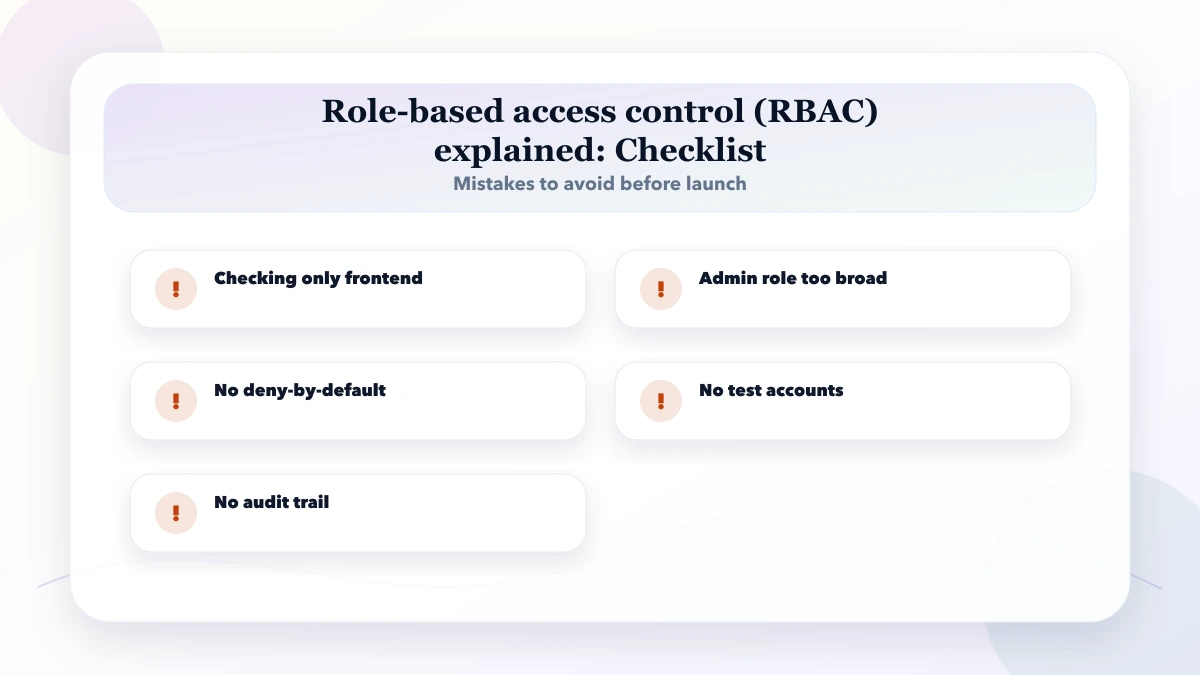
The biggest mistake is enforcing roles only in the UI. Every API action, export, file, background job, and record lookup must independently verify permission and scope.
Related Articles
May 4, 2026
Build secure app login and roles with account lifecycle rules, safe sessions, backend authorization, tenant isolation, recovery, audit logs, and abuse tests.
Read article
May 23, 2026
Design role-based access for owners, managers and staff with object, action and scope permissions, least privilege, audit logs and user lifecycle.
Read article
May 17, 2026
Use this permission matrix template to define role, module, action, data-scope, approval, export and admin access for SaaS platforms and business web apps.
Read article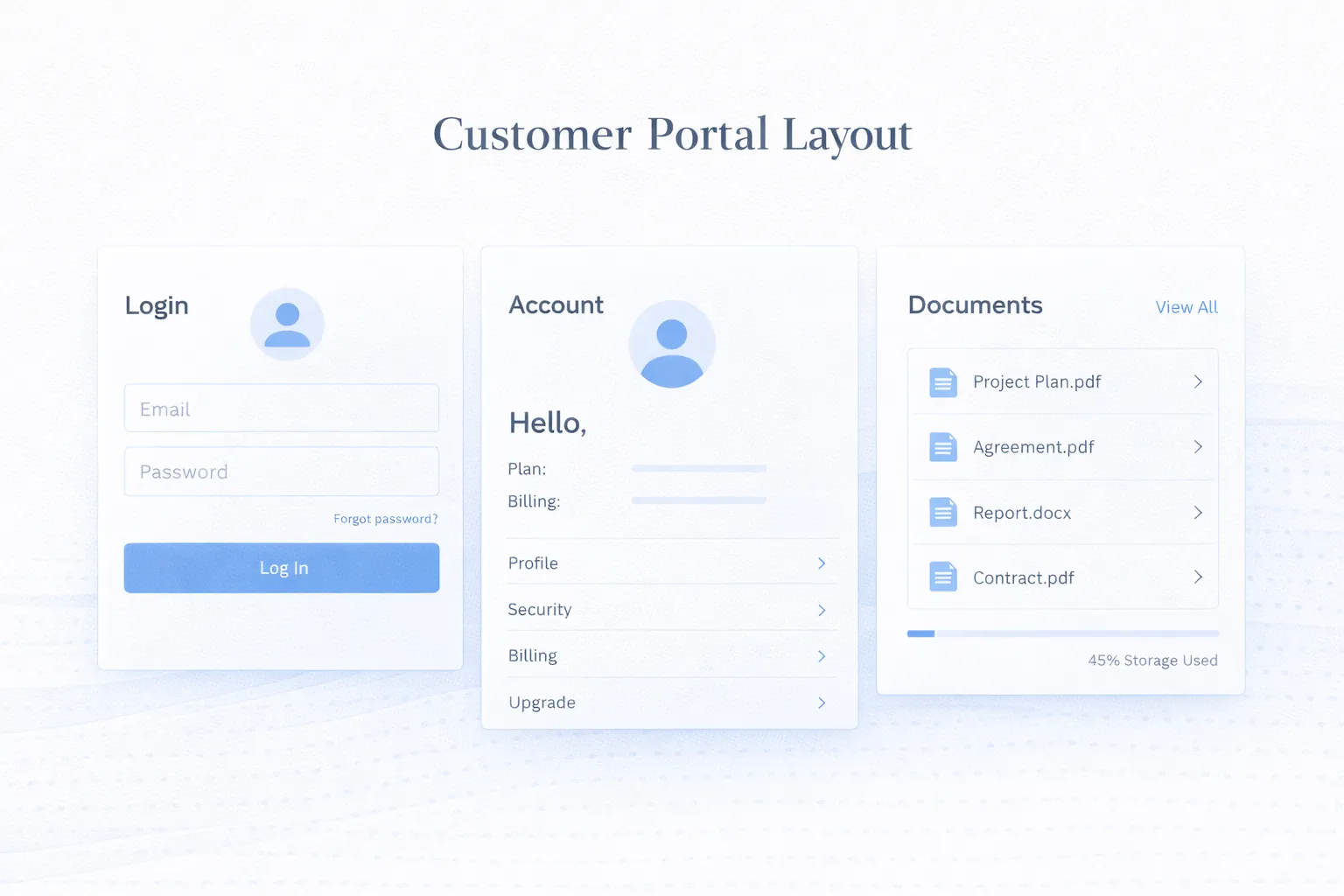
March 25, 2026
Customer portal development guide for 2026: secure login, roles, data access, portal features, integrations, and best practices for self-service experiences.
Read article