
May 19, 2026
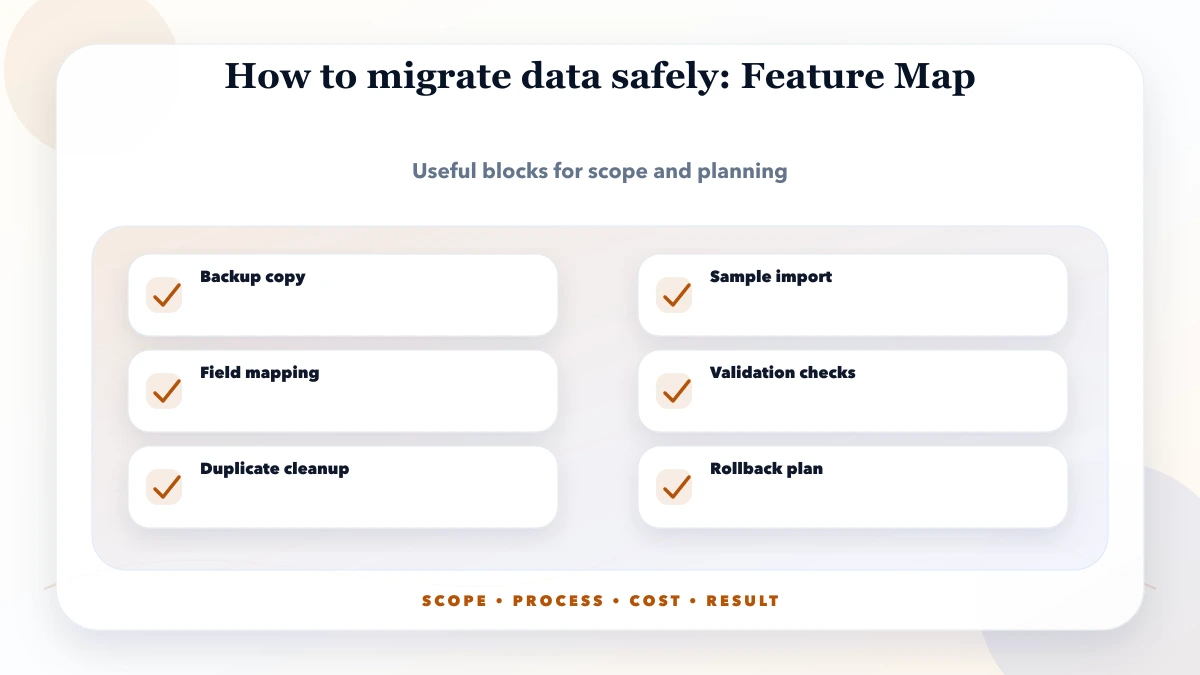
How to Migrate Business Data Safely: Checks Before Go-Live
Plan a business data migration with source mapping, trial imports, record reconciliation, cutover checks, tested recovery and clear sign-off ownership.
Read articlePublished Updated
Build a business app backup strategy with clear RPO, RTO, scope, encryption, off-site copies, retention, restore drills, evidence, and ownership.
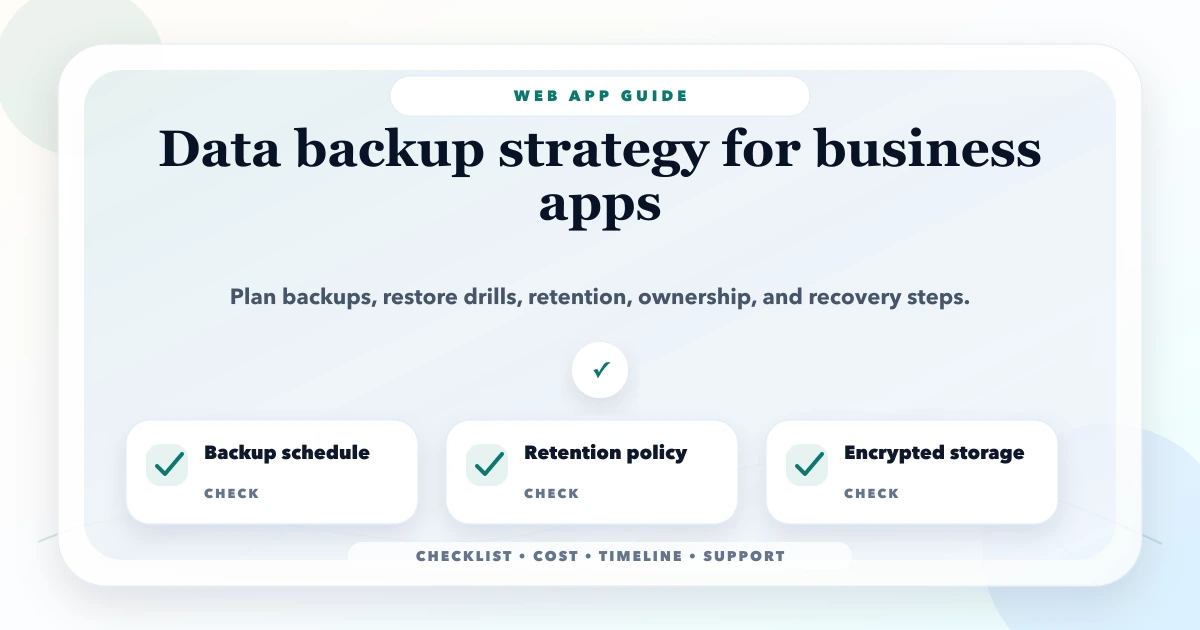
A backup strategy is not complete because a cloud console shows a recent snapshot. A business needs to know what can be lost, how quickly service must return, which systems are included, who can restore them, and whether a restore has worked under controlled conditions.
For a billing, inventory, CRM, booking, or ERP-lite application, recovery may involve more than a database. Uploaded documents, invoice PDFs, object storage, configuration, encryption keys, scheduled jobs, and integration state can all affect whether the restored system is usable.
Define recovery point objective (RPO) and recovery time objective (RTO) for each critical service. Inventory all data stores, create automated encrypted backups, keep copies outside the primary failure boundary, restrict and audit access, monitor backup jobs, define retention, and conduct scheduled restore drills. Record evidence from each drill and correct gaps.
For architecture and operational controls in a custom product, review web application development and the web app security guide.
RPO is the maximum acceptable data-loss window. If the RPO is one hour, recovery should not require losing more than roughly one hour of committed data under the covered scenario.
RTO is the target time to restore an acceptable service after disruption. It includes detection, decision, access, restore, validation, DNS or deployment changes, and business communication, not only the database restore command.
Translate these into impact:
| System | Business impact | Example RPO question | Example RTO question |
|---|---|---|---|
| Invoices/payments | Financial and customer records | How many transactions can be reconstructed? | How long can billing stop? |
| Inventory movements | Stock availability and dispatch | Can warehouse work be replayed? | When must stock visibility return? |
| CRM leads | Revenue follow-up | Can missed enquiries be recovered from sources? | How long before SLA is breached? |
| Uploaded documents | Proof and compliance | Is the original available elsewhere? | Can operations continue without it? |
| Public website | Lead generation | Is content stored in version control? | Is a static fallback acceptable? |
Do not assign one RPO/RTO to the whole company without checking these differences.
Create a recovery inventory containing:
A database without the required encryption key or storage files may be technically restored but operationally useless.
List scenarios instead of saying "disaster":
A copy in the same account with the same administrator and deletion policy may not protect against account compromise. A database snapshot may not reverse a logical error that has already replicated to every copy unless older recovery points are retained.
Use multiple layers according to risk:
The commonly used 3-2-1 principle - multiple copies, different storage types, and an off-site copy - is a useful starting concept, but implementation should follow the actual architecture and threat model.
Encrypt backups in transit and at rest. Restrict restore and deletion permissions more tightly than routine application access. Separate operational roles when feasible so one compromised credential cannot delete production and every recovery copy.
Document:
Never place production backups in public links or developer laptops without an approved control and removal process.
Retention should balance recovery needs, legal/business obligations, cost, and privacy. A possible rotation might retain frequent recent recovery points, daily copies for several weeks, and monthly copies for a longer period, but the correct schedule depends on the organisation.
State exactly:
Test whether lifecycle rules delete data earlier than intended and whether old encrypted copies remain recoverable with retained keys.
Business systems maintain relationships. An invoice may reference a customer, line items, stock movements, payment records, and a generated PDF. Restoring only one table or service can break consistency.
For multi-service systems, decide whether backups are transactionally consistent or whether the restore process can reconcile differences. Queues and webhooks may need replay boundaries. Generated files may be rebuilt if source records are complete, but the regeneration process must be tested.
If the application supports multiple companies, define whether recovery is whole-system, tenant-level, or record-level. Tenant-level restore can be complex because shared tables, indexes, IDs, and integrations may cross boundaries.
A useful runbook includes:
Keep commands and environment-specific details in protected operational documentation, not in a public article.
| Check | Evidence |
|---|---|
| Backup available | Selected recovery point and retention policy |
| Integrity | Provider/checksum/restore validation result |
| Application starts | Health checks and required dependencies pass |
| Authentication | Authorised test users can sign in |
| Tenant isolation | One company cannot access another company's data |
| Core workflow | Create/read/update flow works on restored environment |
| Business totals | Key counts and totals reconcile |
| Files/PDFs | Required objects open or regenerate correctly |
| Integrations | Disabled safely or reconnected with controlled tests |
| Timing | Detection-to-validation duration compared with RTO |
Use masked or protected data in test environments. A restore drill should not create a second insecure copy of production.
Our implementation review does not accept a green backup-job status as recovery evidence. We ask for the last successful restore date, selected recovery point, elapsed time, validation checklist, and unresolved gaps. This first-party review method converts "backup enabled" into an operational control that can be audited.
Monitor missing backups, unusual size changes, failed uploads, replication lag where relevant, retention changes, access attempts, and deletion events. Alerts need an owner and escalation path.
A backup that failed silently for three weeks provides no protection. Review a periodic dashboard or report that shows expected versus completed backups and the age of the latest verified restore.
Using a SaaS product does not automatically remove the customer's recovery responsibilities. Ask the provider:
Export critical business data when the operational risk justifies an independent copy, while respecting security and licensing terms.
The VASUYASHII Business Suite product page explains its current business-management scope; confirm current backup and restore capabilities during setup rather than assuming future roadmap items are available.
Backup cost depends on data volume, change rate, frequency, retention, cross-region/account transfer, object versions, encryption/key services, monitoring, and restore testing. The expensive part is often the recovery engineering and operational discipline, not storage alone.
Include restore drills and runbook maintenance in the operating budget. A cheap backup that nobody can restore within the required time is not a cost-effective strategy.
Frequency should meet the approved RPO. A high-volume transaction system may need continuous or frequent recovery points; a mostly static site may be recoverable from version control and periodic content exports.
No. Replication improves availability but may copy accidental deletion or corruption. Retained independent recovery points serve a different purpose.
Schedule them according to business risk and after material architecture changes. Critical systems generally need more frequent drills than low-impact tools.
Only if the architecture and recovery tooling support safe tenant-level recovery. Test relationships, IDs, files, and integrations; do not assume a company filter makes the process simple.
A named technical owner executes it, while business owners define acceptable loss/time and validate recovered records. Security and management may have approval or communication roles.
Contact VASUYASHII with the application architecture, data stores, current backup schedule, last restore evidence, RPO/RTO expectations, and compliance constraints. Do not send backup files or secrets through the contact form.
A credible backup strategy can answer five questions with evidence: what is protected, how much data can be lost, how quickly service can return, who performs and approves recovery, and when the complete restore was last verified.
Related Articles
May 19, 2026
Plan a business data migration with source mapping, trial imports, record reconciliation, cutover checks, tested recovery and clear sign-off ownership.
Read article
May 17, 2026
Learn database indexing through CRM, billing, inventory, and reporting queries, with composite-index order, trade-offs, EXPLAIN checks, and rollout steps.
Read article
May 17, 2026
Build a web application maintenance plan covering monitoring, incidents, backups, security, dependencies, integrations, releases, and reporting.
Read article
May 16, 2026
Use this SaaS security checklist for tenant isolation, authentication, authorization, secrets, uploads, logging, backups, incident response, and testing.
Read article