
March 20, 2026
Website Development Trends in 2026: Buyer Guide
Evaluate 2026 website trends by business value: performance, accessibility, AI workflows, content operations, analytics, privacy, security, and maintenance.
Read articlePublished Updated
Understand progressive web apps, installability, offline behavior, caching, push limits, use cases, security, cost, and PWA versus native app decisions.
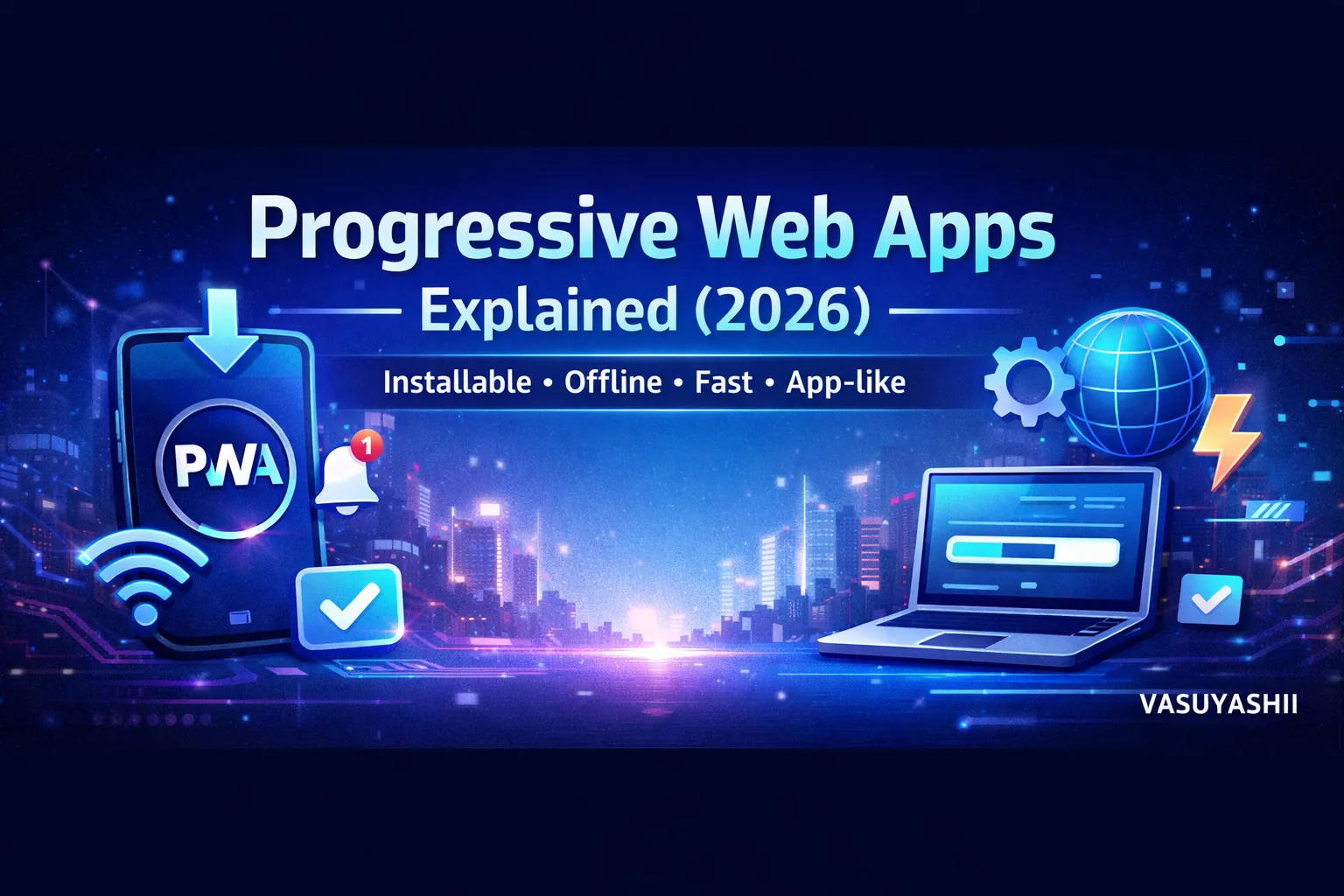
A Progressive Web App (PWA) is one of the most practical technologies for businesses in 2026. It gives you an “app-like” experience using a website—without forcing users to download an app from the Play Store or App Store.
You might have seen “Add to Home Screen” on some websites. When a user adds your site to their home screen, it opens like an app, feels faster, and can even support offline mode (depending on the setup). That is a PWA.
PWAs are popular because they:
This guide explains PWAs in a simple, business-friendly way, including how they work, what features they support, when you should use them, and how to set up a PWA for your website or web application.
A PWA is a website that:
In short: PWA = website + app-like experience.
Many users don’t want to install a new app for every business. PWAs reduce friction.
PWAs use caching, so repeat visits can feel very fast.
Instead of building:
You can build one PWA that covers most use cases.
PWAs work well for:
If you build web apps and portals, explore: Web Applications Services
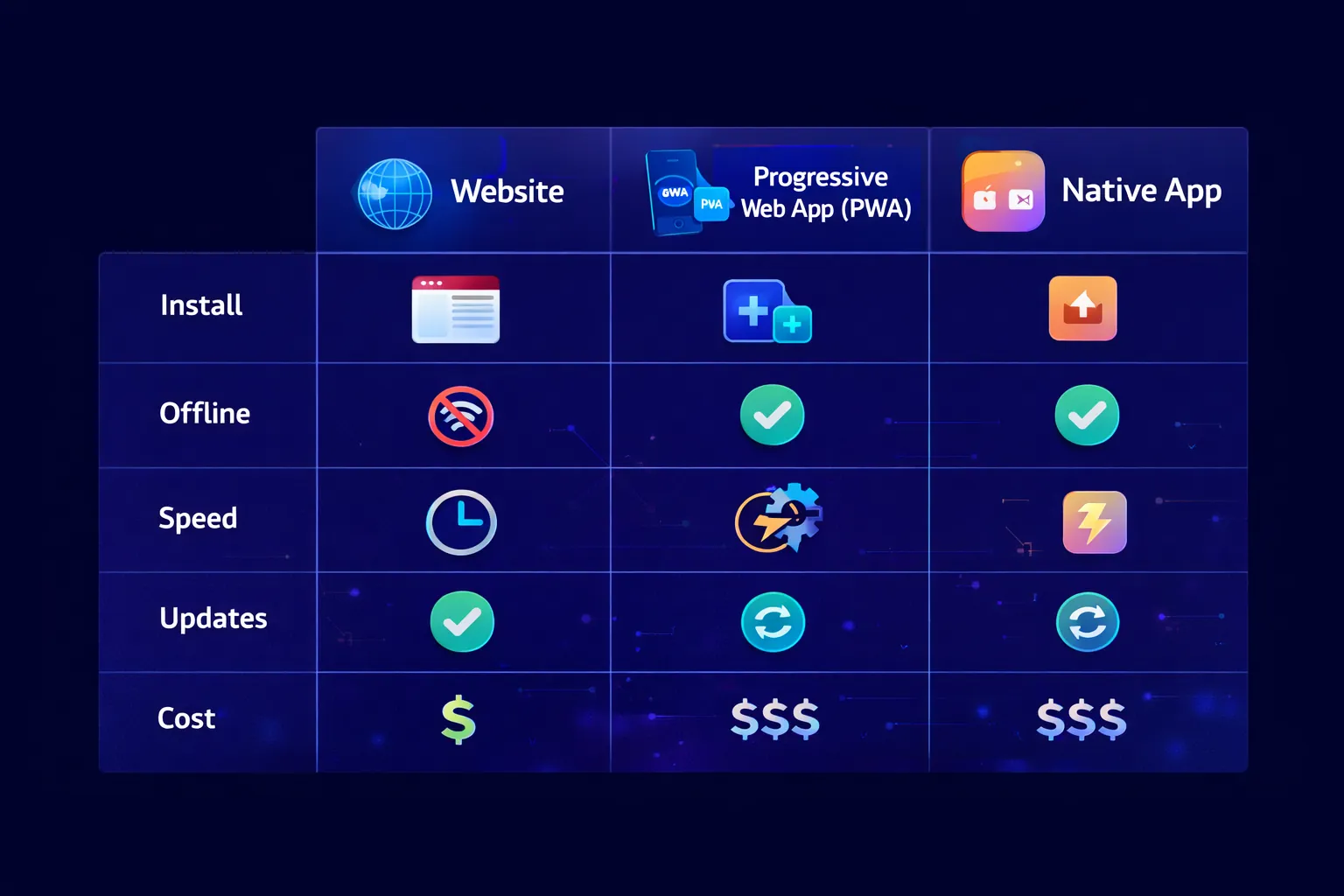
Most businesses start with PWA before native apps.
PWAs usually require 3 things:
PWAs require secure connection.
A manifest.json file tells the browser:
This enables installability.
A service worker is a background script that can:
The service worker is the heart of PWA performance and offline features.
Users can add your web app to their home screen and open it like an app.
It can open without the browser address bar, making it feel like a real app.
You can cache important assets and pages so the app works even without internet—at least partially.
Caching makes future loads faster.
Some PWAs can sync data in the background when connection returns.
PWAs are best for:
Customers use their phone at the table. PWA avoids app install friction.
Owners and staff can use it like an app on mobile.
Simple tasks: checklists, reports, data entry.
Order tracking, account management, booking status.
PWAs are great for SaaS because web is the default platform.
PWAs may not be ideal for:
If you need full device features, native apps might be better.
PWAs are still websites, so:
Many businesses use PWA as a “middle path” between website and app.
Below is a business-friendly setup checklist.
If your site is already on HTTPS, good.
manifest.jsonInclude:
You need icons like:
And ideally maskable icons.
Start simple:
Test in:
Choose strategy:
If your use case needs it, implement notifications carefully.
PWAs often improve performance because:
But performance still depends on:
You should still follow speed best practices: Website Speed Optimization Guide
PWAs require secure practices:
PWAs are not “less secure” by default—they depend on your backend security.
Use PWAs when:
For many service businesses, even a normal responsive website is enough. But for systems like ordering, portals, inventory, PWA is a great upgrade.
A PWA is useful when users return to the same mobile workflow and installation friction would reduce adoption. It is not automatically the right upgrade for every business website.
Choose a PWA when:
Choose a responsive website first when visitors mainly read services, compare proof, and contact the business. Choose a native app when the product needs deep device APIs, continuous background behavior, mature store distribution, or platform-specific performance that a PWA cannot provide reliably.
Use the Web App Development hub as the parent decision page. Check SaaS MVP feature prioritization before adding offline and notification scope, and review SaaS onboarding UX when installation is part of activation. A delivery or field-work product can also use the delivery tracking dashboard guide to define status ownership before offline synchronization.
Write down exactly which screens work offline, which actions are queued, how conflicts are resolved, what happens after a deployment, and how users recover from stale data. Then scope the PWA workflow instead of treating installability as the entire product requirement.
If you want a Progressive Web App for your ordering system, dashboard, portal, or SaaS product, we can build it professionally.
👉 WhatsApp: Chat on WhatsApp 👉 Services: Web Applications Services 👉 Projects: View our services 👉 Contact: Contact page
They are not “better,” but they are cheaper and easier for many businesses. Native apps are better when you need deep device features.
Yes, partially. It depends on what you cache and how you design the offline behavior.
Yes on Android and desktop. Support varies on iOS depending on device and browser constraints.
They can, because they are still websites and can be indexed. But SEO depends on content quality and technical setup.
Yes. It’s one of the best use cases because users can open instantly via QR without installing an app.
Related Articles
March 20, 2026
Evaluate 2026 website trends by business value: performance, accessibility, AI workflows, content operations, analytics, privacy, security, and maintenance.
Read article
May 23, 2026
notification system in web apps: practical 2026 guide with features, INR pricing, roadmap, tech stack, mistakes, FAQs, and Indian SME tips today safely.
Read article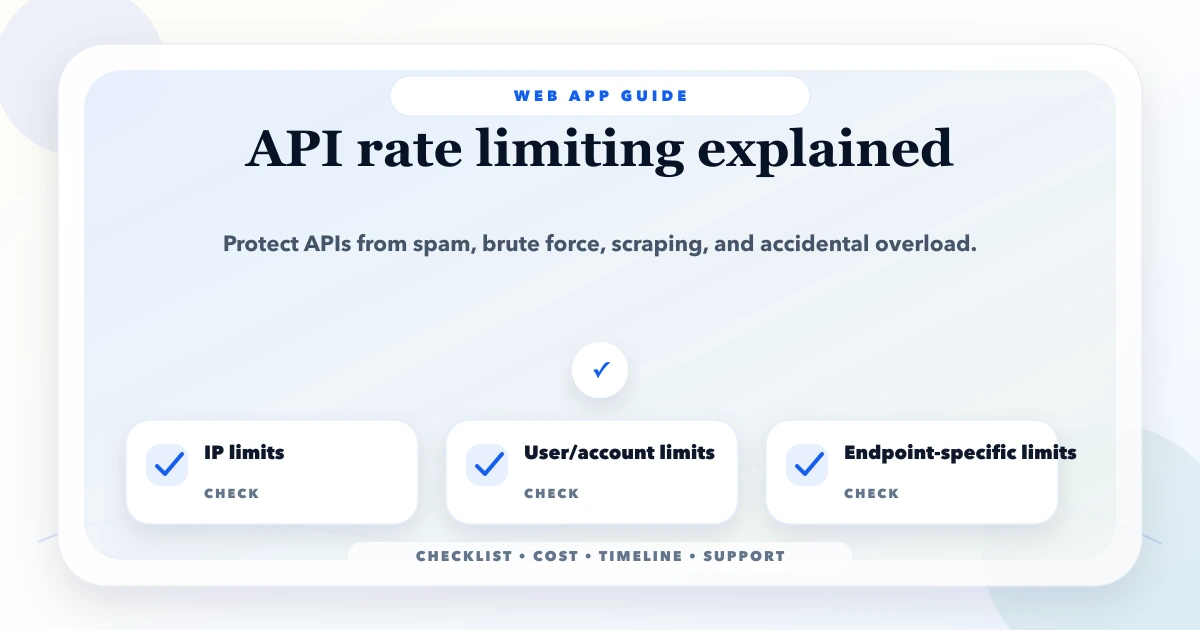
May 17, 2026
Design API rate limits using identities, scopes, algorithms, quotas, retries, distributed counters, monitoring, exceptions, and abuse-resistant testing.
Read article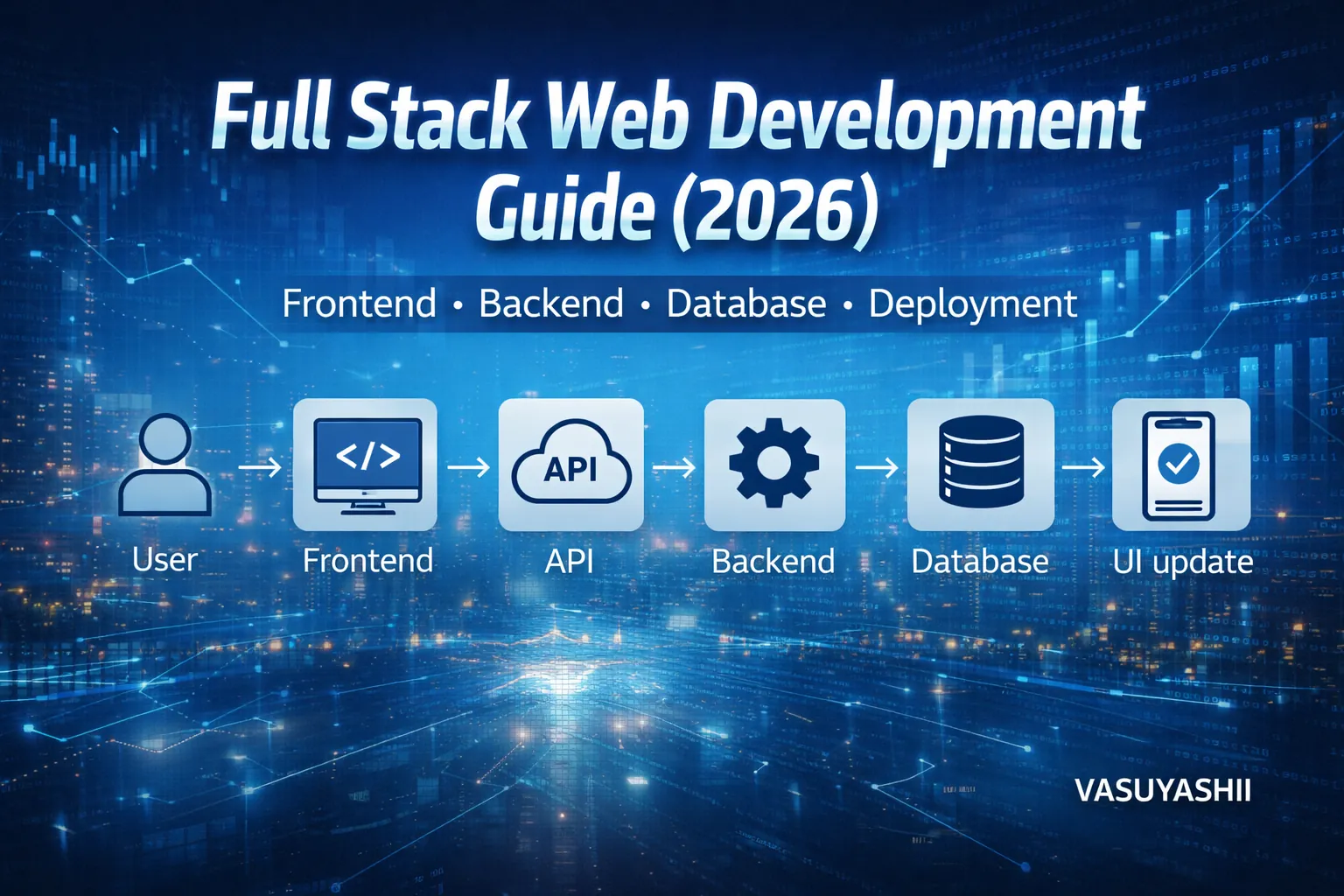
March 17, 2026
Plan a full stack business app with frontend, backend, database, roles, deployment, security, costs, implementation guidance, and a handover checklist.
Read article