
March 26, 2026
Custom CRM vs Zoho CRM (2026): Cost and Fit Guide
Compare custom CRM vs Zoho CRM for Indian SMEs by workflow fit, verified Zoho pricing, custom scope, integrations, ownership, timeline, and risk.
Read articlePublished Updated
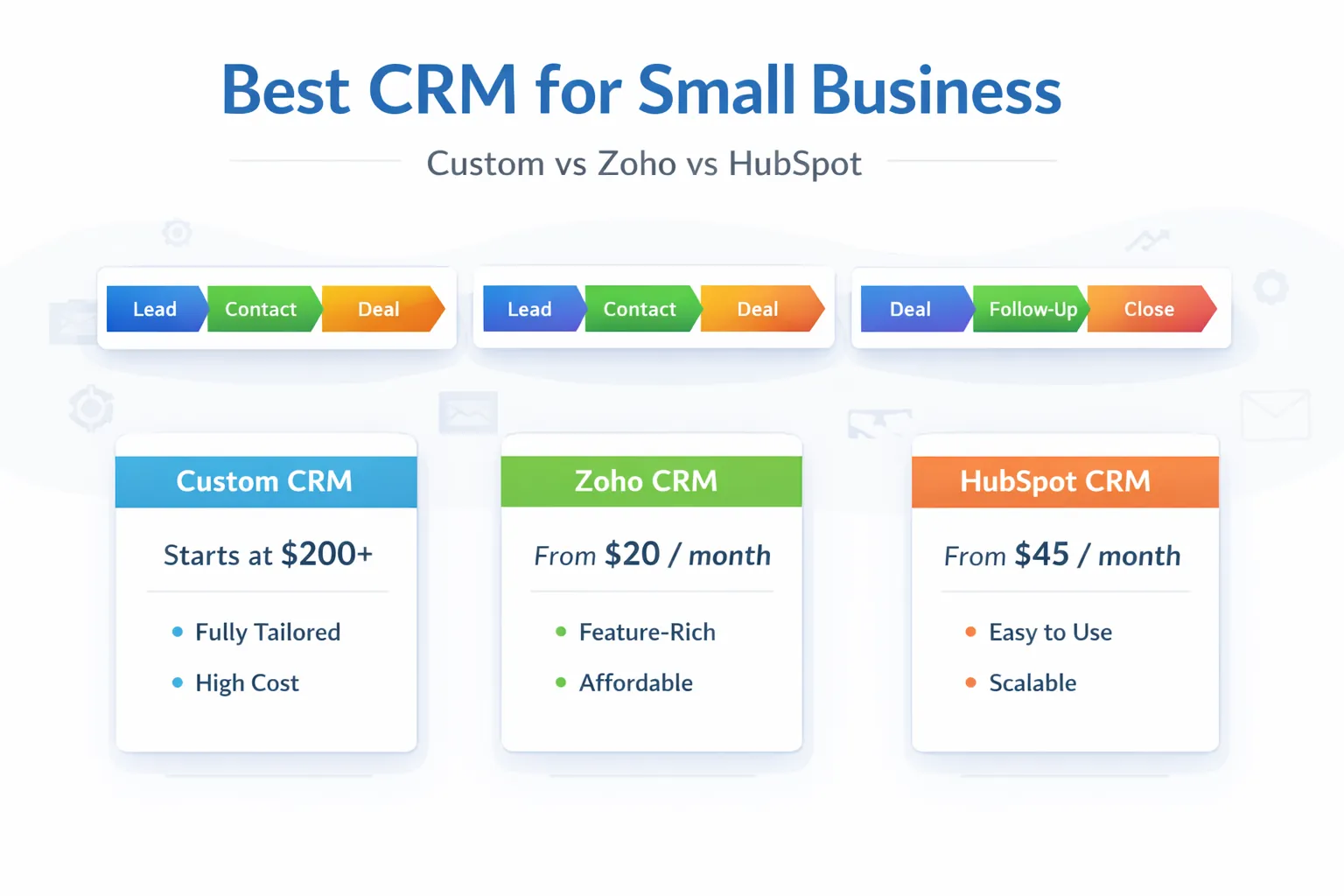
Best CRM for small business in India: custom CRM vs Zoho vs HubSpot, pricing snapshot, fit by business type, and how to choose in 2026.
Small businesses in India usually do not need a CRM because CRM is trendy. They need it because follow-up gets messy, lead ownership becomes unclear, reminders slip, and the owner loses visibility into sales movement. That is when the CRM choice becomes serious.
The tricky part is that the "best CRM" is different for different businesses. One company only needs a quick sales pipeline and basic automation. Another needs custom processes, quote flows, or role-specific dashboards. That is why comparing custom CRM vs Zoho vs HubSpot is more useful than trying to pick one winner blindly.
This guide compares the three options from a practical Indian SMB perspective. SaaS plans, currencies, taxes, onboarding charges, and limits can change, so verify the current official pricing before purchase.
For most small businesses in India:
There is no universal best choice. There is only the best fit for the way your team sells and operates.
Do not use an old blog table as a quotation. Open the official Zoho CRM pricing page and HubSpot CRM pricing page, select the correct country or currency, and request a written commercial proposal when required.
Compare more than the headline monthly figure:
| Cost area | Zoho or HubSpot | Custom CRM |
|---|---|---|
| Users or seats | Plan and seat rules may scale with team | Usually included within agreed scope and infrastructure |
| Contacts and usage | Limits or hub-specific rules may apply | Database and infrastructure limits must be designed |
| Setup | Configuration, import, training, and consulting | Discovery, design, development, migration, and testing |
| Integrations | Plan, marketplace, or API limits may apply | Each integration must be scoped and maintained |
| Support | Vendor and partner support depend on plan | Support terms depend on the development agreement |
| Exit | Export quality and feature dependence matter | Source, data, hosting, and documentation ownership matter |
Custom CRM is not automatically cheaper. Its cost depends on roles, workflows, reports, mobile use, security, integrations, migration, support, and change volume. Obtain a scoped estimate after discovery rather than relying on a broad range.
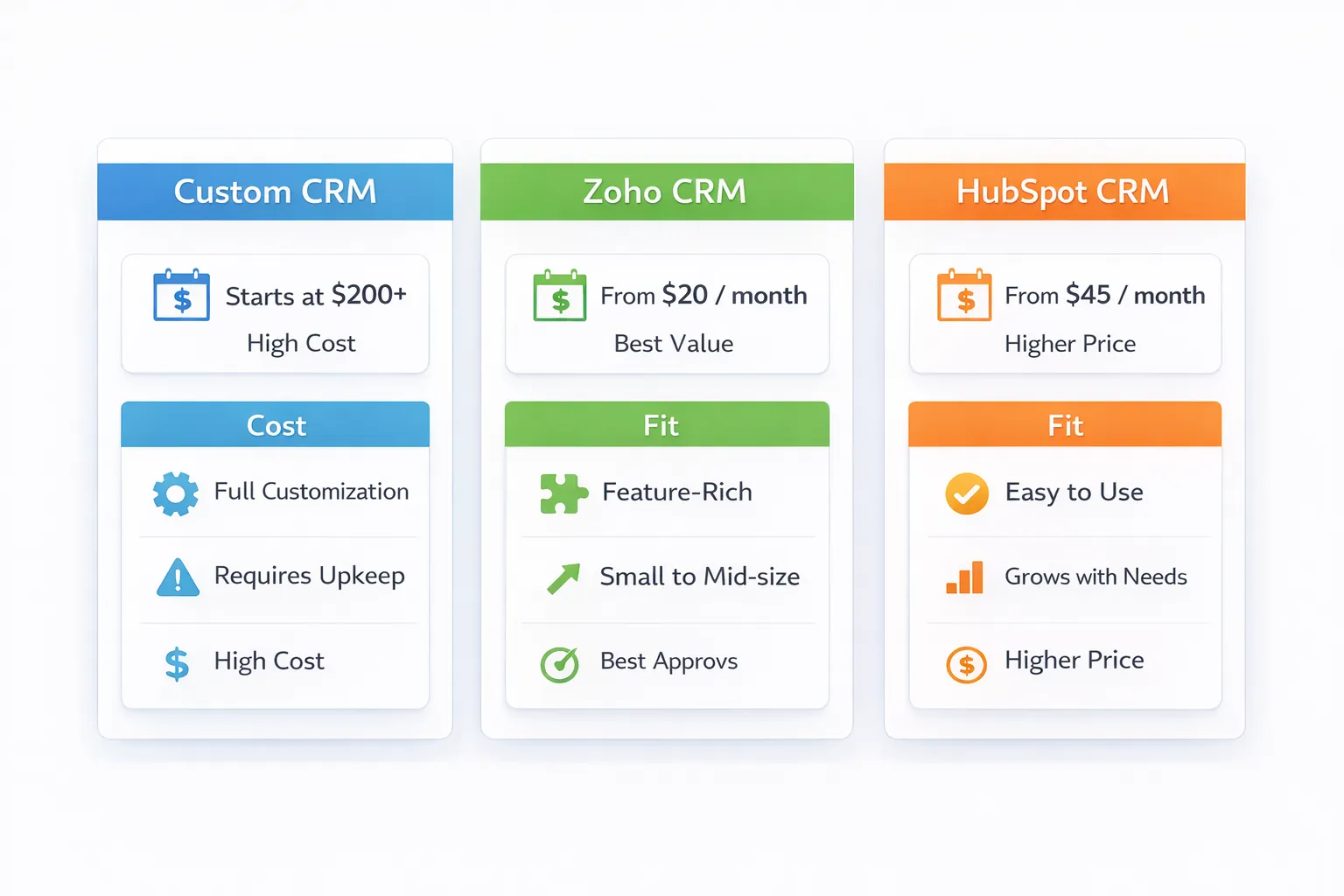
Zoho is often attractive for Indian SMBs because it offers strong feature depth at more accessible INR pricing.
HubSpot is often attractive when the business likes cleaner product UX, integrated sales and marketing growth thinking, and can handle the pricing structure.
Custom CRM becomes the better choice when the business process is too specific or fragmented for standard tools.
Zoho and HubSpot usually win on faster setup and lower upfront commitment.
Custom CRM can win on process fit, control, and long-term operational alignment, especially if standard tools force too many workarounds.
Do not ask only, "Which CRM is best?" Ask, "Which option fits our process, budget, and adoption reality best over the next 12 to 24 months?"
Create a spreadsheet with month-zero setup, recurring subscription or hosting, additional seats, messaging, telephony, integration tools, migration, training, support, and expected change work. Add an exit line for exporting data and moving the workflow.
Then score non-financial costs:
The cheapest licence can be the most expensive operating choice when it creates workarounds. A custom build can also waste money when a standard CRM already matches the process.
Related reading:
The timeline depends on which path you choose.
A small sales team with simple lead tracking may fit Zoho. A marketing-heavy team that wants pipeline and automation may consider HubSpot. A distributor, service business, or education company with very specific workflow may need a custom CRM.
The right CRM depends on daily usage, not brand name. Ask:
Do not import every historical record on day one. Configure one pipeline, a small user group, minimum fields, follow-up tasks, and two management reports. Use cleaned sample data or a controlled subset.
During the pilot, measure:
Record configuration gaps separately from training gaps. A system should not be rejected because users were never trained, and training should not be used to excuse a workflow that fundamentally does not fit.
Ask each option how contacts, companies, deals, activities, notes, attachments, custom fields, and audit history can be exported. Confirm API access, format, rate limits, ownership, retention, and deletion.
For custom CRM, require client-controlled repositories, hosting or cloud access, database backups, deployment documentation, and credential handover. For SaaS, identify features that may not translate cleanly during a future migration.
VASUYASHII can map a sales workflow, compare SaaS fit, configure integrations, or scope custom CRM development. This article does not claim that one option is universally best, quote current SaaS prices, or report a guaranteed ROI. Final selection requires current vendor terms, a real workflow pilot, security review, and a written cost comparison.
Choose SaaS when the process is standard and speed matters. Choose custom CRM when role logic, reporting, integrations, or workflow ownership creates repeated friction.
Useful links: software development, integrations, services, and contact.
If you are comparing CRM options, start with your sales process and reporting needs, not with feature overload. That makes the correct CRM choice much clearer.
That depends on team size, plan limits, setup, integrations, support, and adoption. Compare current written quotations and a 24-month operating view.
Not always, but for many small teams it can become a bigger commitment than Zoho unless the business really benefits from the HubSpot ecosystem.
Yes, when the workflow is specific and the business keeps forcing standard tools to do things they were not designed for.
For many SMBs, yes, especially when process fit and implementation are handled properly.
Choosing only on features or brand perception without checking process fit and total cost over time.
Yes. Many businesses do that once they understand their process better.
SaaS plans, limits, currencies, taxes, discounts, and onboarding terms change. The official live page and written quote should control the purchase decision.
Lead capture, pipeline, reminders, activity history, and owner reporting are usually enough for version one.
If you want the right CRM instead of the most marketed one, the next step is to map your actual sales workflow, reporting needs, and budget before deciding.
Related Articles
March 26, 2026
Compare custom CRM vs Zoho CRM for Indian SMEs by workflow fit, verified Zoho pricing, custom scope, integrations, ownership, timeline, and risk.
Read article
May 25, 2026
Compare Zoho CRM subscription cost with custom CRM build, migration, integrations, administration, ownership and five-year total cost.
Read article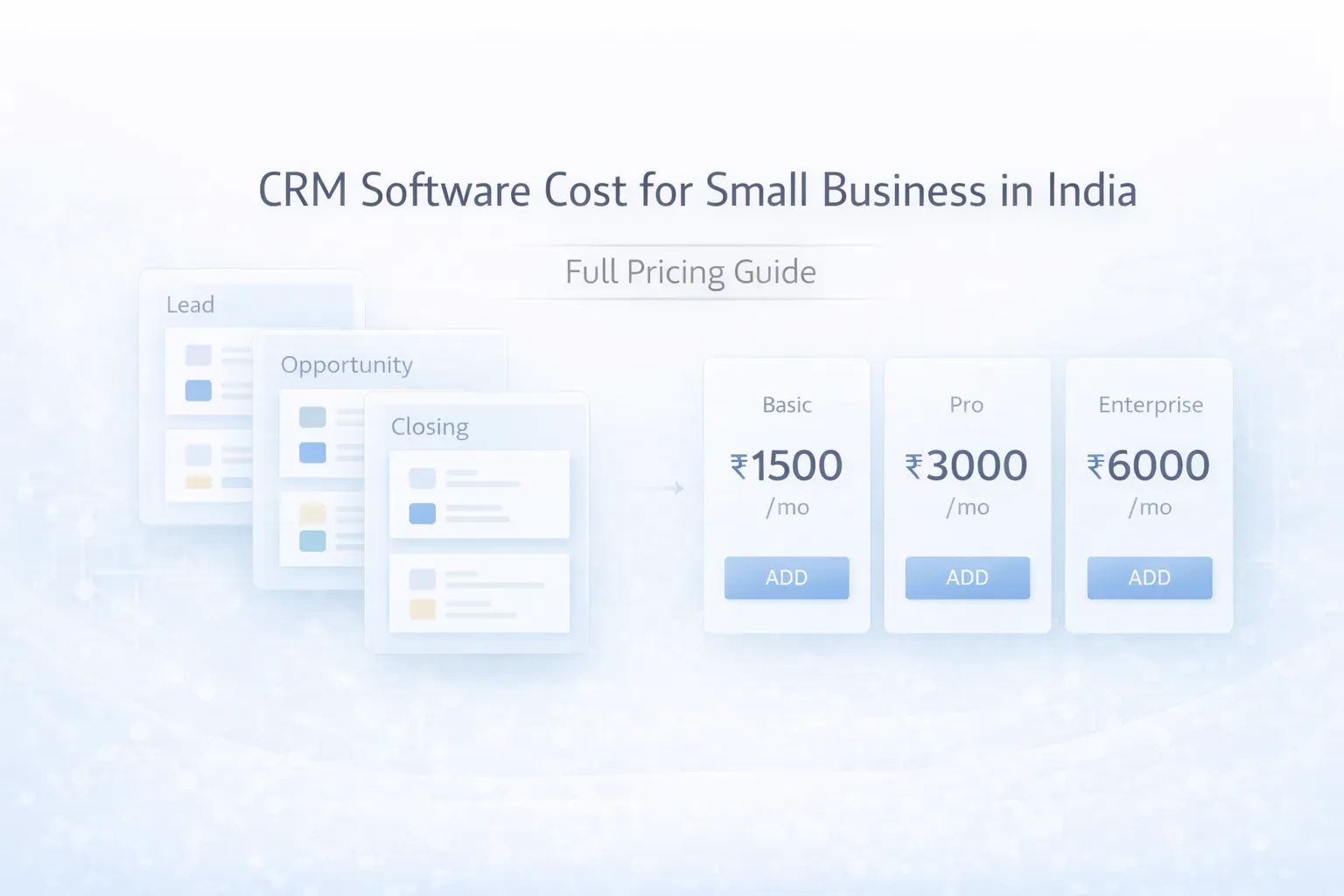
March 28, 2026
Compare CRM pricing in India for small businesses, including SaaS plans, setup costs, custom build ranges, modules, integrations, and buy-vs-build checks.
Read article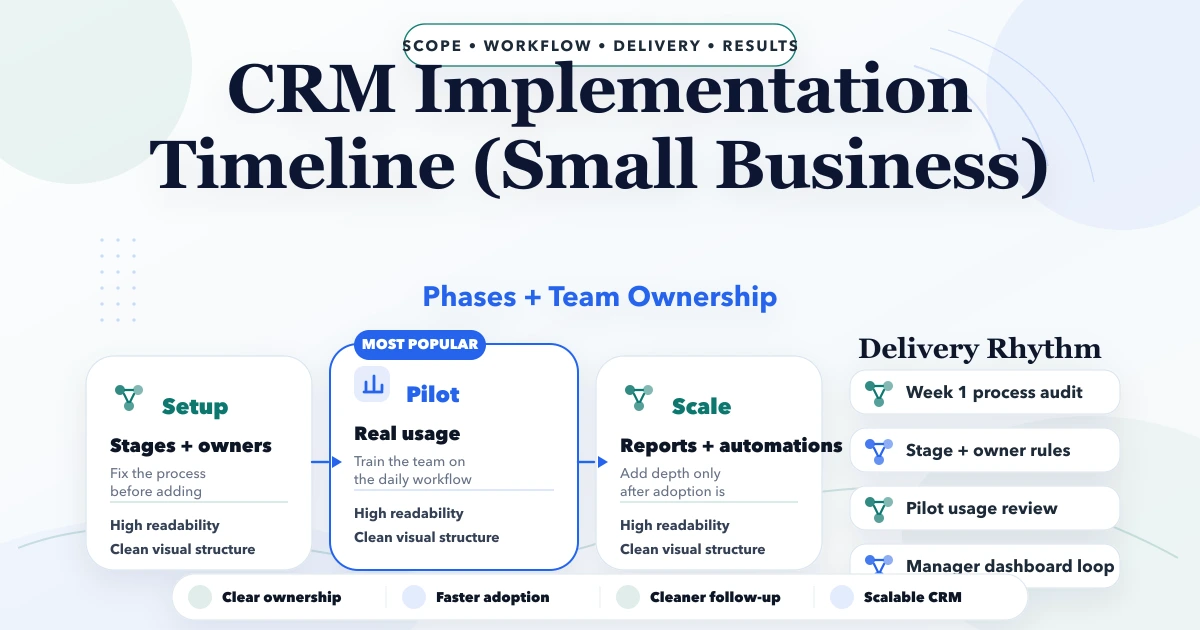
April 25, 2026
CRM implementation timeline for small business: phased plan, costs, roles, automations, common delays, and launch checklist for Indian SMBs.
Read article