
May 25, 2026
Quotation and Invoice CRM: End-to-End Workflow
Plan a quotation and invoice CRM that connects leads, quote versions, approvals, invoices, payments, reminders, permissions, and audit history.
Read articlePublished Updated
Plan quotation and estimate software for SMEs with masters, revisions, approvals, taxes, PDF delivery, acceptance, invoice conversion, reports, and controls.
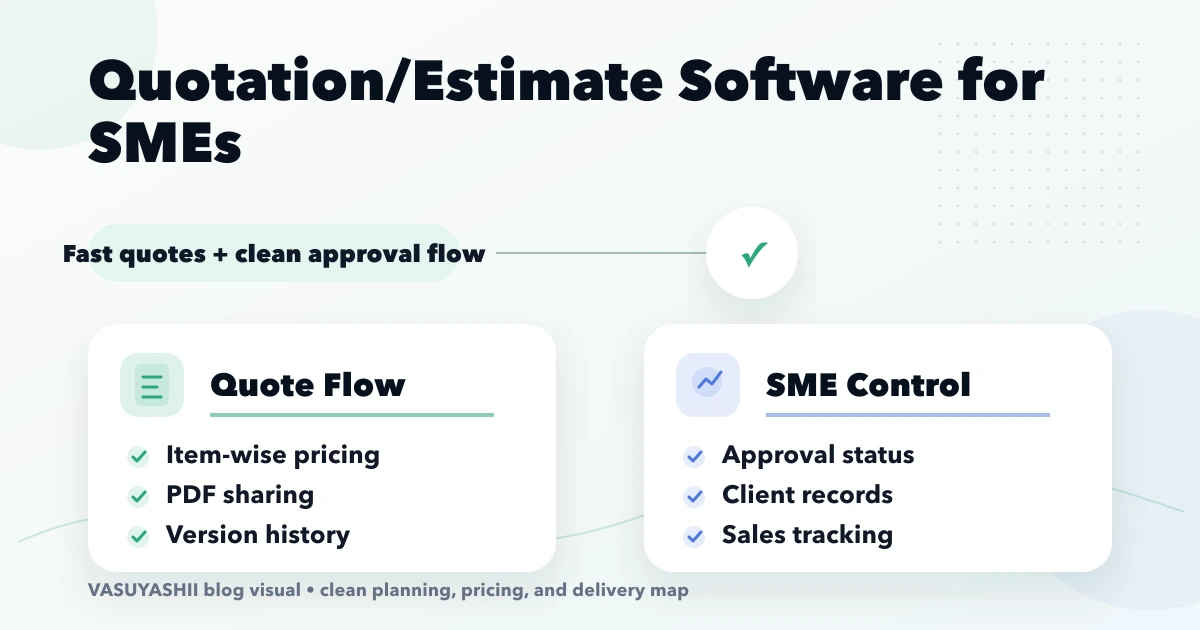
Quotation and estimate software should turn a sales conversation into a controlled commercial document. It should help a business select the right customer and items, apply approved prices and taxes, explain scope and exclusions, issue a versioned PDF, record acceptance, and create the next document without retyping everything.
This is different from a simple PDF template. The business value comes from workflow, data consistency, permissions, revisions, follow-ups, and traceability. This guide is for Indian traders, service firms, distributors, contractors, small manufacturers, and other SMEs comparing ready-made software with a custom workflow.
Businesses often use these labels differently, so configure the system around the approved internal and legal process.
| Document | Typical purpose | Important control |
|---|---|---|
| Estimate | Early expected price or effort before final scope | State assumptions and validity |
| Quotation | Defined commercial offer for listed items or services | Freeze version, price, tax and terms |
| Proposal | Broader solution, methodology, evidence and commercial offer | Separate narrative and approval sections |
| Proforma | Pre-sale commercial document used in some workflows | Do not treat it as a final tax invoice by default |
| Invoice | Records an actual sale or amount due according to the business process | Numbering, tax, payment and accounting controls |
Software should not silently convert one document type into another without preserving the accepted terms and required approvals.
Consider an electrical wholesaler that prepares quotes for contractors. One customer receives project pricing, another receives standard dealer pricing, and a third needs delivery charged separately. Items can change before acceptance, stock is not necessarily reserved at quote time, and the buyer may ask for three revisions.
Using spreadsheets and manually edited PDFs creates risk:
A controlled quotation system should solve these specific failures rather than merely make the PDF look professional.
Reliable documents begin with reliable masters.
Store the fields the business genuinely uses: legal or display name, phone, email, GSTIN where applicable, billing and shipping address, state, price tier, credit or tax notes, and responsible salesperson. Limit access to sensitive fields and record changes that affect issued documents.
Possible fields include SKU, name, description, HSN or SAC, unit, GST rate, standard sale price, purchase reference, active status, and category. A service company may also need effort unit, deliverable type, or milestone template.
Decide whether pricing comes from a standard list, customer tier, quantity break, contract, salesperson permission, or manual override. Tax should follow verified business rules. The system should expose who changed an override and why.
Maintain approved payment, delivery, validity, warranty, scope, exclusion, and cancellation clauses. Allow controlled per-document changes without letting every user rewrite legal or commercial terms freely.
A practical quotation can contain:
The PDF should be generated from the stored record. Editing a downloaded PDF outside the system should not become the normal process.
Use explicit states rather than one editable record:
An issued version should be immutable. A revision should copy the document into a new version, preserve the old PDF, highlight meaningful changes, and make only the latest approved version available for acceptance.
Not every quote needs manager approval. Define thresholds that reflect risk.
| Trigger | Example approval |
|---|---|
| Discount above salesperson limit | Sales manager |
| Margin below threshold | Owner or finance |
| Non-standard payment terms | Finance |
| Delivery commitment outside normal range | Operations |
| Manual tax override | Authorised finance user |
| Unapproved clause change | Commercial or legal reviewer |
The thresholds are business decisions, not universal defaults. Role-based access should be company-scoped, and approval history should not be editable by the person who requested it.
Define and test:
Do not infer statutory rules from a generic software template. Have the business's accountant or tax adviser confirm the required configuration.
A customer-facing quotation PDF should be readable on a phone and when printed. Include company identity, document number, customer, line items, totals, tax, validity, terms, authorised signatory logic, and payment or contact details as approved.
Operational controls should include:
VASUYASHII Business Suite currently supports backend-generated invoice PDFs, multiple invoice templates, and secure WhatsApp PDF sharing using a public share flow rather than exposing an authenticated backend file URL. That is evidence of PDF and sharing architecture. Exact quotation and estimate modules must still be confirmed against the current product release before they are sold as included.
Sharing should use approved templates and customer consent where required. The message can include the document number, validity, total, contact person, and secure link. Avoid attaching a private authenticated URL that fails for the customer or leaks access tokens.
Record the delivery attempt and result where the integration supports it. A sent message does not prove customer acceptance.
Acceptance can be captured through:
The method depends on contract value and legal risk. Capture the accepted document version, timestamp, customer identity evidence, terms, IP/device details only where appropriate, and any purchase-order reference. Consult legal advisers for enforceability requirements.
Conversion should create a new downstream record from the accepted snapshot. Preserve:
Do not overwrite the quotation when fulfilment changes. If the customer changes scope, follow the approved amendment or revision process.
Stock reservation is a separate business rule. Some traders reserve stock after acceptance, others after advance payment, and service companies may reserve capacity rather than items. Configure it explicitly.
A quotation workflow can schedule follow-ups without turning into spam.
Automated reminders should never imply a guarantee or create a new validity period without approval.
Useful reports include:
Interpret reports carefully. Quoted value is not revenue, an accepted quote is not always payment, and an invoice is not necessarily collected cash.
Recommended permissions may include:
In a multi-company system, every document, sequence, template, item, customer, permission, and report query must remain company-scoped. Historical records should retain the company identity used when issued.
A hybrid approach may configure an existing business suite and add only the missing integration or approval flow.
Collect current templates, spreadsheets, approval rules, tax examples, loss reasons, and downstream documents. Observe how staff actually quote rather than relying only on policy.
Clean customer, product, service, price, tax, and terms data. Approve calculation examples before interface work is considered complete.
Build draft, approval, issue, version, PDF, share, status, acceptance, and basic conversion. Avoid adding a broad CRM before this core flow works.
Connect approved CRM, inventory, invoice, payment, email, WhatsApp, or accounting interfaces. Add owner reports and exception queues.
Pilot with a small team and real but controlled cases. Reconcile totals, permissions, PDFs, acceptance, and conversions before wider use.
Cost depends on:
Request a written estimate against process examples. A screen-count quote will miss calculation and integration risk.
Keep quotation pipeline, accepted business, invoicing, and collection metrics separate.
Create a revision so the customer and team can identify the valid version.
Document discount, tax, charges, and rounding using approved examples.
Stop messages after acceptance, rejection, expiry, or opt-out.
Validate quotation, estimate, approval, acceptance, and conversion features against the deployed release before sales or onboarding.
The answer depends on wording, jurisdiction, conduct, and the agreement between parties. Software should preserve the exact document and acceptance evidence, while the business should obtain legal advice for its terms.
That is a configurable business and compliance decision. Define company, branch, year, prefix, sequence, and concurrency rules before implementation.
They can create a draft downstream document when the process allows it, but staff must still verify supply, tax, quantities, timing, and statutory requirements. Acceptance alone may not establish that invoicing is due.
Yes, using an approved secure link or attachment flow. Avoid exposing private authenticated storage URLs, and apply verification or expiry where document sensitivity requires it.
Only if the business defines that rule. Reservation may occur on quote approval, customer acceptance, advance payment, order creation, or not at all.
Import clean masters and open records first. Historical documents may be retained as read-only PDFs or structured data depending on reporting, audit, and cost needs. Validate totals and ownership before cutover.
Collect five real quotation examples, including one revision, one discount approval, one expired case, one accepted case, and one conversion. Use them to prepare a requirement brief with the software quote checklist. Then review VASUYASHII Business Suite, integrations, or contact VASUYASHII to confirm the current fit and required setup.
For the downstream relationship between quotations, invoices, collections, and sales ownership, continue with the quotation-to-invoice CRM workflow guide.
Related Articles
May 25, 2026
Plan a quotation and invoice CRM that connects leads, quote versions, approvals, invoices, payments, reminders, permissions, and audit history.
Read article
April 15, 2026
Create a clear GST invoice format with required particulars, tax breakdowns, payment details, numbering controls, PDF checks, corrections, and secure records.
Read article
May 22, 2026
invoice automation system: practical 2026 guide with examples, INR cost, workflow setup, timeline, mistakes, FAQs, and Indian SME tips today safely with ROI.
Read article
May 10, 2026
Send developers a complete website brief covering pages, content, features, ownership, SEO, approvals, support, timeline, and acceptance criteria.
Read article