
May 16, 2026
SaaS Security Checklist for Multi-Tenant Apps
Use this SaaS security checklist for tenant isolation, authentication, authorization, secrets, uploads, logging, backups, incident response, and testing.
Read articlePublished Updated
Plan SaaS authentication, server-side authorization, tenant isolation, role tests, session controls, audit logs, backups, and incident-ready operations.
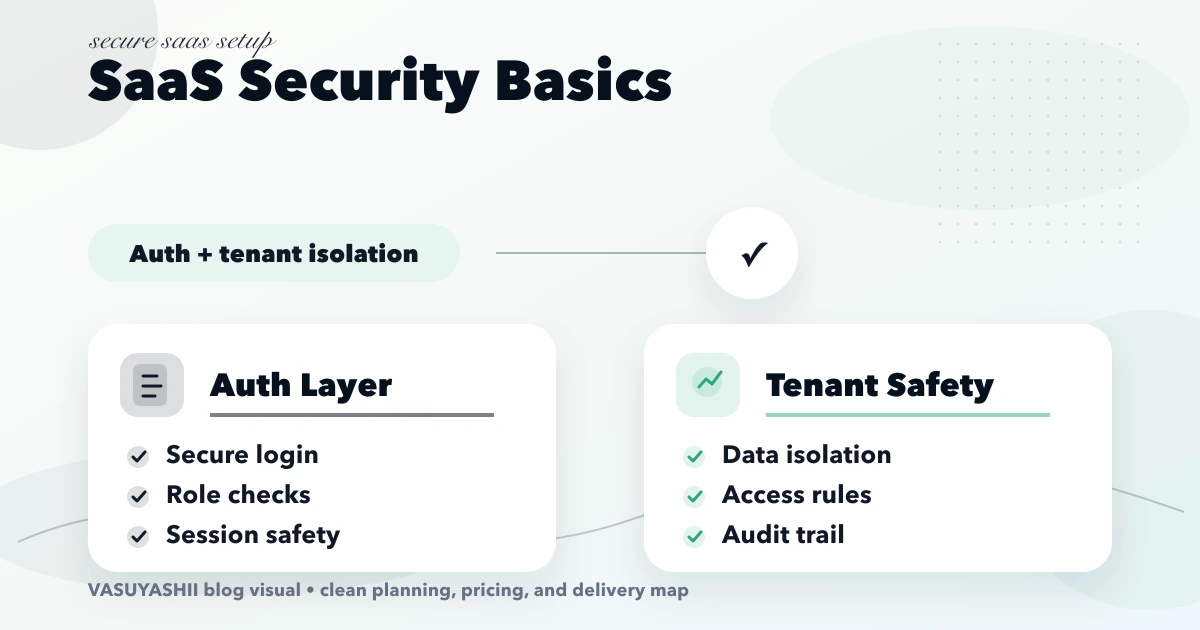
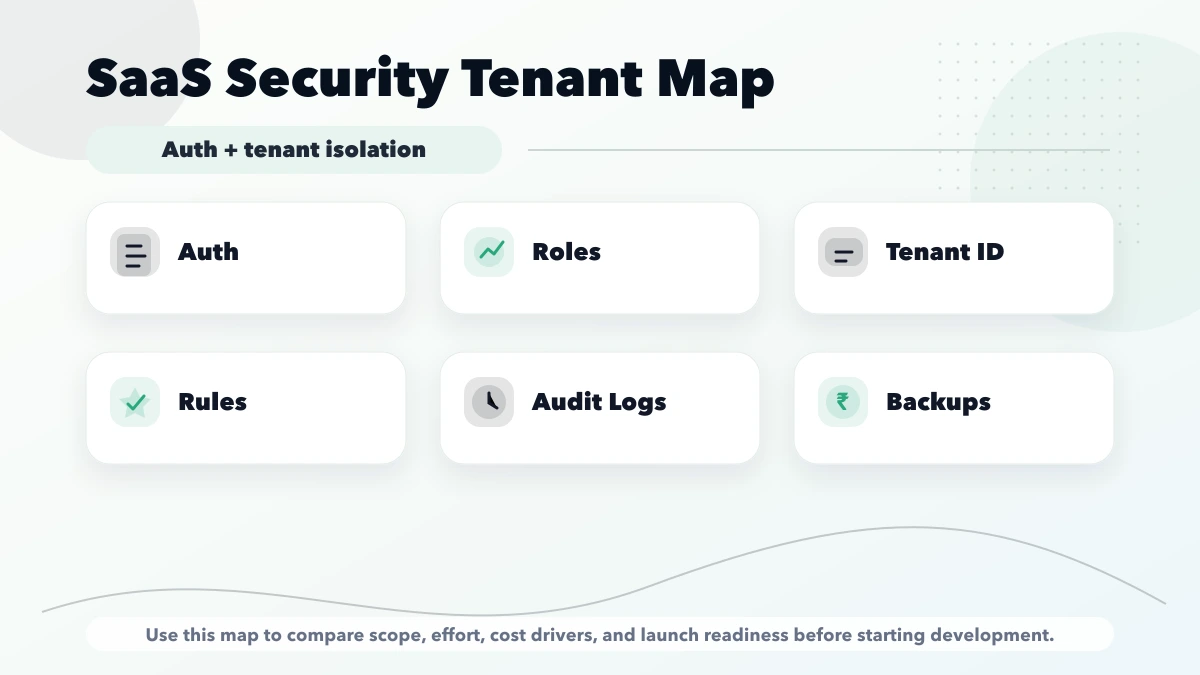
SaaS security basics is important for SaaS founders and technical teams building multi-tenant products where user access and data separation matter. SaaS security basics start with authentication, authorization, tenant isolation, and auditability. This guide is for teams building SaaS products where one customer’s data must never leak into another customer’s workspace. This guide is written for Indian SMB owners who want practical scope, cost, timeline, and decision clarity without generic theory.
| Scope | Typical range |
|---|---|
| Security review | ₹25,000 to ₹75,000 |
| Auth + RBAC setup | ₹1 lakh to ₹3 lakh |
| Tenant-isolated SaaS foundation | ₹3 lakh to ₹8 lakh+ |
Every authenticated request should resolve the active user, permitted tenant, membership status, and role before business data is queried. Do not accept a tenant ID from the browser and use it as proof of access. The server should derive or validate tenant context against membership records for every read, update, export, and background job.
Shared helper functions or repository scopes reduce the chance that one endpoint forgets the tenant filter. Super-admin access should use a separate, logged path rather than bypassing normal checks through a client-side flag.
| Test | Expected result |
|---|---|
| User requests another tenant record ID | Denied without revealing whether it exists |
| Staff attempts an owner-only action | Denied and logged where appropriate |
| Removed member reuses an old session | Session rejected or membership rechecked |
| Background export runs after tenant switch | Export remains scoped to the original authorized tenant |
| Admin support access opens customer data | Explicit purpose, limited duration, and audit record |
Include list, detail, create, edit, delete, restore, export, file access, and search endpoints. A secure detail endpoint does not protect a report or download route automatically.
Use secure password handling, short-lived access where appropriate, refresh-token controls, logout invalidation, and rate limits for authentication endpoints. Store provider secrets outside source control and rotate them after exposure or staff transitions.
Backups must preserve tenant relationships and be tested through restore, not only created on schedule. Incident preparation should identify who can disable a token, suspend a tenant, review logs, notify affected users, and document the recovery.
This guide is an engineering baseline, not a substitute for a security assessment required by the product’s data sensitivity or regulation. For architecture planning, see Web App Development.
Security continues after account creation. Define invitation expiry, role changes, owner transfer, suspended users, tenant deactivation, and permanent deletion. When a member leaves, active sessions, API keys, exports, and scheduled jobs associated with that access should be reviewed. Test these transitions because stale membership is a common route around otherwise correct authorization checks.
List the data the SaaS product stores, who owns it, where it moves, and which services process it. Classify credentials, personal data, financial records, uploaded documents, logs, backups, and public content. Security requirements should follow the sensitivity and business impact rather than a generic checklist.
Draw trust boundaries between browser or mobile app, API, background jobs, database, object storage, email or WhatsApp providers, payment providers, analytics, and administrator tools. For every boundary, document authentication, authorization, encryption, validation, logging, timeout, and failure handling.
Use secure password storage, verified recovery, rate limiting, and multi-factor authentication for privileged users where appropriate. Sessions need secure cookies or carefully protected tokens, expiry, rotation, revocation, and device or session review based on risk.
Do not place long-lived secrets in browser code or mobile packages. Keep service credentials in managed server-side secret storage, rotate them, restrict permissions, and record ownership. Follow the current OWASP Authentication Cheat Sheet as a baseline, then adapt it to the product’s threat model.
Tenant context must be derived from the authenticated membership and enforced on the server for every protected query, object fetch, export, file, background job, and webhook. A company selector in the interface is not a security boundary.
Test cross-tenant access by changing IDs, file URLs, filters, pagination, exports, and API requests. Include former members, invited users, support staff, super-admin tools, and background tasks. For authorization design principles, review the OWASP Authorization Cheat Sheet.
Use HTTPS in transit and platform-appropriate encryption at rest. Encryption does not replace access control, and storing the key beside the protected data can weaken its value.
Backups need retention, restricted access, integrity checks, and restore tests. Define recovery point and recovery time objectives from business impact. A backup is not proven until a controlled restore has succeeded and the restored tenant data is validated.
Log authentication, role changes, exports, administrative actions, integration failures, and high-risk data changes without placing passwords, tokens, or unnecessary personal data in logs. Protect logs from routine users and define retention.
Create an incident process with severity, owner, containment, evidence preservation, communication, recovery, and post-incident review. Monitoring should detect repeated failures, unusual exports, privilege changes, and cross-tenant errors before customers report them.
Use code review, automated tests, dependency and secret scanning, environment separation, migration review, and release rollback. Patch based on exploitability and exposure, not only a scanner score. Maintain an inventory of external packages and providers so a security advisory can be assessed quickly.
API rate limits, upload controls, input validation, and safe output encoding should be tested as part of delivery. Review the current OWASP Input Validation Cheat Sheet rather than relying on client-side validation.
Every payment, messaging, storage, analytics, support, or identity provider expands the trust boundary. Record the data shared, authentication method, webhook validation, retention, outage behavior, deletion process, and support owner. Remove unused credentials and integrations.
VASUYASHII Business Suite is described as a company-scoped SaaS platform with JWT authentication, multi-company separation, team permissions where configured, backup and restore, backend PDF generation, and secure public PDF sharing. This description is product positioning, not an independent security certification or penetration-test result. A production security assessment must verify the deployed environment, code, configuration, access, and operational controls.
Security ownership should remain visible after launch. Maintain a register for privileged users, secrets, providers, backups, unresolved findings, and release exceptions. Give each item an owner and review date. Reassess the threat model when data sensitivity, integrations, user roles, or public APIs change.
Do not publish compliance badges or security guarantees without current evidence. Where customers need a formal assurance level, agree the required assessment, scope, remediation process, and reporting responsibility before the engagement.
Start with a short discovery checklist that defines users, workflow, required outputs, and success metric.
Yes. A phased build is usually safer because it keeps cost and adoption under control.
Avoid building too many advanced features before the core workflow is tested with real users.
Compare exact deliverables, timeline, ownership, support, and reporting instead of only the final price.
No. Custom development is useful when workflow, roles, reports, or integrations are specific to your business.
Yes, if the first phase is scoped around one clear business problem.
Related Articles
May 16, 2026
Use this SaaS security checklist for tenant isolation, authentication, authorization, secrets, uploads, logging, backups, incident response, and testing.
Read article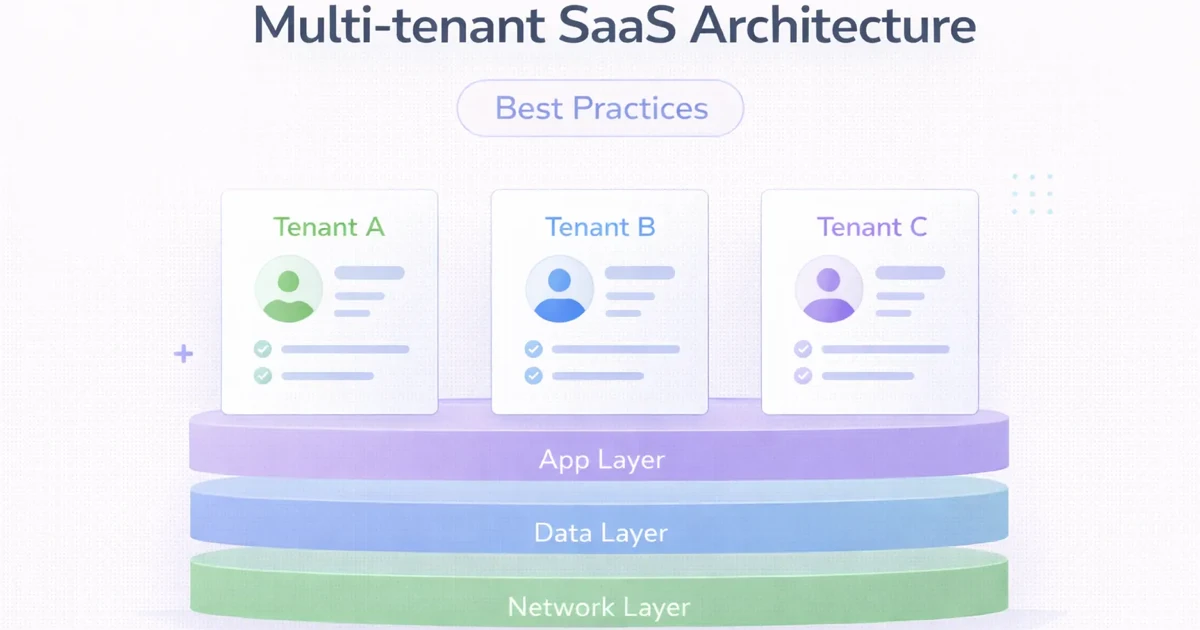
March 31, 2026
Multi-tenant SaaS architecture best practices for 2026: tenancy models, isolation, billing, observability, and what to decide early.
Read article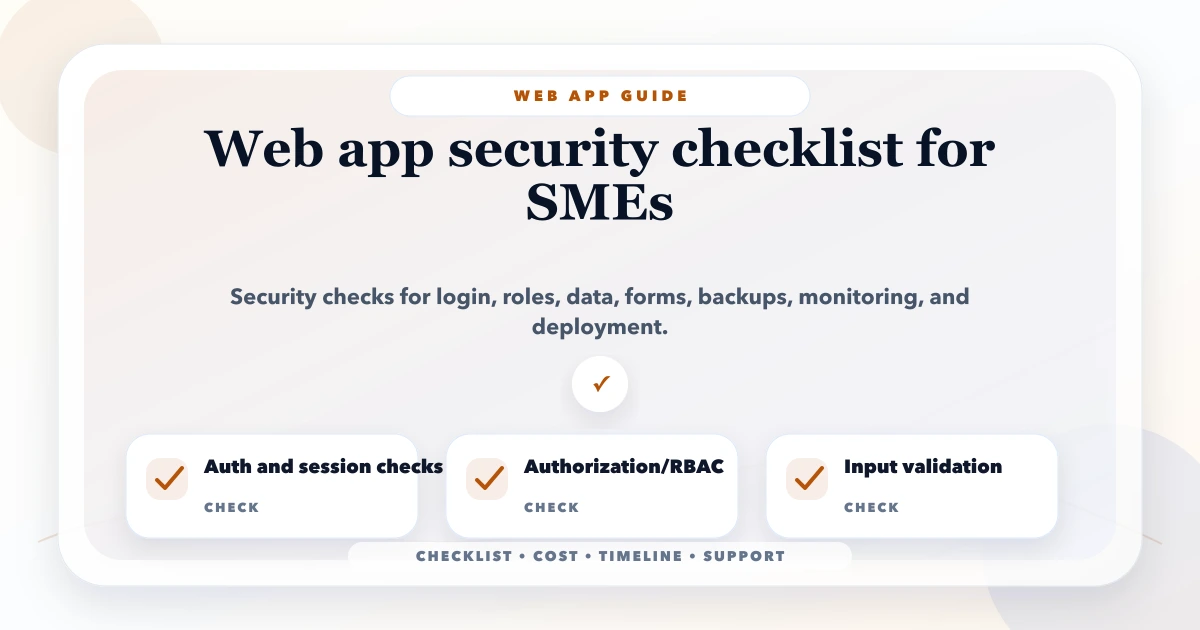
May 17, 2026
web app security checklist for SMEs: practical 2026 guide with checklist, cost, roadmap, tools, mistakes, FAQs, and next steps for Indian SMBs today safely.
Read article
March 19, 2026
Use this 2026 website security best-practices checklist for access, forms, updates, backups, APIs, monitoring, WordPress and incident response.
Read article