
April 3, 2026
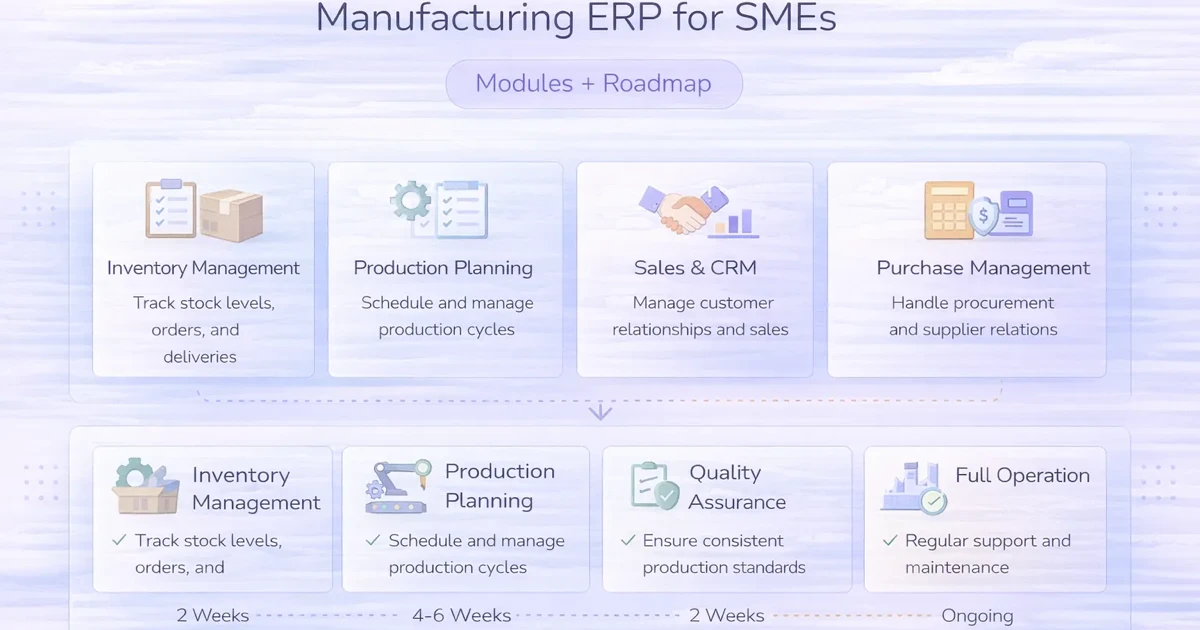
Manufacturing ERP for SMEs: Modules + Roadmap
Manufacturing ERP for SMEs explained: compare core modules, rollout stages, integrations, costs, controls, and practical implementation decisions in 2026.
Read articlePublished Updated
ERP for manufacturers features and cost: practical 2026 guide with features, cost, timeline, tech stack, mistakes, FAQs, proof, and next steps for Indian SMBs.
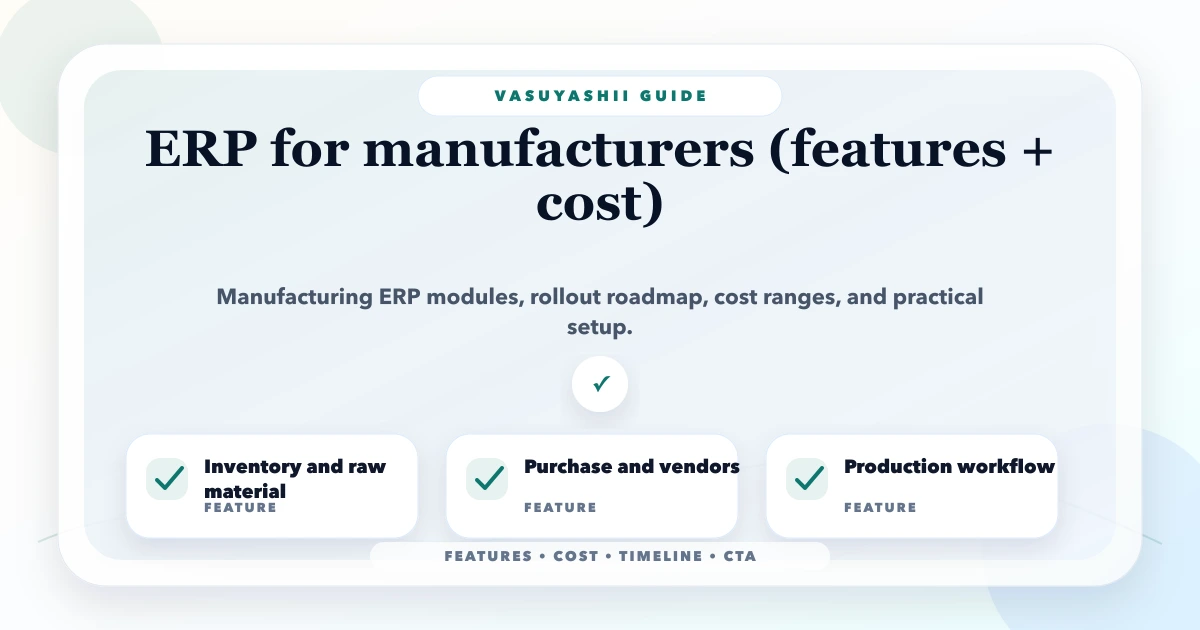
This guide on ERP for manufacturers features and cost is for small and mid-sized manufacturers that need purchase, inventory, production, dispatch, billing, approvals, and reporting in one system. If you are planning a website, CRM, inventory system, billing system, ERP module, or use-case landing page in 2026, the goal should be simple: help users understand what they get, how much it may cost, how long it takes, and how to contact you without confusion.
Indian SMB owners do not need fancy jargon. They need clear features, practical pricing, trust proof, fast mobile experience, WhatsApp/contact flow, and a system that can be maintained after launch. This article explains the recommended structure, features, cost drivers, rollout plan, and mistakes to avoid.
By Tushar C. (Founder, VASUYASHII). Reviewed by VASUYASHII Editorial for field experience, buyer usefulness, SEO clarity, and practical implementation relevance.
Serving Delhi NCR and nearby business markets: Ghaziabad, Noida, Delhi, Gurugram, Faridabad, Meerut, Hapur, and remote clients across India.
Manufacturing ERP should include inventory, purchase, BOM, production planning, job work, quality checks, dispatch, billing, vendor/client records, approvals, and management reports.
The best approach is not to copy a generic template. Start from the actual buyer journey, then build pages, forms, dashboards, reports, and CTAs around that journey. A good build should improve trust, reduce manual work, and make follow-up measurable.
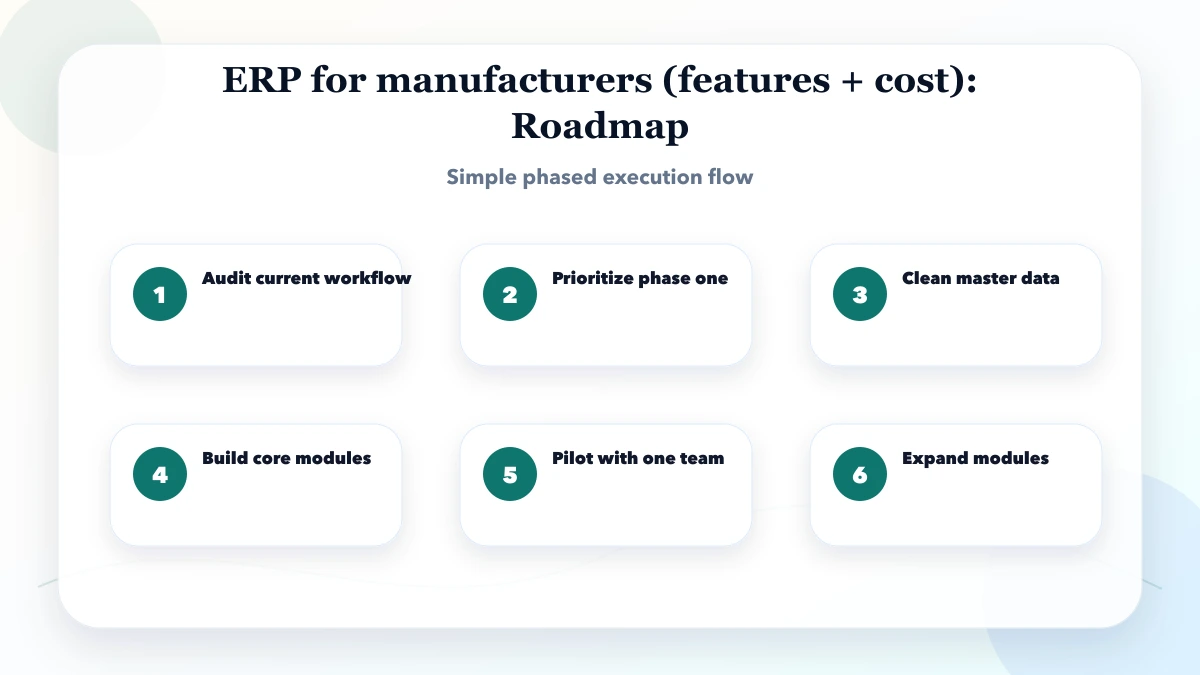
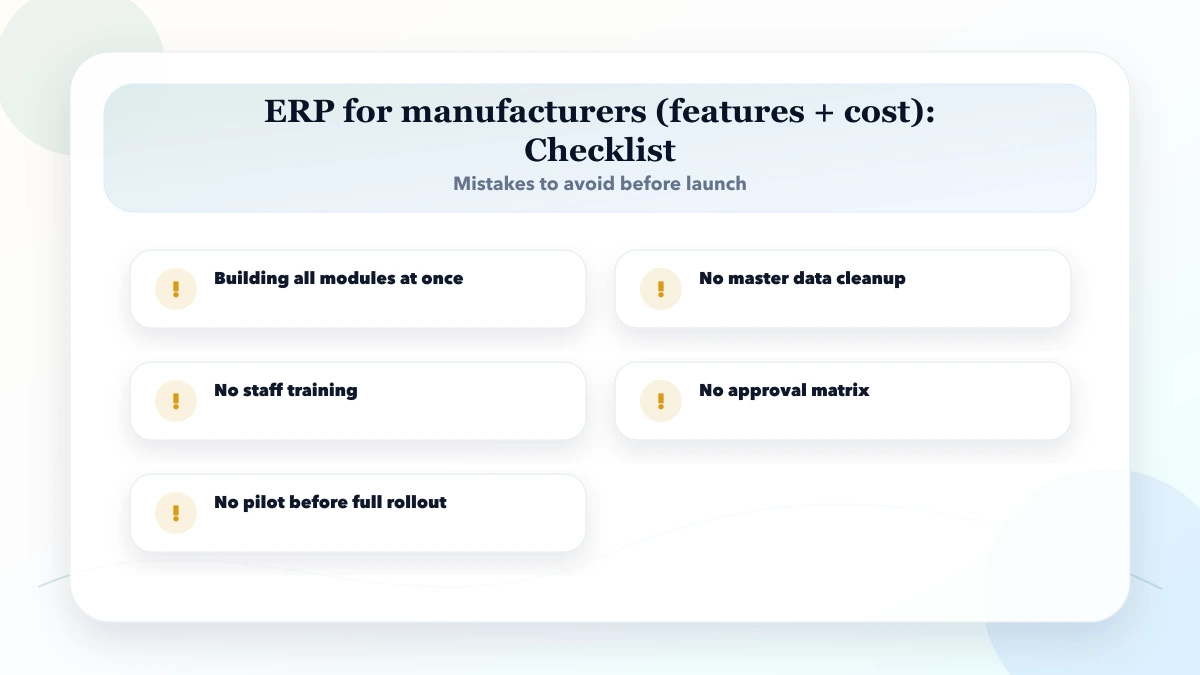
Manufacturing ERP should not start as a giant system. For SMEs, the best rollout begins with inventory, purchase, production visibility, dispatch, and reports, then adds advanced modules.
Each feature should have a business reason. A gallery without project details is weak. A form without tracking is incomplete. A dashboard without useful reports becomes another data-entry screen. Build only what helps enquiries, operations, reporting, or trust.
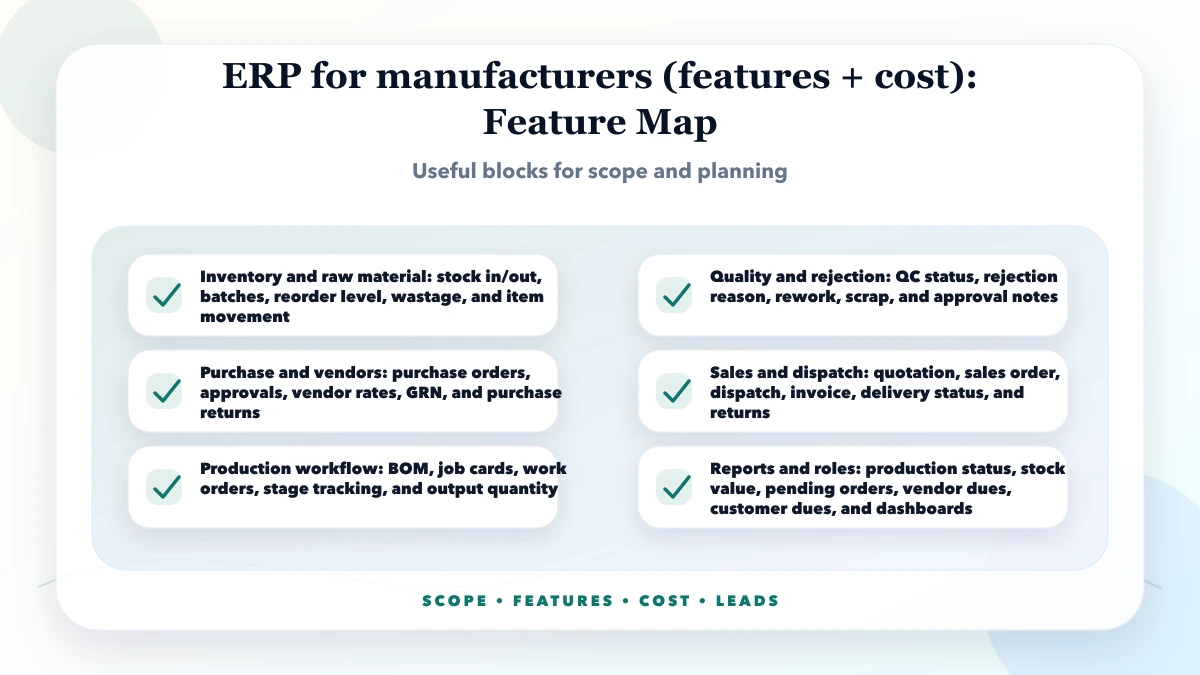
For a website, the structure should usually include a strong homepage section, service or category pages, proof blocks, FAQs, contact/WhatsApp CTA, and local trust. For software, the structure should include modules, users, permissions, reports, imports/exports, and support process.
The first screen should explain who the service is for and what problem it solves. The middle section should show features, proof, pricing context, and workflow. The bottom section should answer objections and push a clear next action.
| Scope | Practical price range | Typical timeline |
|---|---|---|
| ERP planning and SRS | ₹35,000 to ₹1 lakh | 1 to 3 weeks |
| Phase-one manufacturing ERP | ₹1.5 lakh to ₹5 lakh | 2 to 4 months |
| Advanced manufacturing ERP | ₹5 lakh to ₹15 lakh+ | 4 to 10 months |
These are planning ranges, not fixed quotes. Final pricing depends on scope, number of pages or modules, design quality, integrations, data import, admin panel, reports, content writing, image preparation, tracking, and post-launch support.
Keep the first version focused. If the business needs many features, split the work into phases: launch essentials first, then reporting, automation, integrations, and advanced dashboards. This reduces delay and keeps cost under control.
The stack should match the business. A simple website may not need a heavy custom backend. A billing, inventory, CRM, or ERP system should have strong data structure, role-based access, backups, exports, and future maintenance planning.
The biggest cost driver is usually not the homepage design. It is content preparation, custom workflow, data structure, integrations, reports, permissions, and revisions. Scope clarity before development saves money.
Before approving the project, compare three options: a basic website or tool, a growth-focused version, and a custom operational system. The basic version is useful when you only need online presence, contact details, and a simple enquiry path. The growth-focused version is better when you want SEO pages, proof sections, tracking, admin updates, and better lead quality. A custom operational system is needed when staff must manage data, permissions, inventory, billing, CRM, orders, or reports daily.
Ask these questions before finalizing scope: Who will use it every day? What data will be entered? What reports will the owner check weekly? What happens after a lead comes in? Which fields are compulsory? Which actions need approval? Who can export data? What should happen when staff leave or roles change? These questions prevent expensive rework later.
For Indian SMBs, the best project is usually not the largest first version. A phased build works better: launch the pages or core modules first, train the team, collect feedback, then add automation and integrations. This keeps budget practical and helps the owner see value before expanding.
Plan maintenance before launch. A website needs content updates, image compression, security updates, form testing, tracking checks, and periodic SEO refreshes. A software system needs backups, user management, bug fixes, data exports, report corrections, and small workflow improvements. If nobody owns these tasks, the project becomes outdated quickly.
At minimum, keep admin credentials, hosting details, source access, backup process, domain/DNS access, analytics access, and documentation organized. For software projects, also keep a role matrix, module list, database backup plan, and change-request process. This protects the business if staff or vendors change.
For public pages, do not depend only on design. Add page titles, meta descriptions, internal links, FAQs, proof, compressed images, schema where relevant, and a clear CTA. Use helpful language instead of keyword stuffing. If the page targets a specific industry, write about that industry's workflow instead of copying the same paragraph across many pages.
For lead conversion, keep the first action simple. WhatsApp works well for Indian buyers, but serious projects also need a form or scope request that captures service type, budget range, timeline, and contact details. This helps you respond faster and avoid low-quality conversations.
Avoid building only for appearance. A good website or system should answer buyer questions, reduce manual follow-up, and create measurable leads or operational control. If the team cannot update content, export data, or track enquiries, the build will feel incomplete.
Google's SEO Starter Guide recommends useful, people-first content, clear site structure, descriptive links, and crawlable pages. Use that as the baseline while keeping every page genuinely helpful for buyers.
If you are still planning the scope, start with a small checklist: target audience, must-have pages/modules, proof assets, enquiry flow, budget range, timeline, and who will update the system after launch. If you want help converting this into a proper scope, VASUYASHII can guide you.
After publishing, track impressions, clicks, WhatsApp clicks, form submissions, calls, qualified leads, and closed projects. Review Search Console after indexing and add FAQs based on real queries. If the page gets traffic but no leads, improve proof, CTA placement, form fields, and pricing clarity.
For industry pages, refresh content every 45 to 90 days. Add new proof, screenshots, FAQs, cost notes, and internal links. This keeps the page useful and prevents the website from looking stale.
A phase-one custom ERP for manufacturers can start around ₹1.5 lakh, while advanced production, QC, approvals, and integrations can cost much more.
Inventory, purchase, production visibility, and reports usually create the fastest operational benefit.
If production depends on raw materials and finished goods, BOM or recipe logic is important.
Yes, but data cleanup, staff training, and phased rollout are required.
Usually yes, because dispatch, invoice, inventory, and customer outstanding are connected.
A focused first phase can take 2 to 4 months; full ERP rollout may take longer.
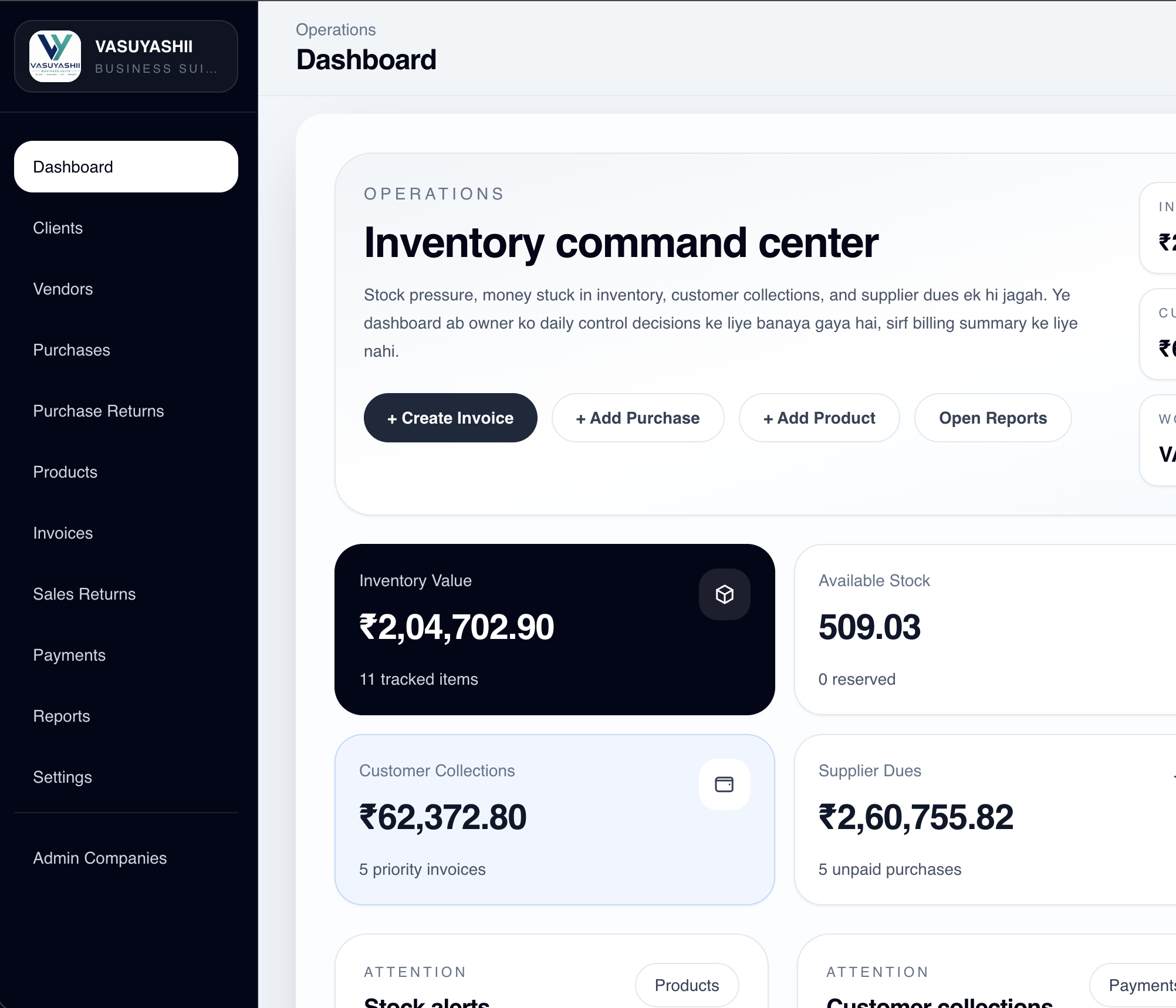
VASUYASHII Business Suite currently proves the billing, purchase, product, stock, payment, expense and reporting foundation of an ERP-lite system. The screenshot below is an actual current dashboard with demo data. It is evidence of implemented inventory and due visibility, not proof that advanced manufacturing is already included.
| Manufacturing event | Minimum record | Management decision enabled |
|---|---|---|
| material received | supplier, item, quantity, rate, batch if used | availability and payable review |
| job released | product, planned quantity, due date, owner | work priority |
| material issued | job, item, quantity, user, timestamp | variance investigation |
| output accepted | good quantity, rejection, reason | yield and rework review |
| dispatch approved | finished stock, customer order, invoice state | delivery readiness |
Decision example: a fabrication unit with simple make-to-order jobs may start with material issue, job status and finished quantity. A food or chemical manufacturer needing formulations, batch traceability and expiry control requires a deeper BOM/batch design and should not buy a generic inventory module as “manufacturing ERP”.
Limitations: current standard Business Suite positioning does not overclaim BOM, MRP, production scheduling, machine integration, payroll, full accounting or statutory e-invoice connectivity. Those are separate modules or future work. Cost and timeline depend on plant rules, migration quality, approvals, integrations and user training.
Use GS1 barcode standards when item, batch or shipment identification must work across partners. For GST invoice fields, verify the current GST taxpayer welcome kit or advice from the business's tax professional before locking the data model.
If you want a practical website, CRM, inventory, billing, ERP, or use-case landing page plan with clear pricing and implementation steps, VASUYASHII can help you scope it properly.
Related Articles
April 3, 2026
Manufacturing ERP for SMEs explained: compare core modules, rollout stages, integrations, costs, controls, and practical implementation decisions in 2026.
Read article
March 26, 2026
ERP software for small businesses guide with modules, roadmap, pricing in India, tech stack, timeline, and cost drivers for phased growth rollout today.
Read article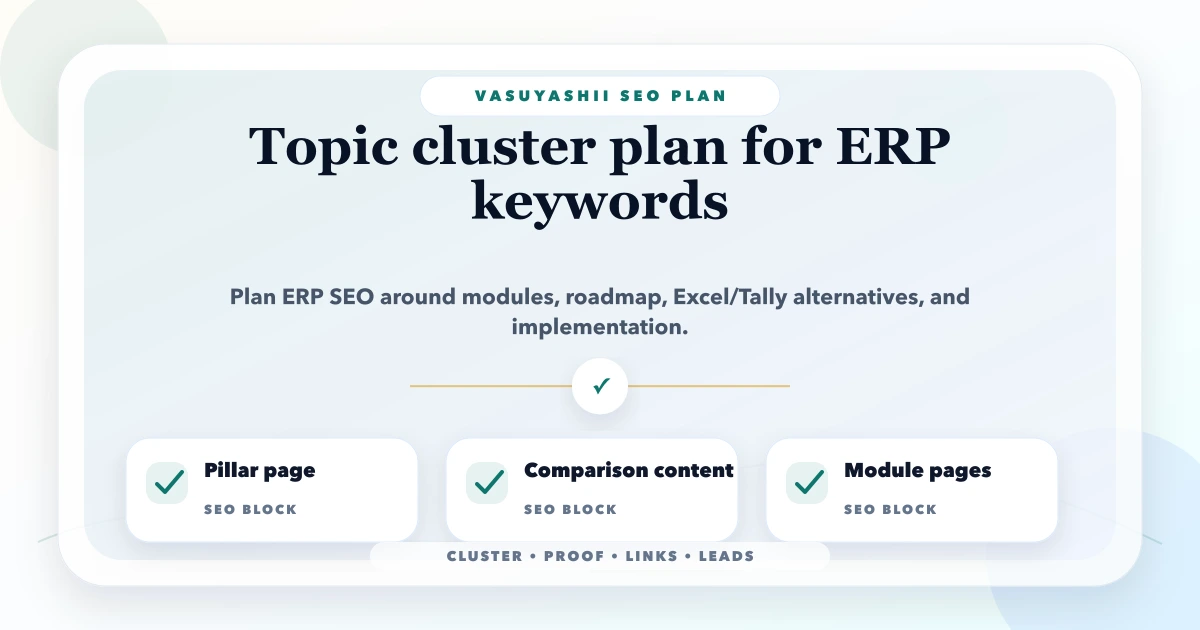
May 14, 2026
Plan an ERP keyword cluster with one pillar, distinct module and industry intent, phased implementation guides, internal-link rules, proof boundaries, and lead tracking.
Read article
May 24, 2026
Design purchase and sales return workflows that preserve document history, stock condition, tax references, refunds, approvals, audit trails, and reports.
Read article