
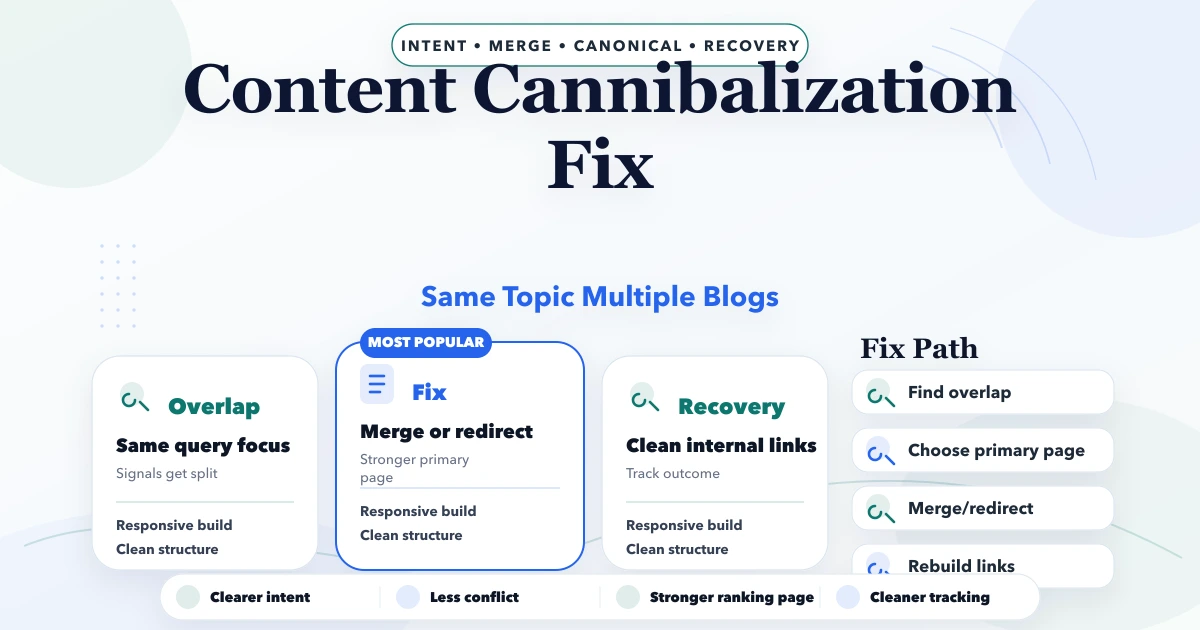
April 21, 2026
How to Fix Content Cannibalization Safely
Diagnose content cannibalization with query and page evidence, then differentiate, consolidate, redirect, canonicalize, or de-prioritize overlapping URLs.
Read articlePublished Updated
Refresh existing blog content using search intent, source evidence, internal links, metadata, consolidation checks and measured post-update review.
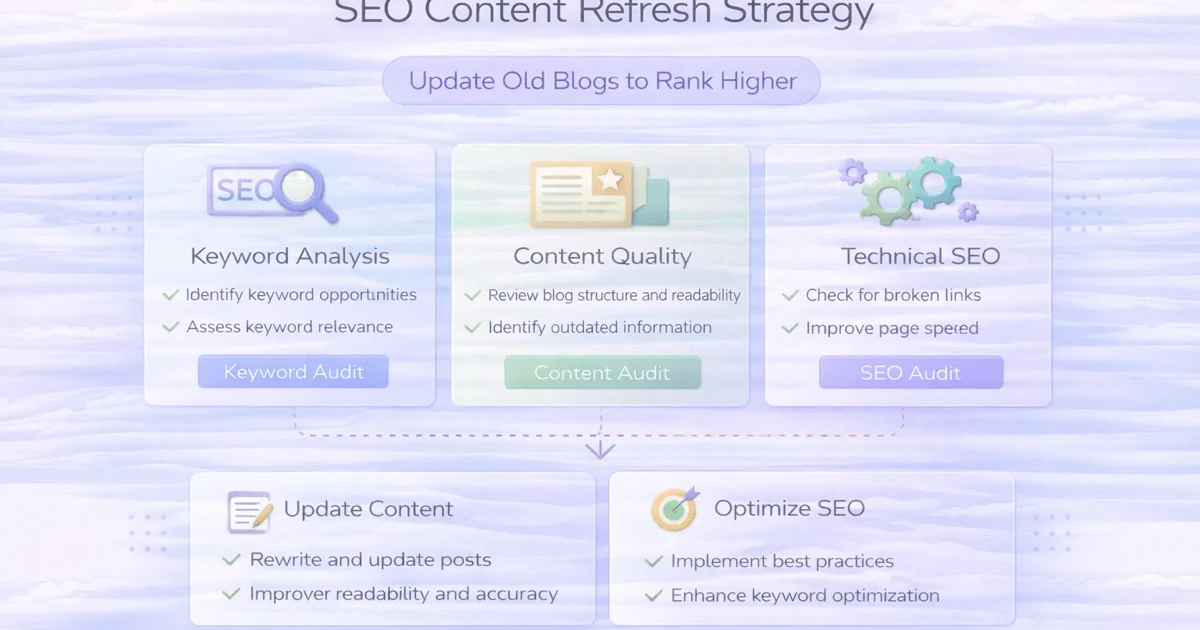
An SEO content refresh is a substantial improvement to an existing page based on current search intent, factual accuracy, business relevance and performance evidence.
It is not changing the date, adding a few keywords or asking an AI tool to rewrite every paragraph. A useful refresh makes the page more complete, more distinctive and easier for a reader to act on while preserving the URL signals that remain valid.
This guide explains how to select pages, diagnose the real problem, decide between improving, consolidating or retiring content, and measure the result without assuming that every update will increase rankings.
Use this sequence:
Do not refresh every page simply because it is old.
| Problem | Can content refresh help? | Other work required |
|---|---|---|
| Outdated facts or screenshots | Yes | Source verification |
| Thin explanation | Yes | Original analysis and examples |
| Search-intent mismatch | Often | Possibly reposition or consolidate |
| Weak title and description | Yes | Query and page review |
| Few internal links | Yes | Relevant source pages |
| Duplicate URLs | Not by itself | Canonical and redirect work |
| No authority or demand | Limited | Promotion, reputation and market fit |
| Slow or inaccessible page | No | Technical/performance work |
| Unsupported claims | Yes, by removing them | Evidence governance |
A refresh is one part of SEO. It cannot guarantee indexing, rankings, clicks or leads.
Create one row per canonical page with:
Without an inventory, teams often refresh easy pages rather than important ones.
Check whether the page has:
Use Search Console to identify:
Google’s official Performance report documentation explains clicks, impressions, CTR, position and report dimensions.
Score pages using practical criteria:
| Signal | Higher priority when |
|---|---|
| Business relevance | Page supports a current service or product |
| Existing visibility | It already has useful impressions |
| Intent gap | Queries and content are close but not aligned |
| Content debt | Page is thin, generic, outdated or repeated |
| Link opportunity | Relevant hubs and sibling pages can support it |
| Conversion route | A useful next step exists |
| Evidence | The team can add first-hand detail |
Avoid prioritising a page only because it is short. Google does not prescribe a preferred word count. The objective is a satisfying, people-first answer, consistent with Google’s helpful-content guidance.
Use when the URL has distinct intent and can become genuinely useful.
Use when two or more pages answer the same question. Merge the strongest evidence into one preferred page, update internal links and use a permanent redirect when appropriate.
Use when related pages can serve separate decisions. For example:
Use when the page is inaccurate, unsupported, obsolete and has no useful replacement role. Do not redirect every removed page to the homepage.
Use when the page is already accurate and helpful. Unnecessary rewrites can introduce errors.
Ask:
Record the answer before rewriting.
Keep the public URL when the topic remains the same. Record the original publication date. Update lastUpdated only after meaningful content changes.
State the problem, audience, scope and limitation. Remove generic openings that could fit hundreds of posts.
Add material that changes a decision:
Delete template paragraphs, generic pricing blocks and unrelated “tech stack” sections. A distinct page should not sound like every other article.
Use current primary sources for policies, standards and platform behaviour. Separate official guidance from VASUYASHII’s implementation approach.
Explain what the team actually reviewed, tested, implemented or measured. Do not invent clients or results.
Link to:
Add incoming links from relevant pages as well. See the internal-linking strategy for large blogs.
Write a descriptive title and meta description that match visible content. Avoid clickbait and unsupported outcomes.
Check:
Deploy one coherent batch. Record the changed URLs and date, then wait for recrawl and enough data before judging impact.
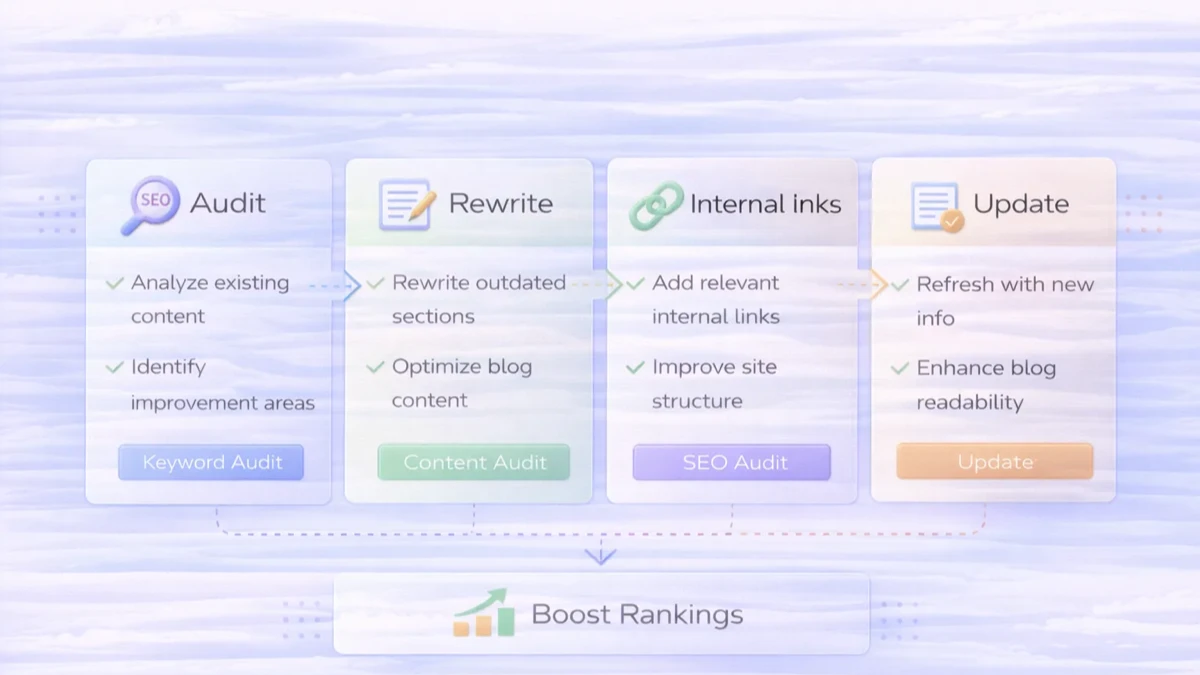
VASUYASHII currently maintains a 616-post inventory with a repeatable classifier that checks content depth, metadata, authorship, contextual links, incoming blog links, FAQs, tables, proof signals, repeated paragraphs and same-cluster similarity.
As of the July 2026 Batch D review:
KEEP;IMPROVE;The classifier is a prioritisation tool, not a Google ranking score. Every batch preserves slugs, original dates, covers and index controls, then runs a production build and rendered link/schema audit. This is current VASUYASHII process evidence; it does not prove that each refreshed URL will rank.
For the target page:
Search Console data can be preliminary and aggregated differently by page or property. Do not treat a one-day change as a reliable conclusion.
| Field | Record |
|---|---|
| URL | Final canonical URL |
| Refresh date | Deployment date |
| Reason | Intent, quality, CTR, accuracy or linking |
| Material changes | Sections, evidence, links and metadata |
| Baseline period | Comparable pre-change dates |
| Review period | First and second follow-up windows |
| Search metrics | Clicks, impressions, CTR and position |
| Business metric | Qualified lead or product action |
| Decision | Keep, iterate, consolidate or stop |
lastUpdated reflects meaningful work.Review priority pages when facts, products, search intent or business value change. A fixed monthly rewrite schedule is unnecessary.
Changing a date without substantial improvement is not a quality strategy. Preserve the original date and update the modification date only after real work.
No. Some pages should be consolidated, differentiated, retired or left concise. Usefulness matters more than length.
Usually not when the topic remains stable. If the URL must change, use a relevant permanent redirect and update internal links.
It can differentiate two pages, but technical duplicates may also require canonical, redirect, sitemap and internal-link changes.
Wait for deployment, recrawl and enough impressions for a meaningful comparison. The period varies by crawl frequency and demand.
No. A refresh can improve usefulness and consistency, but indexing remains a search-engine decision.
Start with current commercial or support pages that have evidence of visibility, business value and fixable quality debt.
For a current website or content architecture review, explore VASUYASHII services or share the priority URLs and business goal. A refresh batch should finish with evidence, validation and a review date, not just a higher word count.
Related Articles
April 21, 2026
Diagnose content cannibalization with query and page evidence, then differentiate, consolidate, redirect, canonicalize, or de-prioritize overlapping URLs.
Read article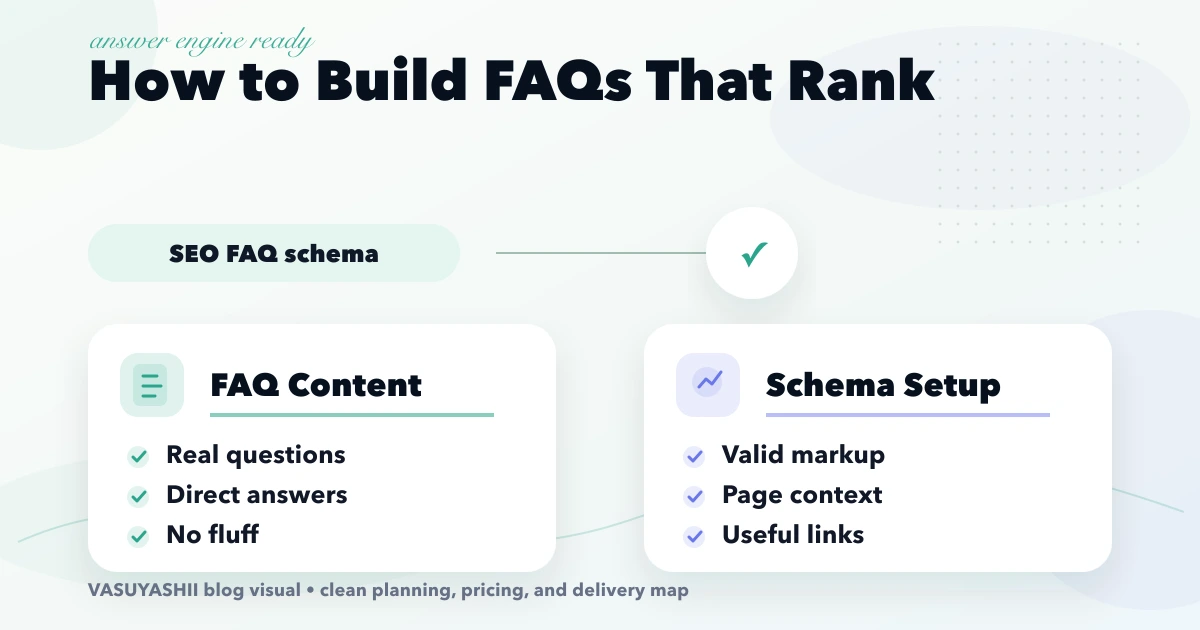
April 18, 2026
Build useful SEO FAQs from buyer questions, direct answers, internal links and review data. Understand the 2026 status of Google FAQ rich results and schema.
Read article
May 13, 2026
Build crawlable latest-blog links with stable dates, relevance, pagination, deduplication, meaningful anchors, hub support, and automated validation.
Read article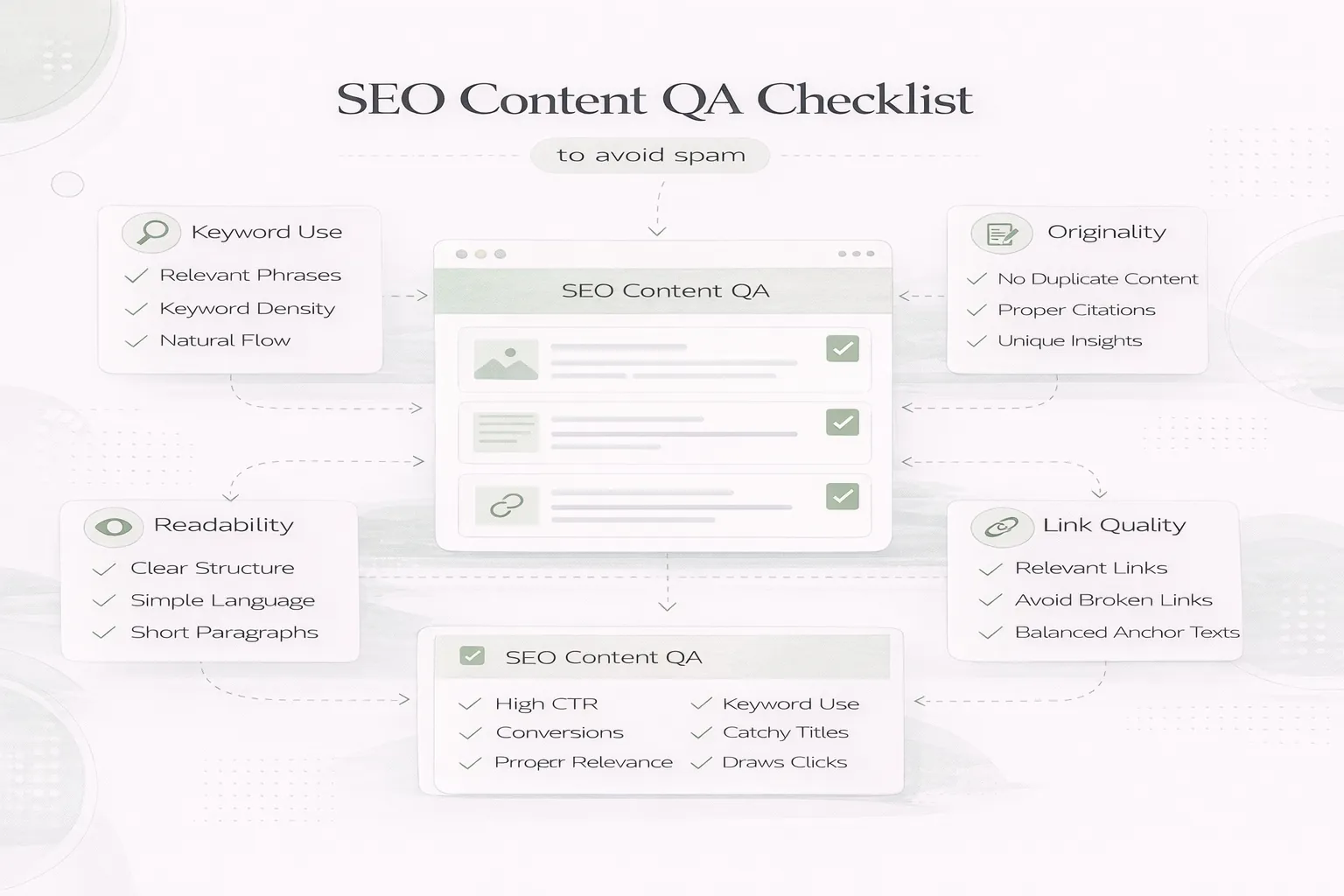
April 8, 2026
SEO content QA checklist to avoid spam: people-first review steps, duplication checks, internal links, and common quality mistakes in 2026.
Read article