
May 1, 2026
Kolkata B2B Export Website Planning Guide
Plan a Kolkata B2B export website with product specifications, buyer qualification, document requests, market boundaries, RFQs, and ownership.
Read articlePublished Updated
Plan a Meerut manufacturer or distributor website with product families, dealer qualification, RFQs, service coverage, evidence, tracking, and ownership.
Service-area note: VASUYASHII is based in Delhi NCR and supports businesses remotely across India. A city-focused guide describes service and planning context; it does not claim a physical office in every location mentioned.
Explore the parent topic: Website Development Delhi NCR Hub →A manufacturer, supplier, or distributor comparing a website development company in Meerut may need more than a general company profile. Dealers and institutional buyers want to understand product families, territory, commercial process, capacity boundaries, documents, and how to request a usable quotation.
This guide focuses on dealer and RFQ enquiries. It explains catalogue structure, partner qualification, evidence, service coverage, follow-up, and ownership. It does not claim a VASUYASHII office, manufacturer client, export result, or ranking in Meerut.
Written by Tushar C. (Founder, VASUYASHII) using the current VASUYASHII B2B website and workflow planning process. Product, certification, capacity, territory, and customer claims must be supplied and approved by the business.
A dealer-ready website should provide:
Do not publish wholesale prices, capacity, stock, certifications, or delivery promises unless the business can maintain and substantiate them.
| Buyer | Main question | Best website route |
|---|---|---|
| Dealer | Territory, margin process, range, support | Dealer enquiry page |
| Distributor | Volume, geography, logistics, terms | Distribution discussion |
| Institutional buyer | Specification, compliance, quotation | Product/RFQ route |
| Contractor | Compatibility, quantity, delivery | Application and RFQ |
| Retail customer | Product and nearest purchase path | Catalogue and contact |
| Existing partner | Support, documents, order issue | Partner support route |
Do not send every visitor to one generic form.
Organize products by how buyers choose:
Use stable product-family pages when individual SKUs change frequently. Create indexable product pages only when they contain useful unique information and can be maintained.
A B2B product page may include:
Do not copy supplier text across hundreds of pages. Add buyer context, verified data, and document ownership.
The first dealer form can ask:
Detailed registration, tax, financial, identity, or agreement documents should move to a controlled process after initial review.
New enquiry → Under review → Information requested → Approved/Declined → Onboarding
Do not imply that submitting a form guarantees territory or approval.
An RFQ should collect inputs needed to estimate:
Use product codes or a shortlist to preserve context. A generic “send price” WhatsApp message produces repeated clarification.
Product sheets, certificates, catalogues, warranty terms, and installation guides need owners.
| Document | Owner | Version trigger |
|---|---|---|
| Product data sheet | Product/technical team | Specification change |
| Catalogue | Marketing and product | Range change |
| Certificate | Compliance owner | Renewal or scope change |
| Warranty terms | Authorized management | Policy change |
| Installation guide | Technical team | Product/process change |
| Dealer form | Sales operations | Qualification change |
Remove expired or superseded documents. Do not alter official certificates inside design files.
State genuine service, distribution, or delivery coverage. Distinguish:
Do not imply a branch in every location served. The service-area page strategy explains truthful coverage.
Route dealer, RFQ, support, and retail enquiries to different owners. Record safe source context:
Do not place buyer name, phone, email, tax number, or free-text requirement in analytics. Sales can classify lead relevance inside the CRM.
The website can publish products and capture enquiries. A dealer portal may add:
Treat this as a web application with roles, data, security, and support. For stock, billing, purchase, and payment management, review the VASUYASHII Business Suite or scope custom software.
Select representative product families and list buyer types, documents, and quotation inputs.
Map category, product, dealer, RFQ, support, about, and contact routes.
Complete one difficult product family and one dealer enquiry before scaling.
Implement templates, safe forms, mobile layouts, metadata, catalogue data, and analytics.
Test whether each enquiry reaches the right owner with sufficient context.
Assign product, document, coverage, form, and access reviews.
VASUYASHII provides website development, software development, and integrations. We separate public catalogue, dealer qualification, and protected operational systems.
The website cannot guarantee dealer appointments, orders, or rankings. Use contact to share the actual product and enquiry workflow.
Only when the commercial model supports it. Account-specific or frequently changing prices may need a controlled request or portal.
It can automate defined checks, but most businesses should preserve authorized review for commercial and territory decisions.
Only when the page is useful and maintainable. Product-family pages may be better for large, changing ranges.
Yes when public distribution is approved and the file is current. Assign an owner and remove expired versions.
Capture safe source and product context, then manage buyer details, ownership, stage, and follow-up in a controlled sales system.
No. Genuine relevance, useful content, technical quality, authority, competition, and business evidence all influence visibility.
Not every enquiry should reach the same sales queue. A dealer asking for an available product, realistic quantity, known destination, and clear delivery window is different from a generic “send price list” request. Define a simple qualification model that helps the team prioritise without hiding valid enquiries.
| RFQ signal | Why it matters |
|---|---|
| Product or category selected | Routes the request to the correct owner |
| Quantity and unit supplied | Makes pricing and availability checks possible |
| Delivery city or PIN code | Supports freight and serviceability decisions |
| Required date stated | Reveals urgency and feasibility |
| Buyer type identified | Separates dealer, contractor, institution, and retail needs |
| GST or company details offered later | Supports formal quotation after initial review |
Do not make every field mandatory on the public form. Ask for the minimum that materially improves routing, then let the assigned person collect commercial documents through an approved process. Track the source page, selected category, and response status so marketing and sales can identify which catalogue paths create qualified demand.
Assign an owner for category names, specifications, downloadable documents, and discontinued products. When a product changes, update the detail page, related category links, RFQ options, and any brochure using the old information. Keep an approval date or revision reference for technical files where buyers depend on accuracy.
Review site-search terms and failed enquiries monthly. Repeated searches for an absent specification may justify a new filter or comparison table; repeated requests for products the business does not supply should trigger clearer exclusion language. This feedback loop makes the website a better dealer tool without pretending it is a real-time inventory system.
Ask one salesperson and one catalogue owner to complete a sample RFQ without developer guidance. They should find the product, understand what information is required, submit the request, identify its source, and prepare the next response. If either person needs an offline explanation, improve the page or workflow before launch. The owner should also verify domain, form, analytics, catalogue, and document access.
Repeat the check on a mobile connection using a product with a long specification and one discontinued item.
Build the Meerut website around product discovery, honest coverage, dealer qualification, and quotation inputs. This creates a usable B2B sales path while protecting commercial decisions and sensitive onboarding data.
Related Articles
May 1, 2026
Plan a Kolkata B2B export website with product specifications, buyer qualification, document requests, market boundaries, RFQs, and ownership.
Read article
March 22, 2026
A Meerut website migration guide for established businesses: audit old URLs, protect search value, improve lead flow, and plan a safer rebuild.
Read article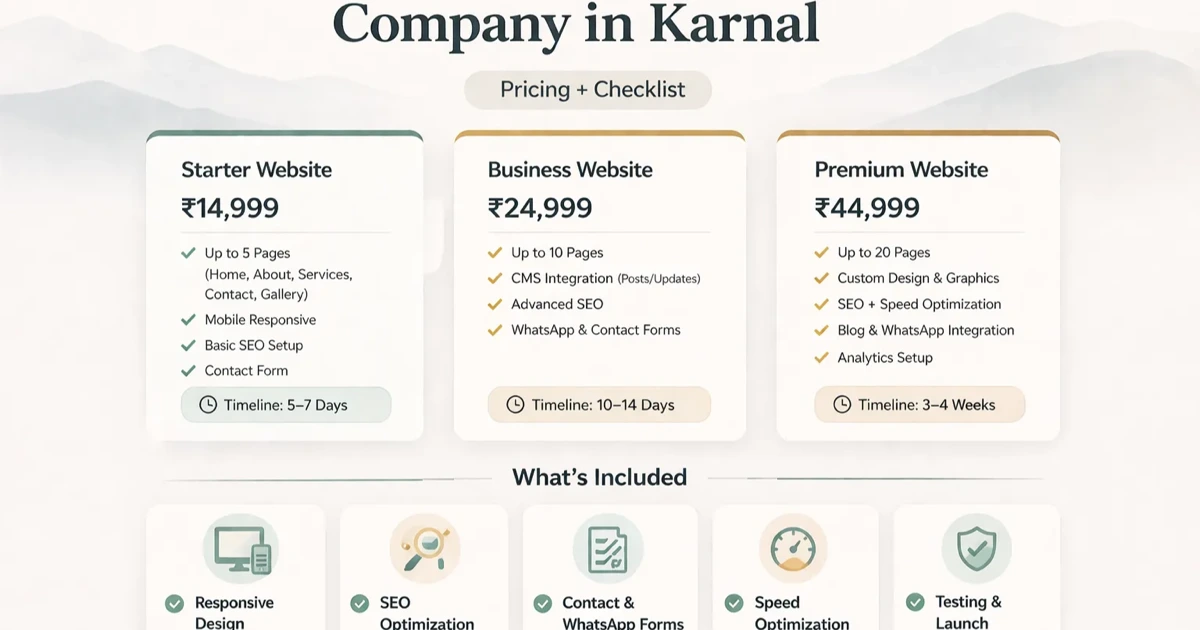
April 5, 2026
Plan a Karnal agri or dealer website with product categories, seasonal enquiry routes, RFQ inputs, documents, coverage, ownership, and acceptance checks.
Read article
March 23, 2026
Plan a Hapur supplier website with product categories, trade enquiries, dispatch coverage, quotation inputs, verified documents, tracking, and ownership.
Read article