

March 23, 2026
Hapur Supplier Website for Product and Dispatch Enquiries
Plan a Hapur supplier website with product categories, trade enquiries, dispatch coverage, quotation inputs, verified documents, tracking, and ownership.
Read articlePublished Updated
Plan a Hapur service website for inspections, repair bookings, maintenance enquiries, service areas, WhatsApp updates, and measurable lead routing.
Service-area note: VASUYASHII is based in Delhi NCR and supports businesses remotely across India. A city-focused guide describes service and planning context; it does not claim a physical office in every location mentioned.
Explore the parent topic: Website Development Delhi NCR Hub →A website development company in Hapur should not give every business the same five-page template. A repair, maintenance, installation, or field-service business has a specific challenge: the website must collect enough information to schedule the right response without turning the enquiry into a long application form.
This guide focuses on inspection, repair, and maintenance booking websites for Hapur service businesses. A separate Hapur article covers supplier and business website positioning. Keeping this page tied to booking and field-service operations makes its purpose distinct.
The useful outcome is not “a modern online presence.” It is a routed service request containing:
The business should receive the request in a channel it actually monitors. The customer should receive a clear acknowledgement without a false promise of immediate service.
Explain the service radius, visit charge policy, appointment confirmation, and whether parts are included. The form should capture location and equipment type.
Publish accurate address, hours, landmark, and whether a prior appointment is required. Include directions and a call action.
Describe what is covered, response expectations, exclusions, renewal process, and how existing customers raise a request.
Collect site type, approximate scope, timeline, and decision-maker contact. Use a quote request rather than a “book now” button when pricing requires inspection.
| Page | Purpose |
|---|---|
| Home | Explain services, area, process, proof, and primary booking action |
| Service pages | Define each repair, maintenance, or installation scope |
| Service area | Explain genuine coverage and visit policy |
| Maintenance plans | Clarify plan types, inclusions, and exclusions |
| About | Show verifiable experience, process, and team context |
| Contact/book request | Capture a routable request and set expectations |
If staff need to assign jobs, update status, or manage repeat customers after the public form, a simple website may need a connected custom software workflow. Build that only after the booking process is understood.
Suppose an electrical maintenance provider receives enquiries through personal phone numbers. Customers send incomplete messages, technicians do not know the exact location, and the owner cannot see which service categories create the most demand.
A sensible phase one could provide:
Do not build a complex scheduling platform until real request volume and assignment problems justify it.
Ask only what changes the next operational step.
Photo upload can help some repair services, but it introduces storage, security, and privacy responsibilities. Use it only when the team has a safe handling process.
The success screen should state:
This reduces duplicate enquiries and protects the business from accidental overpromising.
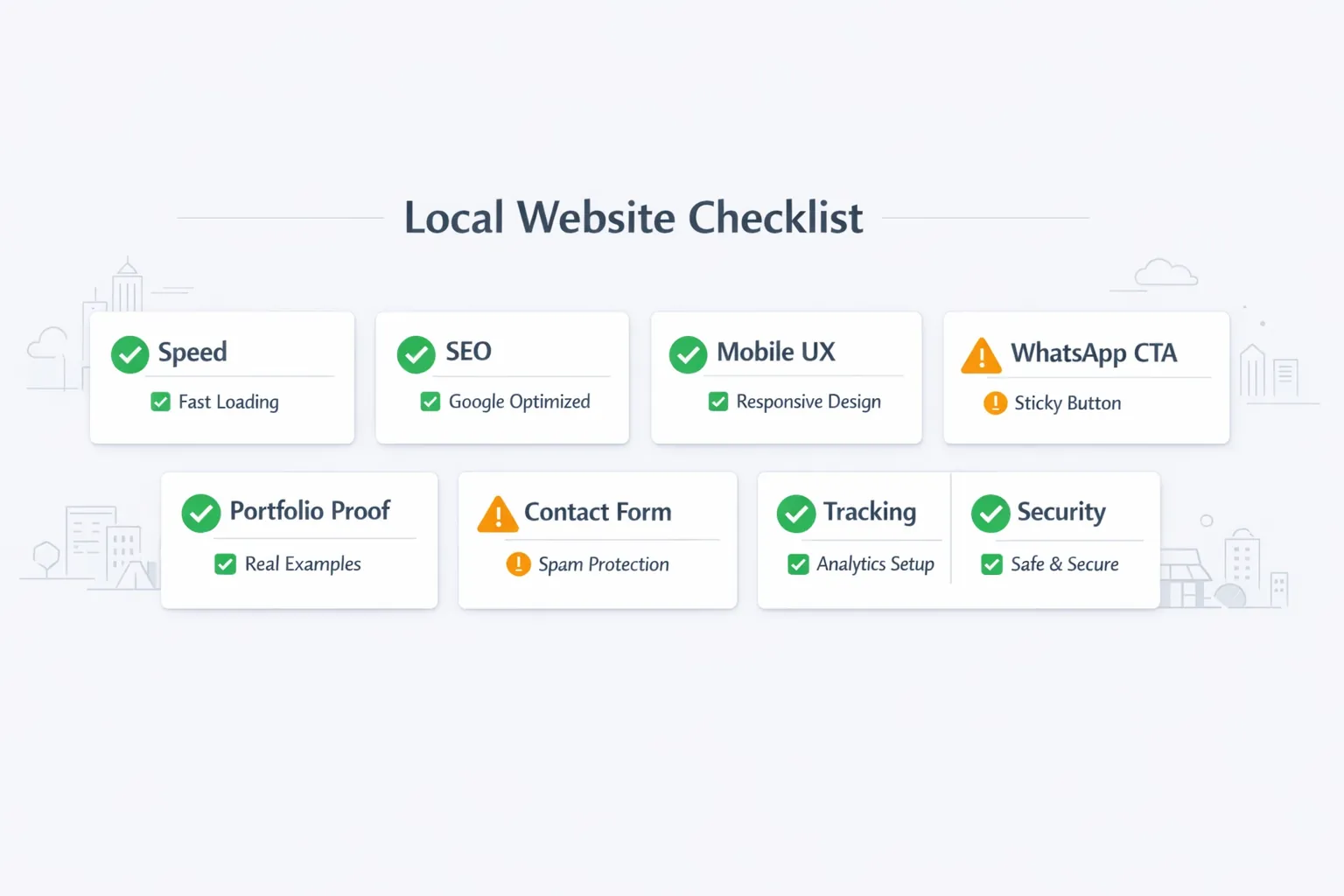
Location content should explain operations:
Do not generate a separate page for every neighbourhood unless each page has unique, useful service information. The service city page guide explains how to avoid thin local content.
Useful proof for a field-service business may include:
Avoid stock project galleries presented as completed work. Never publish invented reviews, customer counts, or “24/7” claims unless the operating team can fulfil them.
Some services can show fixed starting prices; others require inspection. Choose one of these models:
| Model | Best for | What to publish |
|---|---|---|
| Fixed price | Standard, repeatable job | Exact scope, exclusions, taxes |
| Starting price | Variable but bounded work | What the starting amount covers |
| Inspection quote | Site-dependent work | Inspection fee and quote process |
| Maintenance plan | Recurring coverage | Frequency, covered items, limits |
Transparent pricing does not require publishing an unrealistic universal rate. It requires explaining how the final amount is decided.
The website should include:
Compare costs and recurring ownership using the Ghaziabad website cost guide, because the same scope questions apply outside Ghaziabad.
Document how a request currently arrives, who checks it, how serviceability is decided, and who confirms the appointment.
Create service pages, service-area information, trust content, and the booking form. Keep the team workflow manual if that is enough.
Track successful forms, calls, and WhatsApp actions. Label service categories consistently so enquiry quality can be reviewed.
Only after enough real data exists, consider assignment dashboards, customer status, automated reminders, invoices, or payments through integrations and automation.
Ask:
The website becomes useful when the team treats it as an intake channel rather than a finished brochure.
At the start of each day:
At the end of each week:
Record the eventual outcome with a small controlled vocabulary such as qualified, outside service area, duplicate, no response, scheduled, completed, or lost. This allows the owner to improve page content and routing without exposing private customer details in analytics.
The process can remain in a shared sheet during early rollout. Automation should be introduced only when the team can explain the current manual rule and its failure cases.
Current VASUYASHII service scope begins with the service categories, response process, area policy, and current lead channels. Then the team can decide whether the requirement is a normal website, a web application, or a phased integration. This describes the proposed method and does not claim a Hapur office or specific client result.
Yes, when staff calendars, duration rules, service areas, and capacity are reliable. Otherwise, accept a request and confirm it manually.
Not always. WhatsApp is convenient, while a structured form collects consistent routing data. Many businesses use both with clear purposes.
Create pages for genuinely different services with different questions or workflows. Do not create thin pages for synonyms.
They can if uploads are secured, limited, stored responsibly, and deleted according to a policy. Do not add uploads casually.
Only if the business has a clear charge such as inspection fee or booking deposit. Define cancellation and refund rules first.
Successful requests, call clicks, WhatsApp clicks, service category, locality, response time, qualification, and eventual outcome where the team can record it.
Write the current service request process on one page before asking for a website quote. To discuss a Hapur service website, share the categories, area policy, and confirmation method through contact. The first version should improve lead quality before adding complex automation.
Related Articles
March 23, 2026
Plan a Hapur supplier website with product categories, trade enquiries, dispatch coverage, quotation inputs, verified documents, tracking, and ownership.
Read article
March 22, 2026
Website development company in Delhi: low starting packages, SEO-ready structure, mobile-first UX, proof system, and WhatsApp lead generation strategy in 2026.
Read article
March 22, 2026
Website development in Ghaziabad: compare design, catalogue and enquiry scope, quotation items, launch checks and ownership. Plan your business website.
Read article
March 22, 2026
A Meerut website migration guide for established businesses: audit old URLs, protect search value, improve lead flow, and plan a safer rebuild.
Read article