
April 21, 2026
Laxmi Nagar Website Development for Enquiry Teams
Build a Laxmi Nagar website for coaching, professional, and service enquiries with course or service pages, qualification, tracking, and handover.
Read articlePublished Updated
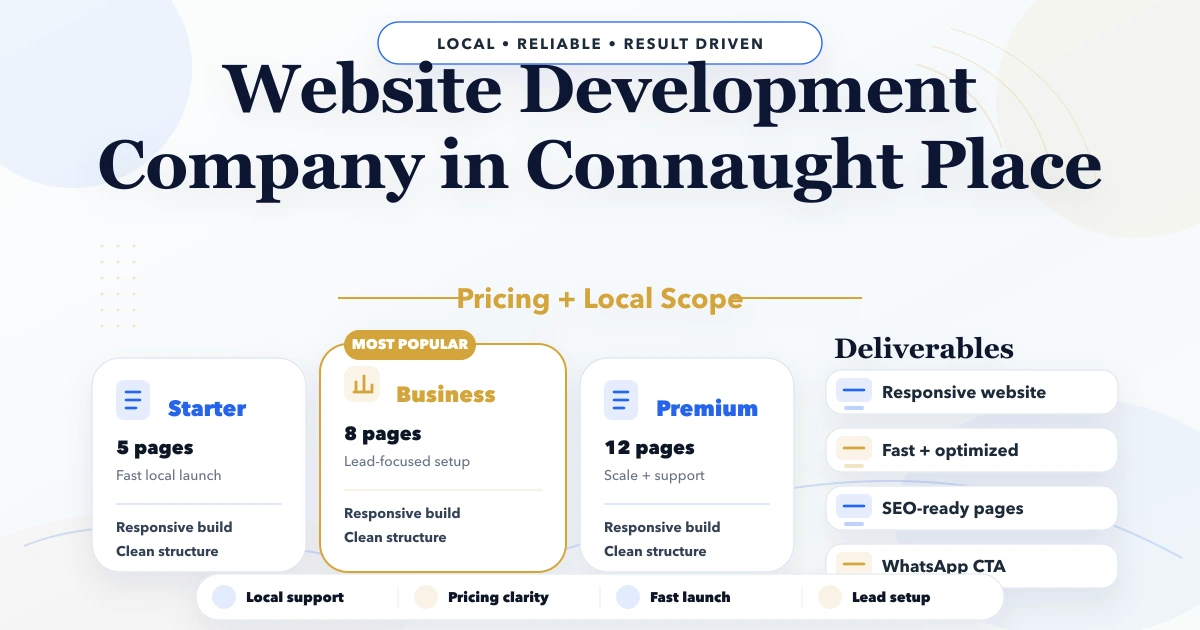
Plan a Connaught Place business website for office visitors, multiple teams, appointments, enquiries, location guidance, analytics, and secure ownership.
Service-area note: VASUYASHII is based in Delhi NCR and supports businesses remotely across India. A city-focused guide describes service and planning context; it does not claim a physical office in every location mentioned.
Explore the parent topic: Website Development Delhi NCR Hub →A business searching for a website development company in Connaught Place may not need another generic local landing page. It may need a website that helps office visitors, corporate buyers, candidates, partners, and existing customers reach the correct team without repeated calls and manual forwarding.
This guide focuses on that operating problem. It explains how a Connaught Place office, professional firm, multi-branch service company, or appointment-led business can structure location guidance, departments, enquiry routing, and ownership. It does not claim that VASUYASHII has an office in Connaught Place.
Written by Tushar C. (Founder, VASUYASHII). The recommendations use the current VASUYASHII approach to page planning, forms, analytics, and handover. Any example below is a planning scenario, not a claimed local client result.
A centrally located office can receive very different enquiries:
If the homepage gives one phone number and one large contact form, internal staff must classify every request manually. The website should perform the first routing step while remaining simple for the visitor.
Use a short central navigation and purpose-specific actions.
| Visitor | Best destination | Information to collect |
|---|---|---|
| New business prospect | Service or proposal page | Requirement, company, preferred response |
| Existing customer | Support route | Account reference, issue category, no passwords |
| Appointment visitor | Visit page | Team, date, access instructions |
| Candidate | Careers page | Role and application method |
| Vendor or partner | Partnership route | Company and purpose |
| Branch customer | Locations page | Service and preferred branch |
This structure keeps private information out of a general-purpose form and makes reporting more meaningful.
A useful Connaught Place page can include:
Do not create fictional suites, landmark descriptions, or keyword-stuffed directions. Name, address, and phone details should remain consistent across the website and verified profiles. Use the NAP consistency guide when multiple teams update listings.
The first screen should answer:
A practical sequence is:
Avoid making the location the entire value proposition. A prestigious address cannot replace a clear offer.
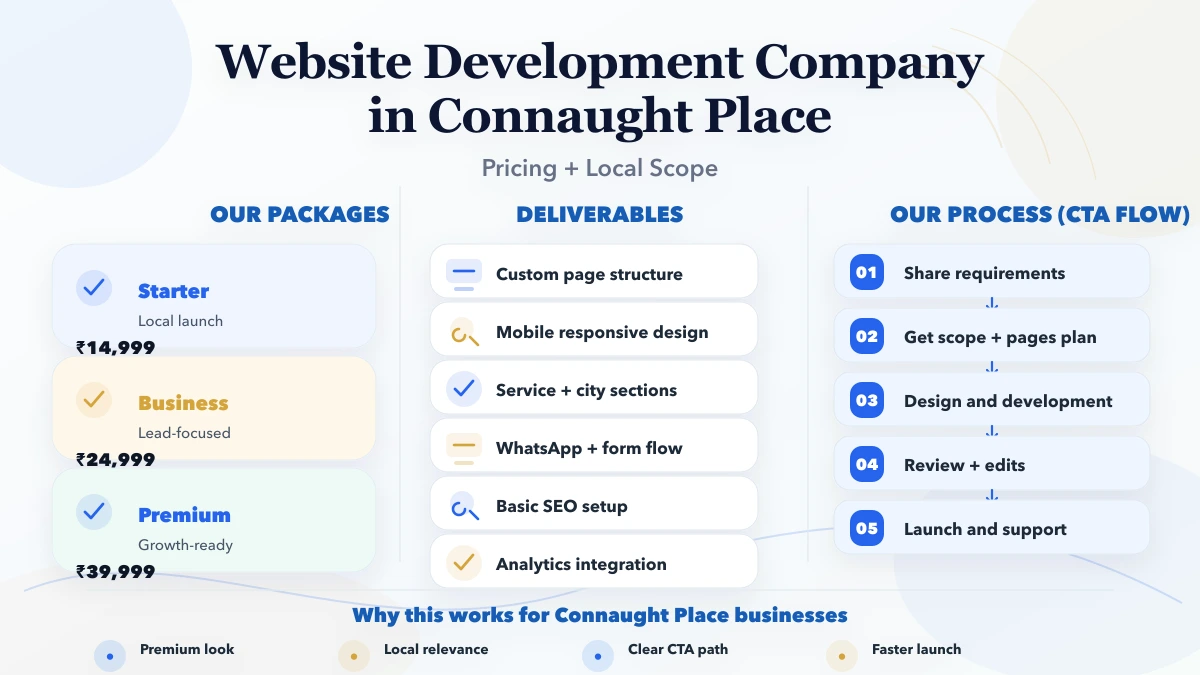
The contact experience can stay compact while sending useful context.
Ask for service, requirement summary, company, and preferred response method. Budget or deadline fields can be optional when they improve qualification.
Use a calendar only if the team can maintain availability. Otherwise, collect preferred date and purpose, then confirm manually. Never present an unconfirmed request as a confirmed appointment.
Send customers to an authenticated portal, support email, or dedicated form. Tell them not to submit passwords, payment card details, or sensitive documents in a normal enquiry form.
Label the department and prefill enough context for routing. Track the click as an event, but do not send message contents or phone numbers to analytics.
The WhatsApp CTA placement guide helps distinguish a useful contact action from a floating distraction.
When one website represents several offices, establish a single source of truth.
| Data | Owner | Review trigger |
|---|---|---|
| Address and office hours | Operations | Move or schedule change |
| Phone and email routing | Department lead | Team change |
| Service availability | Sales or delivery | Scope change |
| Staff biographies | HR or leadership | Joiner, leaver, role change |
| Legal details | Authorized owner | Registration or policy change |
| Analytics access | Marketing and owner | Agency or employee change |
Do not let each branch publish independent copies of the same service page. Keep the main service explanation central and use branch pages only for genuinely different availability, team, evidence, or visit information.
The page should display useful text and contact options without waiting for decorative animation. Compress images, reserve dimensions, and test on a constrained mobile connection.
Keyboard users must reach menus, forms, and modal dialogs. Form labels should remain visible, errors should explain the correction, and contrast should be checked.
Every indexable page should have one final HTTPS www URL, a matching canonical, and consistent Open Graph and structured-data URLs. Redirect retired routes directly to their closest useful replacement.
Apply server-side validation, spam protection that does not block legitimate users, safe storage, and clear retention. Do not email sensitive submissions to broad distribution lists.
Record page views and agreed actions such as proposal start, successful lead submission, appointment request, phone click, and directions click. Define the event names before implementation.
Read the web app security access guide when the project includes customer or staff login.
| Scope | Suitable when | Typical components |
|---|---|---|
| Office presence | One team, simple enquiries | Core pages, visit details, form, analytics |
| Multi-team routing | Several departments | Service routes, conditional form, ownership matrix |
| Appointment flow | Scheduled visits | Availability workflow, confirmation, reminders |
| Multi-branch system | Several service locations | Central services, location records, branch routing |
| Portal integration | Existing customers need access | Public website plus secure application boundary |
Price should follow the approved components, content responsibility, integrations, migration, and support. A “five-page” quote is not comparable with a multi-team routing project even if both use the word website.
List the requests received by reception, sales, support, HR, and operations. Note which ones should never enter the public form.
Give every page a purpose, owner, primary action, and source of evidence. Remove pages that only repeat the homepage.
Test contact, appointment, branch selection, and support routing before polishing secondary sections.
Create mobile layouts with real copy lengths and real address formats. Add only the integrations included in scope.
Test routing destinations, consent language, analytics events, redirect behaviour, accessibility, and account ownership.
The website delivery checklist is useful before acceptance.
VASUYASHII begins with the request map and page ownership rather than an assumed template. Website development, software development, and integrations can be scoped separately so a public marketing site does not accidentally become an undefined portal project.
This local planning guide supports the broader website development Delhi NCR hub, which is the main route for regional service scope and enquiry planning.
We do not guarantee local rankings or invent local business evidence. The business must supply and approve addresses, staff details, credentials, reviews, and branch claims. Discuss the real requirement through contact.
No. A genuine, consistent location can help users and local systems understand the business, but rankings also depend on relevance, evidence, authority, competition, and the quality of the search experience.
Only when it has a distinct audience, information need, or conversion route. A small team may use sections on one contact page; a larger organization may need dedicated routes.
Yes, when calendar rules, capacity, time zones, cancellation, and notification ownership are defined. Otherwise, treat the submission as an appointment request.
Use structured data only when it accurately represents visible, eligible business information. Do not add markup solely to insert extra location keywords.
Keep authoritative service content central. Branch pages should explain actual availability, team, access, evidence, or operating differences and link back to the main service.
Measure the actions that reflect intent: proposal submissions, appointment requests, relevant calls, directions, and branch selection. Review lead quality rather than celebrating clicks alone.
A Connaught Place business website should act as a reliable reception and routing layer. Build around real visitor purposes, verified location data, department ownership, and measurable outcomes. That creates more operational value than another generic city page.
Related Articles
April 21, 2026
Build a Laxmi Nagar website for coaching, professional, and service enquiries with course or service pages, qualification, tracking, and handover.
Read article
April 19, 2026
Plan a Rohini website for clinics, institutes, and service teams with clear service routes, enquiry triage, proof governance, tracking, and ownership.
Read article
June 6, 2026
Plan a Noida Sector 62 B2B service website with account-focused pages, proof, lead qualification, sales routing, measurement, and CRM boundaries.
Read article
April 19, 2026
Plan a Dwarka home-service website with locality coverage, society-access notes, visit-charge rules, service requests, proof, and lead routing.
Read article