
April 23, 2026
Website Development in Gulaothi: Phased Plan
Plan a Gulaothi small-business website in phases with essential pages, content ownership, handover, realistic costs and upgrade decisions.
Read articlePublished Updated
Plan a Baghpat B2B website with product categories, specifications, RFQ routing, dealer enquiries, content ownership and supplier proof.
Service-area note: VASUYASHII is based in Delhi NCR and supports businesses remotely across India. A city-focused guide describes service and planning context; it does not claim a physical office in every location mentioned.
Explore the parent topic: Website Development Delhi NCR Hub →A supplier, manufacturer, trader or distributor does not need an ecommerce website merely because it has products. Many B2B buyers need specifications, capability, quantity context and a structured request for quotation before price or delivery can be confirmed.
This guide frames a Baghpat business website around catalogue and RFQ operations. It is not a claim that VASUYASHII has a Baghpat office, local customer or measured procurement result. The business type examples are planning scenarios, and every factual claim must come from the owner.
| Model | Best fit | Important limitation |
|---|---|---|
| Marketing catalogue | buyer needs products and contact route | staff handles quote manually |
| RFQ catalogue | price depends on quantity/specification | workflow and response ownership required |
| Ecommerce | product, price, stock and fulfilment are standard | payment, tax and order operations increase scope |
| Dealer portal | approved buyers need private price/order access | authentication, roles and support required |
Do not add checkout when the business cannot maintain live price, stock, tax and fulfilment rules.
Define reusable fields before design:
A consistent product model makes the catalogue searchable and maintainable. Avoid storing important specifications only inside image graphics.
For a smaller catalogue, a product-specific WhatsApp or form link may be enough. Larger catalogues benefit from an RFQ basket.
Explain what the business supplies or makes, production/sourcing boundaries, service regions and commercial process. Use approved facts only.
Help buyers choose a product group using applications and differences. These pages can target search intent without duplicating product descriptions.
Show specifications, downloads, related options and a product-aware enquiry action.
Create these only when the content explains a distinct use case. Do not copy the same product list under several industry names.
Summarise selected products and collect quantity, destination, timeline and buyer context.
Keep dealer onboarding separate from a product quote. It may require territory, business profile and documentation.
Review the product catalogue web app guide when an editable price list or login is needed.
| RFQ field | Operational use |
|---|---|
| Product/model | identifies requested item |
| Quantity/unit | supports price and feasibility |
| Delivery location | informs logistics |
| Required date | qualifies urgency |
| Application | reduces specification mismatch |
| Company/business type | supports B2B qualification |
| Document | useful for drawings or requirement sheets |
Uploads need file-type, size, malware and access controls. Do not expose private files through predictable public URLs.
Route enquiries by product category or territory when a named owner exists. If routing fails, alert an administrator instead of silently losing the RFQ.
Appropriate evidence may include:
Do not publish client logos, export claims, production capacity or certifications without approval.
Use descriptive URLs, unique titles and crawlable text for public products. Keep filter combinations controlled so they do not create thousands of low-value URLs.
Create category introductions that help selection. Product descriptions should explain the actual item rather than repeat manufacturer boilerplate. Use canonical controls where the same product appears through several navigation paths.
The SEO-friendly URL guide covers stable route naming and migration rules.
Optimisation must preserve enough detail for the buyer to inspect the product.
Assign:
| Task | Owner |
|---|---|
| product facts | product or sales owner |
| technical validation | authorised subject expert |
| price/availability wording | commercial owner |
| media rights | business owner |
| publishing | trained editor |
| enquiries | sales owner |
| backups and releases | technical owner |
An editable CMS is useful only when someone is responsible for accuracy.
Large catalogues often begin in spreadsheets. Define one import template with required columns, allowed units, category values, unique identifiers and image/document references. Validate a small batch before importing everything.
Common problems include duplicate SKUs, mixed units, inconsistent category spelling, missing public descriptions and filenames that do not match records. Produce an error report instead of silently skipping rows. Keep the original file, corrected file, import time and responsible user so changes can be traced.
After import, sample products from every category and compare the public page with the approved source. Confirm that discontinued or private items are excluded. An import feature should also support safe updates: identify whether a blank cell means “remove value” or “leave unchanged.”
An RFQ page should state what the buyer can expect after submission. Define the working hours, initial acknowledgement, technical-review owner and circumstances requiring clarification. Complex requests may not receive an immediate price, but they should receive a clear status.
Track overdue RFQs and failed delivery. If an attachment cannot be opened or a product code is unknown, route the request to an exception queue. This operating discipline is more valuable than promising “instant quotes” for work that needs review.
Review the queue by product category and missing-information reason. Repeated clarification requests may indicate weak product pages or an unclear RFQ form. Improve the source information first instead of adding more required fields to every buyer.
Document who can change category ownership so enquiries do not remain assigned to former staff.
These are early planning references, not fixed VASUYASHII quotations or verified Baghpat pricing.
| Scope | Typical inclusion | Illustrative band |
|---|---|---|
| B2B business site | capability, categories, contact/RFQ, metadata | Rs. 40,000-Rs. 90,000 |
| Searchable catalogue | product model, filters, CMS, RFQ basket, analytics | Rs. 90,000-Rs. 2,50,000 |
| Dealer/order portal | login, private pricing, orders, roles and integrations | discovery-based |
Product count, data cleanup, photography, import, filters, documents, permissions and ERP/inventory integration affect cost.
A public website may connect to:
For every integration, identify the source of truth, fields, identifiers, authentication, rate limits, retry behavior and reconciliation. Use the API integration services guide before promising real-time sync.
VASUYASHII currently provides inspectable service pages, labelled demos and the live VASUYASHII Business Suite. The product publicly demonstrates products, inventory, customers, vendors, purchases, invoices, payments and reports within its current stated scope.
Review Business Suite, software development services and integration services. This is current owned evidence, not proof of a Baghpat project, manufacturing implementation or customer outcome.
Not necessarily. An RFQ workflow is often better when price, quantity, credit or delivery requires review.
Important searchable products benefit from pages when they have unique information. Very similar variants may use one structured product family page.
Yes. Use enquiry, approved-login pricing or price-on-request where commercially justified. Make the next step clear.
A PDF is useful for sharing but weaker for search, filtering, updates and product-specific enquiries. Use it as a supplement.
Consider it when approved dealers need private pricing, order history, documents or account-specific workflows.
No. Structured, useful product information improves eligibility and usability, but competition, authority and demand affect results.
Prepare ten representative product records and three real RFQ examples. These samples expose the required fields, filters and routing before design begins. Contact VASUYASHII for a catalogue or business-system scope review.
Related Articles
April 23, 2026
Plan a Gulaothi small-business website in phases with essential pages, content ownership, handover, realistic costs and upgrade decisions.
Read article
April 24, 2026
Mumbai website development company guide with pricing, scope, timeline, SEO structure, and lead-focused planning for businesses in 2026.
Read article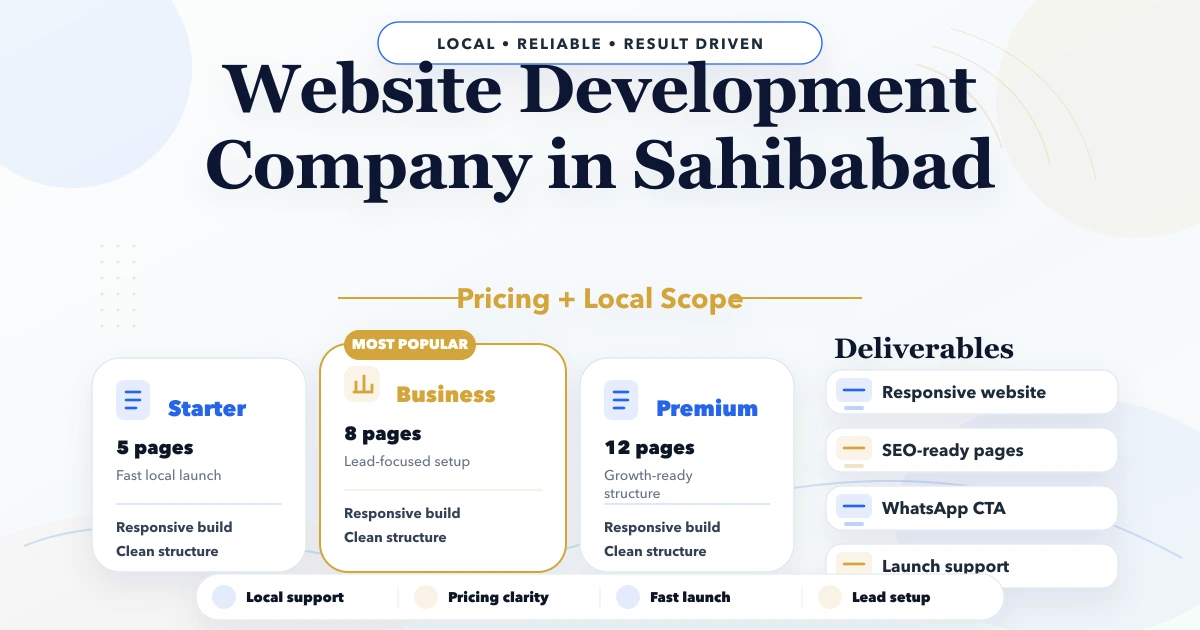
April 22, 2026
Plan a Sahibabad industrial website with capability pages, product documents, RFQ qualification, sales routing, proof and account ownership.
Read article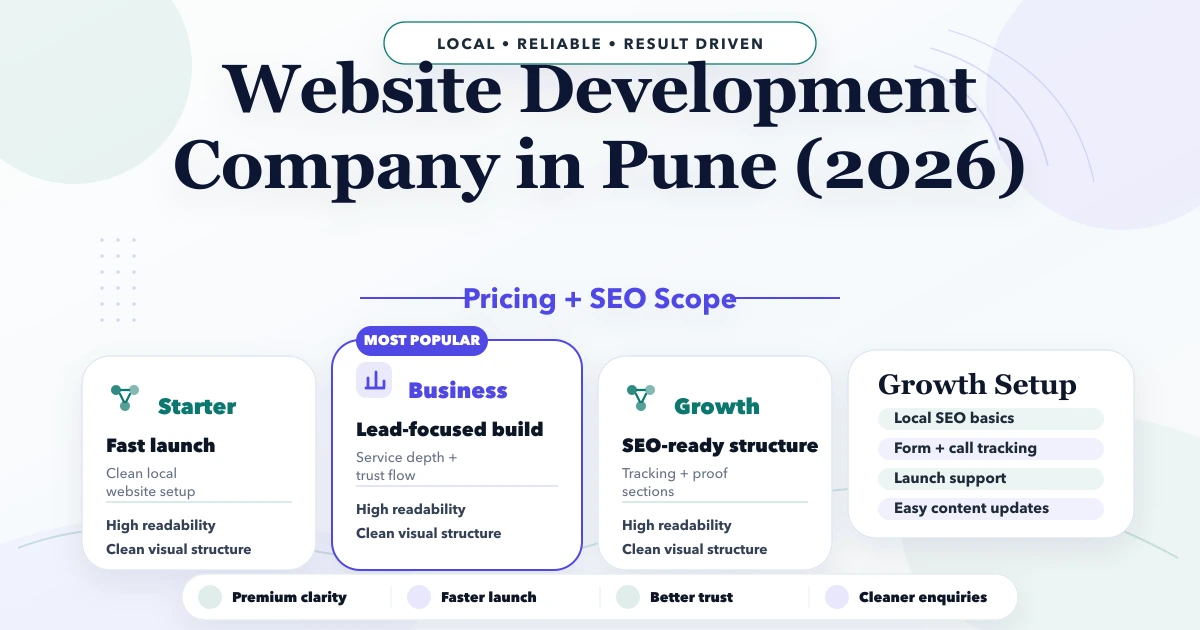
April 24, 2026
Plan a Pune employer-brand website with role pages, truthful culture proof, candidate routing, B2B capability links, privacy, analytics, and ownership.
Read article