
April 23, 2026
Website Development in Baghpat: B2B Catalogue Plan
Plan a Baghpat B2B website with product categories, specifications, RFQ routing, dealer enquiries, content ownership and supplier proof.
Read articlePublished Updated
Plan a Gulaothi small-business website in phases with essential pages, content ownership, handover, realistic costs and upgrade decisions.
Service-area note: VASUYASHII is based in Delhi NCR and supports businesses remotely across India. A city-focused guide describes service and planning context; it does not claim a physical office in every location mentioned.
Explore the parent topic: Website Development Delhi NCR Hub →An owner-managed business does not need to fund every possible website feature at launch. It needs a reliable first phase that explains the business, proves identity, creates a contact route and can be expanded without starting again.
This guide uses Gulaothi as the context for a phased small-business website. It does not state that VASUYASHII has a Gulaothi office, client or measured local result. The scope should be based on real operations and evidence supplied by the business.
Before design, prepare:
Do not ask a designer to invent missing facts. Unsupported claims make the website harder to trust and maintain.
A useful first release may contain:
The exact count depends on how different the services are. A five-page website is not automatically enough or too small.
Explain category, offer, service area and action.
Help a visitor decide whether the service fits.
Verify identity, experience boundaries and working model.
Collect and route the minimum useful information.
Use the small-business website content checklist to prepare source material.
Add only after phase one is stable:
The goal is to strengthen proven tasks, not add decoration.
Consider a web app or integration when staff need to:
A marketing website and an operations system are different products. Keep the public buying journey simple even if the backend becomes more capable.
| Request | Defer when |
|---|---|
| Ecommerce | price, stock and fulfilment are not standard |
| Customer login | no repeat self-service task exists |
| Blog | nobody owns useful publishing |
| Live chat | team cannot respond |
| Online payment | commercial process still requires manual approval |
| Multilingual pages | translations cannot be reviewed |
| Many location pages | content would be duplicated |
| Complex animation | it delays content or harms accessibility |
Deferring a feature is a planning decision, not a failure.
Create a basic content register.
| Item | Owner | Review frequency |
|---|---|---|
| Contact details | business owner | after any change |
| Service scope | service owner | quarterly |
| Prices or factors | commercial owner | when policy changes |
| Photos and proof | authorised editor | before publication |
| FAQs | customer-facing staff | quarterly |
| Policies | authorised reviewer | when process changes |
The website remains useful only when facts stay current.
The business should control:
Give the developer necessary access, then remove or adjust it after handover. Avoid a setup where one individual permanently controls every critical account.
Request:
Use the software project handover checklist before closing the final milestone.
Start with a simple process:
Do not buy a complex CRM before the team follows a basic lead discipline.
Move to the next phase when evidence shows a constraint, not because a feature is fashionable.
| Evidence | Possible upgrade |
|---|---|
| Staff cannot find current enquiries | shared lead register or CRM |
| Repeated appointment conflicts | scheduling workflow |
| Product updates consume excessive time | structured catalogue CMS |
| Quotes use inconsistent versions | quotation system |
| Customers repeatedly ask the same question | focused FAQ or service content |
| Search pages attract poor-fit traffic | intent and qualification rewrite |
| Editors break layouts | restricted components and permissions |
| Backups cannot be restored | recovery process |
Write the baseline before upgrading so the team can judge whether the change solved the problem.
Handover should include a practical session using the customer's accounts. The owner or editor should update text, replace an image, review a form submission, check analytics events, publish safely and restore a previous version where supported.
Record questions and update the guide. Do not treat a video link as complete training if the responsible person cannot perform the essential tasks. A short follow-up after real use often reveals permissions, terminology and workflow gaps that were invisible during development.
Define who can publish and who can only draft. Keep important layout and SEO fields constrained so routine edits do not remove headings, links or contact routes. Training should include how to preview a change on mobile and how to request technical help when the change exceeds normal content work.
Schedule a short ownership review after staff or provider changes to remove obsolete access promptly.
Record the review date and responsible owner in the handover register.
The first release should include:
Search visibility takes time and cannot be guaranteed. Avoid publishing thin pages only to increase the URL count.
These values are planning references, not fixed VASUYASHII quotations or verified Gulaothi market prices.
| Phase | Typical work | Illustrative band |
|---|---|---|
| Essential release | 5-7 pages, responsive design, form, metadata, handover | Rs. 25,000-Rs. 60,000 |
| Growth upgrade | service content, proof, analytics, local/search improvements | Rs. 30,000-Rs. 1,00,000 additional |
| Operations upgrade | CMS, CRM, booking, catalogue or custom workflows | discovery-based |
Budget separately for photography, copywriting, translation, integrations, ongoing support and advertising.
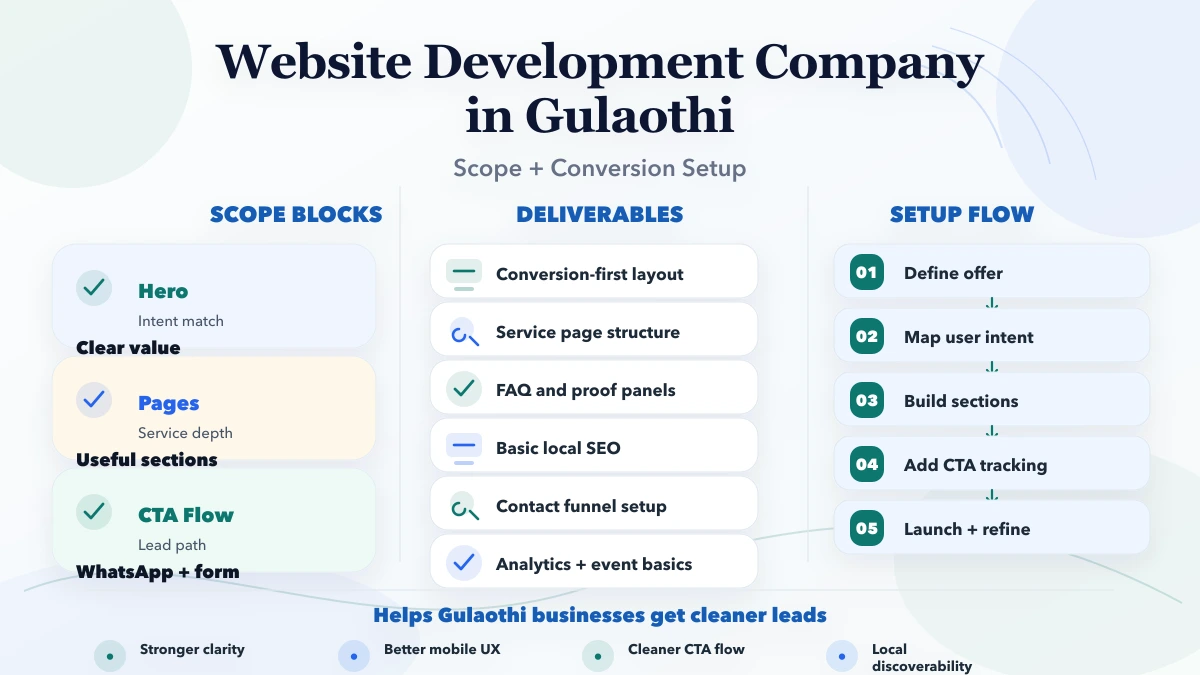
Business facts, audience, action, pages, ownership and exclusions are written.
Source material and claims are approved before final design.
Responsive templates and key states are reviewed.
Pages, forms, metadata, accessibility and performance pass checks.
Production routes, contact delivery, analytics and ownership are verified.
Tie payment to inspectable milestones. The safe website payment terms guide explains a practical structure.
Current VASUYASHII evidence includes public service pages, labelled industry demos, a functioning contact route and the live VASUYASHII Business Suite. Its own website uses static generated pages, final-www metadata and recurring content/link audits.
Inspect services, demos and Business Suite. This evidence shows current owned work and product direction; it does not prove a Gulaothi office, local customer result or guaranteed business growth.
It can when the offer is narrow. Separate pages are better when important services need different proof, questions or search intent.
No. Choose a platform based on editing needs, security, support and ownership rather than popularity alone.
Yes, through accurate business information, useful service content, crawlable pages and technical basics. Avoid copied city pages.
Content readiness and review speed matter as much as development. Ask for milestone dates and dependencies.
Use lead and customer evidence. Often the next step is stronger service content, proof, tracking or lead routing rather than a new visual effect.
It depends on platform and update frequency. Define checks, response, change allowance and exclusions before choosing a plan.
Collect approved business facts and mark features as launch, later or unnecessary. This creates a controlled phase-one brief. Contact VASUYASHII when the owner, pages and primary enquiry are clear.
Related Articles
April 23, 2026
Plan a Baghpat B2B website with product categories, specifications, RFQ routing, dealer enquiries, content ownership and supplier proof.
Read article
April 1, 2026
Website development company in Agra: pricing, timeline, deliverables, and what local businesses should expect before hiring in 2026.
Read article
March 29, 2026
Compare website development in Gurgaon by pricing, page scope, content, proof, mobile QA, SEO migration, lead tracking, ownership and launch support.
Read article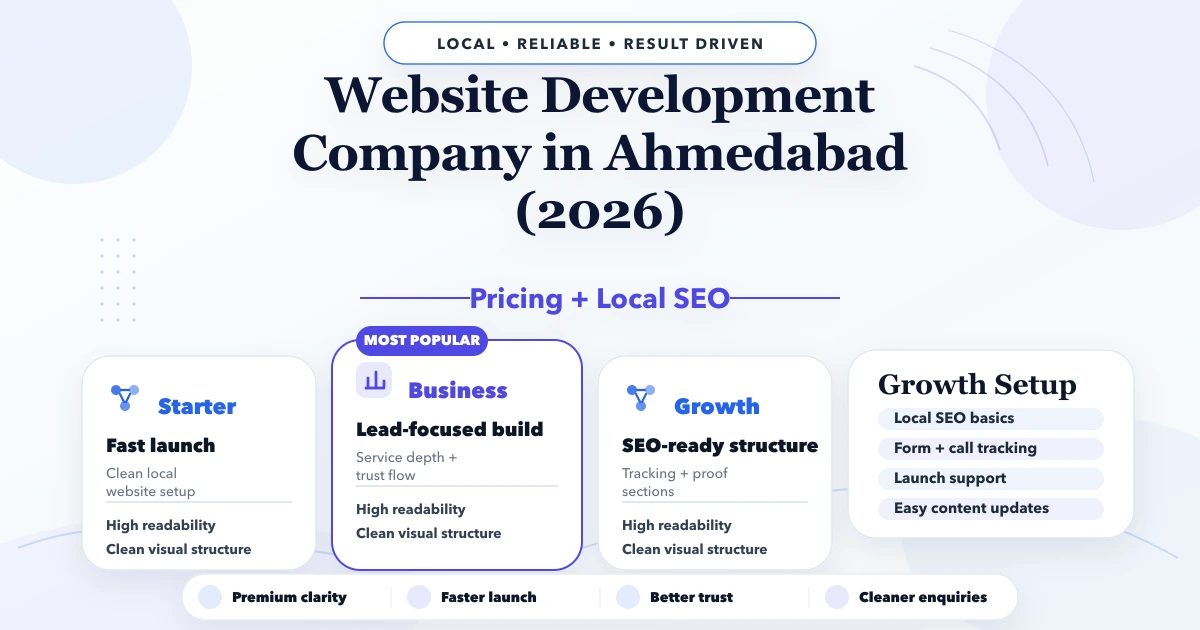
April 28, 2026
Ahmedabad website development company guide with pricing, scope, timeline, SEO structure, and lead-focused planning for businesses in 2026.
Read article