
April 1, 2026
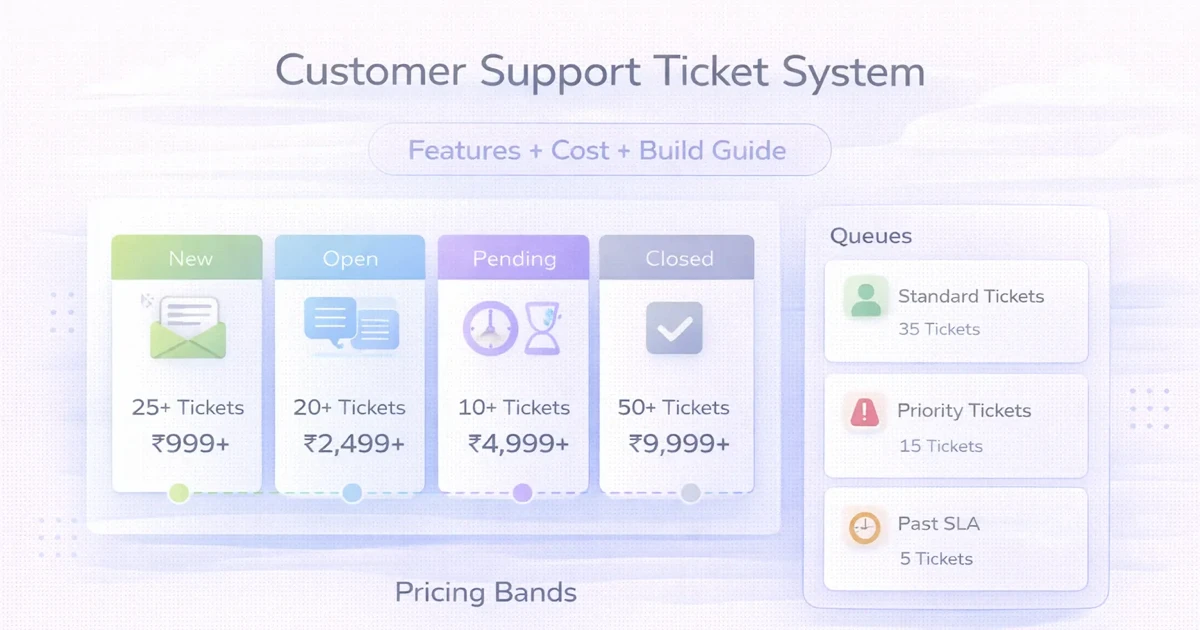
Customer Support Ticket System: Cost and Build Guide
Plan a customer support ticket system with channels, routing, SLAs, roles, reports, automation, cost ranges, and a phased implementation.
Read articlePublished Updated
Plan a customer support ticketing system with channels, SLA rules, assignment, escalation, reports, costs, rollout steps, and Indian SME examples.
A customer support ticketing system should create one accountable record from every complaint, question, return, installation request, or service issue. It must preserve the customer, channel, owner, due time, conversation, action history, and outcome even when the request starts on WhatsApp or a phone call.
This guide is for Indian SMEs that have outgrown shared inboxes and spreadsheets but do not need a heavy enterprise helpdesk. It explains the minimum workflow, SLA and escalation rules, reports, rollout sequence, and cost decisions required for a system staff will actually use.
By Tushar C. (Founder, VASUYASHII). Reviewed by VASUYASHII Editorial for real-world SME workflow automation, CRM, billing, WhatsApp, reporting, and custom software implementation experience.
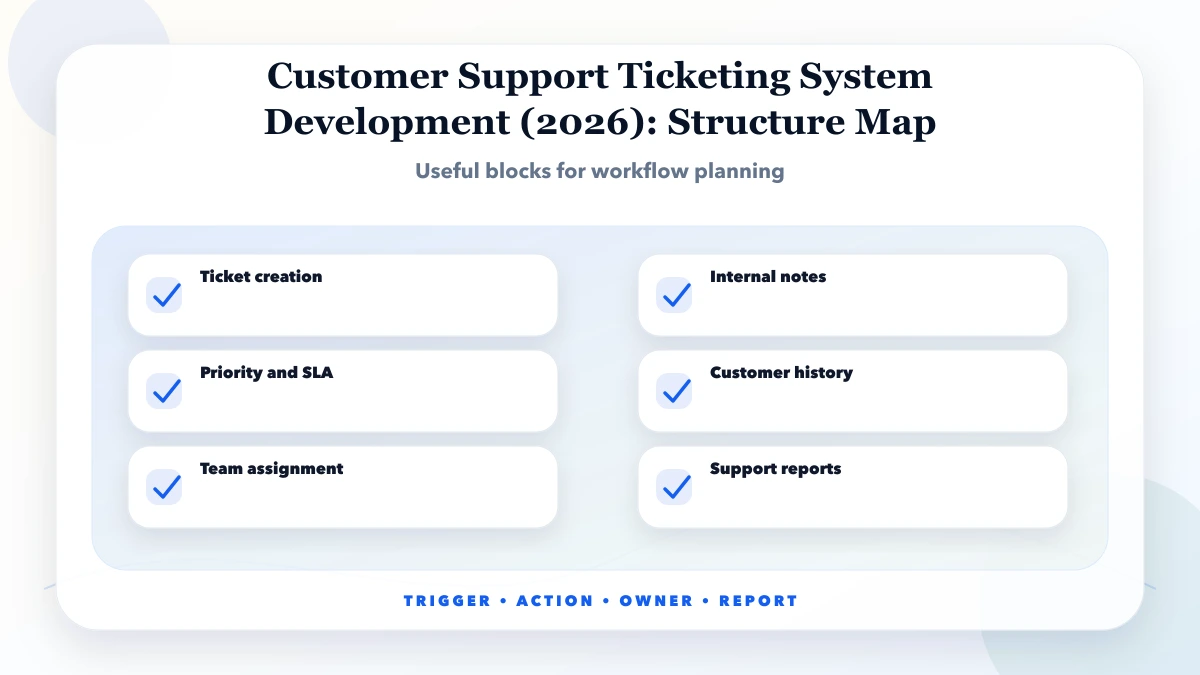
Customer support ticketing system development includes ticket creation, assignment, status tracking, priority, SLA reminders, customer history, internal notes, and reports.
For most SMEs, phase one should cover one support queue, a small set of categories, assignment, due times, resolution notes, and an owner backlog view. Add customer self-service, advanced automation, and multi-channel routing only after agents use the lifecycle consistently.
Support problems are usually hidden by channel fragmentation. One employee remembers a phone promise, another has the WhatsApp screenshot, and the customer’s earlier invoice sits in a separate system. The first design task is therefore not automation; it is deciding which information must follow the issue from intake to closure.
The feature list is only complete when staff can describe the handoff. Assignment needs an acceptance rule, an SLA needs a working calendar, and a resolution needs evidence or a note. Otherwise the system records labels without improving accountability.
| Scope | Practical price range | Typical timeline |
|---|---|---|
| Basic ticketing system | ₹75,000 to ₹2 lakh | 3 to 6 weeks |
| Custom helpdesk portal | ₹2 lakh to ₹6 lakh | 6 to 12 weeks |
| Advanced support system | ₹6 lakh to ₹15 lakh+ | 3 to 6 months |
These are planning ranges, not package prices. The largest variables are intake channels, customer portal access, SLA calendars, routing rules, attachment storage, integrations, migration of old complaints, and the reports required by managers.
A focused internal helpdesk costs less than a customer-facing portal with email and WhatsApp ingestion. Budget separately for message provider charges, storage, monitoring, and support because those operating costs continue after development.
Pilot the lifecycle with one team and real ticket examples. Test duplicate requests, customer silence, reassignment, absence, SLA breach, reopening, and a complaint that requires another department. Expand only after these cases produce a reliable history.
The data model and authorization matter more than framework preference. Tickets need immutable identifiers, searchable customer references, attachment rules, timestamped transitions, and server-enforced company or branch access. Integrations should enter through logged jobs or webhooks that can retry safely.
ROI comes from fewer missed commitments, faster first ownership, shorter aged backlog, and visibility into repeated causes. Establish a baseline for open requests, average response time, reopens, and escalations before launch; otherwise improvement becomes an opinion.
Choose custom development when routing, customer context, permissions, or reports are specific enough that a standard helpdesk forces staff back into spreadsheets. Choose an established helpdesk when the workflow is standard and the team mainly needs disciplined adoption.
Automate acknowledgements, due warnings, assignment rules, and routine status notifications first. Keep complaint judgement, compensation, sensitive communication, and exceptional closure under a named human owner.
Start by importing only open cases that still require action. Old historical messages can be retained outside the live queue or migrated later after categories are stable. This prevents bad legacy labels from shaping the new workflow.
Keep a transition log from day one. Assignment, priority, due time, customer message, attachment, resolution, reopen, and deletion attempts should be attributable. The log supports support reviews and protects both customers and staff when a promise is disputed.
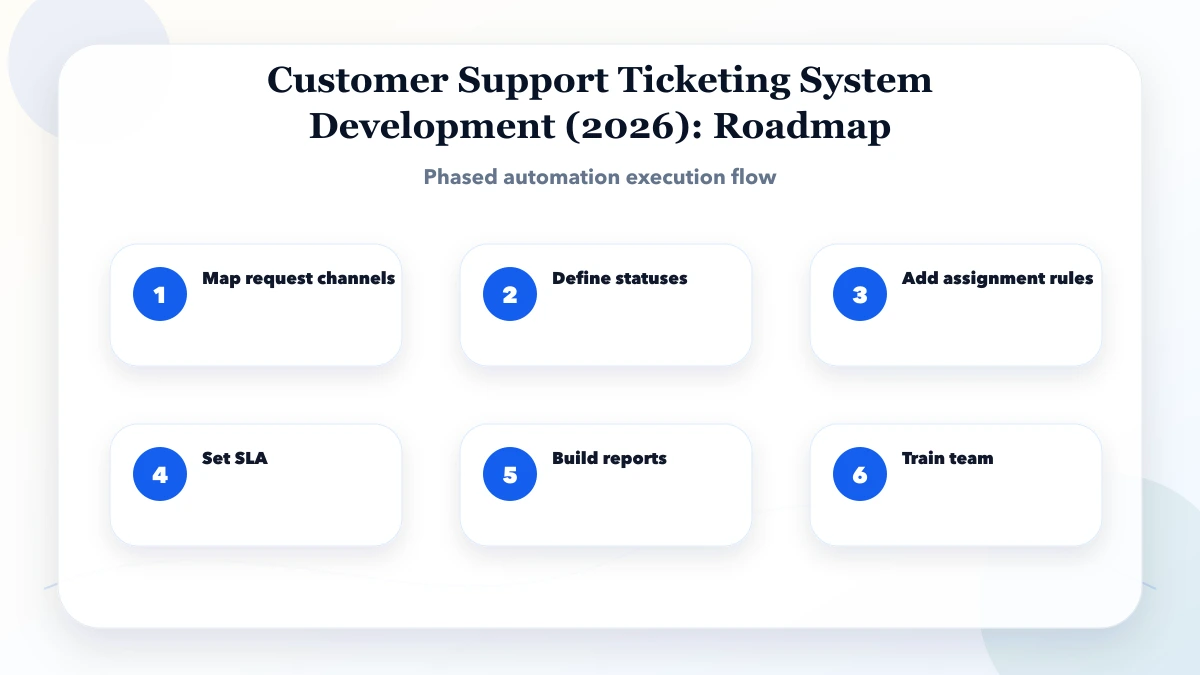
Start with a lifecycle that staff can explain in one minute. A practical first version is:
New → Assigned → Waiting for customer → In progress → Resolved → Closed
Add Reopened only when a customer replies after resolution. Avoid creating separate statuses for every department; assignment, category, priority, and status solve different problems. A ticket can be assigned to technical support, categorized as installation, marked high priority, and still remain in progress.
Each transition needs an owner and a timestamp. Moving to “waiting for customer” should pause the internal resolution clock only if that policy is documented. Closing a ticket should require a resolution note. Reopening should preserve the earlier history instead of creating an unrelated record.
Indian SMEs often receive the same issue through a phone call, WhatsApp message, and email. The system should not create three unrelated tickets. Use a customer identifier, recent open-ticket search, order or invoice reference, and a short duplicate check before creating a new record.
For phone calls, give staff a fast manual intake screen with customer, category, summary, priority, and promised callback. For email, retain the subject and message thread. For WhatsApp, store the approved business conversation reference and attachment metadata where the integration permits it. Do not copy sensitive customer information into public notes.
“Reply within four hours” is incomplete unless the business defines working hours, holidays, priority levels, and what counts as a response. A useful SLA model separates:
| Control | Example rule | Owner |
|---|---|---|
| First response | High priority within 30 working minutes | Assigned agent |
| Resolution target | Standard issue within 2 working days | Support lead |
| Warning | Notify owner at 75% of allowed time | System |
| Breach | Escalate to support lead and operations | Support lead |
Do not hide breached tickets by changing their priority. Preserve the original target and record the reason for an approved exception. Owners need to see both current backlog and repeated causes of delay.
Ticket count alone rewards volume, not resolution. Track first-response time, resolution time, reopened rate, tickets waiting on customers, backlog by age, SLA breaches, and repeat issues by product or category. Review samples of resolution notes because a closed ticket can still represent an unhappy customer.
For a hardware distributor, repeated “wrong item supplied” tickets may expose a catalog or picking problem. For a software company, repeated login tickets may indicate onboarding or permission issues. The report should help the owner remove the cause, not only push agents to close records faster.
Assume an electrical distributor receives 40 daily messages about delivery, invoice copies, damaged items, and product availability. Phase one can capture only delivery and damage complaints, assign them by branch, and send an acknowledgement with a ticket number. Agents update the resolution note; the owner reviews aged tickets each evening.
After two weeks, add invoice-copy automation and customer history only if staff consistently update statuses. This staged rollout is safer than connecting every channel and automation before the team has learned the core ticket discipline.
Use the repair center job-card workflow when a ticket involves a physical item, automated follow-up design when waiting states need owned actions, and secure data-entry controls for validation and audit.
If complaints are disappearing across channels, start by sampling 30 recent cases and reconstructing their intake, handoffs, delays, and outcome. That evidence is enough to scope the first queue without guessing at a complete helpdesk.
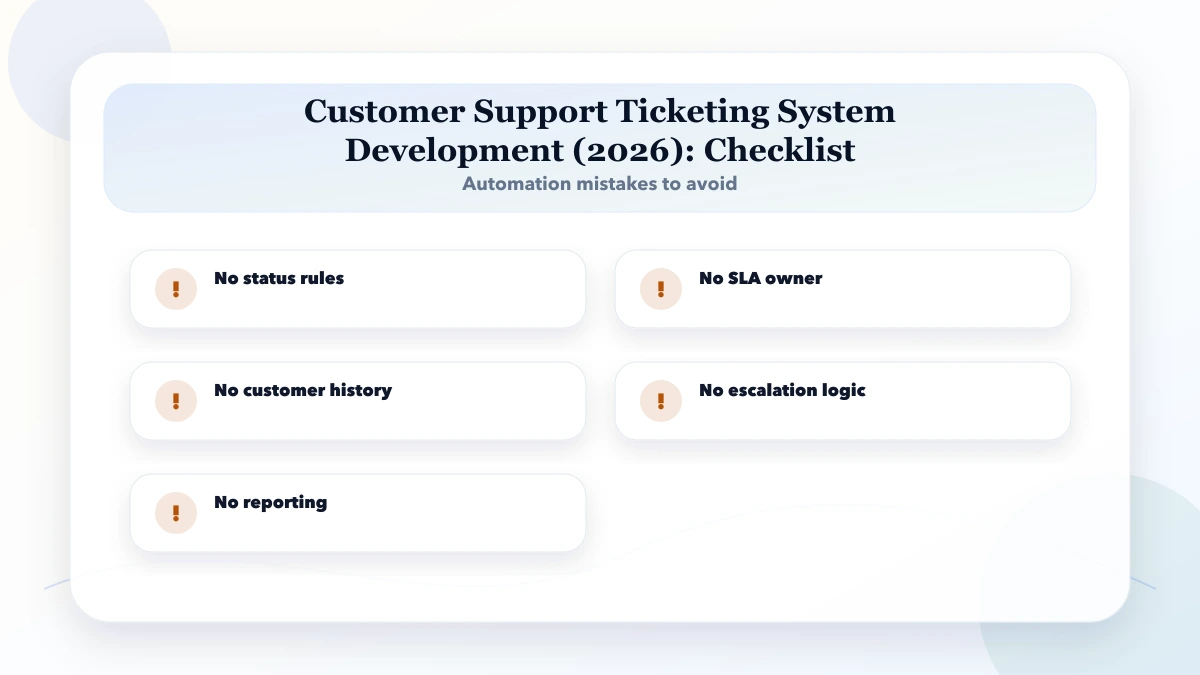
Avoid using priority as a substitute for a due-time policy. When every customer is marked urgent, agents cannot sequence work and managers cannot distinguish a genuine breach risk.
It is for businesses that receive support requests on WhatsApp, calls, emails, or staff chats and need a trackable ticket system. The goal is to reduce manual work without making the system too complex for staff.
Start with map request channels. This helps identify the workflow that wastes the most time or creates the most errors.
Use the table only for early budgeting. A quote requires sample tickets, channels, roles, SLA rules, required reports, migration volume, customer portal scope, and expected support after launch.
A ticket system reduces coordination work, but it does not own customer relationships. Agents and managers still make judgement calls, communicate exceptions, and remove the operational causes behind repeated complaints.
Use an API only when channel messages must create or update the ticket automatically. A manual intake screen may be safer for a low-volume pilot and avoids paying for an integration before the workflow is stable.
The biggest risk is no status rules. Automation should follow a clear process, not hide a broken one.
Yes. VASUYASHII can scope the ticket lifecycle, roles, SLA logic, channel integrations, reports, migration, testing, and phased launch for a custom support workflow.
A ticket queue is only one layer. Define subscription support rules in the SaaS support setup guide, route field execution through the service job-card workflow, and separate customer self-service from staff controls with the portal and admin dashboard comparison.
If you need a custom helpdesk, bring sample complaints, current channels, staff roles, response promises, escalation rules, and the report managers review today. VASUYASHII can turn that evidence into a phased system scope.
Related Articles
April 1, 2026
Plan a customer support ticket system with channels, routing, SLAs, roles, reports, automation, cost ranges, and a phased implementation.
Read article
May 16, 2026
Set up SaaS customer support with account identity, ticket states, priority rules, SLAs, routing, secure access, bug escalation, knowledge base, and reporting.
Read article
May 18, 2026
Design an ecommerce order tracking page with clear states, verified access, delivery events, exceptions, support actions, privacy controls, and analytics.
Read article
May 26, 2026
Plan a clinic appointment system with doctor schedules, queues, patient communication, permissions, reports, and safe admin workflows for India.
Read article