
June 11, 2026
Best Above-the-Fold Design for Business Websites
Plan an effective above-the-fold section with a clear offer, proof, primary CTA, mobile hierarchy, page-speed safeguards, and practical conversion tracking.
Read articlePublished Updated
Plan a Mohan Nagar business website for calls, visits, directions, service availability, trust, WhatsApp enquiries, and accurate local information.
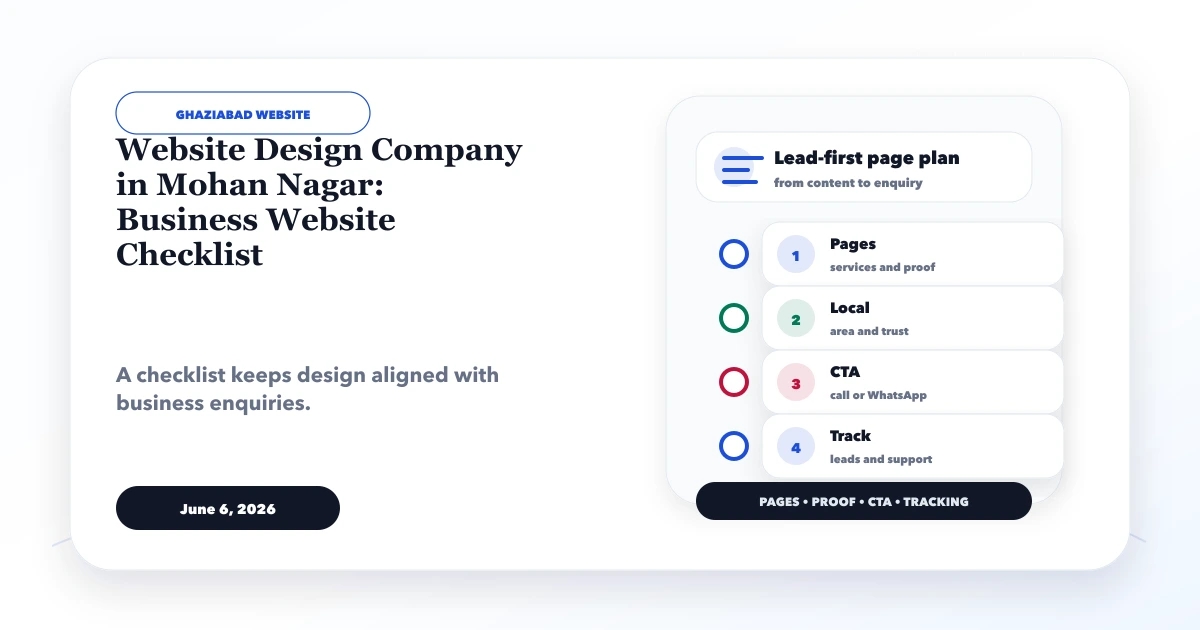
A Mohan Nagar business website often needs to connect online discovery with an offline action: call the office, confirm service availability, ask for directions, send a requirement on WhatsApp, or visit at the right time. A visually polished site that hides these details creates friction instead of trust.
This checklist is for shops, service businesses, suppliers, clinics, consultants, and other businesses serving customers in and around Mohan Nagar. Its distinct focus is visit and phone-led conversion, not a generic city landing page.
Select one primary conversion based on how the business actually sells.
| Business model | Primary action | Supporting information |
|---|---|---|
| Walk-in business | Get directions or call | Hours, landmark, parking/access note |
| Service provider | Request inspection or quote | Service area, response process, requirement form |
| Supplier | Send product requirement | Categories, quantity, GST/company field |
| Clinic or appointment business | Request a slot | Timings, service type, confirmation note |
| Consultant | Book a discussion | Expertise, process, preparation checklist |
Do not place five equally loud buttons in every section. Keep call, WhatsApp, directions, and form actions available, but establish a clear primary route.
The first screen should answer:
A useful opening is specific: “Electrical maintenance and installation for shops and offices in Mohan Nagar and nearby Ghaziabad areas” is clearer than “Welcome to the best solutions company.”
Local contact details should not live only in the footer.
Use a tap-to-call link on mobile. Confirm the displayed number matches the number reached. If calls route to different teams, explain hours or department options.
Open WhatsApp with a short prefilled message that identifies the source page or service. Do not collect sensitive information in the default text.
Link the map action to the verified business location. Add a short landmark only if accurate and useful. Do not invent an address or office simply to target a local phrase.
Display current opening hours and explain whether visits require an appointment. Update holiday or temporary changes wherever possible.
Use fields that help route the enquiry: name, phone, service, location, and a short requirement. Avoid asking for a full project brief before the first conversation.
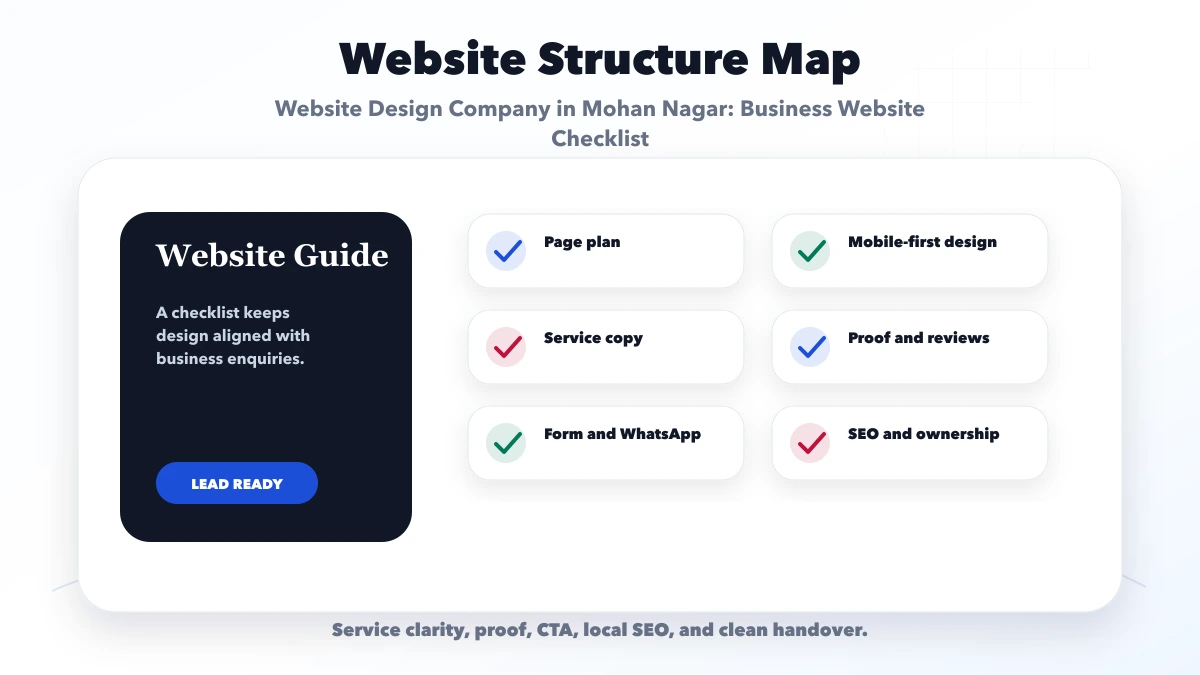
Summarise services, location fit, proof, process, and the primary action.
Create one useful page per meaningful service, not one thin page for every keyword variation. Include scope, exclusions, process, prerequisites, and the next step.
Explain who operates the business, relevant experience, service boundaries, and how work is handled. Use only verifiable facts and approved photographs.
List genuine service areas with operational context. A service radius, visit model, or delivery rule is more useful than a long list of neighbourhood names.
Combine phone, WhatsApp, form, directions, hours, and access notes. Confirm that all actions work on mobile.
The broader small-business website pages guide can help decide whether additional pages are necessary.
Use:
Avoid:
A frequent local-search problem is ambiguity. A visitor may not know whether the business:
State these rules on the relevant service page. Clear boundaries can reduce unqualified calls while increasing confidence among suitable buyers.
Test at a narrow mobile width:
The site should remain usable with motion reduction enabled and with slow mobile connectivity.
The website can support local visibility by keeping:
For a more detailed architecture, read how to create location pages without duplicates. A local page must demonstrate unique operational value, not merely replace a place name.
Consider a Mohan Nagar repair and installation business. Most prospects call to ask whether a specific service is available, whether a technician can visit, and how quickly a quotation can be provided.
The website should prioritise:
It does not need dozens of generic blog posts before these basics work.
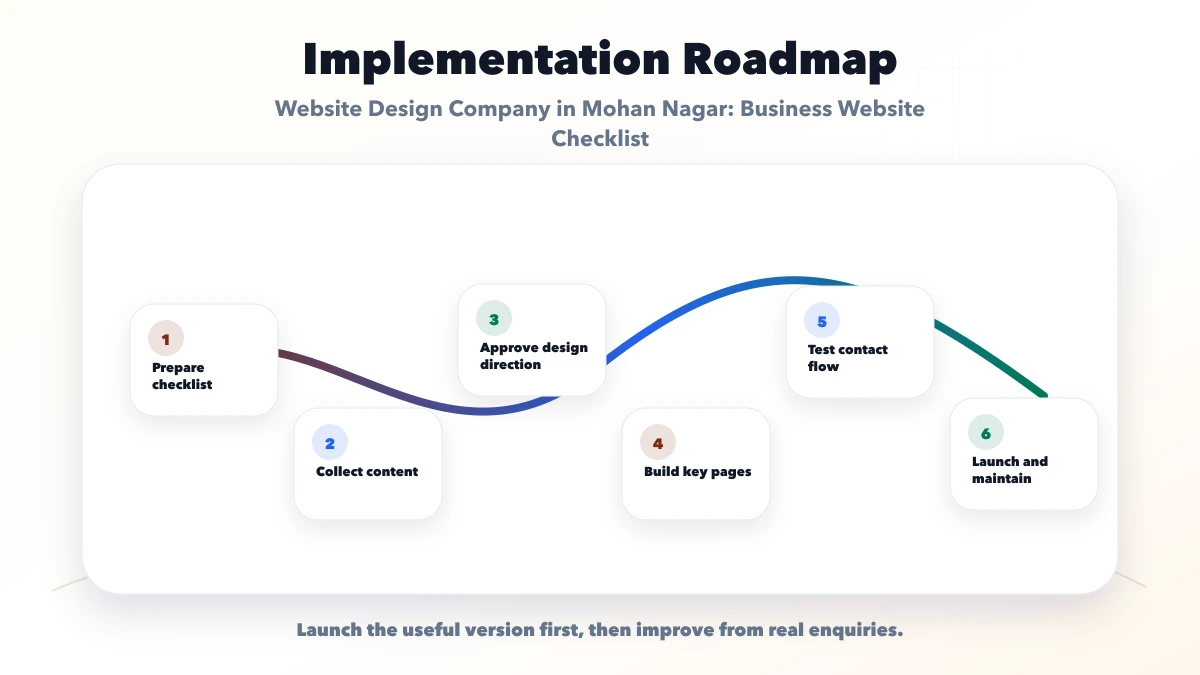
Prepare services, hours, phone numbers, service areas, process, policies, photos, and access information.
Decide which pages should lead to call, WhatsApp, directions, appointment, or quote.
Approve the page purpose, headings, proof, and form requirements before final visual treatment.
Test mobile screens, contact actions, metadata, structured data, forms, and analytics.
After launch, note repeated questions and unqualified leads. Improve the pages based on those patterns.
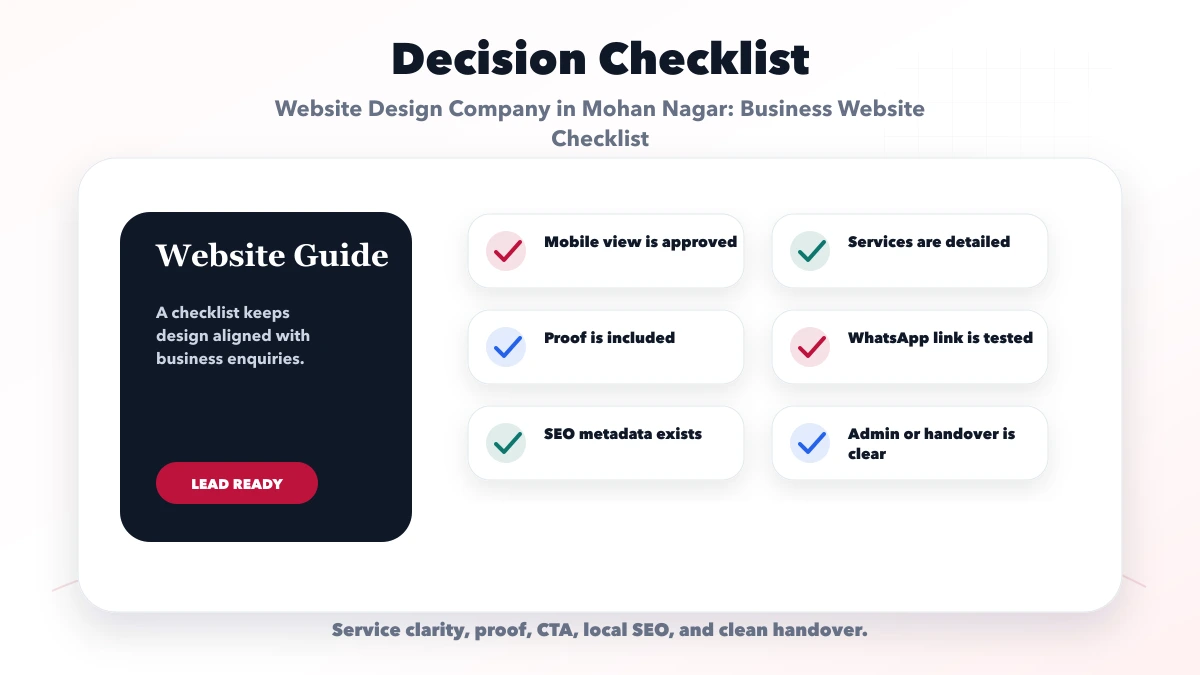
Ask:
Current VASUYASHII service scope includes web applications when a business needs logins, booking operations, or internal workflows. A normal informational and lead website should not be turned into a custom app without a clear reason.
A local website can generate enquiries and still fail operationally if no one owns the response. Create a simple routing sheet:
| Action | Primary owner | Backup owner | Expected handling |
|---|---|---|---|
| Phone call | Front desk or sales | Named backup | Answer or return missed call |
| Shared business account owner | Secondary staff member | Acknowledge and qualify | |
| Directions | Office administrator | Manager | Keep pin, hours, and access current |
| Website form | Sales or service coordinator | Business owner | Check delivery and respond |
| Appointment request | Scheduler | Relevant professional | Confirm or propose an alternative |
Use business-controlled accounts instead of personal channels where practical. Test what happens when the primary owner is absent. The website should show realistic response expectations rather than “instant reply” language that staff cannot maintain.
Review the routing sheet whenever phone numbers, staff, hours, or service boundaries change. This is a small maintenance task with direct effect on lead quality and customer trust.
Publish it when customers can genuinely visit and the business is comfortable making it public. Service-area businesses should not invent an office address; explain how visits or appointments work.
One page can work for a narrow offer. Businesses with several distinct services usually benefit from focused service pages and a dedicated contact page.
Yes when the team actively monitors both. Set expectations for response hours and avoid offering channels that are not maintained.
A map can help users, but it does not replace accurate business information, a verified profile, useful content, and genuine prominence signals.
Track successful forms, calls, WhatsApp clicks, directions clicks, and any booking completion. Do not treat raw page views as leads.
Yes, if the first build uses a maintainable structure. If booking requires staff calendars, payments, or role-based operations, scope it as a separate workflow.
Prepare accurate contact, service, and visit information before requesting a design. To discuss a Mohan Nagar business website, send the real service model through contact. The design should make the next action obvious without overstating local presence.
This page owns the contact architecture and pre-design checklist intent: phone, WhatsApp, directions, hours, form fields, service availability, and mobile acceptance. It supports the broader Ghaziabad website development service, while regional service architecture remains documented on the Delhi NCR website development hub. Use the Nehru Nagar continuity guide when account ownership, backup, and contact resilience are the main risks.
VASUYASHII does not claim a Mohan Nagar branch. Businesses should publish only verified address, opening, visit, and service-area information. Submit the real contact model through the business website enquiry form.
Related Articles
June 11, 2026
Plan an effective above-the-fold section with a clear offer, proof, primary CTA, mobile hierarchy, page-speed safeguards, and practical conversion tracking.
Read article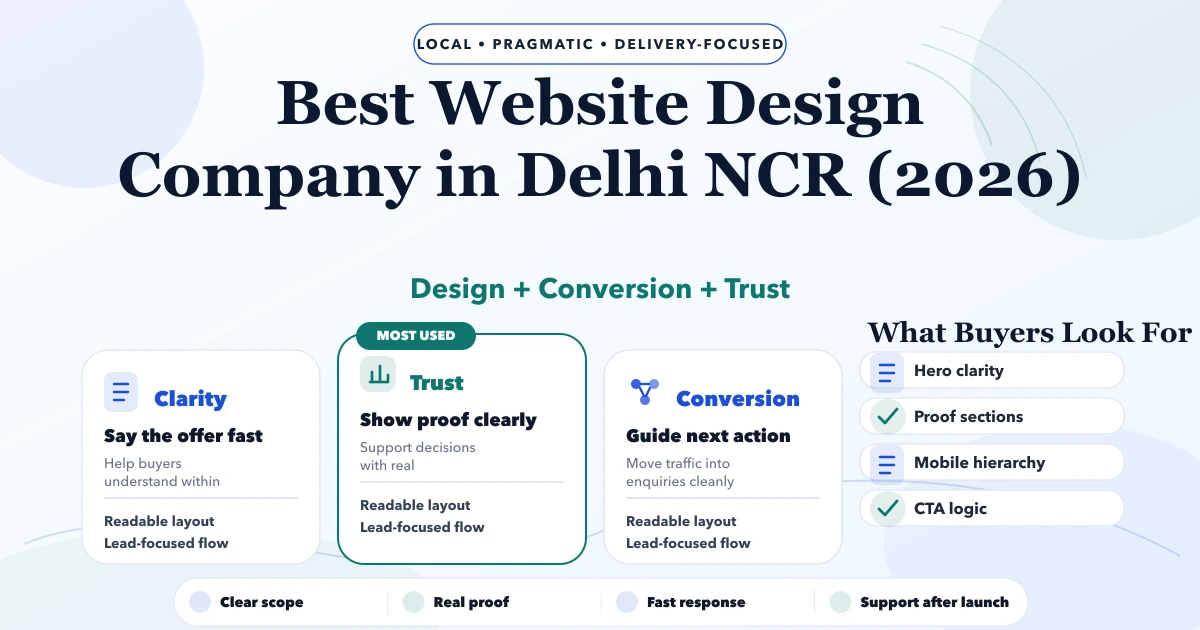
May 7, 2026
Best Website Design Company in Delhi NCR (2026) guide with pricing, process, timeline, deliverables, proof links, and practical planning for businesses in.
Read article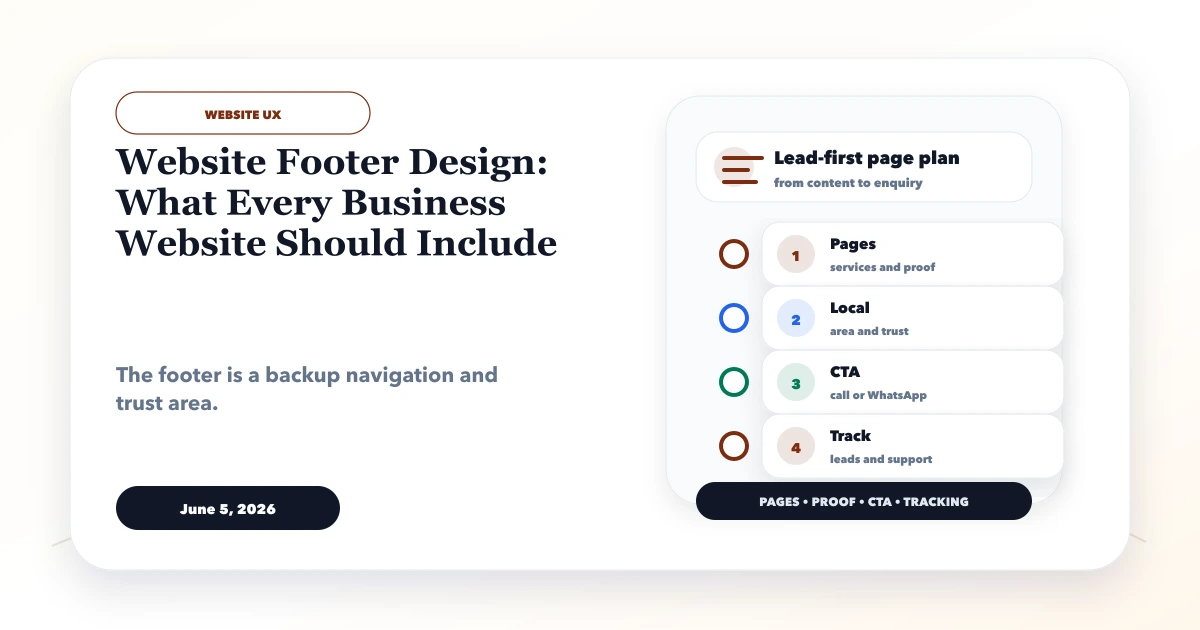
June 5, 2026
Plan a business website footer with useful navigation, contact details, legal links, location signals, accessibility, mobile UX, trust, and tracking.
Read article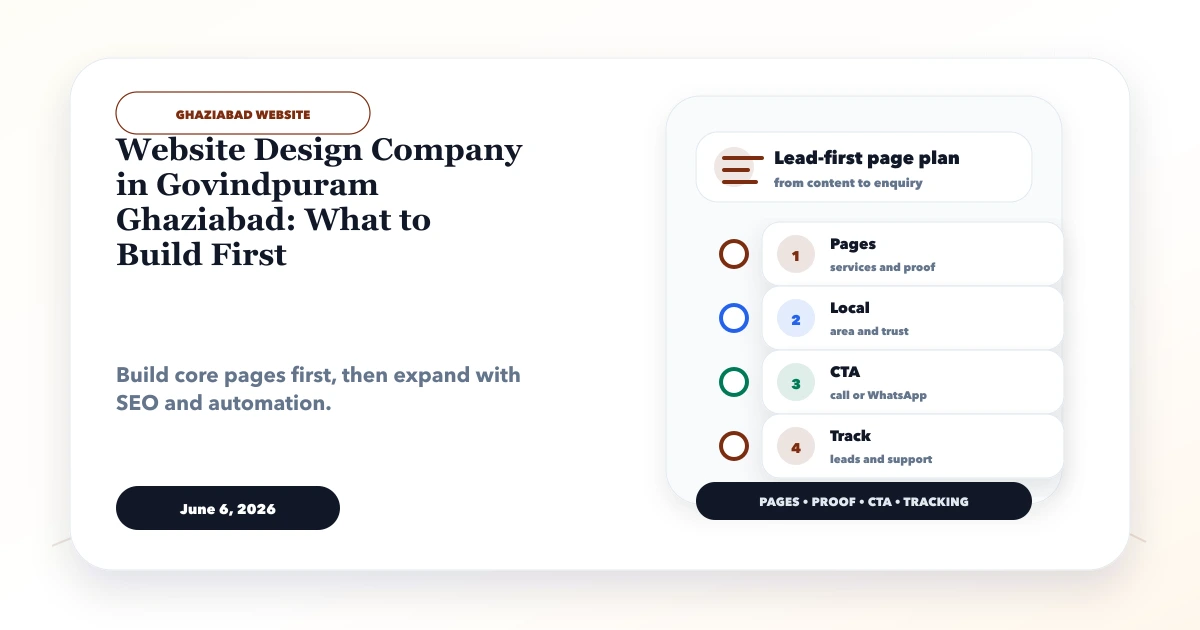
June 6, 2026
Plan the first useful Govindpuram business website with a phased page scope, proof, contact flow, ownership, launch criteria, and practical upgrades.
Read article