
May 30, 2026
Delhi Web App Plan for Replacing Spreadsheet Workflows
Plan a Delhi web app to replace spreadsheet workflows with controlled records, approvals, calculations, migration, integrations, reporting, and ownership.
Read articlePublished Updated
Plan a Ghaziabad web app for inventory and field operations with stock movements, service jobs, mobile workflows, approvals, reports, and integration.
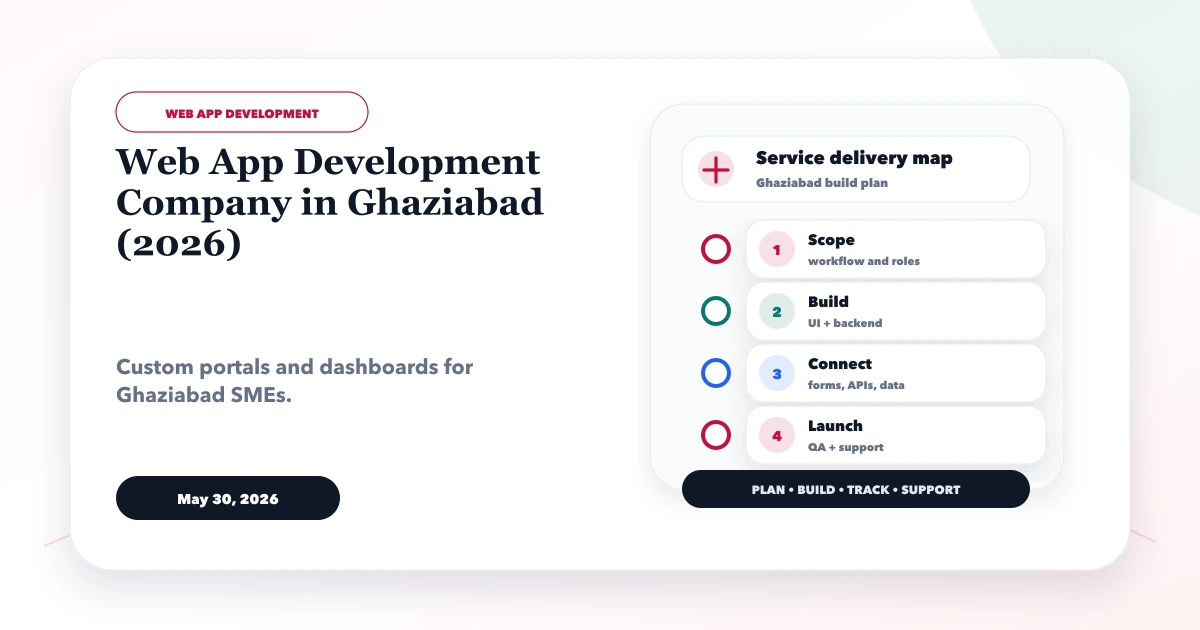
Service-area note: VASUYASHII is based in Delhi NCR and supports businesses remotely across India. A city-focused guide describes service and planning context; it does not claim a physical office in every location mentioned.
Explore the parent topic: Web App Development Hub →A business searching for a web app development company in Ghaziabad may need to connect stock held at an office or warehouse with work happening at customer sites. Spreadsheets and chat messages often fail when items move, technicians consume parts, supervisors approve exceptions, and billing depends on job completion.
This guide is for distributors, equipment suppliers, maintenance companies, installers, service centres, and small manufacturers. It focuses on inventory movement and field-job control, not a generic dashboard package. It does not claim a VASUYASHII Ghaziabad office or customer outcome.
Written by Tushar C. (Founder, VASUYASHII) using the current VASUYASHII software discovery process. Every stock, tax, warranty, and service rule must be approved by the business before implementation.
Define two linked records:
The system should never reduce stock only because a technician opened a job. Movement must follow an approved business event.
| Movement | From | To | Required control |
|---|---|---|---|
| Purchase receipt | Supplier/in-transit | Warehouse | Quantity and receipt approval |
| Issue to technician | Warehouse | Technician custody | Job/reference and acknowledgment |
| Site consumption | Technician custody | Consumed | Job completion or supervisor rule |
| Return unused | Technician custody | Warehouse | Condition and quantity check |
| Customer return | Customer | Inspection | Reason and disposition |
| Adjustment | Recorded location | Corrected balance | Authorized reason and audit |
| Transfer | One location | Another | Dispatch and receipt states |
Do not use direct quantity editing for normal operations. Record movements so balances can be explained.
A practical lifecycle may be:
Requested → Scheduled → Assigned → In Progress → Awaiting Part/Approval → Completed → Verified → Closed
For each status, define:
Avoid a single “done” checkbox. Completion, verification, billing, and closure may be separate business decisions.
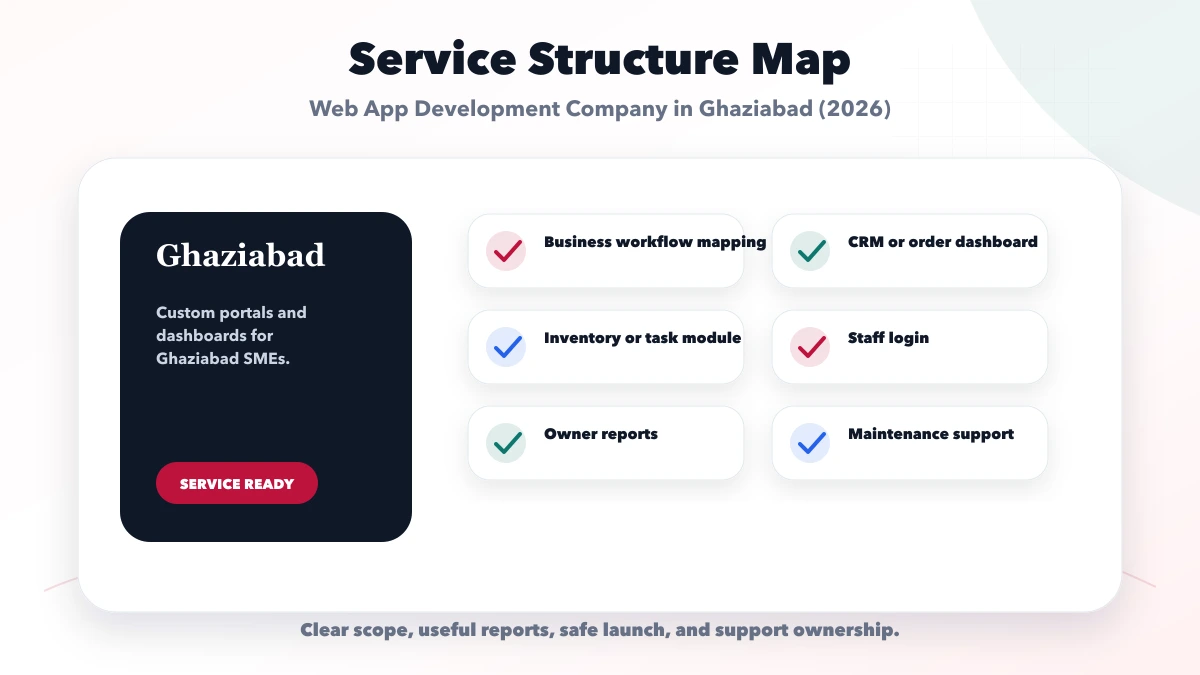
Field users need a small, reliable interface:
If offline work is required, define what can be created offline, conflict rules, local-device protection, and synchronization feedback. Do not call an app offline-ready because one screen remains visible without network.
Barcode scanning can reduce selection errors when:
Review the barcode inventory guide before choosing device and label scope.
Evidence may include checklist completion, permitted photos, customer acknowledgment, measurements, or supervisor review. Define:
Do not collect location, photos, signatures, or customer data merely because a device supports it.
Stock movement, service completion, invoice, payment, and accounting are related but distinct.
| Event | Operational effect | Financial effect |
|---|---|---|
| Part issued | Custody changes | Usually none yet |
| Part consumed | Stock decreases for job | May become billable |
| Job verified | Service accepted internally | Invoice may be allowed |
| Invoice issued | Customer due created | Accounting/tax rules apply |
| Payment recorded | Due reduces | Reconciliation required |
If standard billing and inventory cover the need, review the VASUYASHII Business Suite. Custom field workflows should integrate through defined records rather than duplicate totals.
Useful operational views include:
Every metric needs a date, status, and location definition. A chart without a follow-up owner is decoration.
Potential systems include accounting, billing, CRM, maps, messaging, payment, and supplier data.
For each integration, define source of truth, trigger, duplicate control, API limit, failure queue, retry, alert, and manual fallback. Production credentials should be business-owned and stored securely.
Use integration services when APIs are part of the approved workflow.
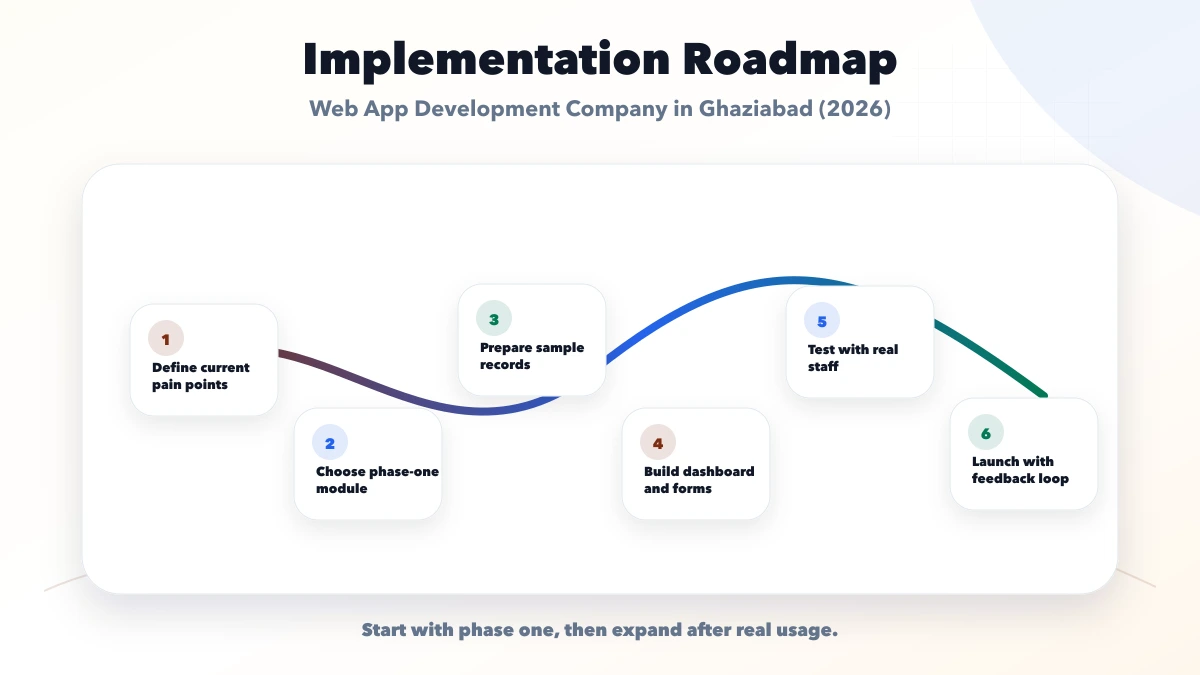
Products, locations, users, jobs, assignments, and basic stock movements.
Mobile job view, issue/use/return, evidence, exception, and verification.
Ageing, custody, stock, workload, and reconciliation.
Billing, CRM, notifications, or external inventory after core data is stable.
Offline workflow, route planning, advanced approvals, predictive maintenance, or device integration only when justified.
VASUYASHII provides web app development, custom software, and integrations. We begin with product identity, movement, job state, role, and exception maps.
The system cannot guarantee stock accuracy if users bypass processes or source data is wrong. Business owners must approve balances, controls, and migration. Share a non-sensitive workflow through contact.
Not always. Inventory controls items, while field service also needs jobs, assignment, status, evidence, customer communication, and verification.
Only if their role requires it. Permissions should limit financial and supplier information to appropriate users.
Often yes, but label quality, camera conditions, volume, offline needs, and ergonomics determine whether a dedicated scanner is better.
At the business-approved movement event, such as verified consumption or dispatch. Define this before development and keep an audit trail.
It can integrate with or implement invoicing when tax, numbering, calculation, payment, and accounting boundaries are scoped. Do not infer these rules from job totals.
Only for a justified operational purpose with appropriate consent, access, retention, and accuracy expectations. It should not be added by default.
Field and stock workflows must be tested where they actually fail: weak connectivity, rushed handovers, duplicate scans, missing products, and records edited by two people. A normal office demo will not expose these conditions.
Create a controlled drill before rollout. Give a field user a small job list, disable connectivity, capture notes or evidence, restore the connection, and confirm that the app does not duplicate activity. Scan the same barcode twice, try an unknown code, move more quantity than is available, and reopen a completed job. Every result should follow an approved rule rather than an accidental technical response.
The operations owner should document:
The first dashboard should help a supervisor act, not merely display totals. Useful queues may include jobs without owners, overdue visits, movements awaiting approval, low-stock items linked to scheduled work, failed syncs, and records reopened after completion. Each number should lead to the records behind it.
Agree the definition and owner for every queue. If “overdue” means different things to sales and operations, separate those views. Review queue accuracy during the pilot and remove metrics that do not trigger a decision. This creates a stronger foundation than launching a large dashboard whose numbers cannot be reconciled.
The production owner should sign off the tested device, connectivity, sync, stock, and job exceptions before rollout.
Build the Ghaziabad web app around explainable stock movements and controlled field-job states. When custody, evidence, approval, and reconciliation are correct, dashboards and integrations become reliable instead of amplifying inconsistent data.
This guide owns the inventory movement, field-job state, mobile workflow, barcode, reporting, and integration intent. It is intentionally separate from the main Ghaziabad website development service, which focuses on public discovery and lead generation. Use the web app development hub for the broader architecture, security, delivery, and pricing decision.
VASUYASHII does not claim a Ghaziabad web-app office or an outcome for a business that has not been studied. A pilot requires representative stock, job, device, connectivity, approval, and exception scenarios. Submit that scope through the web application enquiry form.
Related Articles
May 30, 2026
Plan a Delhi web app to replace spreadsheet workflows with controlled records, approvals, calculations, migration, integrations, reporting, and ownership.
Read article
May 30, 2026
Plan a Noida business web app with role-based workflows, dashboards, approvals, integrations, audit controls, phased delivery, and ownership.
Read article
May 14, 2026
rank for web app development company Delhi NCR: practical 2026 SEO plan with cluster map, pricing, roadmap, mistakes, FAQs, proof, and next steps for Indian.
Read article
April 4, 2026
Plan a delivery tracking dashboard with status ownership, assignments, exceptions, proof, customer updates, reports, integrations, rollout phases and cost.
Read article