
May 30, 2026
Delhi Web App Plan for Replacing Spreadsheet Workflows
Plan a Delhi web app to replace spreadsheet workflows with controlled records, approvals, calculations, migration, integrations, reporting, and ownership.
Read articlePublished Updated
Plan a Noida business web app with role-based workflows, dashboards, approvals, integrations, audit controls, phased delivery, and ownership.
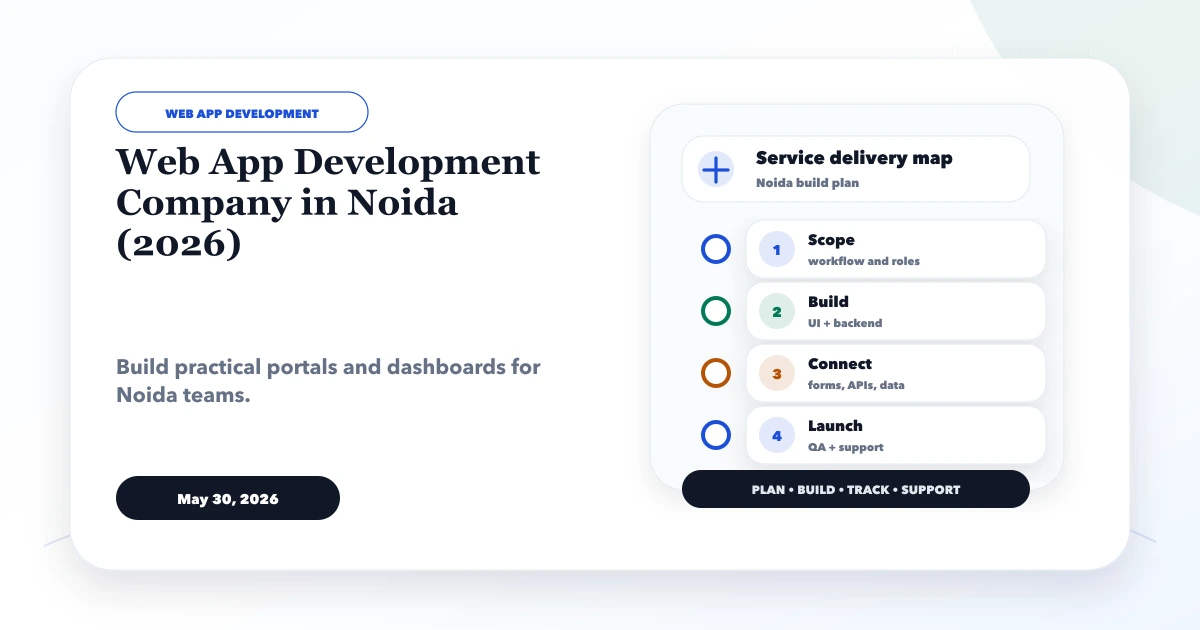
Service-area note: VASUYASHII is based in Delhi NCR and supports businesses remotely across India. A city-focused guide describes service and planning context; it does not claim a physical office in every location mentioned.
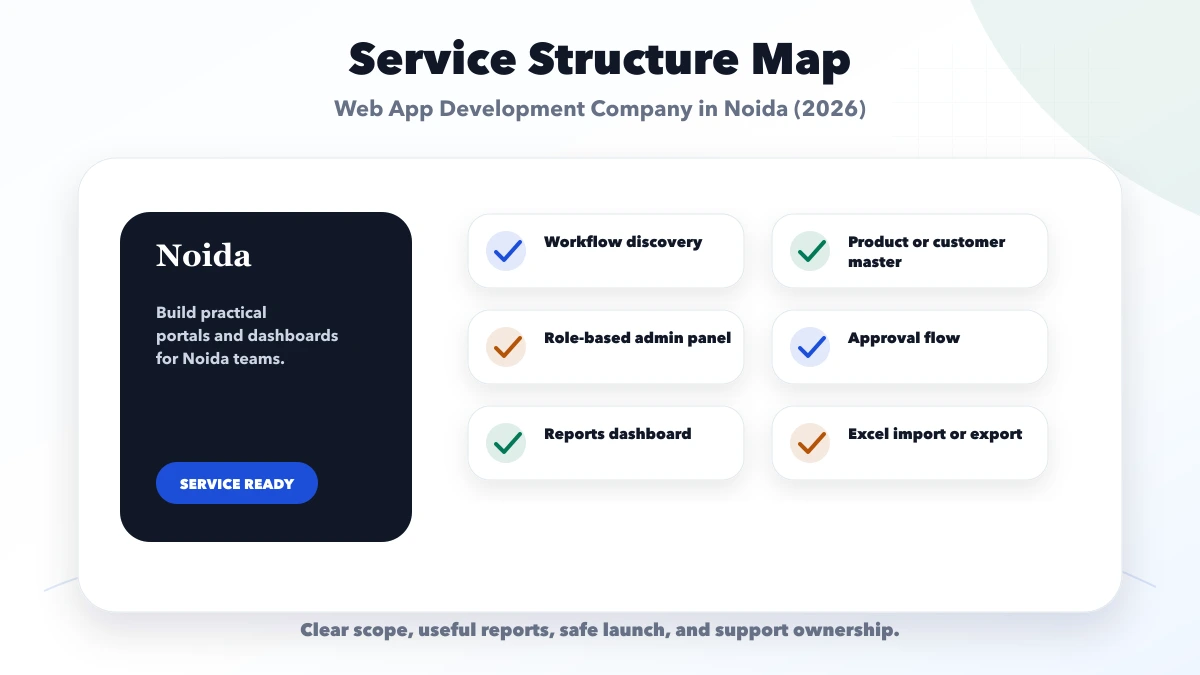
Explore the parent topic: Web App Development Hub →A team searching for a web app development company in Noida may have several people editing spreadsheets, approving requests, messaging status updates, and preparing reports from different sources. The main design problem is not the dashboard colour. It is deciding which role can see, create, approve, export, or reverse each record.
This guide is for B2B service teams, operations companies, institutes, distributors, property teams, and internal departments planning a role-based operations portal. It explains workflow discovery, permissions, auditability, integration, phased delivery, and ownership without promising a local office or guaranteed business outcome.
Written by Tushar C. (Founder, VASUYASHII) using the current VASUYASHII web-app discovery and delivery process. Scenarios are planning examples, not claimed Noida customer results.
Before requesting an estimate, document:
Build the smallest end-to-end workflow first. A large dashboard with incomplete status rules will create more manual work.
Use one representative record, such as a lead, order, service request, application, inspection, or purchase.
| Workflow question | Example answer |
|---|---|
| Who creates it? | Sales coordinator |
| Required fields | Customer, service, source, owner |
| Initial status | New |
| Who can assign it? | Sales manager |
| Approval required | Discount above threshold |
| Completion evidence | Approved document or status |
| Reversal rule | Manager with reason |
| Reporting dimensions | Owner, stage, source, date |
| Retention | Defined by business policy |
If the team cannot agree on these decisions, code will not resolve the disagreement.
Do not use only “admin” and “user.” Map actions by responsibility.
| Action | Operator | Manager | Finance | Platform admin |
|---|---|---|---|---|
| Create record | Allowed | Allowed | Limited | Support boundary |
| Edit own draft | Allowed | Allowed | Limited | Support boundary |
| Approve | No | Assigned approvals | Financial approvals | No business approval |
| Export | Restricted | Scoped | Scoped | Emergency/support only |
| Delete | Usually no | Controlled archive | No | Controlled maintenance |
| Manage users | No | Team scope | No | Defined admin role |
Apply server-side authorization. Hiding a button in the interface is not access control. Review the web app security guide for permission and session boundaries.
Define valid transitions:
Draft → Submitted → Under Review → Approved/Rejected → Completed
For each transition, record:
Avoid free-text status fields. They create inconsistent reports and ambiguous automation.
A dashboard should support a decision.
Useful widgets may show:
Do not show every possible chart. Define the action a user should take when a number changes.
Identify:
Reports cannot be reliable when users can bypass required fields or edit historical totals without an audit trail.
Common connections include email, WhatsApp, payment gateway, accounting, inventory, CRM, Google Sheets, and third-party APIs.
For each integration, define:
| Decision | Required answer |
|---|---|
| Direction | Read, write, or both |
| Trigger | User action, schedule, or webhook |
| Identity | Which account owns production credentials |
| Duplicate control | Idempotency or unique key |
| Failure | Retry, queue, alert, manual fallback |
| Audit | What event and response are recorded |
| Limits | Rate, quota, cost, and timeout |
Use integration services when the workflow needs a controlled API handoff.
Do not import every old spreadsheet column automatically.
The business owner must approve transformed data, especially balances, status, and permissions.
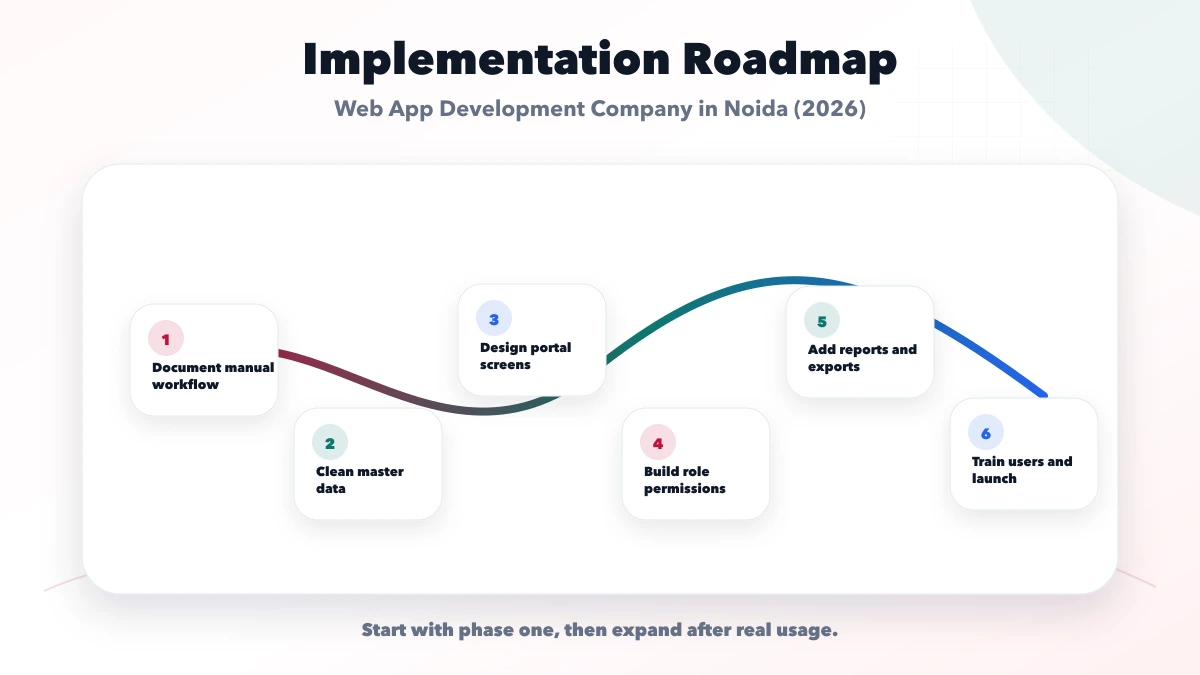
Authentication, core record, status, assignment, basic dashboard, audit history, and export.
Thresholds, rejection, reversal, attachments, reminders, and manager reporting.
Connect external systems after the internal data and ownership are stable.
Performance, advanced roles, automation, mobile needs, and broader reporting based on measured use.
Test with role-specific scenarios:
VASUYASHII provides web application development, software development, and integrations. Discovery begins with the record, state, role, and exception map rather than a fixed feature package.
No custom app can guarantee adoption or savings. The business must assign process owners, approve rules, test data, and train users. Share a non-sensitive requirement through contact.
Use the minimum roles required to protect real responsibilities. Add roles when permissions differ, not merely because job titles differ.
Only when it supports a recurring decision. A filtered work queue may be more useful than several charts.
No. Migrate authoritative, required data after cleanup and mapping. Keep an archive when old records are not needed operationally.
Yes, through approved APIs and templates where applicable. Consent, trigger, failure, opt-out, cost, and production ownership must be defined.
A record of important actions such as creation, approval, status change, export, or reversal, including actor and time. It supports investigation and accountability.
When the workflow needs device capabilities, offline use, frequent field activity, or a dedicated mobile experience. A responsive web app may be enough initially.
A role matrix becomes useful only when it is converted into testable scenarios. Before development closes, prepare one test account for each approved role and a small set of records that cover normal, restricted, and exceptional cases. The reviewer should verify both what a user can do and what the same user must not be able to do.
| Test scenario | Expected control |
|---|---|
| Sales user opens another region's record | Access denied or explicitly read-only |
| Approver edits a locked calculation | Change blocked or recorded through an approved override |
| Operations user exports records | Export follows field and company permissions |
| Manager reassigns ownership | Previous and new owners appear in audit history |
| Admin disables a team member | Active sessions and future access follow the agreed policy |
| User submits the same action twice | Duplicate transaction is prevented or safely identified |
Include failure states. Disconnect an integration, upload an invalid file, leave required fields blank, and attempt a stale update from two sessions. The app should tell the user what happened without exposing technical secrets or silently losing work.
Handover is not complete when the source code is delivered. The business also needs an approved role matrix, status definitions, calculation notes, import template, environment and account inventory, backup responsibility, release process, and escalation route. Record which settings an administrator may change without a code release.
For the first production month, review adoption and exceptions weekly. Look for repeated permission requests, manual workarounds, abandoned records, export dependency, and fields that users fill inconsistently. These signals show where training, validation, or workflow changes are needed. They are more useful than adding modules immediately after launch.
The process owner, data owner, and security or access owner should sign off separately. Their approval should reference the tested role matrix, migration reconciliation, backup, rollback window, and unresolved limitations. A launch meeting is not evidence by itself; keep the accepted checklist and release version so future changes can be compared with the original control baseline.
Record the named production support owner too.
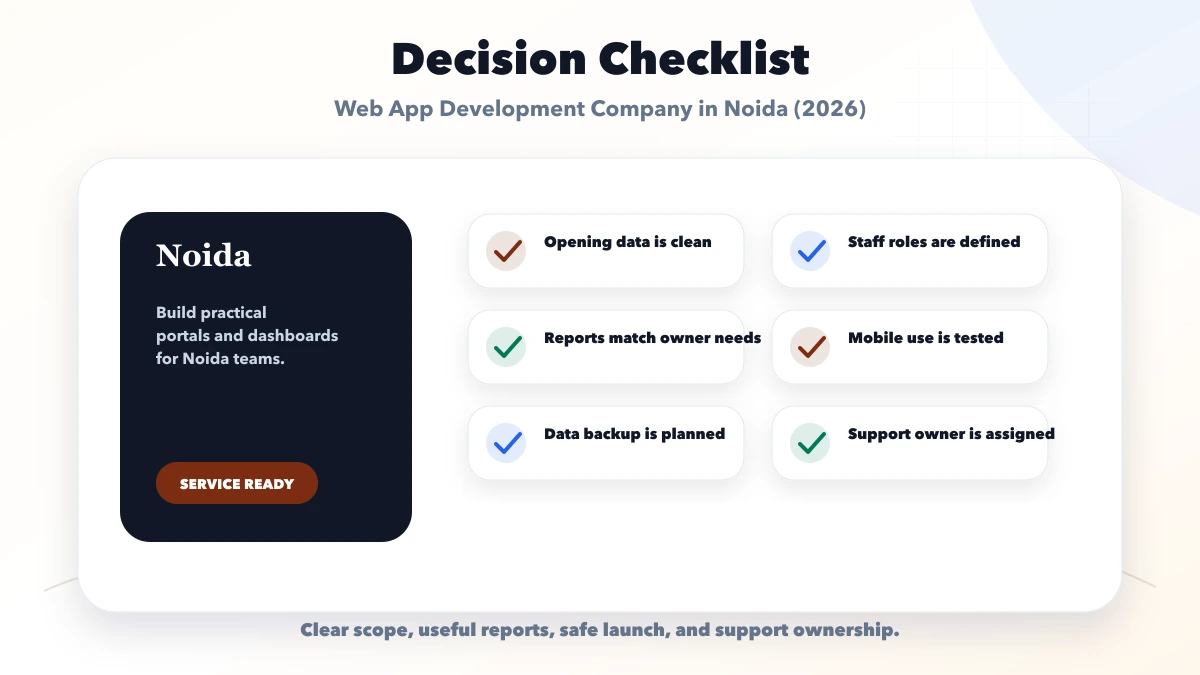
Choose a Noida web app partner by the quality of workflow, permission, data, and exception discovery. Build one accepted process end to end, then expand from measured operational evidence.
Related Articles
May 30, 2026
Plan a Delhi web app to replace spreadsheet workflows with controlled records, approvals, calculations, migration, integrations, reporting, and ownership.
Read article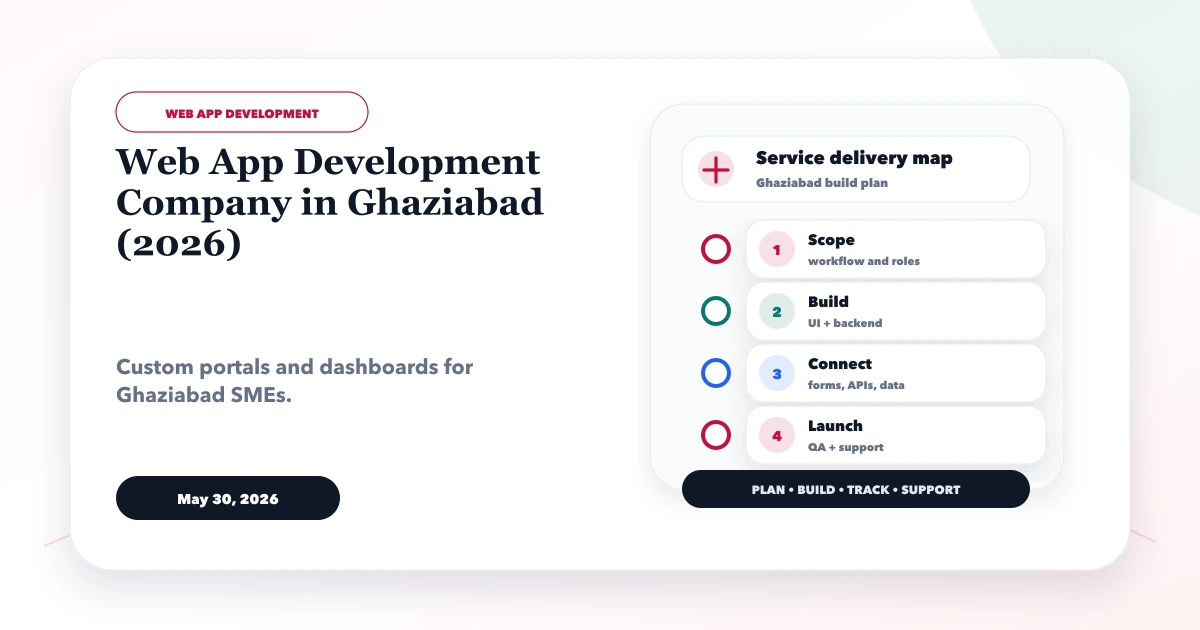
May 30, 2026
Plan a Ghaziabad web app for inventory and field operations with stock movements, service jobs, mobile workflows, approvals, reports, and integration.
Read article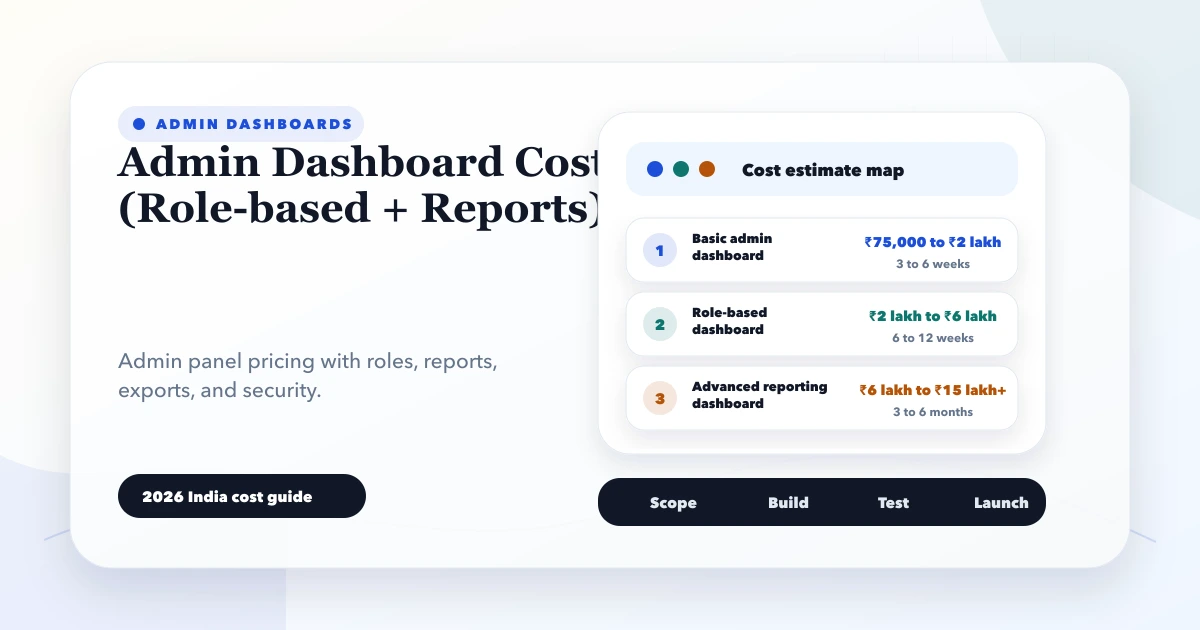
May 28, 2026
Estimate admin dashboard cost in India by workflows, roles, reports, integrations, data volume, security, testing, deployment, and ongoing operational support.
Read article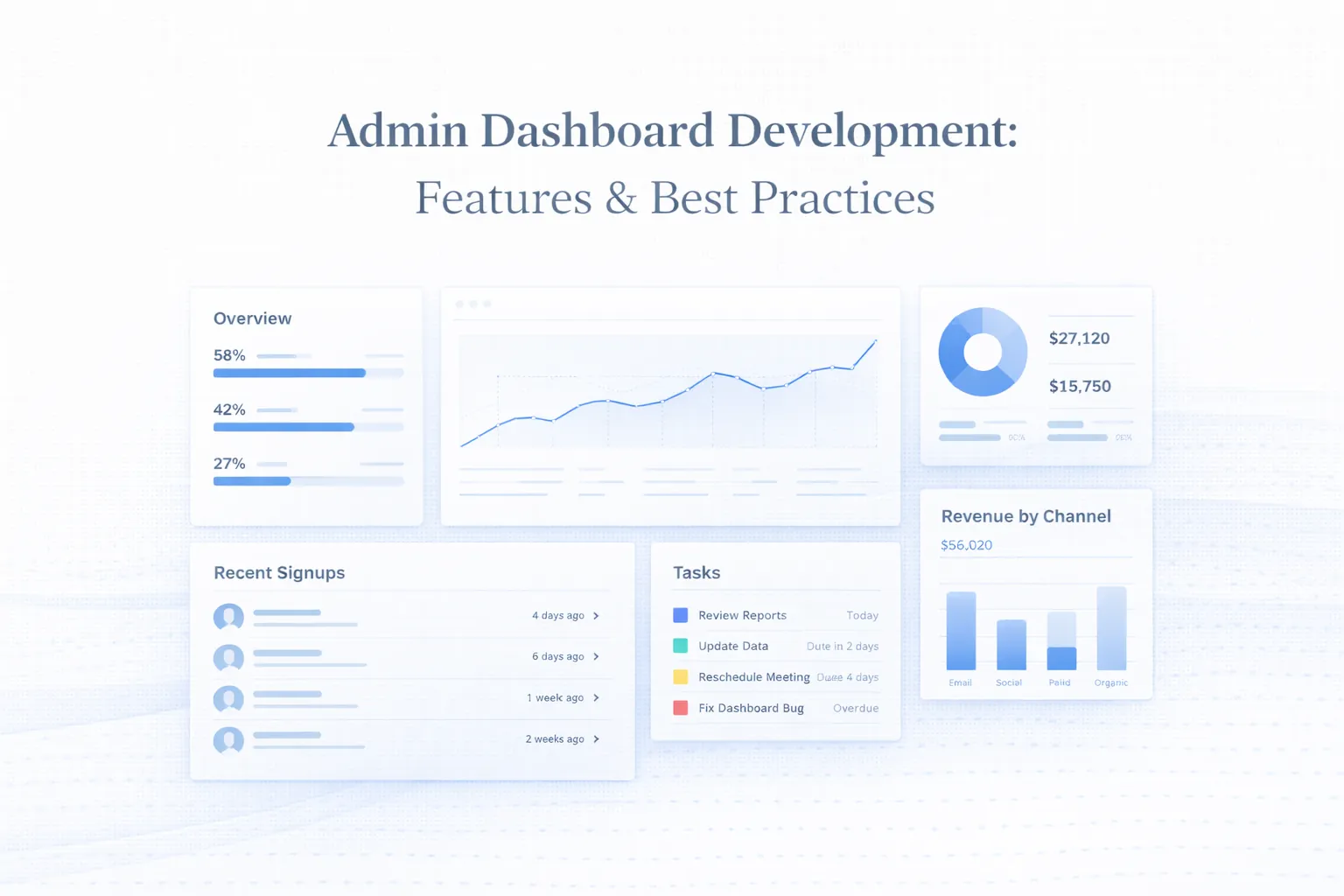
March 25, 2026
Plan admin dashboard development with practical UX, MVP features, roles, tables, filters, permissions, reports, UI states, and a real product example.
Read article