
May 30, 2026
Ghaziabad Web App for Inventory and Field Workflows
Plan a Ghaziabad web app for inventory and field operations with stock movements, service jobs, mobile workflows, approvals, reports, and integration.
Read articlePublished Updated
Plan a Delhi web app to replace spreadsheet workflows with controlled records, approvals, calculations, migration, integrations, reporting, and ownership.
Service-area note: VASUYASHII is based in Delhi NCR and supports businesses remotely across India. A city-focused guide describes service and planning context; it does not claim a physical office in every location mentioned.
Explore the parent topic: Web App Development Hub →A company searching for a web app development company in Delhi may have reached the point where spreadsheets no longer provide reliable ownership, permissions, status, or reporting. Replacing them safely requires more than copying columns into a database. The team must identify which sheet is authoritative, which calculations are trusted, and which informal steps should become controlled workflow.
This guide explains the transition from shared sheets to a business web app. It covers readiness, record design, migration, approvals, reports, integration, rollout, and fallback. It does not claim that every spreadsheet should be replaced or that software guarantees efficiency.
Written by Tushar C. (Founder, VASUYASHII) using the current VASUYASHII web-app discovery process. Examples are generic planning scenarios, not Delhi client outcomes.
A custom app may be justified when several of these occur:
Keep the spreadsheet when the workflow is small, low-risk, easy to understand, and well controlled. Custom software adds cost, ownership, support, and change responsibilities.
| Item | Questions |
|---|---|
| Files | Which sheets are active, archived, duplicate, or personal? |
| Owners | Who creates, edits, approves, and reports? |
| Records | What does one row represent? |
| Identifiers | Which value is unique and stable? |
| Formulas | Which calculations are business rules? |
| Status | What states exist and who changes them? |
| Attachments | Where are documents stored and linked? |
| Reports | Which outputs are used for decisions? |
| Integrations | What data enters or leaves? |
| Exceptions | Which cases bypass the normal process? |
Do not begin development until the team can explain the most important sheet.
Spreadsheets often use colour, merged cells, hidden columns, and layout as business logic. Convert these into explicit rules.
Example:
In the app, represent these as status, due date, priority, period, and role-based field. A visual convention is not a reliable data model.
For each record, approve:
Use sample rows for normal, missing, duplicate, corrected, and exceptional cases.
Move formulas only after validation.
Do not preserve a spreadsheet formula merely because it has been used for years. Verify its business meaning.
A controlled approval should record:
Avoid sending approval links that bypass authentication. Apply authorization on the server.
Profile row counts, empty values, duplicates, inconsistent dates, codes, formulas, and references.
Map source columns and values to the new model. Record transformations.
Assign business owners to resolve duplicates and invalid records. Developers should not decide financial or operational truth.
Import a controlled sample and reconcile counts, totals, relationships, and permissions.
Define freeze, final export, import, validation, user access, and rollback.
Keep an approved read-only archive where required. Prevent users from continuing to update both systems.
Reports should come from defined records and states.
| Metric | Required definition |
|---|---|
| Open items | Included statuses and date |
| Ageing | Start event and calendar rule |
| Revenue/due | Source record and exclusions |
| Team workload | Ownership and active states |
| Completion time | Start, end, pauses |
| Exception count | Named exception types |
Let users open the underlying records behind a total. Avoid hard-coded dashboards that cannot be reconciled.
Connect external systems after the core record is stable. Define source of truth, direction, trigger, unique key, retries, failure queue, rate limit, and account owner.
For Google Sheets coexistence, use the sheet as controlled input, output, or temporary migration tool—not an undefined second database. The Google Sheets automation guide explains useful patterns.
Use one team or workflow with representative records. Keep a documented manual fallback.
Train by role and real scenario, including correction and escalation.
For high-risk calculations, compare outputs for a limited period without creating two competing sources of truth.
Freeze the old edit path, complete migration, reconcile, and announce support.
Measure adoption, data errors, cycle time, exception reasons, and support tickets. Improve the workflow before adding modules.
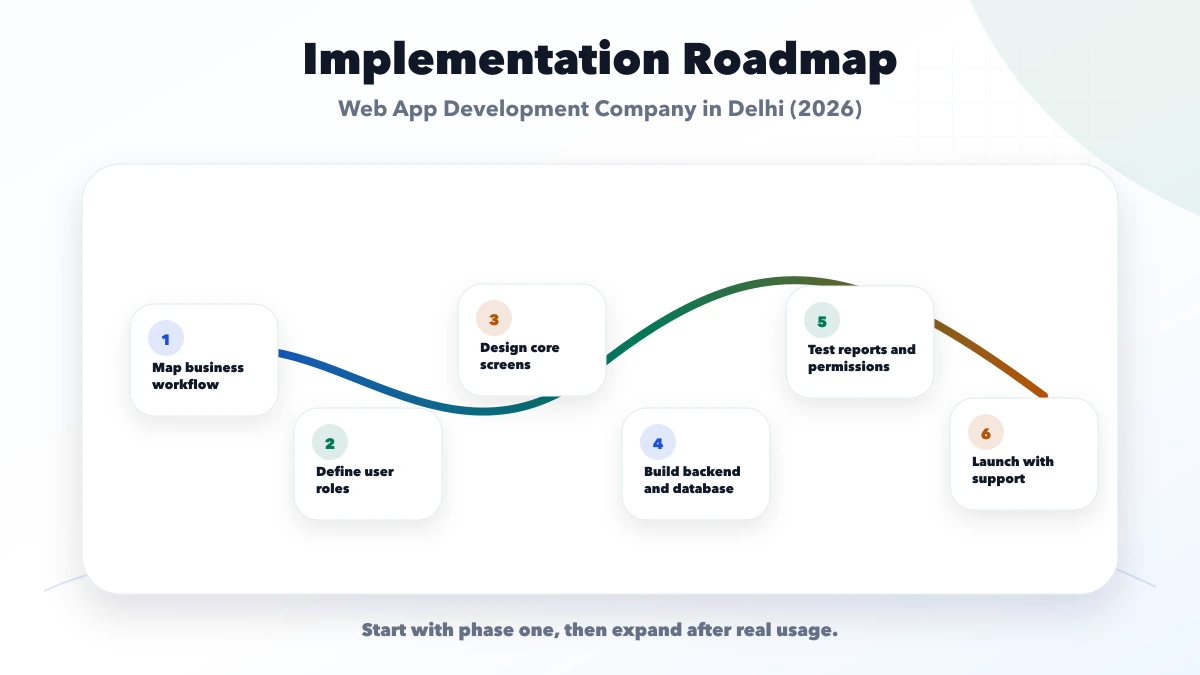
VASUYASHII provides web application development, custom software, and integrations. We start with current files, approved records, roles, formulas, states, and exceptions.
The app cannot repair unclear process ownership by itself. Business owners must approve rules and migration results. Share a non-sensitive sample structure through contact.
No. Replace a sheet when control, collaboration, audit, scale, integration, or reporting needs justify the ongoing software cost.
Yes, when required. Define fields, permissions, filters, and data sensitivity. Export should not bypass access controls.
Only for a defined validation period. Running both indefinitely creates conflicting sources of truth.
An authorized business owner. The development team can identify duplicates and provide tools, but should not invent operational truth.
Yes, as a controlled input, output, or approved integration. Define direction, ownership, sync frequency, conflict, and failure behaviour.
One valuable end-to-end workflow with clear data, roles, status, reporting, and acceptance. Avoid starting with every department.
Replacing a spreadsheet does not mean deleting it on launch day. Define a controlled transition in which the approved source file becomes read-only, the imported snapshot is reconciled, and new work moves to the application. Keep the original file under restricted retention for audit or rollback according to business policy.
The transition plan should identify:
Avoid two writable systems for an open-ended period. When users can update both the sheet and the application, neither remains authoritative. If a temporary parallel run is required, define which system wins and how differences are reviewed every day.
Success is not the number of migrated rows. Compare operational signals before and after rollout: time spent finding the current record, duplicate entries, approval delays, correction frequency, export dependency, and unresolved ownership. Use the same definitions and a reasonable observation period.
Interview the people doing the work, not only managers viewing reports. A decrease in visible errors may hide new manual work outside the app. Review abandoned drafts, repeated overrides, missing fields, and requests to restore spreadsheet exports. These findings should shape training and the next release.
The goal is a controlled business record with clear ownership. If the application cannot explain status, calculations, and exceptions better than the spreadsheet, expanding it will only scale uncertainty.
Before the cut-over, the named data owner should approve record totals, calculated values, rejected rows, permissions, backup location, and the rollback window. Department heads may verify their own workflows, but one accountable owner must decide whether the migrated dataset is ready for production. Keep the signed reconciliation with the release notes so later differences can be traced to a known baseline.
The owner should also confirm who can authorise corrections after launch and how those corrections appear in audit history.
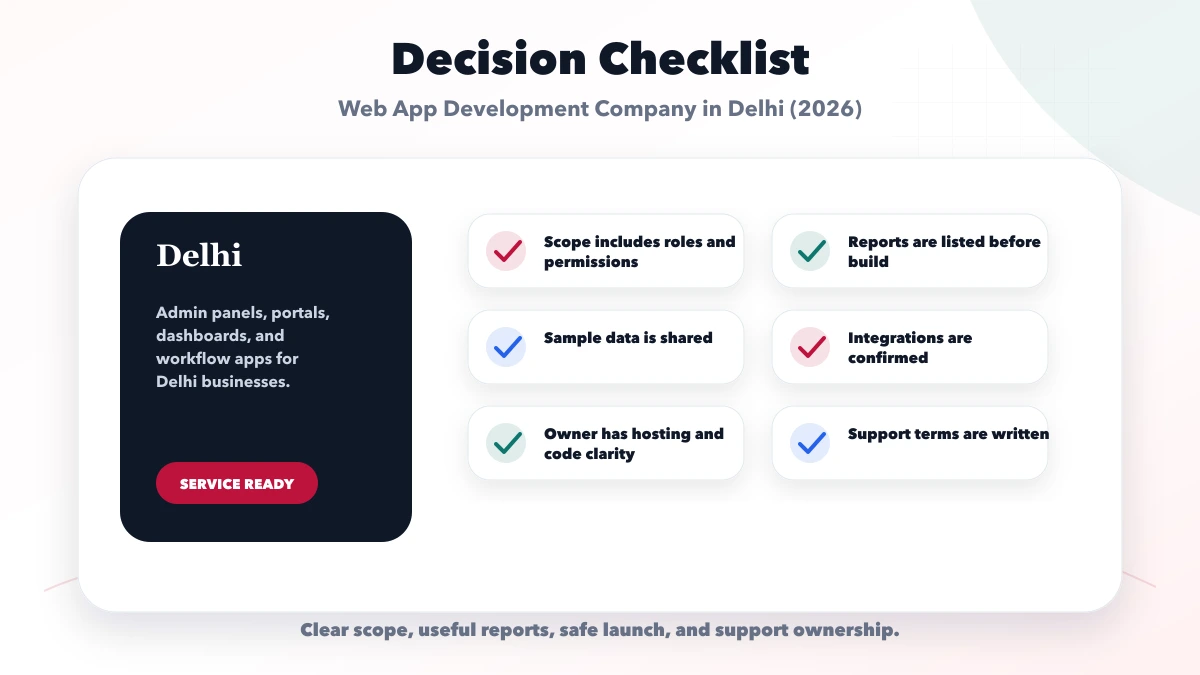
Replace Delhi spreadsheet workflows by making hidden rules explicit. Approve the record, calculation, role, state, and migration before development; pilot one complete process and expand only after the data and users are stable.
Related Articles
May 30, 2026
Plan a Ghaziabad web app for inventory and field operations with stock movements, service jobs, mobile workflows, approvals, reports, and integration.
Read article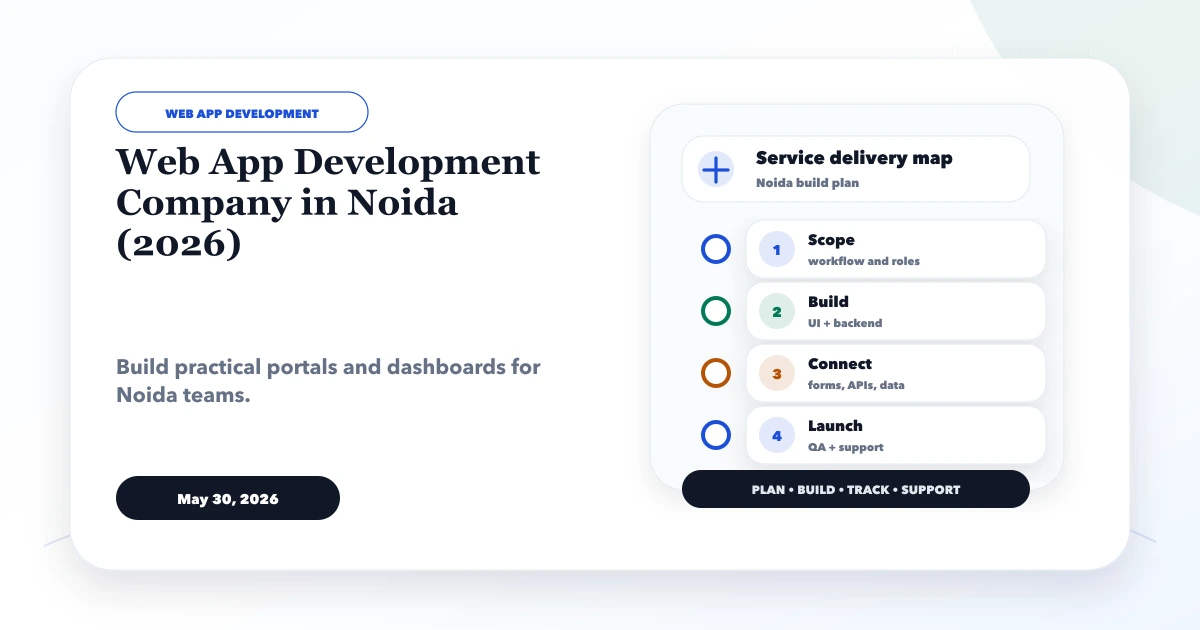
May 30, 2026
Plan a Noida business web app with role-based workflows, dashboards, approvals, integrations, audit controls, phased delivery, and ownership.
Read article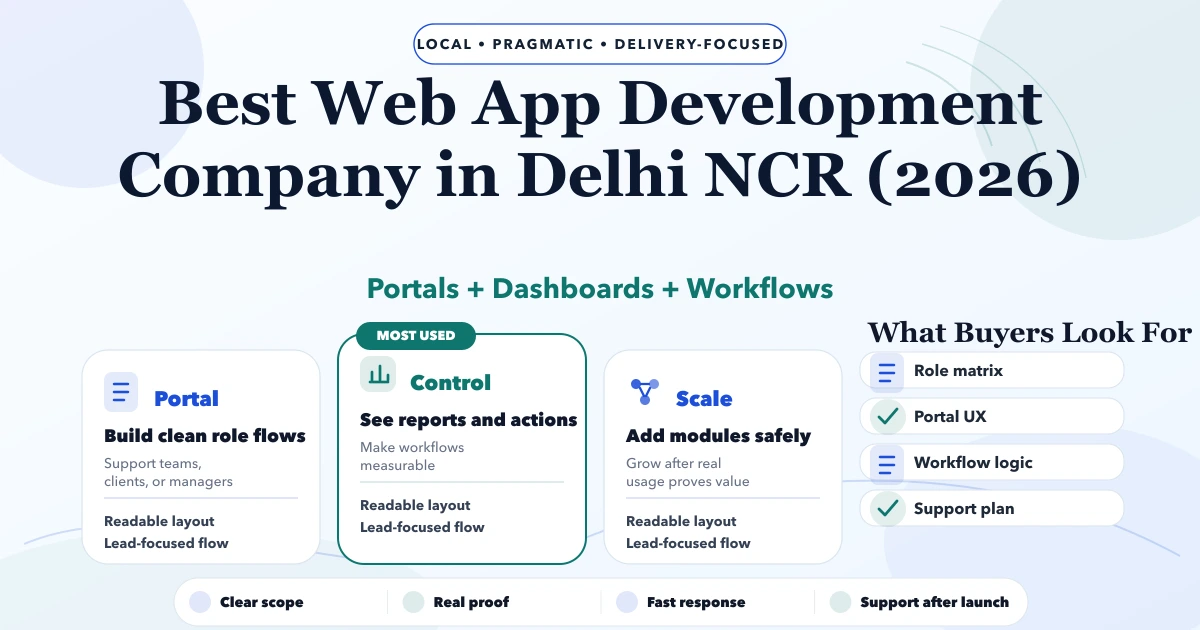
May 7, 2026
Best Web App Development Company in Delhi NCR (2026) guide with pricing, process, timeline, deliverables, proof links, and practical planning for businesses.
Read article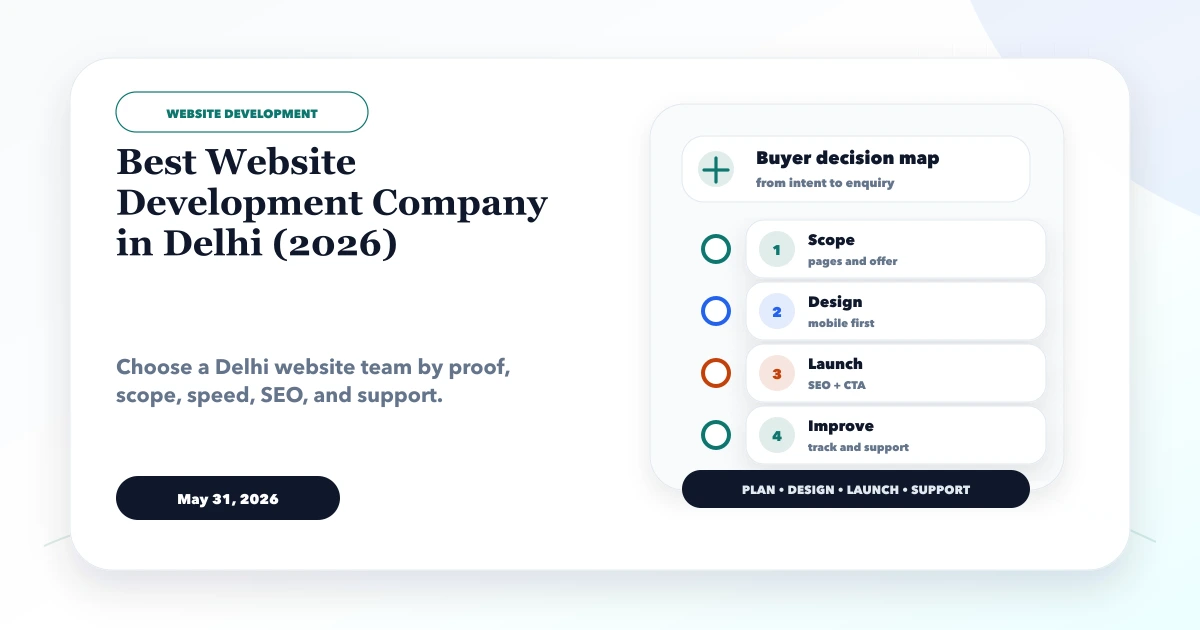
May 31, 2026
Use a practical 2026 scorecard to compare Delhi website companies by discovery, content, proof, technical quality, ownership, support, and acceptance.
Read article