
May 10, 2026
How to Build an SEO-Friendly Pricing Page
Build an SEO-friendly pricing page with clear packages or cost drivers, inclusions, exclusions, comparisons, FAQs, internal links, and qualified CTAs.
Read articlePublished Updated
Improve a SaaS pricing page with clear plans, value metrics, feature limits, billing terms, trust signals, FAQs, comparison tables, and conversion tracking.
By Tushar C., Founder of VASUYASHII Published: May 16, 2026 | Reviewed: August 3, 2026
A useful SaaS pricing page does not merely show three cards. It lets a buyer identify the right plan, understand the unit being charged, estimate the first invoice, and know what happens after a trial, upgrade, downgrade, cancellation, or failed payment. If any of those answers require a sales call, the page should say why instead of hiding the limitation.
For an Indian SMB SaaS product, the page also needs to explain whether prices include GST, which payment cycle is available, what support is included, whether data can be exported, and which implementation services are separate. This guide turns those questions into a practical page specification.
The strongest SaaS pricing pages have seven connected parts:
Do not begin by choosing plan names. Begin with customer segments, product usage, service cost, and the commercial action each plan should support.
A value metric is the unit that changes the bill: users, companies, locations, invoices, contacts, storage, transactions, or usage. The best metric grows when customer value grows and can be measured reliably by the product.
| Value metric | Suitable when | Main risk |
|---|---|---|
| Per user | Collaboration increases with each team member | Shared logins and resistance to adding users |
| Per company or workspace | One owner manages separate legal entities | A large company may pay the same as a tiny firm |
| Per location | Stores, branches, clinics, or warehouses operate separately | Locations may differ greatly in volume |
| Per transaction or invoice | Usage closely reflects business activity | Monthly bills become difficult to predict |
| Feature-based plans | Capabilities map clearly to buyer maturity | Artificial feature locks can frustrate customers |
| Hybrid base plus usage | Fixed platform value and variable processing both matter | More difficult to explain and implement |
Before launch, calculate at least three realistic customer examples. A trader with one firm and two staff members should be able to see a believable monthly or annual amount. A distributor with three firms and ten users should not discover an unexpected multiplier only after checkout.
Pricing tiers should correspond to different operating needs, not arbitrary combinations of features. A simple three-plan structure can work when each plan answers a separate question:
For every plan, maintain one entitlement record that is used by the pricing page, checkout, subscription system, product permissions, invoices, and support team. If marketing says "unlimited" but the application enforces a limit, the mismatch becomes a billing dispute.
| Entitlement field | Example question the page must answer |
|---|---|
| Workspace limit | How many companies or workspaces can the account create? |
| User limit | Are owners, employees, and accountants counted equally? |
| Usage allowance | Which actions are metered and when do they reset? |
| Integration access | Are APIs, webhooks, WhatsApp, or payment connections included? |
| Data retention | How long are logs, documents, and backups retained? |
| Support level | Which channel and response window apply? |
| Export rights | Can customers export their data before cancellation? |
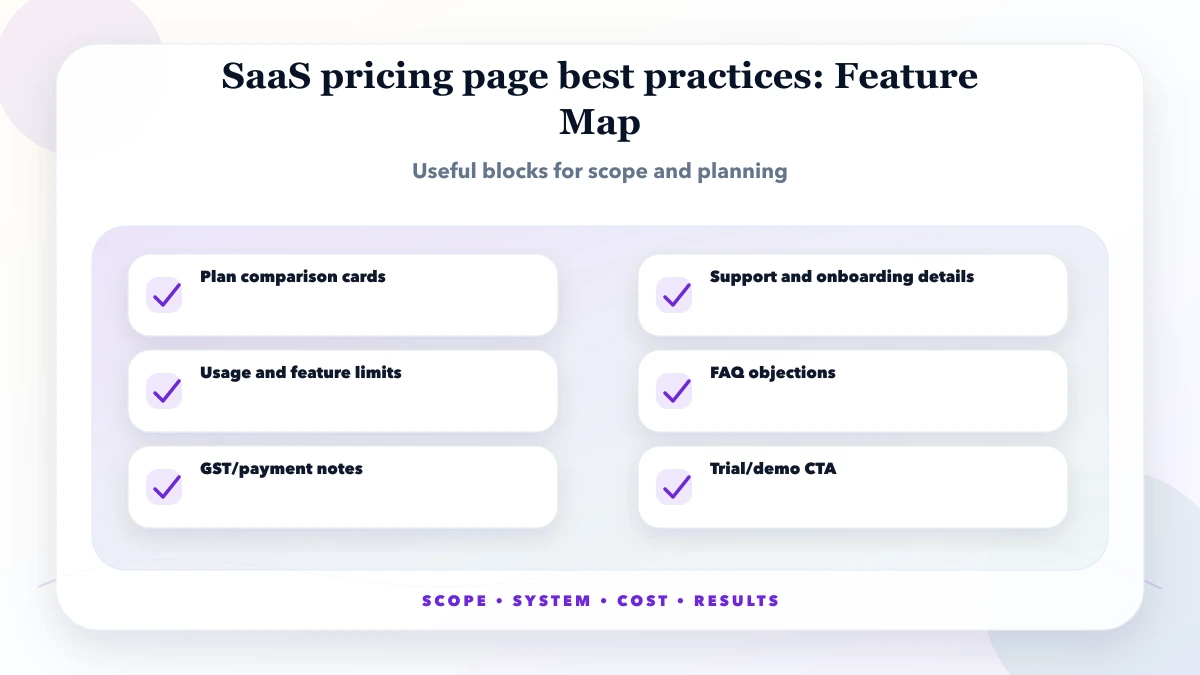
An annual price needs a visible equivalent billing explanation. A monthly plan needs renewal timing. A free trial needs the duration, included functions, and what happens at expiry. If GST is added at checkout, state that before the buyer enters payment details.
For Indian buyers, clarify:
Stripe separates products from prices and supports recurring price models. Razorpay Subscriptions also treats plans and subscriptions as separate objects. Those models are useful design references because they prevent a marketing label from becoming the only source of billing truth. Review the official Stripe products and prices documentation and Razorpay subscription plan documentation before designing a custom subscription workflow.
A pricing page should show the actual product areas that justify the plan difference. Screenshots, a short workflow, security boundaries, and a link to a live demo are more useful than generic badges.
The image below is a current VASUYASHII Business Suite interface. It demonstrates the type of product evidence a pricing page can link to: buyers can inspect the dashboard, inventory, dues, and operating context before discussing a plan. It is not a customer outcome claim and it does not validate any specific pricing tier.
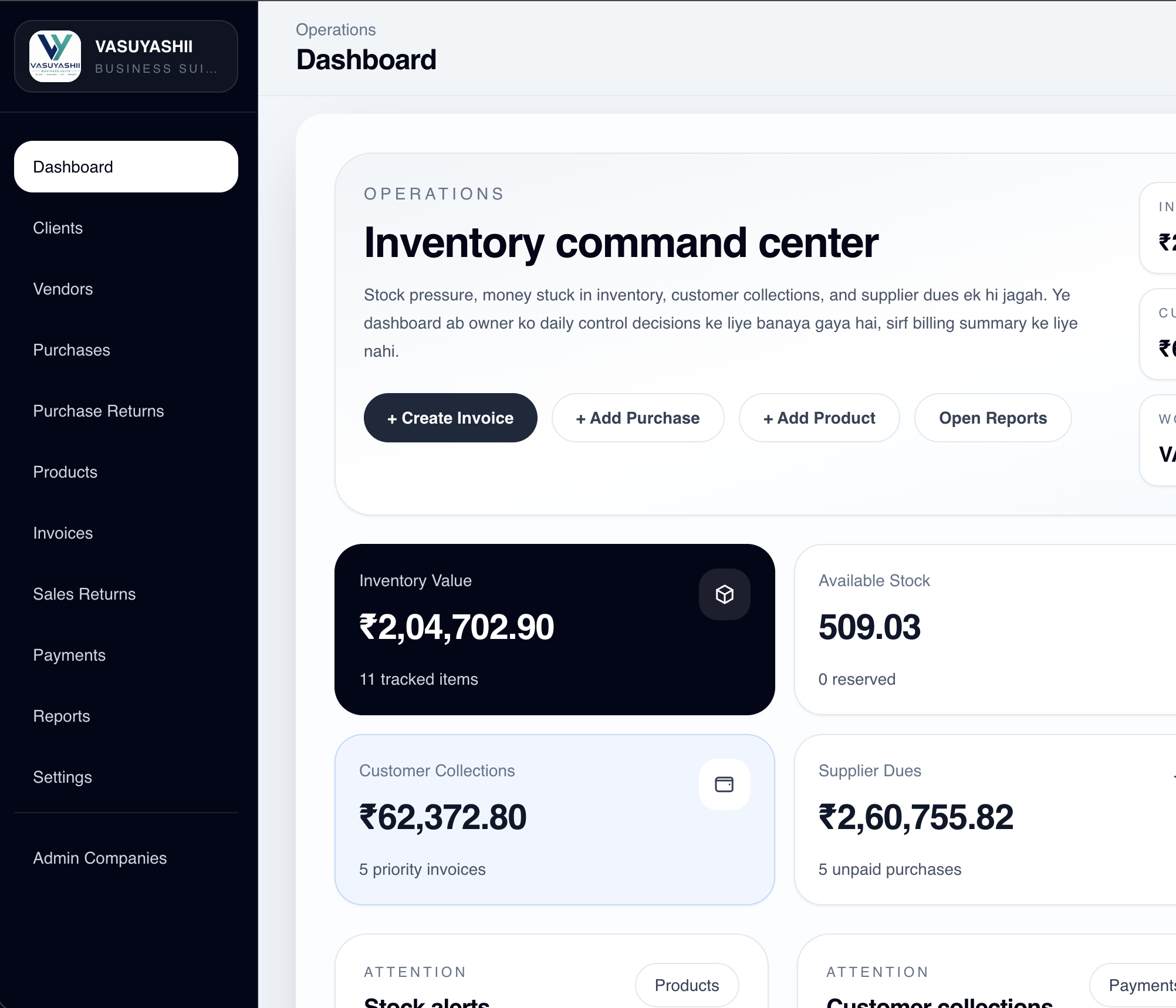
For a fuller product walkthrough, review VASUYASHII Business Suite. A separate SaaS product should provide its own current screenshots and should remove any feature that is not actually available.
Self-serve checkout works when price, limits, payment, provisioning, and cancellation can be automated safely. Assisted buying is appropriate when data migration, integrations, security review, custom limits, or implementation work changes the scope.
| Buyer state | Primary CTA | Information to collect |
|---|---|---|
| Ready to try | Start trial | Email, workspace name, consent, selected plan |
| Ready to pay | Choose plan | Billing identity, GST details, payment method |
| Needs fit confirmation | Request demo | Use case, users, locations, required integrations |
| Enterprise or custom | Talk to sales | Security, migration, support, volume, procurement needs |
Do not make every plan use "Contact sales." It removes price confidence. Do not force a custom buyer through an instant checkout that cannot represent the real scope. The CTA should match the amount of uncertainty.
The visual pricing page is only one layer. The product needs explicit states such as trialing, active, past due, paused, cancelled, and expired. Razorpay documents subscription states, while payment providers use webhooks for asynchronous status changes. A robust implementation should verify server events, avoid duplicate processing, and keep an audit record of plan changes.
A minimum acceptance flow is:
Read the provider's current workflow rather than copying an old tutorial. Razorpay's official subscription workflow and subscription state reference are useful starting points.
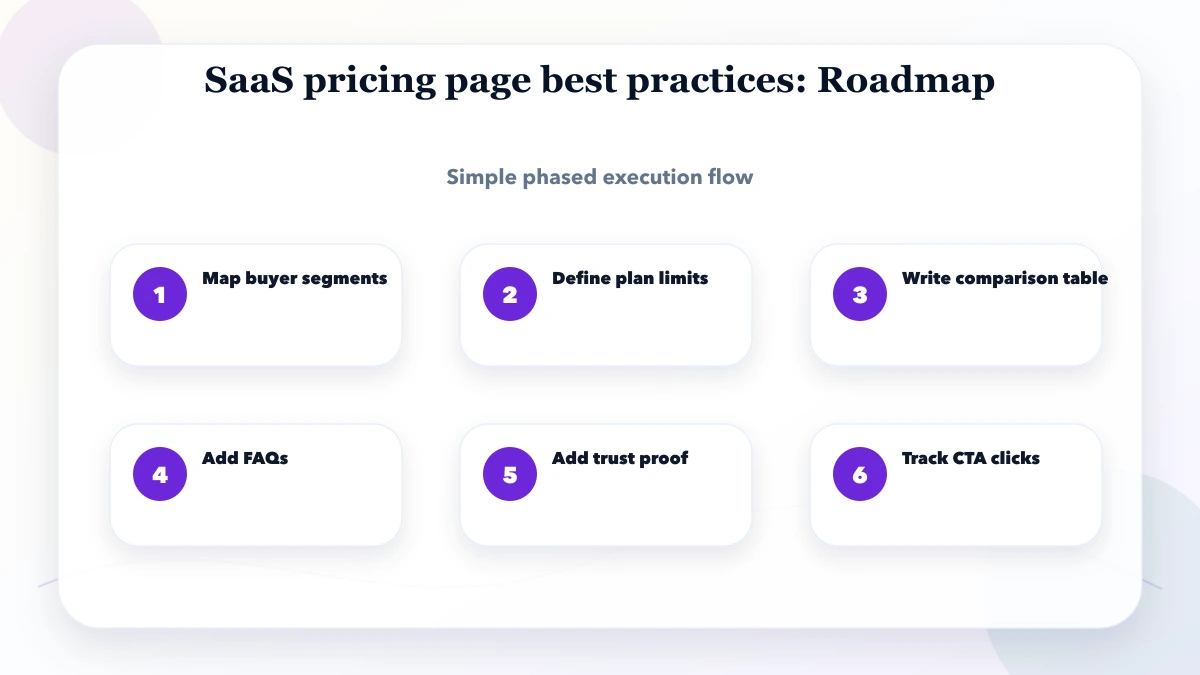
Analytics should explain where buyers become uncertain. Use consistent events and non-personal parameters. Google Analytics recommends standard event names for common journeys; custom events can cover plan comparison where needed.
Track at least:
Never send email addresses, phone numbers, GSTINs, or free-text requirements as analytics parameters. Use safe plan keys and aggregate funnel reporting. Consult the official GA4 recommended events reference.
Before publishing, verify the page against real scenarios rather than only checking desktop appearance.
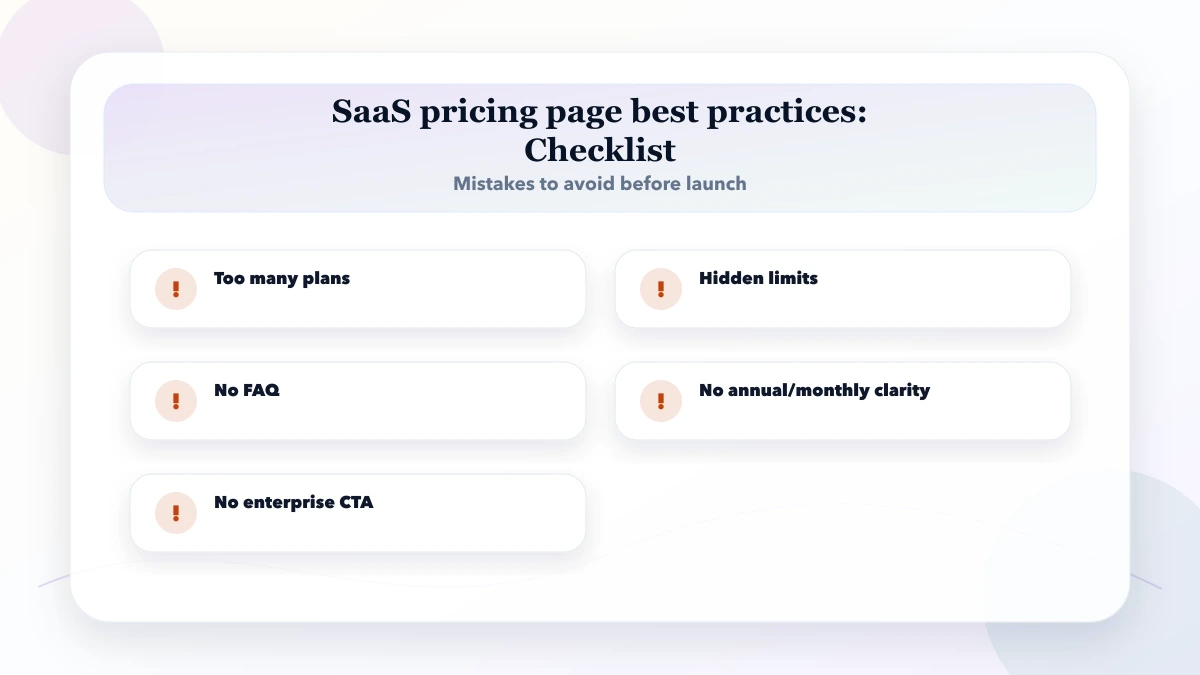
Hiding essential limits: "Everything you need" is not an entitlement definition. Show numbers or explain the fair-use rule.
Using a fake crossed-out price: A discount without a genuine reference price damages trust and can create compliance concerns.
Mixing software and services: Migration, implementation, custom reports, and integrations should be priced or scoped separately.
Making annual billing look monthly: If the buyer pays one annual amount, place that amount beside the monthly equivalent.
Ignoring failed payments: Provisioning must follow verified server status, not only a browser success screen.
Copying competitor tiers: Their cost base, customers, and value metric may be completely different.
This article is a page and workflow specification, not tax, legal, or payment-compliance advice. It does not prescribe a universal price. Payment-provider capabilities, GST treatment, cancellation rights, and invoicing obligations can change, so confirm the current rules with the provider and an appropriate professional before launch.
It also cannot replace customer research. Interview current prospects, review support questions, and test whether buyers can choose a plan without help. A simpler page with accurate limits is better than a polished comparison that promises unavailable capabilities.
Three is often enough, but the correct number depends on distinct buyer jobs. Add a plan only when it represents a real entitlement, service, or usage difference that customers can understand.
It should state clearly whether GST is included or added. The invoice and checkout must follow the same treatment. Confirm the correct approach for the business with a qualified tax professional.
Annual billing can improve cash flow and reduce monthly churn, but it increases the buyer's commitment. Offer it when the product delivers ongoing value and cancellation, renewal, and support terms are clear.
Include repeatable standard onboarding if its cost is predictable. Scope data cleanup, migration, custom integration, and process design separately when effort varies by customer.
Current product screenshots, a usable demo, exact limits, security information, support terms, and genuine approved case evidence reduce uncertainty. Decorative review badges without a verifiable source do not.
Use assisted buying when price depends on security review, migration, volume, custom limits, integrations, or procurement. Keep a starting scope or explanation visible so the CTA does not feel like hidden pricing.
Create one entitlement sheet before designing the page. List plan keys, billing cycles, limits, support, taxes, cancellation behavior, and proof assets. If the product needs a safe subscription or checkout flow, discuss the exact scope through the VASUYASHII contact form.
Related Articles
May 10, 2026
Build an SEO-friendly pricing page with clear packages or cost drivers, inclusions, exclusions, comparisons, FAQs, internal links, and qualified CTAs.
Read article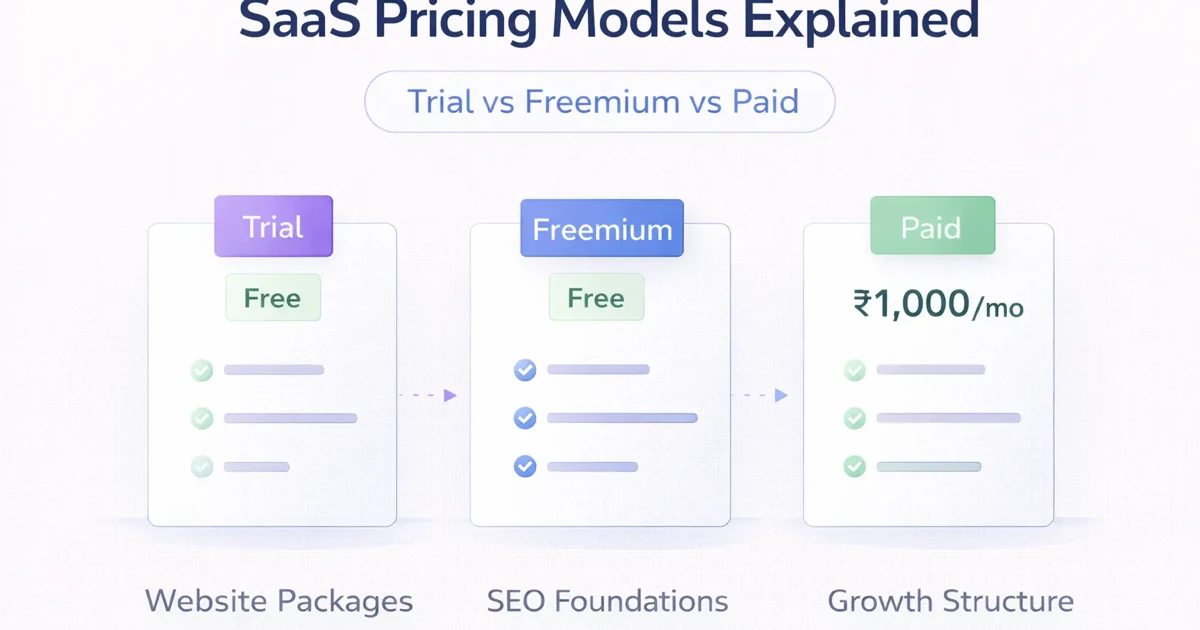
March 31, 2026
SaaS pricing models explained for India: trial vs freemium vs paid, plus flat-rate, seat-based, and usage pricing advice for founders.
Read article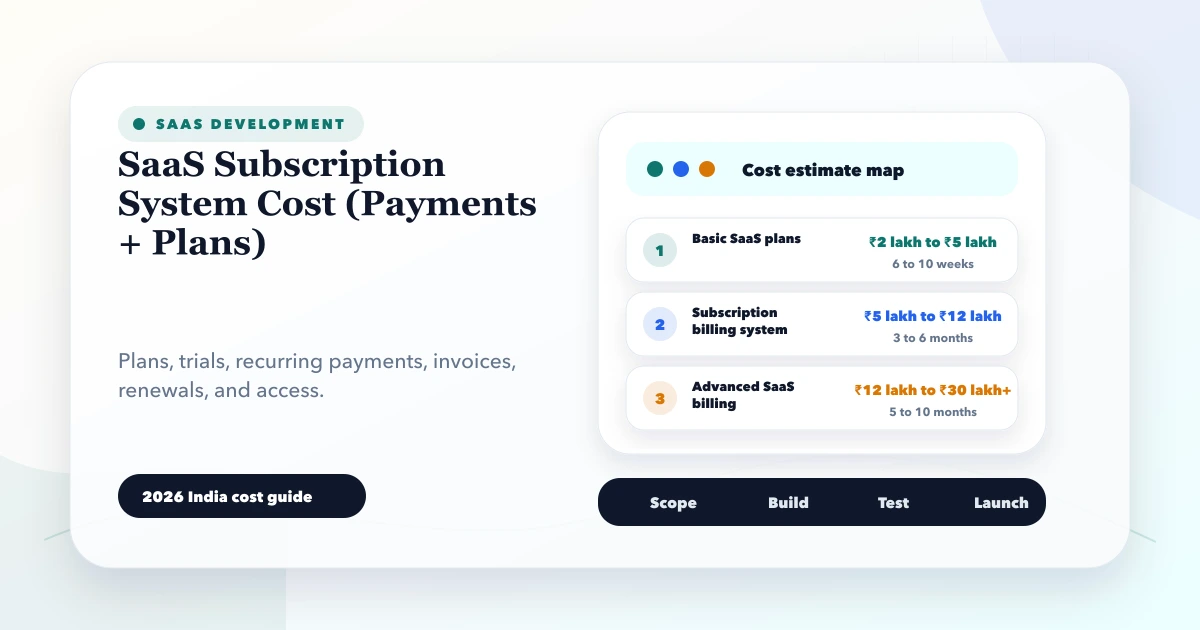
May 28, 2026
SaaS subscription system cost: 2026 India pricing guide with modules, timeline, cost drivers, mistakes, quote checklist, and practical planning ranges.
Read article
May 16, 2026
Plan a focused SaaS MVP with clear users, workflows, permissions, billing boundaries, acceptance checks, costs, and launch metrics for India.
Read article