
April 18, 2026
Reduce Bounce Rate: Fix UX, Speed, and Intent
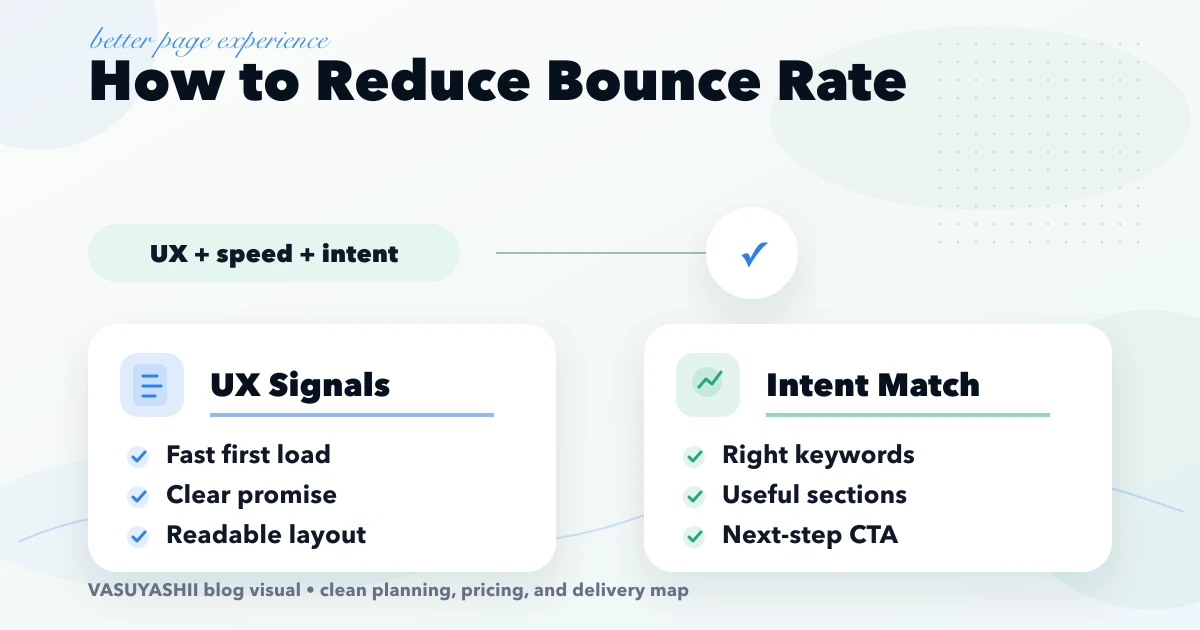
Diagnose weak engagement by query, device, and page type; then improve intent match, first-screen clarity, speed, proof, navigation, and CTA tracking.
Read articlePublished Updated
Reduce bounce rate by diagnosing search intent, mobile speed, content clarity, CTA friction, and tracking quality instead of chasing one sitewide number.
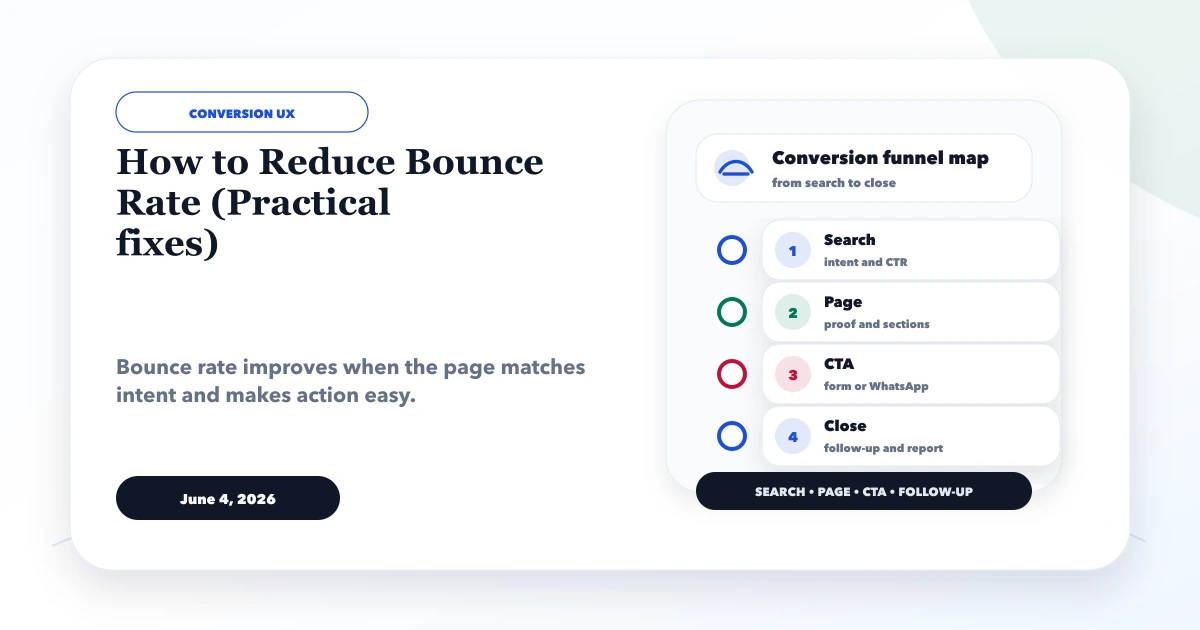
A high bounce rate is a symptom, not a diagnosis. It can come from a slow mobile page, mismatched search intent, weak copy, accidental traffic, broken tracking, or a page that answers the visitor's question so quickly that no second interaction is needed.
The practical goal is not to force every visitor to click. It is to help the right visitor understand the page, complete a useful action, and avoid friction. This guide shows how to diagnose bounce by landing page, source, device, and intent before changing design or content.
Use this order:
Do not apply a sitewide redesign because one aggregate percentage looks high. Fix the pages and traffic segments where users fail to reach a meaningful outcome.
In Google Analytics 4, bounce rate is the percentage of sessions that were not engaged sessions. Engagement depends on GA4's current session rules, which include time, conversion/key-event, and multi-page or screen behaviour. Because analytics products evolve, check the current GA4 bounce-rate documentation when interpreting the metric.
A visitor can read a phone number, call manually, and leave without a tracked interaction. That may appear as a bounce even though the page helped. Conversely, an accidental event firing on page load can make engagement look better without improving the experience.
Check these points:
Current VASUYASHII measurement uses separate intent events for contact, WhatsApp, demo opens, and valid lead generation. That implementation reinforces the key rule here: a navigation click, outbound chat click, and completed form are different outcomes and should not be collapsed into one conversion.
contact_click, whatsapp_click, demo_open, and generate_lead fire only on their intended actions;Use DebugView and browser network tools, then confirm events in production Realtime. A clean analytics baseline prevents false conclusions.
Create a simple table for the last useful period:
| Dimension | Question |
|---|---|
| Landing page | Which page begins the disengaged sessions? |
| Source/medium | Does paid, organic, referral, or direct traffic behave differently? |
| Device | Is the issue concentrated on mobile? |
| Country/city | Is irrelevant geography entering the page? |
| Query | Does the search term match the page's offer? |
| New/returning | Are repeat visitors using the page as a quick reference? |
| Browser | Is there a technical issue in one environment? |
Prioritise a segment with meaningful traffic and commercial intent. Ten bounces from an irrelevant referral are less important than a service page with thousands of impressions and no qualified actions.
Compare the query and search snippet with the first viewport. If a result promises “CRM software cost in India” but opens with a generic software-company pitch, visitors must hunt for the answer and may leave.
Fix intent mismatch by:
Do not stuff the query into every heading. The page should fulfil the task behind the query.
The first screen should establish:
Remove long introductions about the importance of the topic. Avoid full-screen decorative motion that delays readable content. On mobile, verify that the header, cookie UI, badges, and floating WhatsApp button do not cover the heading or CTA.
If LCP is slow, users may leave before the main content appears. Check the LCP element and breakdown rather than only the score. Common causes include delayed hero text, oversized logos, blocking CSS, unnecessary JavaScript, heavy analytics, and non-composited animations.
Practical actions:
Use the Core Web Vitals fixes guide and image optimisation checklist for implementation details.
Readers scan before committing. Make the page navigable with:
Remove repeated boilerplate and generic “why this matters in 2026” sections. Each section should add a decision, example, or instruction.
A CTA should follow the visitor's current task. An informational article can offer a checklist, related guide, or scoped consultation. A service page can ask for the requirement. A product page can offer a trial.
Match CTA to intent:
| Page intent | Useful action |
|---|---|
| Learn | Read related guide or checklist |
| Compare | View comparison/service-fit page |
| Estimate | Share scope for a quote |
| Evaluate product | Open live demo |
| Local service | Call, WhatsApp, or submit location-aware enquiry |
Do not show “Buy now” after a purely educational paragraph when no package has been explained.
Audit the contact form on a real phone:
If a form silently fails, bounce-rate changes are not the primary issue. Fix the conversion defect first.
Add links at the point where a question becomes deeper. A page about homepage structure can link to conversion copy; a hosting article can link to maintenance; a CRM guide can link to implementation services.
Avoid a large unrelated “related posts” block as the only internal linking. Contextual anchors help users understand why the next page matters. Use the strongest hub as the parent where appropriate, such as web application development or custom software, CRM and ERP.
Test affected pages for:
Use a browser with cache disabled and test both direct landing and internal navigation.
Sudden bounce changes may come from traffic quality. Check unexpected referrals, countries outside the service market, campaign targeting, UTM consistency, and bot patterns. Do not rewrite a strong service page to accommodate irrelevant traffic.
For paid campaigns, align ad promise, keyword, audience, landing page, and CTA. A broad campaign can produce high bounce even when the page is well designed.
Score each candidate page from 1 to 5 on:
Fix a small batch, annotate the change date, and compare the same segments after enough traffic. Do not change title, layout, CTA, and campaign targeting simultaneously if you need to learn which fix worked.
Use a balanced view:
The best outcome may be fewer low-quality sessions and more qualified leads, even if total page views fall.
Bounce differs by page type, acquisition channel, brand familiarity, and tracking. Compare similar pages and your own qualified outcomes.
Events that fire automatically can lower reported bounce without changing user behaviour.
Beautiful pages still fail when they answer the wrong question.
Length is not the problem when sections are relevant and scannable. Remove repetition, not decision value.
Interruptions can increase friction. Make the primary route clearer instead.
More submissions are not better if they are irrelevant. Capture source and qualification evidence.
Validate tags and events in DebugView and production.
Export landing-page performance by source and device. Select three priority segments.
Run mobile performance and interaction checks. Record defects and LCP causes.
Compare search queries/snippets with each page's first viewport and structure.
Implement one focused set of content, CTA, form, or performance fixes.
QA mobile, desktop, analytics, canonical, links, forms, and accessibility.
Deploy, annotate the change, and begin monitoring the same segments.
There is no universal good percentage. Evaluate comparable page types and whether visitors complete meaningful actions.
No single analytics bounce-rate number determines ranking. Focus on intent satisfaction, content quality, technical experience, and useful outcomes.
No. Prioritise pages with relevant traffic, commercial value, and a genuine failure to meet intent.
Yes, especially when important content appears late or interaction is blocked. Diagnose the actual LCP and main-thread causes first.
They can be tracked as intent, but a click is not automatically a qualified lead or completed sale.
Wait for enough comparable traffic to evaluate. Lab performance can be checked immediately; behavioural and search data need time.
For the GA4 definition, segment-level diagnosis, and controlled test workflow, use the bounce-rate UX, speed, and intent guide.
Use the conversion optimisation guide and service-page content guide to address selected pages. For measurement, performance, or funnel implementation, review integration services or contact VASUYASHII.
Related Articles
April 18, 2026
Diagnose weak engagement by query, device, and page type; then improve intent match, first-screen clarity, speed, proof, navigation, and CTA tracking.
Read article
June 12, 2026
Choose website fonts that protect speed, readability and trust. Compare font files, weights, fallbacks, mobile legibility and loading strategy.
Read article
June 12, 2026
Image optimization checklist for business websites with WebP, sizing, lazy loading, alt text, hero images, galleries, and speed checks.
Read article
May 18, 2026
Diagnose ecommerce checkout drop-off across cart, shipping, login, forms, trust, payment, mobile UX, failures, recovery, analytics, and experiment design.
Read article