
May 30, 2026
Business Website Maintenance Services in Delhi NCR
Business website maintenance services in Delhi NCR guide with updates, backups, speed, security, SEO checks, pricing, and monthly checklist.
Read articlePublished Updated
Compare Delhi NCR website maintenance plans by updates, security, backups, monitoring, content, response times, exclusions and ownership.
Service-area note: VASUYASHII is based in Delhi NCR and supports businesses remotely across India. A city-focused guide describes service and planning context; it does not claim a physical office in every location mentioned.
Explore the parent topic: Website Development Delhi NCR Hub →Website maintenance is an operating agreement, not an undefined promise to “handle everything.” A useful plan identifies systems, recurring checks, response times, included change capacity, customer responsibilities and exclusions.
This guide helps Delhi NCR businesses compare monthly maintenance proposals for business websites, WordPress sites and custom web applications. The retained budget bands are planning references, not fixed VASUYASHII offers or verified local market averages.
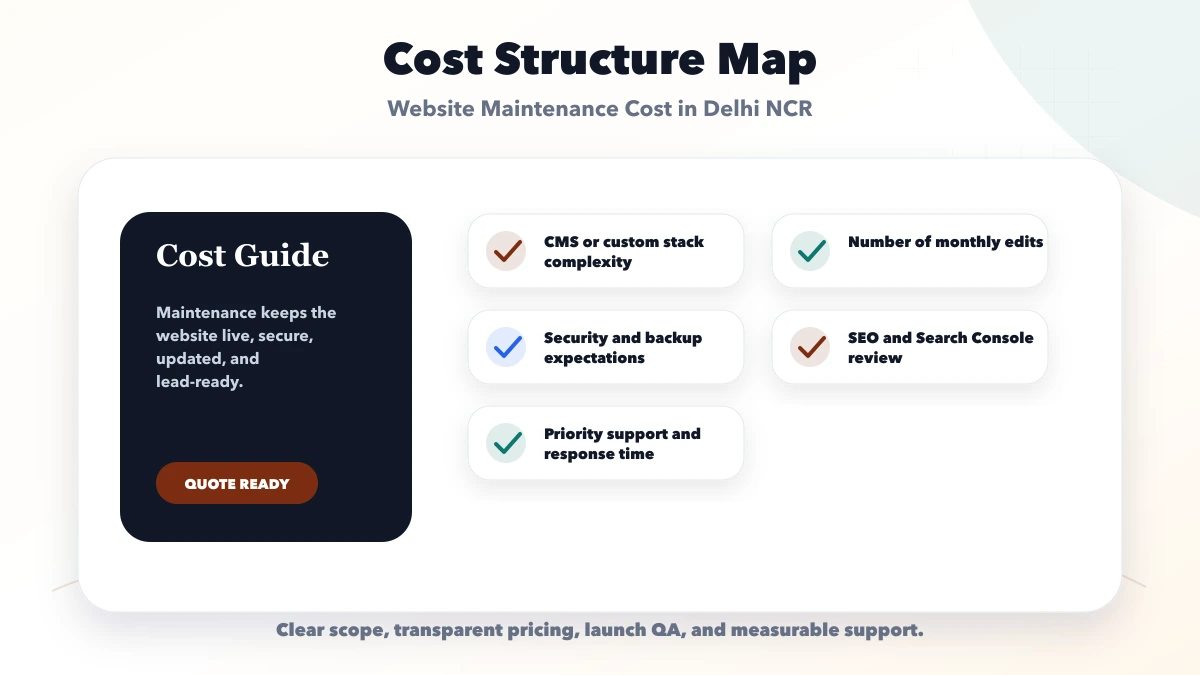
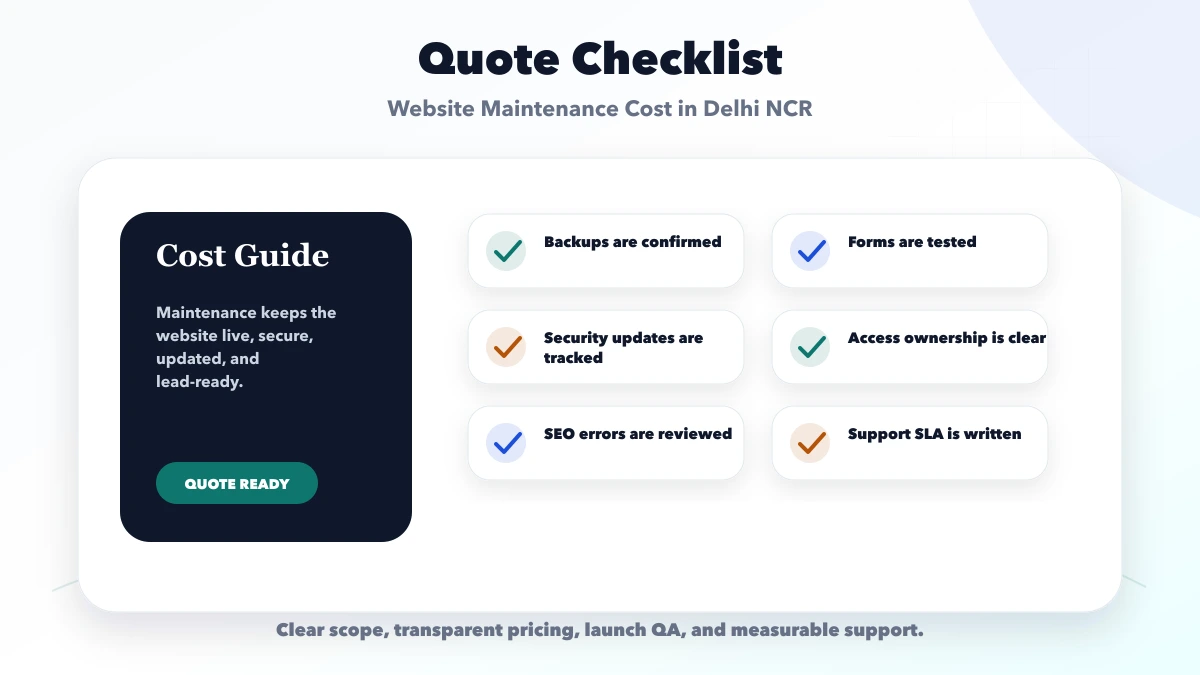
A written maintenance plan should include:
Maintenance is not a substitute for a redesign, feature project or guaranteed security.
Record:
The provider cannot maintain accounts they cannot access, and the customer should not surrender permanent ownership merely for convenience.
| Service | Example output | Frequency or trigger |
|---|---|---|
| Availability monitoring | alert and incident ticket | continuous or scheduled |
| Backup verification | backup status and restore evidence | scheduled |
| Dependency updates | reviewed update and release note | planned cycle |
| Security triage | severity, containment and next action | event-driven |
| Form checks | submitted test and routing confirmation | scheduled or after change |
| Content updates | approved text, image or page edit | allowance-based |
| Analytics health | event and tag validation | after relevant release |
| SEO technical check | sitemap, canonical and broken-link review | monthly or after route change |
| Performance review | baseline comparison and cause list | periodic |
| Reporting | work log, incidents and recommendations | monthly |
The contract should distinguish monitoring from guaranteed prevention.
Fits a stable small website with limited content changes. It may include monitoring, backups, routine updates, form checks and a small support allowance.
Fits a business publishing regularly or running campaigns. It may include more content work, tracking checks, landing-page updates and technical SEO review.
Fits custom applications or integration-heavy sites. It may include incident response, releases, logs, database or API support and a reserved engineering capacity.
These plans are not interchangeable. A custom app cannot be maintained safely under a content-only package.
| Scope | Existing planning band | Service rhythm |
|---|---|---|
| Basic maintenance | Rs. 3,000 to Rs. 8,000/month | monthly |
| Growth maintenance | Rs. 8,000 to Rs. 20,000/month | weekly or monthly |
| Technical support retainer | Rs. 20,000 to Rs. 35,000+/month | priority support |
These retained bands are early budgeting inputs. The real amount depends on system complexity, response commitment, included hours, update risk and support coverage.
A plan with a two-hour response and weekend coverage is not equivalent to next-business-day email support.
Define:
Example severity table:
| Severity | Example | Initial response |
|---|---|---|
| Critical | site unavailable or confirmed active compromise | plan-specific urgent target |
| High | checkout or lead form failing | plan-specific priority target |
| Medium | important page or integration degraded | normal support queue |
| Low | content or cosmetic change | scheduled allowance |
Do not promise resolution times that depend on a hosting or payment provider outside the maintainer's control.
“Daily backup” is incomplete without:
For a static website, repository and deploy history may protect code but not form data or third-party configuration. For a CMS, database and uploads matter. For a web app, database, files, secrets and infrastructure configuration may all matter.
Use:
Automatically installing every update in production can create avoidable outages. Ignoring updates indefinitely also creates risk.
Define whether the plan includes:
Use time or clearly bounded units. “Unlimited updates” often hides fair-use restrictions.
An exclusion is useful only when it identifies what happens next. A maintenance agreement should state whether new layouts, campaign pages, integrations, content writing, data migration, redesign, emergency work and third-party charges are outside the recurring fee.
For every exclusion, define:
This protects both sides from treating routine maintenance as unlimited development. When a campaign needs a new conversion path, scope it separately with the landing page cost guide instead of silently consuming the maintenance allowance.
Periodic checks may cover:
SEO maintenance does not guarantee rankings. Use SEO website development services for build-time architecture and website redesign cost when the underlying structure needs major change.
Check:
A technically available site can still lose business if the lead route fails.
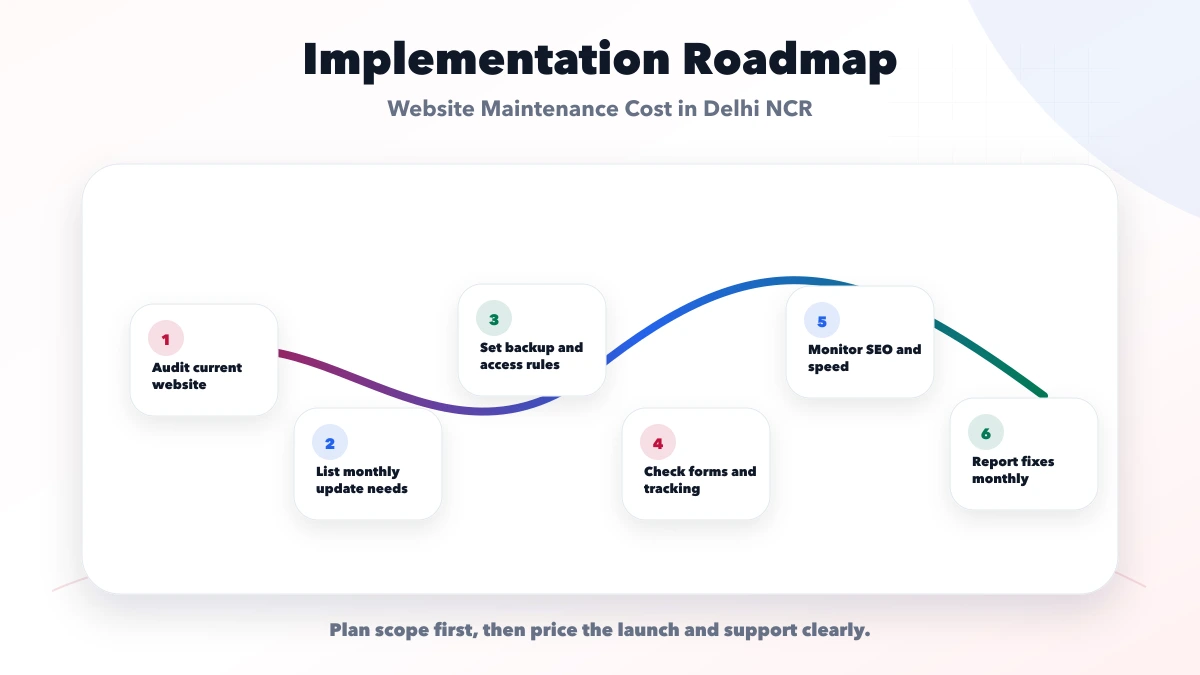
Inventory, access, baseline, known issues, backup and priority contacts.
Fix urgent ownership, backup, form and deployment gaps through approved separate work where necessary.
Monitor, update, verify, document and report.
Triage, contain, communicate, recover and record.
Review traffic, risks, licences, performance, content, technical debt and upcoming campaigns.
Transfer access, code, documentation and outstanding work status.
The business may need to:
Maintenance is collaborative. Delayed approvals can delay fixes.
Current VASUYASHII public website uses a documented build and validation workflow covering static generation, sitemap, rendered metadata, structured data, links and image checks.
Current public surfaces include service pages, demos, a blog inventory and the Business Suite product. This demonstrates the type of website operation and validation VASUYASHII performs for its own site.
It does not prove:
Review services, integrations, automation planning or contact.
Usually not unless a change allowance explicitly covers them. New workflows, integrations or redesign should be separately scoped.
No. Backups need monitoring and restore testing, while the site also needs updates, incident handling and functional checks.
No provider can guarantee zero incidents. A plan should reduce risk, monitor, maintain controls and define response.
Yes, but the scope may be light: domain, hosting, forms, content, analytics, dependency and periodic technical checks.
The business should retain control of its domain and critical accounts, with delegated access where needed.
Yes when ownership, repositories, accounts and documentation are clear. Include an exit handover process.
Create the asset inventory and list monthly changes, incidents and response expectations. Then compare plans using the same service catalogue. Contact VASUYASHII for a system review.
Related Articles
May 30, 2026
Business website maintenance services in Delhi NCR guide with updates, backups, speed, security, SEO checks, pricing, and monthly checklist.
Read article
March 23, 2026
Compare website AMC cost and plans in India by updates, backups, restore tests, security, support SLA, reporting, ownership, exclusions and exit terms.
Read article
June 3, 2026
Use this monthly website maintenance checklist, plan example and report template for backups, updates, forms, security, SEO, analytics and ownership.
Read article
May 30, 2026
Plan Delhi NCR business automation with workflow discovery, integrations, controls, pricing bands, vendor checks and measurable implementation stages.
Read article