
March 25, 2026
WhatsApp & Email Workflow Automation: 6 Use Cases
Plan reliable WhatsApp and email automation with clear triggers, consent, templates, retries, ownership, delivery tracking and practical business use cases.
Read articlePublished Updated
Plan Delhi NCR business automation with workflow discovery, integrations, controls, pricing bands, vendor checks and measurable implementation stages.
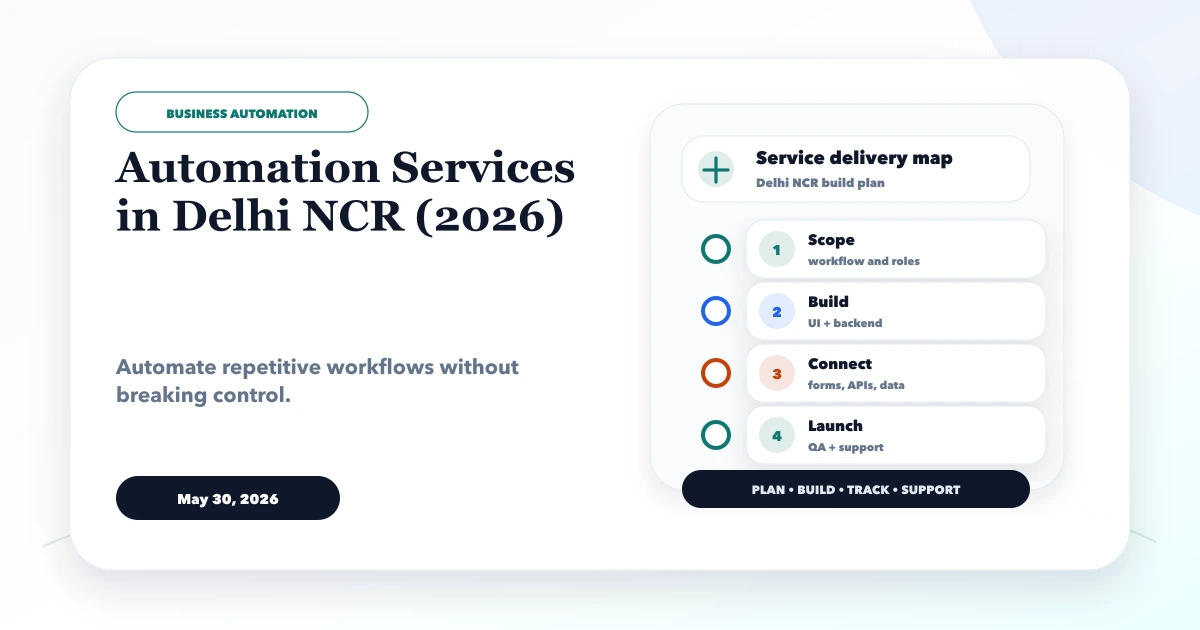
Service-area note: VASUYASHII is based in Delhi NCR and supports businesses remotely across India. A city-focused guide describes service and planning context; it does not claim a physical office in every location mentioned.
Explore the parent topic: Custom Software, CRM and ERP Hub →Business automation should remove a verified operational bottleneck, not simply connect popular tools. A Delhi NCR distributor may need order-to-invoice control, a service company may need lead routing and follow-up, and a multi-location team may need daily reporting. These are different workflows with different risks.
This guide explains how to scope automation services, choose between configured tools and custom software, estimate implementation effort, define controls, and evaluate a delivery partner. The pricing bands are planning examples, not a published quotation or a claim about the market.
Before requesting an automation quote, document:
Automate one complete workflow first. A small reliable flow is more useful than several disconnected triggers that nobody can audit.
Automation may use no-code tools, APIs, scheduled jobs, custom dashboards or a combination.
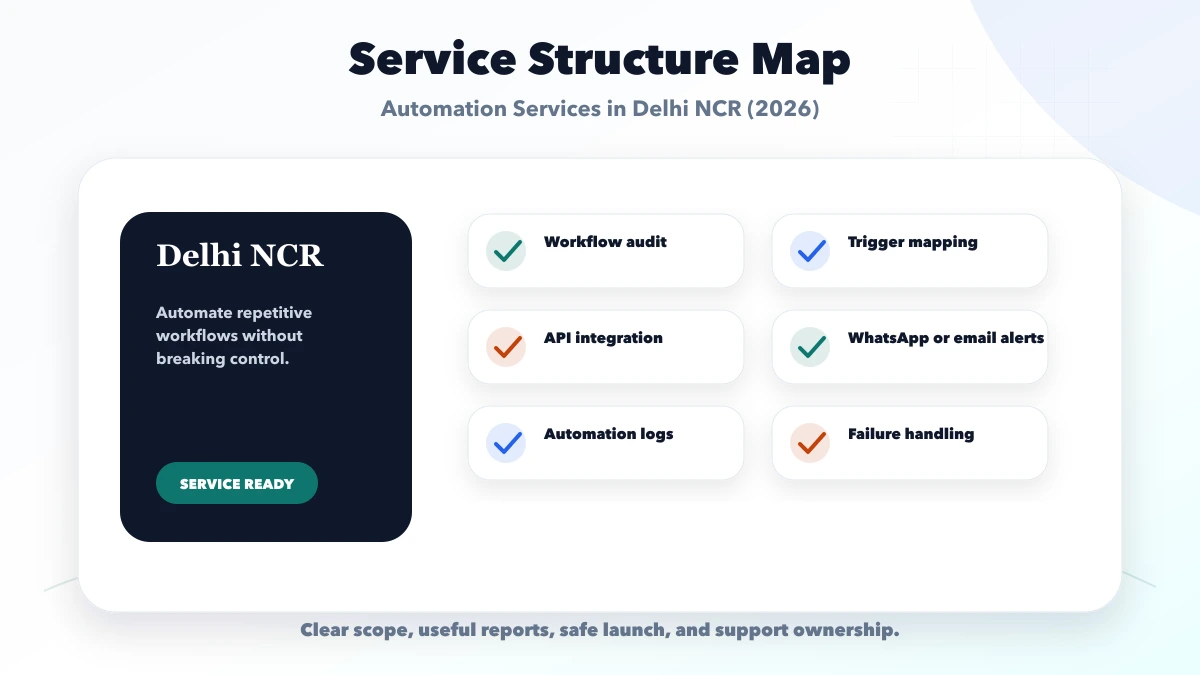
| Workstream | Typical deliverable | Acceptance evidence |
|---|---|---|
| Discovery | current-state map and exception list | business owner signs off the workflow |
| Data contract | fields, identifiers and source system | sample records pass validation |
| Integration | authenticated connector or API flow | test events reach the correct destination |
| Decision logic | routing, approval and suppression rules | normal and edge cases produce expected states |
| Communication | approved WhatsApp or email templates | consent and delivery states are recorded |
| Operations | retries, alerts and exception queue | failed cases reach a named owner |
| Reporting | volume, status and reconciliation totals | dashboard totals match source records |
| Handover | access, runbook and support process | customer can operate and escalate the flow |
An automation proposal should describe these deliverables. A list of tool names is not a complete scope.
Observe recent real cases before designing software. Collect successful cases, failures, duplicates, corrections and unusual approvals.
For each step, record:
Remove unnecessary steps before automating them. Otherwise software makes a weak process run faster without making it safer.
A website form or approved lead source can create a CRM record, assign an owner by service, send an acknowledgement and start a response timer. Duplicate detection and source attribution should happen before assignment.
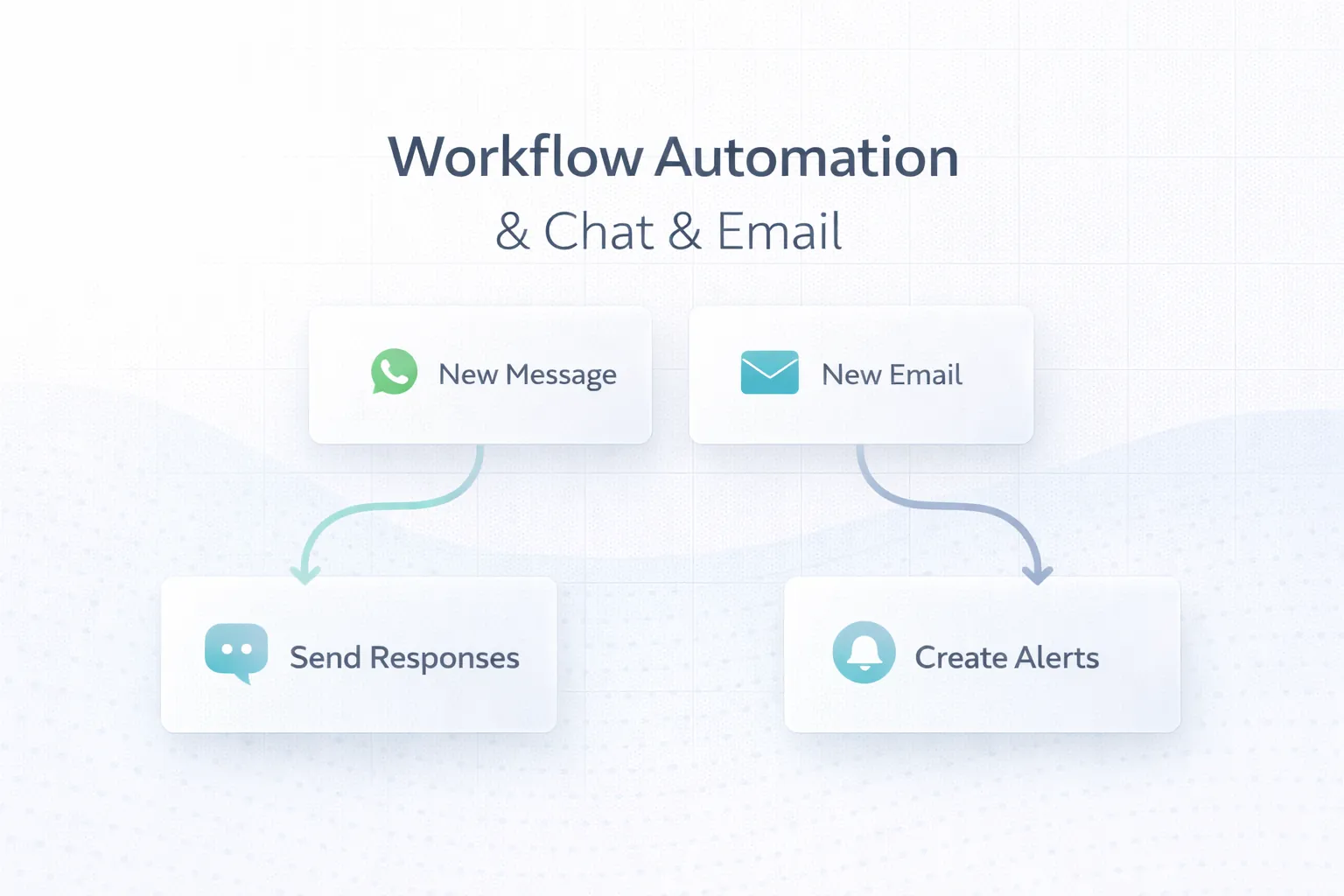
Messages can be triggered by an approved business state such as quotation sent, appointment confirmed or payment due. The system needs consent, template approval, frequency limits, suppression after completion and a path for replies.
The WhatsApp and email workflow guide covers delivery states, retries and human handoff.
After a verified payment event, an automation may reconcile the transaction, update invoice status, create a receipt and notify the customer. Do not mark an invoice paid only because a browser returned to a success page.
Automation can flag low stock, create a purchase suggestion or notify an owner. Reorder quantity should remain a business rule based on demand, lead time, minimum order and existing commitments.
A scheduled process can validate source freshness, calculate agreed metrics, preserve a snapshot and send a dashboard link. It should alert an owner when data is incomplete rather than distributing misleading totals.
| Situation | Better starting point |
|---|---|
| One stable trigger and two supported tools | configured automation |
| Several systems with reliable APIs | integration service |
| Complex roles, approvals and exception queues | custom web application |
| Core business record is missing | establish the source system first |
| Rules change weekly and are not owned | process clarification before software |
| High-risk transaction or regulated data | stronger custom controls and review |
Use custom software development in Delhi NCR when the workflow needs its own records, role permissions and operating interface. Use the web app cost guide when users must log in and work inside the system.
A reliable automation needs more than a happy-path trigger.
Use durable customer, invoice, order or ticket identifiers. Names and phone numbers alone are weak matching keys.
Repeated events should not create duplicate invoices, messages or payments. Store the event identity and processing result.
Retry temporary failures with limits and delay. Permanent validation failures should enter an exception queue instead of looping.
Record what changed, when, why and by which user or system. Sensitive values should be protected and access-controlled.
Authorised users need a controlled way to correct or resume a workflow. The override itself should be logged.
Test credentials, templates and endpoints should remain separate from production. A vendor should demonstrate the workflow with safe sample data before go-live.
| Scope | Existing planning band | Typical delivery window |
|---|---|---|
| Single workflow automation | Rs. 50,000 to Rs. 2 lakh | 1 to 4 weeks |
| CRM or reporting automation | Rs. 2 lakh to Rs. 6 lakh | 4 to 10 weeks |
| Multi-system automation | Rs. 6 lakh to Rs. 15 lakh+ | 2 to 5 months |
These retained bands are for early budgeting only. They are not a fixed VASUYASHII quote or a verified Delhi NCR market average.
Cost changes with:
Ask for assumptions and exclusions next to every estimate.
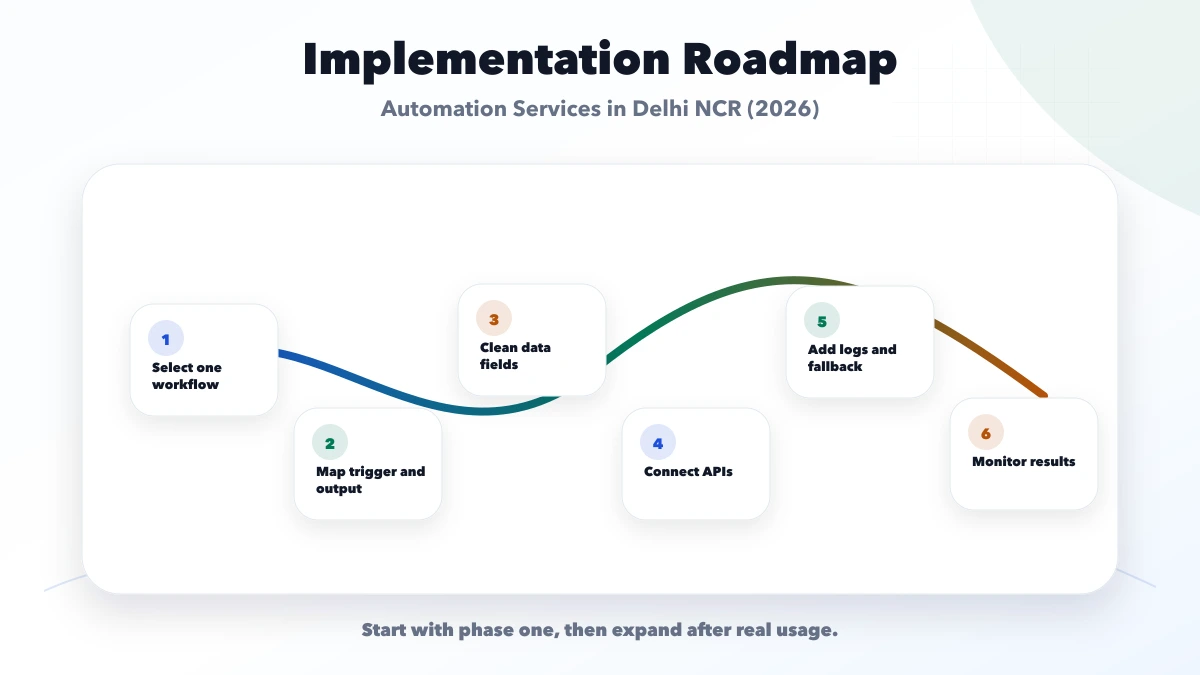
Map recent cases, owners, systems, exceptions and baseline effort.
Define events, records, validations, approvals, completion states and acceptance examples.
Implement one trigger-to-outcome path with audit and manual fallback.
Test duplicates, invalid records, provider outage, delayed response, permission denial and correction.
Run with controlled users and reconcile results against the previous process.
Add adjacent workflows only after the first flow meets agreed reliability and business metrics.
Ask each provider to explain:
A provider should be able to discuss failure states without hiding behind platform terminology.
Use the Delhi NCR web app developer scorecard when comparing discovery quality, technical evidence, ownership and post-launch support across shortlisted teams.
Track a small set of before-and-after measures:
Do not claim theoretical time savings as cash return. Confirm whether released capacity improved service, throughput or control.
Current VASUYASHII public evidence includes an integrations service, custom software and web application service pages, event-tracked contact paths and the inspectable Business Suite product.
The Business Suite demonstrates current billing, inventory, purchase, payment, expense and reporting workflows. It does not prove that every integration described here has been deployed for a named Delhi NCR customer.
VASUYASHII does not use this article to claim:
Review integration services, software development or the Business Suite for current scope.
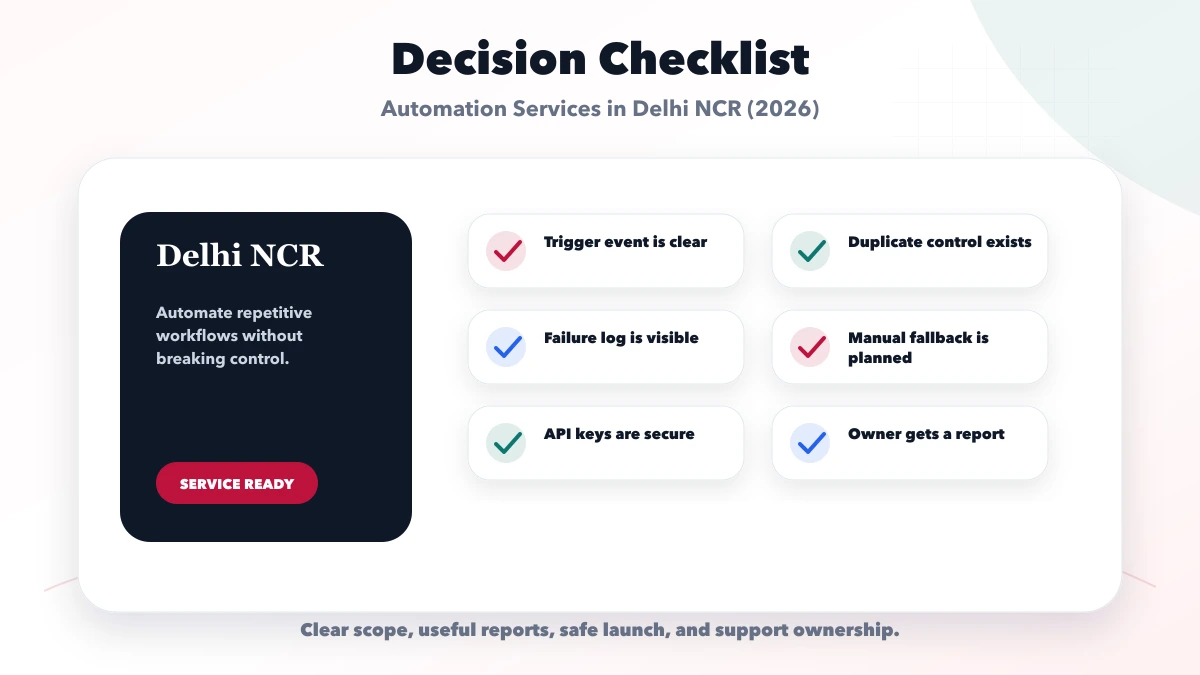
Choose a frequent, stable and measurable workflow with clear ownership, reliable records and manageable exceptions.
Yes for bounded workflows, but permissions, validation, concurrency, backup and source-of-truth rules still matter.
It can be suitable when connectors support the workflow and risk is limited. Complex approvals, records or exceptions may justify custom software.
Yes when the approved account, consent, templates, recipient data, frequency, delivery state and reply handling are correctly designed.
Long enough to include normal volume and important exceptions. Use acceptance counts and reconciliation rather than a universal number of days.
Not always. Evaluate discovery quality, communication, ownership, security, support and relevant delivery evidence. Do not infer capability from a city keyword alone.
Select one workflow and collect ten recent examples, including failures. Define the source record, owner and completion measure before requesting a detailed proposal. Contact VASUYASHII when that evidence is ready.
Related Articles
March 25, 2026
Plan reliable WhatsApp and email automation with clear triggers, consent, templates, retries, ownership, delivery tracking and practical business use cases.
Read article
June 1, 2026
Estimate a Delhi NCR landing page through offer, copy, proof, form, WhatsApp, analytics, integrations, experiments and practical budget bands.
Read article
June 1, 2026
Compare Delhi NCR website maintenance plans by updates, security, backups, monitoring, content, response times, exclusions and ownership.
Read article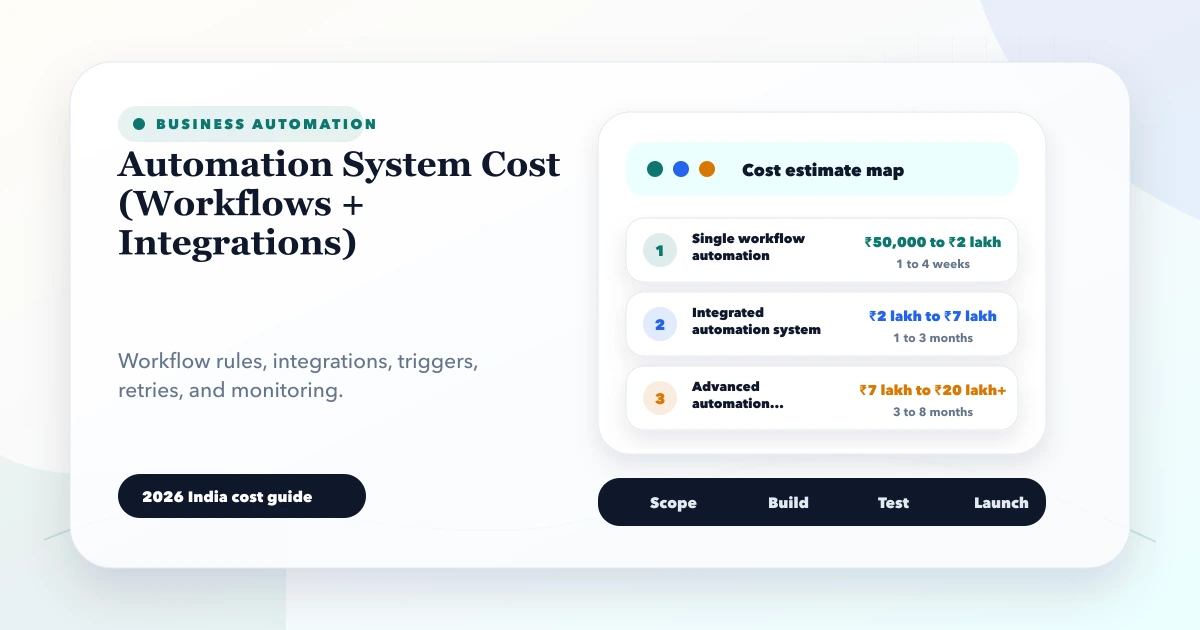
May 28, 2026
Estimate automation system cost for workflows and integrations using triggers, APIs, webhooks, retries, approvals, logs, fallbacks, and phased rollout.
Read article