
June 6, 2026
Delhi NCR Local Business Website: Complete Page Plan
Website development for local businesses in Delhi NCR with complete page plan, local SEO, service pages, WhatsApp CTA, proof, and contact flow.
Read articlePublished Updated
Plan a Haridwar seasonal-demand website with capacity updates, availability rules, temporary notices, booking states, SEO hygiene, and lead measurement.
Service-area note: VASUYASHII is based in Delhi NCR and supports businesses remotely across India. A city-focused guide describes service and planning context; it does not claim a physical office in every location mentioned.
Explore the parent topic: Local SEO for Web Development Companies →A business evaluating website development companies in Haridwar may have demand that changes sharply by season, event, holiday, capacity, or operating schedule. The website must keep availability and temporary information accurate without replacing permanent service pages every few weeks.
This guide focuses on seasonal demand and capacity communication. It does not assume that every Haridwar business is seasonal, and it does not claim a VASUYASHII office or customer in the city.
Permanent content includes:
Temporary content includes:
Temporary updates should not overwrite the only copy of permanent information.
Create a table:
| Item | Owner | Publish date | End date | Affected pages | Expiry action |
|---|---|---|---|---|---|
| Hours update | Operations | Defined | Defined | Contact/home | Restore standard hours |
| Capacity notice | Service owner | Defined | Defined | Service/request | Remove or revise |
| Seasonal offer | Marketing + approver | Defined | Defined | Offer page | Archive or redirect |
| Booking cut-off | Scheduler | Defined | Defined | Booking pages | Replace with next status |
Every temporary item needs an end state. “Limited period” without an owner or date creates stale content.
Use controlled states:
Explain what each state means. Do not use “book now” if staff must verify capacity.
Imagine a service business that receives a surge during certain weeks. The homepage continues to promise normal turnaround, forms accept every preferred date, and staff spend time explaining that capacity is full.
A focused website can:
This reduces confusion without creating a new page for every season.
| Page | Seasonal responsibility |
|---|---|
| Home | Short current notice linked to details |
| Service pages | Stable scope plus current availability state |
| Availability page | Dates, limitations, next action |
| Offer page | Terms, eligibility, end date |
| Contact/booking | Current request state and confirmation message |
| FAQs | Preparation, timing, cancellation, and capacity questions |
Do not change core URLs for seasonal updates. Stable URLs preserve links and reduce indexing noise.
Seasonal pages should use:
Do not canonicalise every seasonal page to the homepage while keeping it in the sitemap. Decide whether the page remains useful, should be updated, should redirect, or should be removed from index.
Record the last verified date for high-impact notices.
A seasonal package should state:
Avoid fabricated scarcity. Use capacity claims only when the business can support them.
Assign:
If one person owns everything, name a backup and keep business-controlled account access.
Seasonality does not justify dozens of keyword pages. Improve:
Avoid copying annual pages and changing only the year. Update a stable useful resource when the intent is the same.
Track:
Do not send personal booking details to analytics.
Before a campaign:
A campaign should not be the first time the full lead flow is tested.
Prepare messages and owners for:
The fallback message should state the current limitation, the safe next action, and when information will be reviewed. Do not hide a capacity problem behind a loading spinner or continue accepting payments for unavailable service.
Keep emergency publishing access in a business-controlled account. Define who can approve a high-impact notice and who can restore normal content after the incident.
Within a defined period after peak demand:
Preserve an evergreen page when it continues to answer the same recurring intent. Do not publish a new year-based URL merely to appear fresh. Update the existing page substantively and keep the URL stable.
Cost changes with:
A normal site can use manual content updates. High-frequency status and booking changes may justify custom software or integrations after the workflow is stable.
List peak periods, capacity decisions, temporary content, owners, and risks.
Build evergreen services, policies, contact, and proof.
Add notice, availability, offer, and form-state patterns.
Run realistic submissions, failure cases, mobile checks, and notification tests.
Expire content, update links, review leads, and preserve useful learnings.
Current VASUYASHII service pages document websites and software without claiming local branches. A Haridwar requirement should be scoped from real seasonality and service capacity, not a city-keyword template.
Before a seasonal notice goes live, confirm:
Take a dated screenshot or publication record for high-impact offers. This gives operations and support a shared reference if customers ask about wording later.
Peak demand can expose a slow approval process. Name one operational owner who can publish an urgent availability, closure, route, or booking notice without waiting for a full redesign cycle. The owner should work from approved templates, record the time of each change, and confirm the same message appears on the website, business profiles, and active campaign pages.
Also define the rollback rule. When the situation ends, temporary notices should be removed, expired offers should stop accepting leads, and the evergreen service journey should return without leaving contradictory text behind. This small operating plan protects users from travelling or enquiring on outdated information and gives the business a clear audit trail after the season.
Use a stable offer or availability URL when intent repeats. Create a new page only for independently useful content.
Yes when a reliable capacity source exists. Otherwise a controlled manual update may be safer.
Redirect when there is a clearly relevant replacement. Otherwise update, archive, or remove based on value and indexing needs.
No. It means the site supports crawling, clear content, metadata, speed, and measurement. Rankings depend on more signals.
Test before marketing starts, with enough time to repair forms, integrations, and performance issues.
Core services, policies, business identity, and general process should remain stable while temporary availability changes.
Create the seasonal content calendar and define one availability state before requesting a quote. Share the real update frequency and booking process through contact.
Related Articles
June 6, 2026
Website development for local businesses in Delhi NCR with complete page plan, local SEO, service pages, WhatsApp CTA, proof, and contact flow.
Read article
May 9, 2026
website development company near me Delhi NCR: pricing, checklist, FAQs, trust signals, and practical SEO steps for Indian SMB owners.
Read article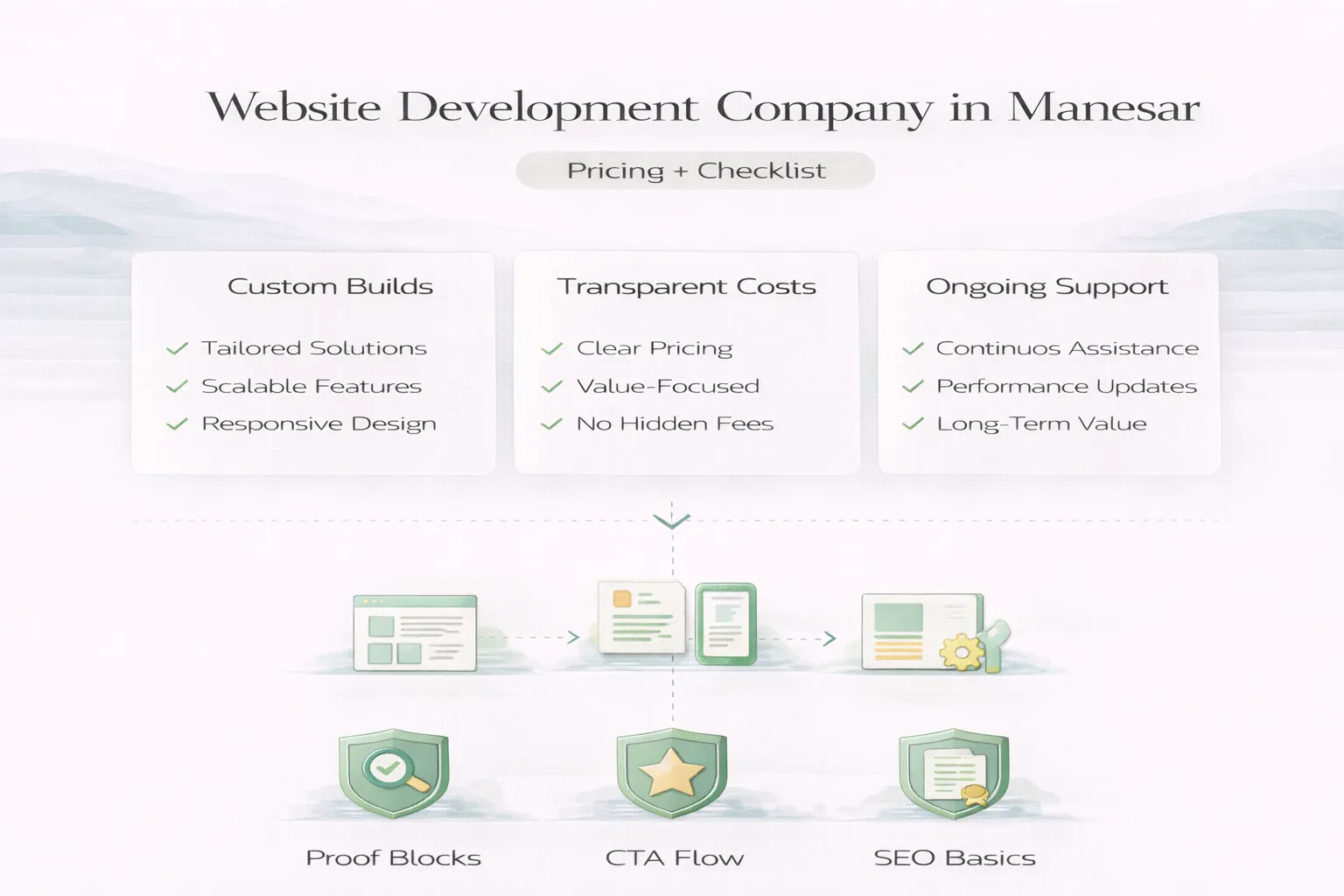
April 7, 2026
Website development company in Manesar: pricing, checklist, scope planning, and what local B2B businesses should expect in 2026.
Read article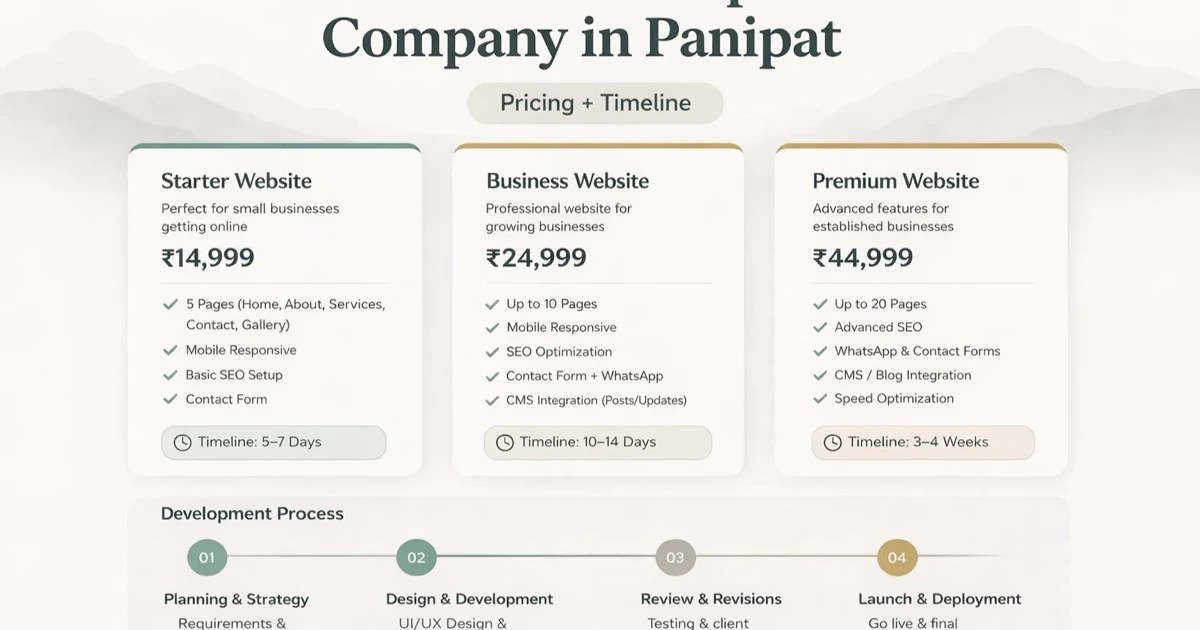
April 5, 2026
Plan a Panipat textile catalogue with fabric specifications, colours, MOQ, sample and swatch requests, wholesale enquiries, lead times, and data ownership.
Read article