
April 5, 2026
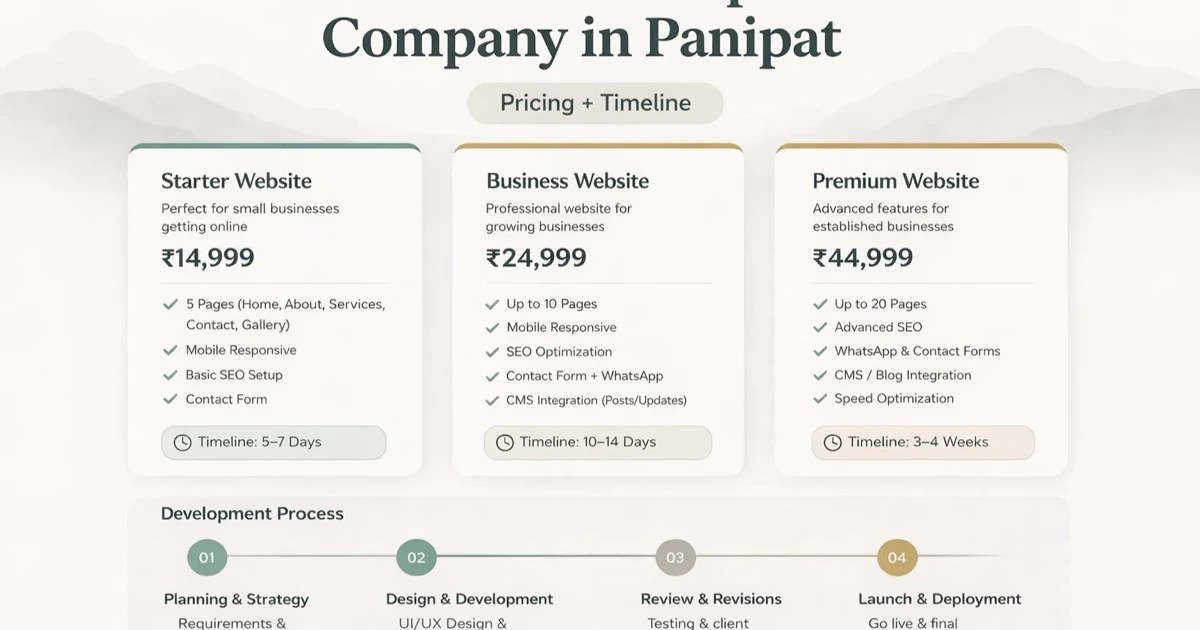
Panipat Textile Catalogue Website Guide
Plan a Panipat textile catalogue with fabric specifications, colours, MOQ, sample and swatch requests, wholesale enquiries, lead times, and data ownership.
Read articlePublished Updated
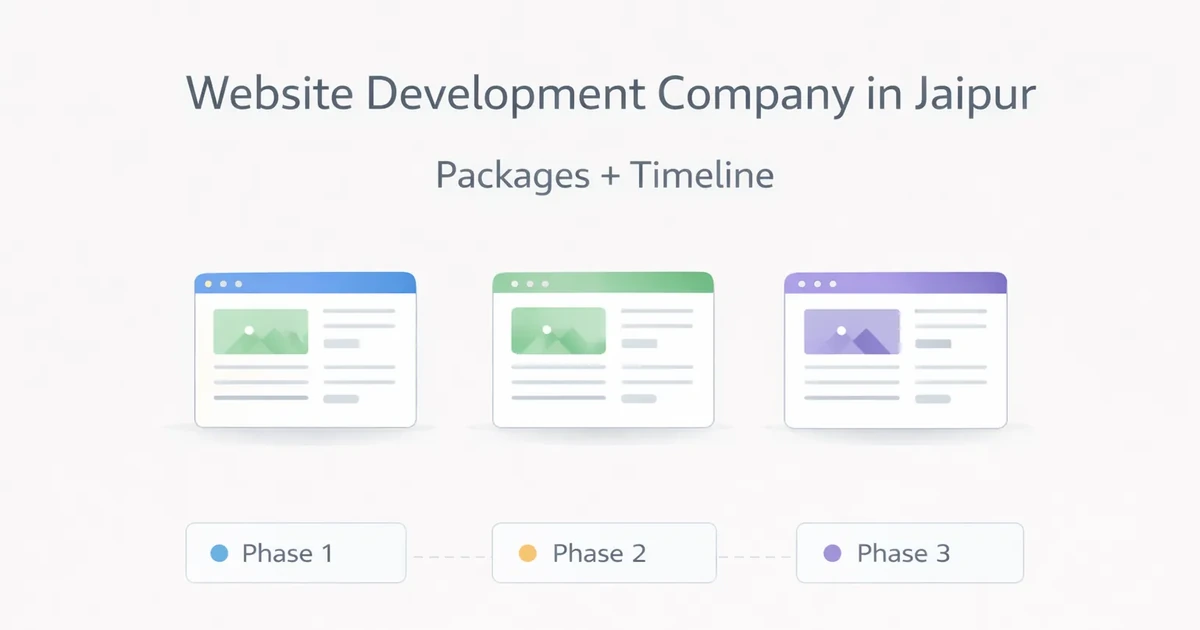
Plan a Jaipur made-to-order product catalogue with variants, specifications, sample requests, wholesale and retail routes, lead times, and ownership.
Service-area note: VASUYASHII is based in Delhi NCR and supports businesses remotely across India. A city-focused guide describes service and planning context; it does not claim a physical office in every location mentioned.
Explore the parent topic: Website Development Delhi NCR Hub →A product business comparing website development companies in Jaipur may sell items that vary by material, finish, dimensions, colour, minimum quantity, or production lead time. A conventional ecommerce template can create false stock and delivery expectations when products are made to order or quoted.
This guide focuses on made-to-order catalogue, sample, and enquiry flows. It does not assume every Jaipur business uses this model or claim a VASUYASHII office or customer in the city.
| Model | Suitable action |
|---|---|
| Ready stock with stable price | Add to cart or buy |
| Made to order | Configure/request quote |
| Wholesale | Send quantity and business enquiry |
| Custom design | Share brief and request consultation |
| Sample-led | Request swatch or sample |
| Mixed | Separate retail and trade routes clearly |
Do not show “in stock” unless inventory is genuinely connected and maintained.
Each product can include:
Keep one authoritative product master that can be exported. The website should not become the only copy of business data.
Create separate pages only when variants have independent search or buyer value. Otherwise keep options on one product page.
Avoid:
Canonical, robots, and sitemap rules should match the chosen index strategy.
Imagine a product studio receiving screenshots from social media with messages asking for price. Staff must identify size, finish, quantity, delivery location, and date before answering.
A focused catalogue can:
This creates useful enquiries without pretending every combination has a fixed checkout price.
Use text and tables for essential information, not only images.
Collect:
Define whether samples are free, refundable, chargeable, or limited. Do not call a sample request confirmed until availability and delivery are checked.
Wholesale buyers may need:
Retail buyers may need:
Do not force both through identical copy and form fields.
Product imagery should have:
Do not publish supplier images as original work without permission. Avoid heavy galleries that delay specifications.
Samples are physical inventory even when their commercial value is small. Define:
The website can accept a request, but staff should confirm availability before payment or dispatch. If sample stock is connected automatically, define reservation and release when a request is abandoned.
Use a clear status such as received, under review, payment required, approved, dispatched, unavailable, or closed. Do not expose another customer's delivery information.
When a product is discontinued:
Temporary unavailability is different. Keep the page and explain the current action, such as notify, enquire, or choose an alternative, when the product is expected to return.
Before final acceptance, ask a business user to:
If ordinary catalogue maintenance requires code edits, the implementation may not match the operating team.
Lead time may depend on:
Use ranges and assumptions approved by operations. Do not publish permanent “dispatch in 48 hours” language unless the system can keep it accurate.
Choose:
Made-to-order pricing should explain which choices change the amount. A quote-only page still needs enough information to build trust.
Use:
The product catalogue web app guide helps compare a simple catalogue with a logged-in price system.
Route by:
Track submitted enquiries, product, action type, and non-personal buyer segment. Do not send contact details or free text to analytics.
Cost grows with:
An inventory-connected portal may require web application development, while a managed catalogue can remain a conventional website.
Define categories, fields, variants, buyer types, and owners.
Build one category and representative products to validate the model.
Prepare verified specifications, images, options, and policies.
Create templates, import data, connect forms, and test filters.
Review incomplete requests, unavailable variants, and product-data gaps.
Current VASUYASHII service scope can connect catalogues with custom software and integrations, but only when the product master and operational source are reliable.
Each month, sample product records and check:
Also review buyer searches and form questions. If visitors repeatedly use a term absent from the catalogue, add it as helpful language without replacing the authoritative product name. If filters return empty or confusing combinations, simplify them.
Record the owner and correction date. Product content quality is an operating process, not a one-time upload.
Assign an owner for product names, descriptions, dimensions, materials, finishes, colour references, availability, and buyer actions. The owner should review high-demand collections more frequently and use a scheduled audit for the rest. Changes need an effective date so sales staff can distinguish current information from an older quotation or sample.
Use enquiry patterns as an input. Repeated questions about minimum quantities, customisation, dispatch, care, or finish variation indicate that a page needs clearer information. The goal is not to publish every internal detail; it is to remove avoidable uncertainty while preserving the quote step for decisions that genuinely depend on specification, quantity, destination, or production capacity.
Not necessarily. A structured catalogue and quote flow may fit better than checkout.
Usually not. Create separate URLs only for independent buyer and search value.
Yes after availability, charges, approval, dispatch, and limits are defined.
Only when pricing rules are stable. A trade request or login may be more appropriate.
Start with one complete representative category, then expand after the data model works.
Yes, but define the source of truth, update frequency, reservation, and failure behaviour first.
Prepare ten representative product records and choose the buyer action for each. Share the catalogue size, variants, and wholesale rules through contact.
Related Articles
April 5, 2026
Plan a Panipat textile catalogue with fabric specifications, colours, MOQ, sample and swatch requests, wholesale enquiries, lead times, and data ownership.
Read article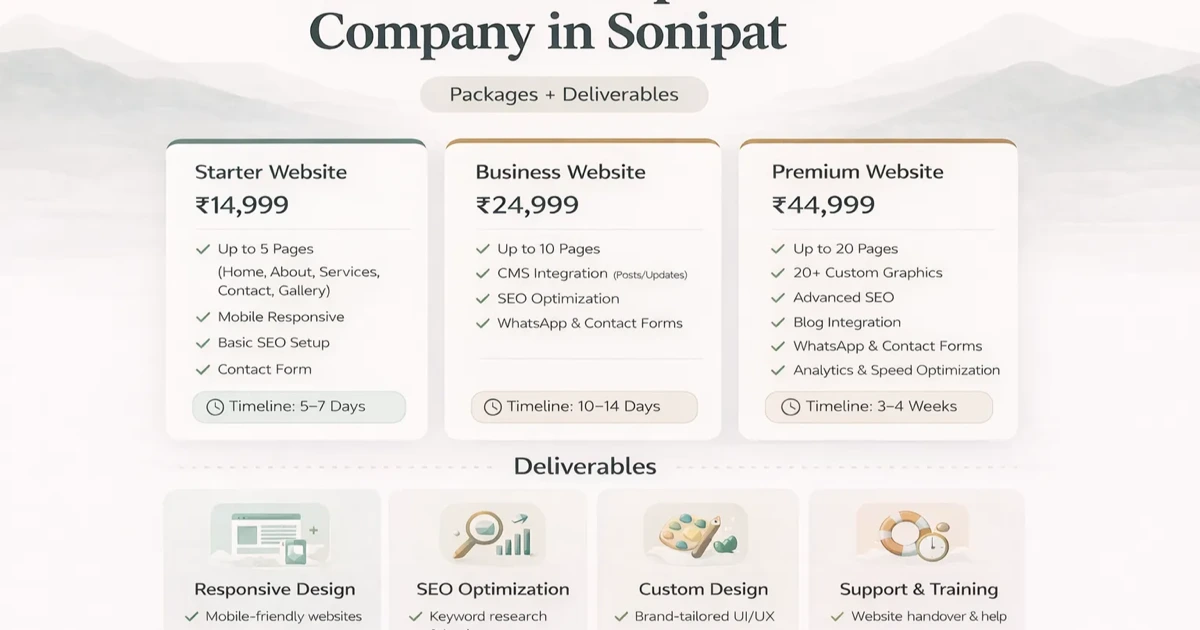
April 5, 2026
Plan a Sonipat food-supplier website with product data, label and allergen governance, quality documents, bulk enquiries, distributor routes, and ownership.
Read article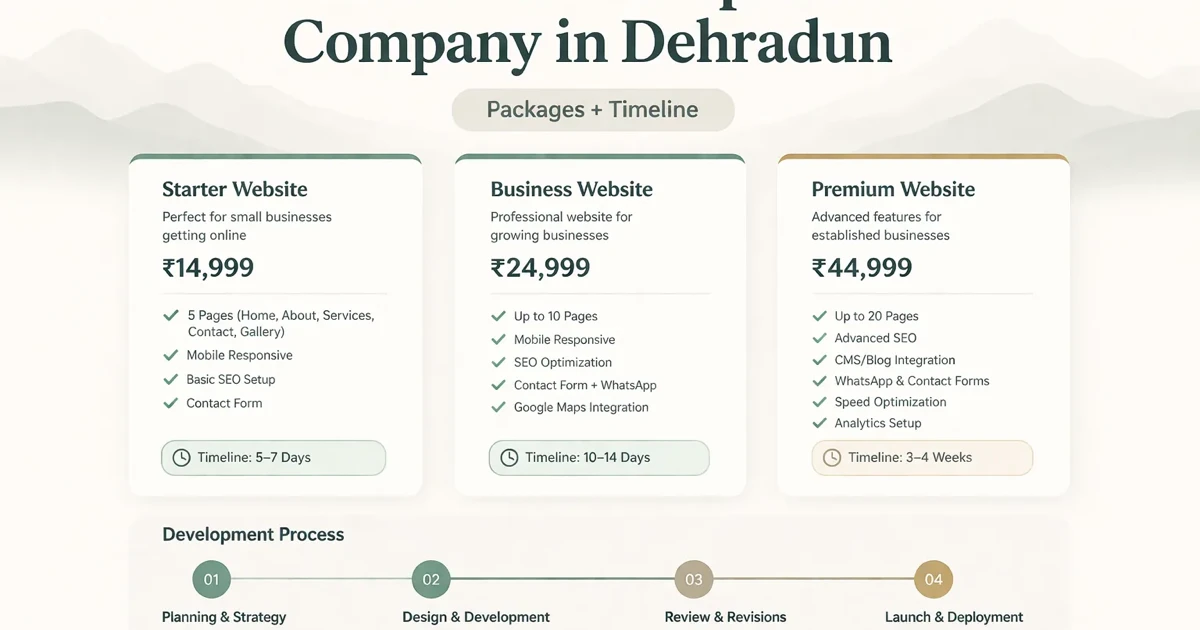
April 3, 2026
Plan a Dehradun education website with course ownership, admission enquiries, fee and batch boundaries, verified faculty proof, accessibility, and handover.
Read article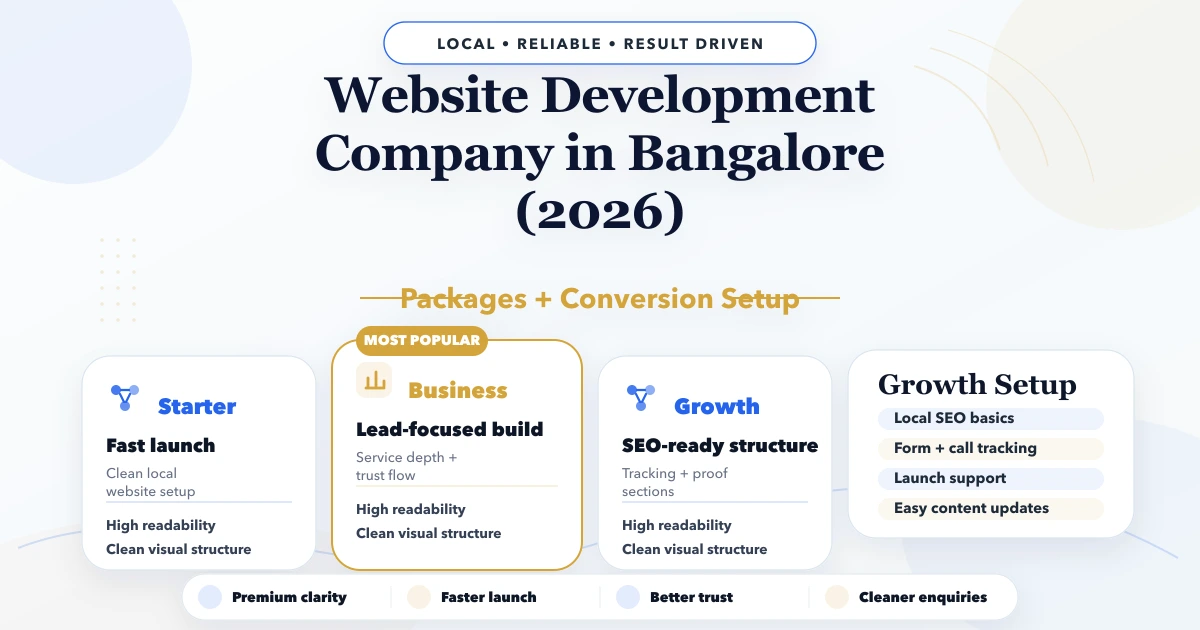
April 24, 2026
Plan a Bangalore startup website for product validation with claim controls, waitlist or demo journeys, analytics, experiments, handover, and governance.
Read article