
May 11, 2026
WhatsApp CTA Button Placement Best Practices (2026)
Place WhatsApp CTA buttons across hero, proof, pricing, FAQ and mobile layouts, then track clicks separately from sent, qualified and confirmed leads.
Read articlePublished
Software demo page that converts: page structure, pricing, proof blocks, CTA flow, tech stack, and launch checklist for better leads.
A strong guide on software demo page that converts should help software founders, service companies, and teams that want demo pages to drive qualified leads instead of passive traffic make better decisions with less guesswork. This is not just about theory. It is about how the page affects enquiries, conversions, trust, and long-term website performance when implemented on a real business website.
The fastest way to waste time is to copy generic best practices without checking intent, analytics, and buyer behaviour. The better approach is to understand where friction appears, what users need to see next, and which technical or content changes actually improve the outcome.
By Tushar C. (Founder, VASUYASHII). Reviewed by VASUYASHII Editorial for practical scope, pricing, implementation clarity, and local business relevance.
A software demo page should help visitors understand the workflow, trust the product, and take one clear next action. Most demo pages fail because they look polished but do not answer practical buying questions fast enough.
| Scope | Price range | Timeline |
|---|---|---|
| Simple demo landing page | ₹25,000 to ₹70,000 | 1 to 3 weeks |
| Demo page + proof + tracking | ₹70,000 to ₹1.6 lakh | 3 to 6 weeks |
| Custom demo experience flow | ₹1.6 lakh to ₹4 lakh+ | 6 to 10 weeks |
The important point is that this topic becomes more valuable when it is implemented with tracking and real business intent in mind. Otherwise it stays as content theory with little operational impact.
This topic matters because website performance is not only about ranking. It is about whether the right user sees the page, trusts the page, understands the page, and takes the next step. If one of those steps breaks, traffic alone does not create business value.
In practice, the page or SEO problem usually connects to other systems too. Contact flow, tracking, content structure, internal links, and owner reporting often influence whether the fix improves actual enquiries or just makes a dashboard look cleaner.
Once these basics are clear, improvement becomes more repeatable. You stop treating every issue like a random tactic and start treating the page or SEO setup like an operational system with inputs, outputs, and measurable quality.
Pricing depends on whether the need is audit-only, implementation-only, or a wider content plus technical fix. Many teams underestimate the effort because the visible change looks small while the real work sits in structure, testing, copy, analytics, and technical cleanup.
| Scope | Price range | Timeline |
|---|---|---|
| Simple demo landing page | ₹25,000 to ₹70,000 | 1 to 3 weeks |
| Demo page + proof + tracking | ₹70,000 to ₹1.6 lakh | 3 to 6 weeks |
| Custom demo experience flow | ₹1.6 lakh to ₹4 lakh+ | 6 to 10 weeks |
If the page is business-critical, it is usually smarter to scope the implementation properly than to keep making tiny isolated changes without a clear framework.
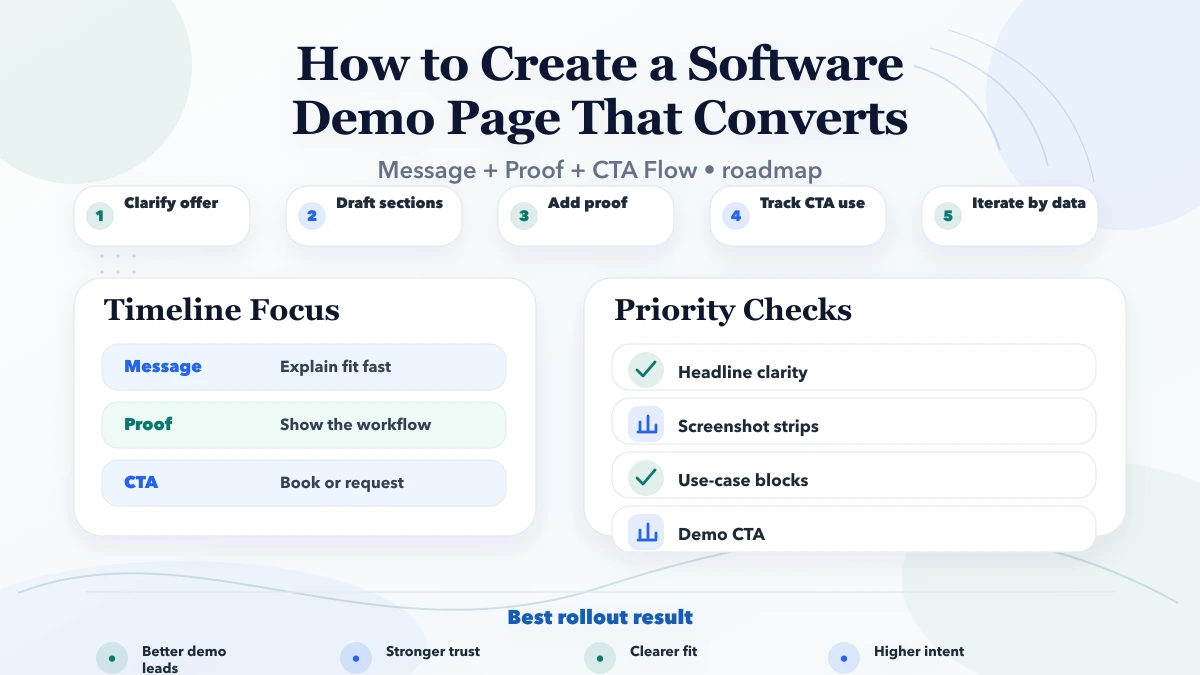
A good timeline keeps diagnosis, implementation, and validation separate. That matters because many websites “change” often but do not really “improve” because the team never checks whether the change solved the actual bottleneck.
The right tools do not replace thinking. They help teams see what is happening faster, fix it more safely, and measure whether the result actually improved conversion or visibility.
When these drivers are acknowledged early, implementation decisions become much more rational. The team can then prioritise based on business impact rather than chasing every idea at once.
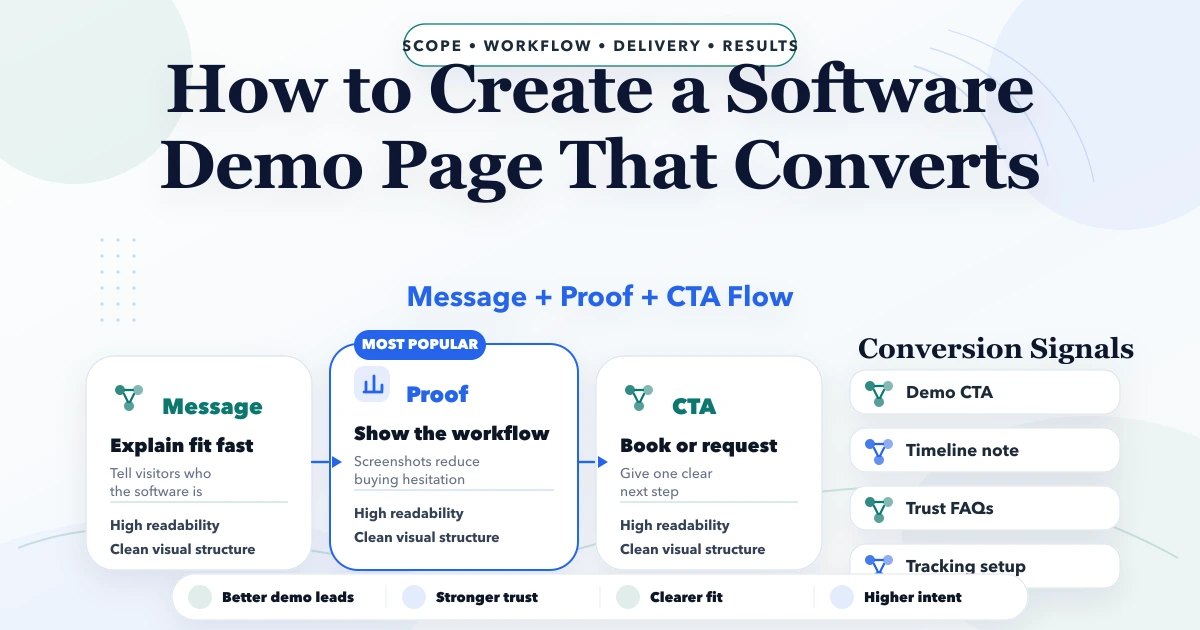
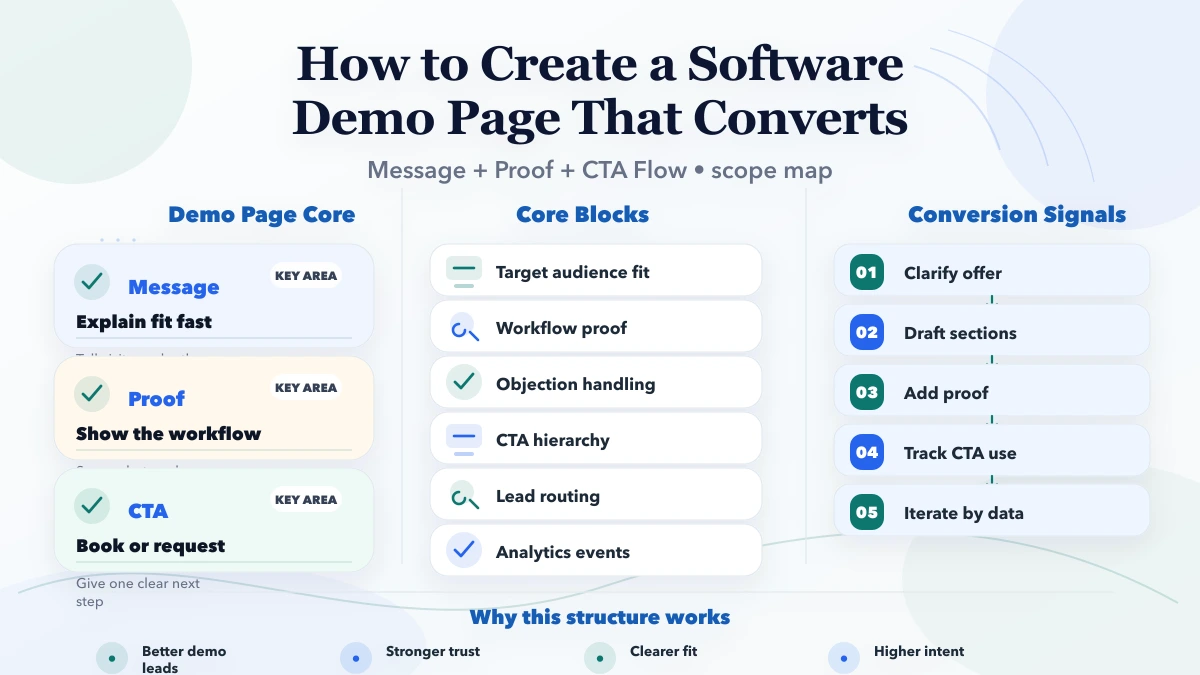
A high-converting software demo page usually follows a practical reading order. First, the visitor should understand who the product is for and what core workflow it improves. Second, they should see proof that the system is real: screenshots, module snapshots, short workflow explanations, or a live preview. Third, they should see the next action clearly, such as book a walkthrough, request a call, or ask for pricing.
After that, the page should answer objections. These usually include implementation time, how support works, whether the software fits a specific business type, and what the first version will actually include. If these concerns are not addressed, the visitor often delays the decision instead of taking action.
The strongest proof blocks for demo pages are not generic badges or vague client logos. They are product-specific signals: screen previews, module explanations, timeline notes, real outcomes, and process screenshots. For software pages, seeing the system matters a lot because it reduces imagination burden for the buyer.
Useful proof elements include:
These sections make the demo page more useful for both SEO visitors and direct referral traffic because they answer practical buying questions early.
A serious demo-page visitor usually wants four answers quickly: what the product does, whether it fits their workflow, how hard implementation will be, and what next step makes sense. If the page stays too abstract, the visitor postpones action because the cost of understanding is too high.
That is why demo pages convert better when they show practical information instead of only polished copy. Helpful content includes workflow screenshots, module summaries, role-based use cases, expected implementation time, and whether the business should book a demo or first ask for a consultation.
The more clearly the page answers those questions, the better the lead quality becomes. A conversion is not only about volume. It is about whether the sales conversation starts with clarity instead of confusion.
Most underperformance comes from fragmented execution. The page, tracking, copy, technical layer, and user path must support each other.
If you want better results, do not start with a redesign or a tool purchase blindly. Start by documenting the current path: where the visitor lands, what they see, what they do next, and where the drop happens.
The goal is to move the visitor from curiosity to a specific action, such as demo request, consultation, or qualification. The page should reduce doubt, not just look modern.
Clear workflow explanation, screenshots, trust proof, use-case clarity, and direct CTAs usually perform best. Buyers want to see whether the product fits their problem, not just hear that it is powerful.
Sometimes. If pricing is simple or qualification matters less, ranges can help. If scope varies heavily, timeline, deliverables, and fit guidance may convert better than hard pricing.
Usually one primary CTA and a secondary fallback are enough. Too many actions can dilute decision-making and reduce conversion quality.
Yes. For software, screenshots are one of the strongest trust signals because they make the system real. They also help visitors understand workflow without waiting for a sales call.
Check CTA click rate, qualified demo requests, scroll behaviour, form completion, and sales feedback. A page that gets traffic but low-quality leads still needs work.
It can, but the messaging must stay sharp. Often a core demo page works best with supporting industry-specific pages or sections that reflect different buyer contexts.
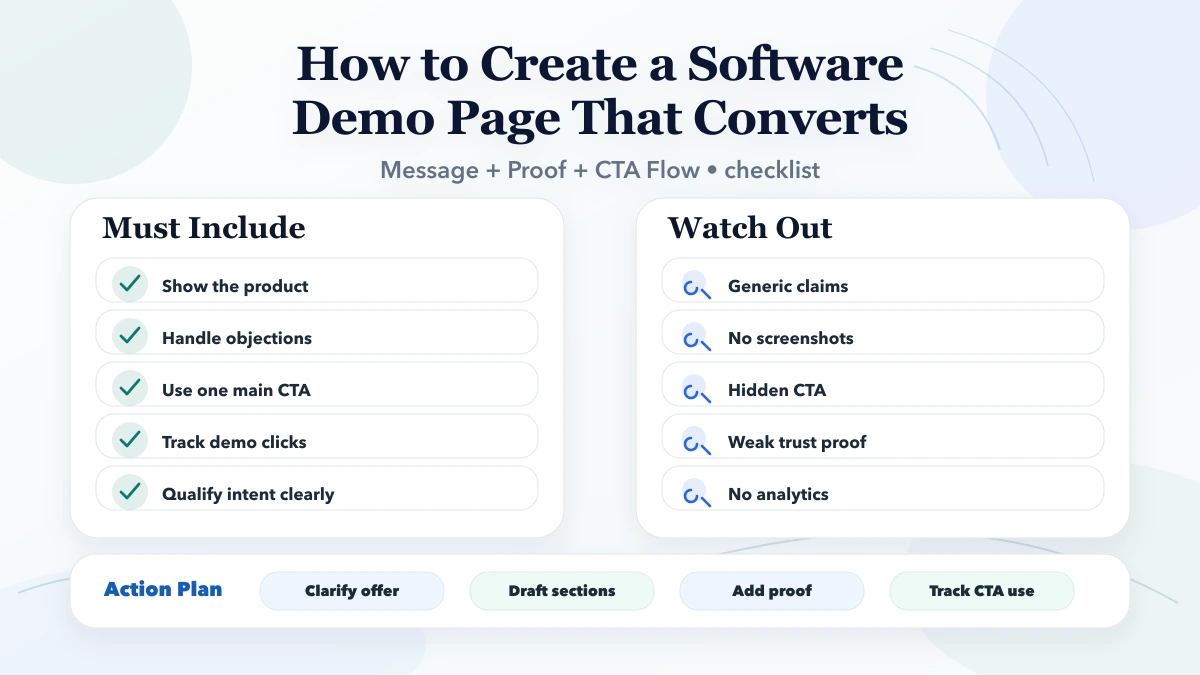
If you want this implemented properly instead of as another generic checklist, share the current website, traffic source mix, and business goal. We can then map the right fix, timeline, and rollout clearly.
Related Articles
May 11, 2026
Place WhatsApp CTA buttons across hero, proof, pricing, FAQ and mobile layouts, then track clicks separately from sent, qualified and confirmed leads.
Read article
May 20, 2026
Plan a service-business homepage that clarifies the offer, earns trust, routes visitors, proves capability, answers objections, and tracks qualified leads.
Read article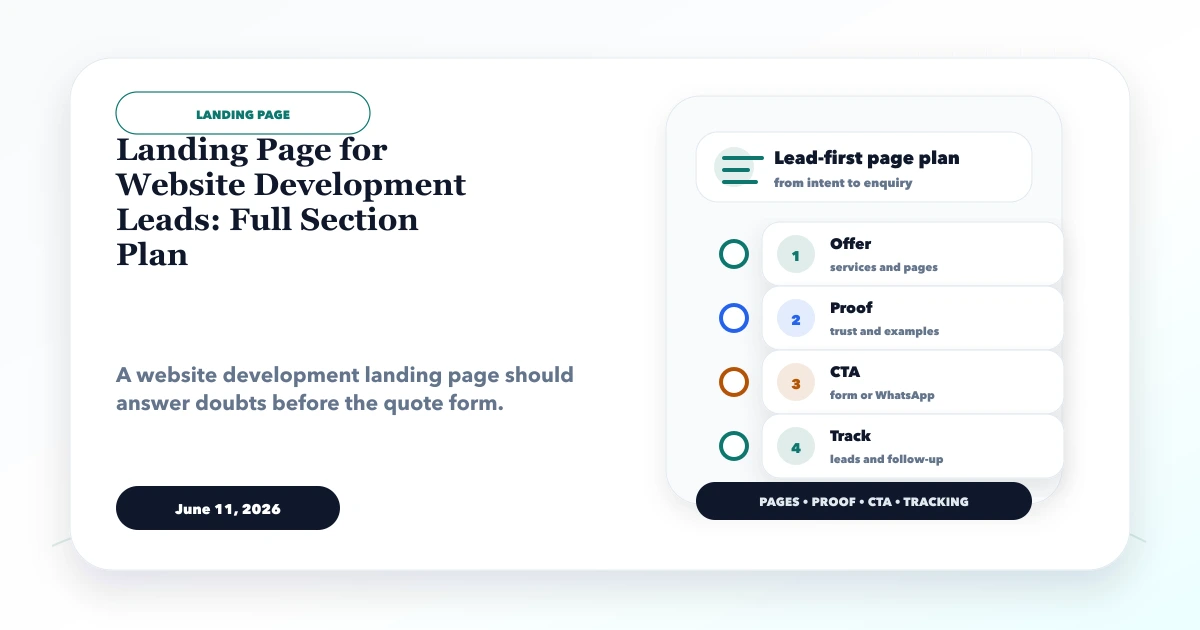
June 11, 2026
Plan a website development landing page with a focused offer, proof, process, scope, qualification form, WhatsApp CTA, FAQs, tracking and follow-up workflow.
Read article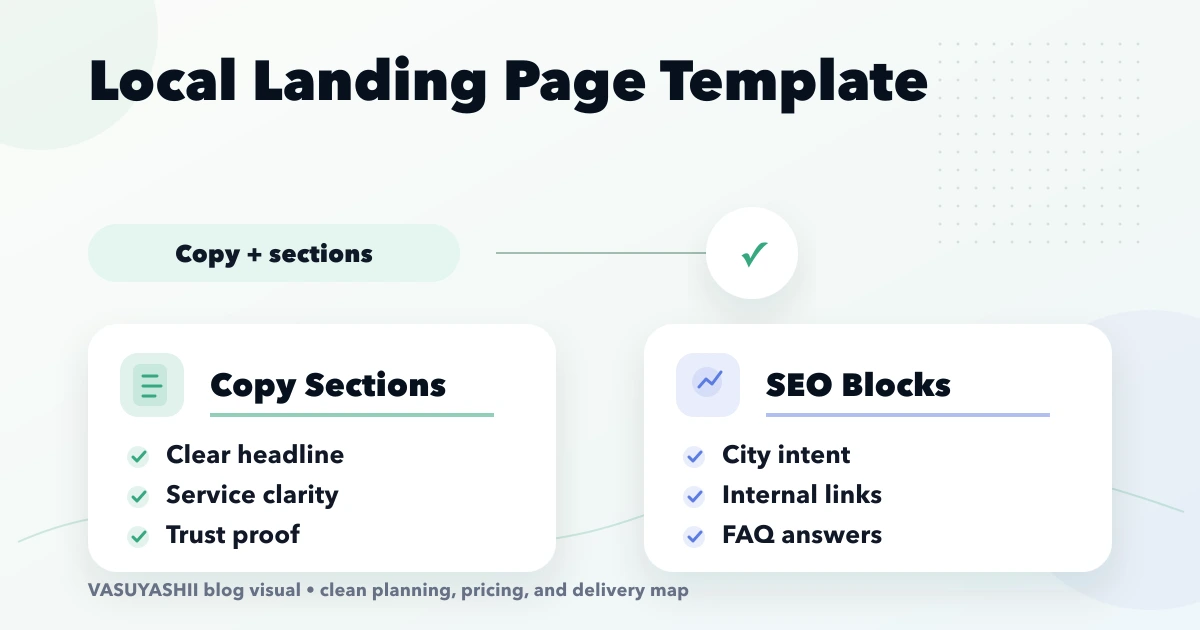
April 16, 2026
Use a local landing page template with unique service intent, genuine city proof, useful pricing, FAQs, internal links, conversion tracking, and quality checks.
Read article